
Advertisement
Click to download now, finish the installation quickly, and directly unlock the "all-round experience"
Advertisement
Screenshots
Click to download now, finish the installation quickly, and directly unlock the "all-round experience"
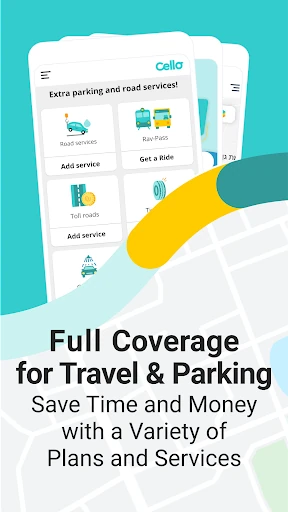
Cello, formerly known as Cellopark, has successfully pivoted from a niche parking utility into a comprehensive mobility "Super App" within the Maps & Navigation landscape. While many competitors focus strictly on GPS or basic payment processing, Cello distinguishes itself by managing the entire lifecycle of a vehicle's journey. From the moment a driver searches for a spot to the payment of tolls and the procurement of emergency roadside aid, Cello acts as a centralized command center. It is an essential tool for drivers who prioritize efficiency, providing a professional and robust infrastructure that reduces the cognitive load of urban driving and fleet management.
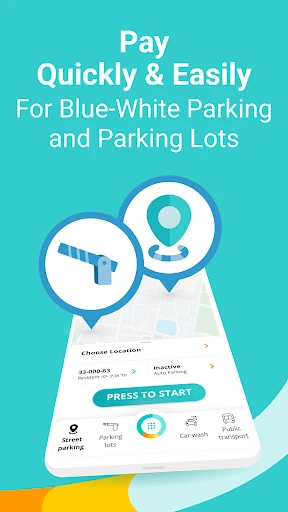
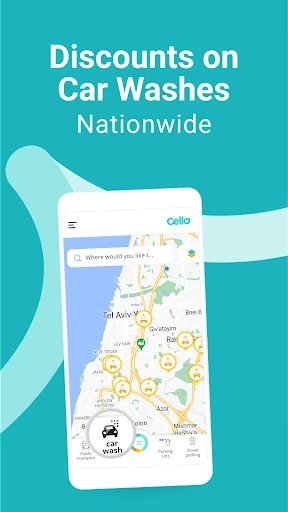
In the Maps & Navigation category, speed and clarity are the primary benchmarks for success, and Cello meets these standards with a high-utility interface. The UI is designed to minimize the time a driver spends looking at the screen, with prominent action buttons for starting and stopping parking. The real-time "Parking Spot Locator" map is intuitive, providing a visual representation of availability that reduces cruising time. While the app packs an immense amount of functionality—from car washes to toll management—it maintains a logical hierarchy, though the breadth of services may require a brief orientation period for new users to navigate the secondary service menus.
To further solidify its market lead, Cello should focus on cross-platform parity by bringing the "Starter" reminder pilot to iOS. Additionally, implementing a customizable dashboard would allow users to pin their most-used features (such as "Rav Kav" or "Car Wash") to the home screen, further streamlining the UX. Integrating more predictive AI to suggest the best times for car washes or maintenance based on weather and mileage data would also enhance the app's proactive utility.
Cello is the definitive tool for power-drivers, urban commuters, and corporate fleet managers who demand a consolidated automotive experience. It is specifically tailored for those who navigate complex urban environments and want to automate the administrative burdens of car ownership. For the individual driver, it provides peace of mind; for the business owner, it provides invaluable data and control. If you spend significant time behind the wheel, Cello is a mandatory addition to your digital toolkit.