
Advertisement
Click to download now, finish the installation quickly, and directly unlock the "all-round experience"
Advertisement
Screenshots

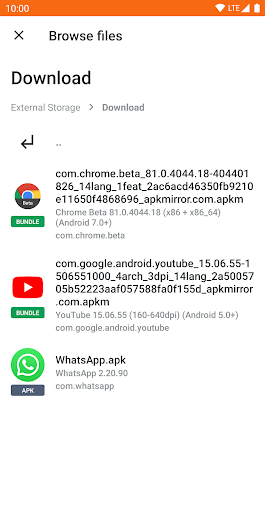
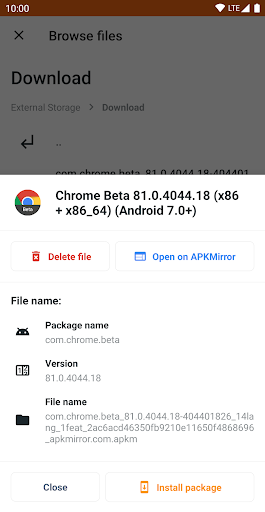
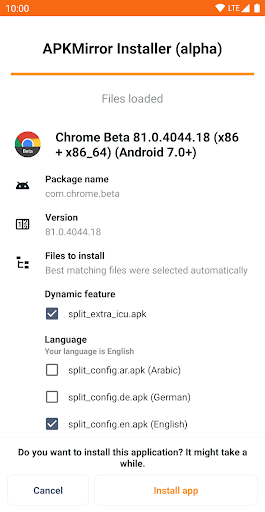
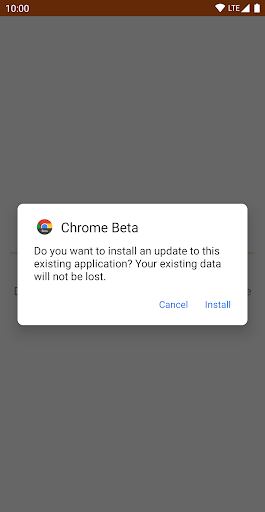
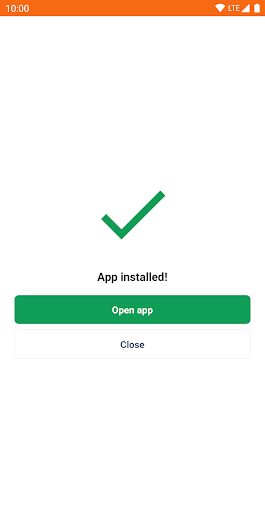
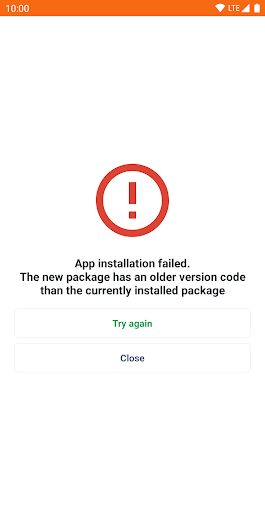
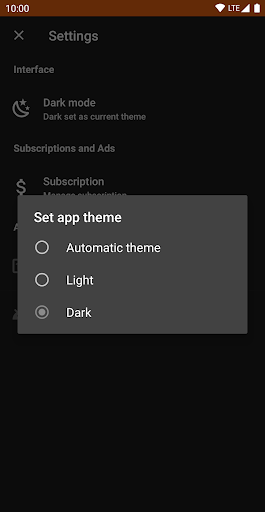
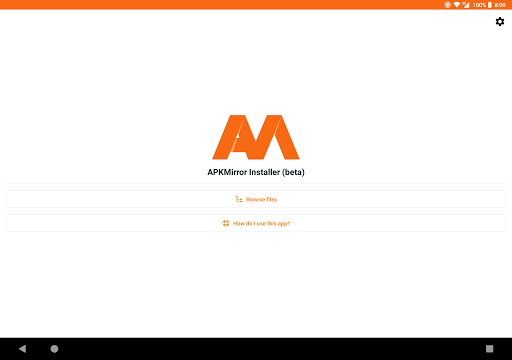

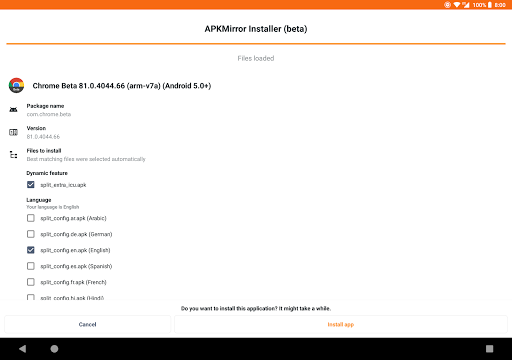




Click to download now, finish the installation quickly, and directly unlock the "all-round experience"
APKMirror Installer (Official) is an indispensable utility within the Android Tools landscape, specifically engineered to solve a critical and technical problem: the installation of modern App Bundle-based files. It transforms the potentially complex and error-prone process of sideloading Split APKs (.apkm, .xapk, .apks) into a streamlined, user-managed operation, bridging the gap between Google's latest packaging methods and user accessibility on a non-rooted device.
The interface adheres to a clean, straightforward, and utilitarian design philosophy appropriate for the Tools category. It prioritizes function over form, presenting clear file listings and simple action buttons to initiate installations. The UX mirrors a system-level installer, reducing the learning curve for technically-inclined users. However, the target user experience focuses on efficiency and technical transparency over visual polish. For a utility app of this nature, the current design is effective, providing clear information and controls without unnecessary clutter.
Future updates should prioritize enhancing resilience against OEM software modifications. Specifically, an in-app guided tutorial or automated check that detects MIUI and provides a one-tap toggle (or at least clear, step-by-step instructions) for disabling MIUI optimizations would significantly improve the first-run experience for affected users. Additionally, introducing a one-time payment option, as an alternative to subscriptions for an ad-free experience, could be a more palatable monetization strategy for this utility-focused user base.
APKMirror Installer (Official) is an essential, purpose-built toolkit for power users, developers, and enthusiasts who regularly download and test apps from sources like APKMirror. It is highly recommended for this target audience, as it solves a fundamental technical hurdle introduced by new Android app distribution formats. While its design is purely functional and monetization may be a point of contention, its utility and position as the official companion tool for a major APK repository make it a non-negotiable install for anyone engaged in serious Android app sideloading.