Go Translate All Languages

Go Translate All Languages

Orcas Tech
Advertisement
4.7
Tools
10,000,000+ Downloads

Click to download now, finish the installation quickly, and directly unlock the "all-round experience"

Advertisement

Screenshots
Screenshot
Screenshot
Screenshot
Screenshot
Screenshot
Screenshot
Screenshot
Screenshot
Screenshot
Screenshot
Screenshot
Screenshot
Screenshot
Screenshot
Screenshot
Screenshot
Screenshot
Screenshot
Screenshot
Screenshot
Screenshot
Screenshot
Screenshot
Screenshot

About This App

🏆 Expert Verdict & Overview

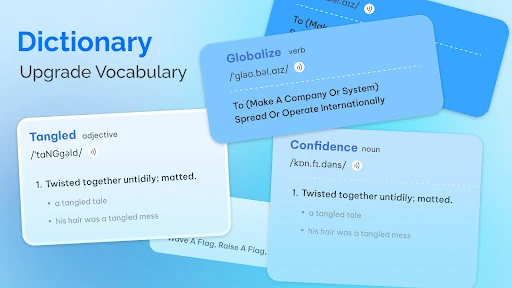
Go Translate All Languages represents the evolution of the standard translation utility into a comprehensive communication toolkit for the modern world. It advances beyond basic text translation, situating itself firmly at the intersection of the Tools and Travel & Local categories by addressing core user scenarios—travel, work, and casual learning—with a unified, multi-modal approach. By integrating voice, camera, keyboard, and document features, it targets the fundamental user need for frictionless, contextual language support in diverse real-life situations.

🔍 Key Features Breakdown

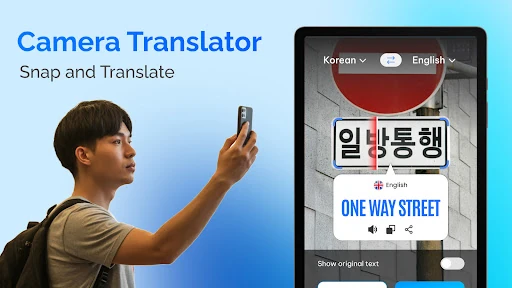
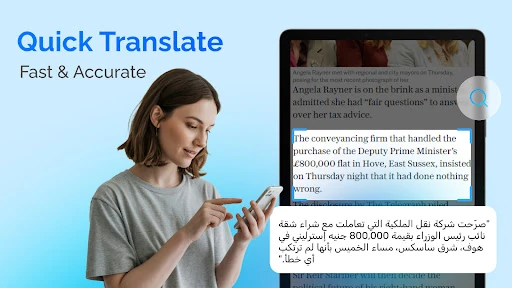
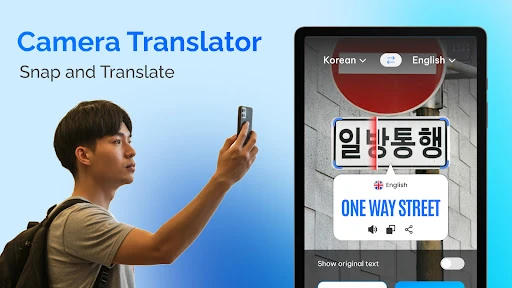
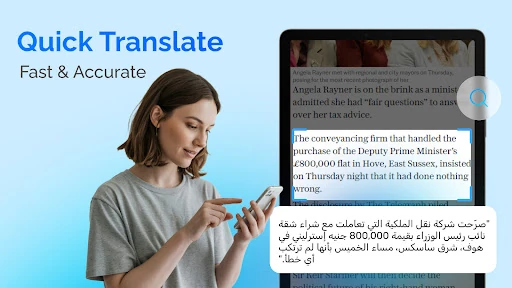
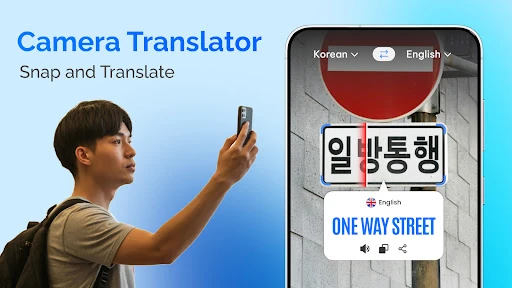
  • Real-Time Camera & Photo Translator: Solves the immediate, on-the-spot barrier of understanding print in a foreign environment, such as street signs or restaurant menus, by translating through the viewfinder without requiring a static photo.
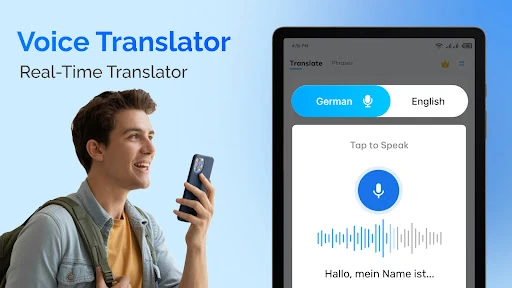
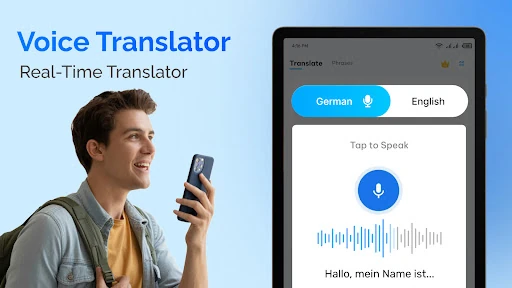
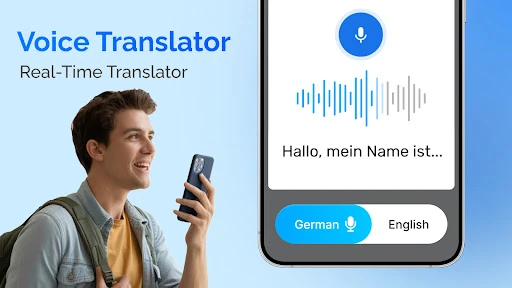
  • Voice & Conversation Translator: Addresses the dynamic need for spoken communication, enabling natural dialogue and understanding audio content, which is critical for social interaction and professional meetings abroad.
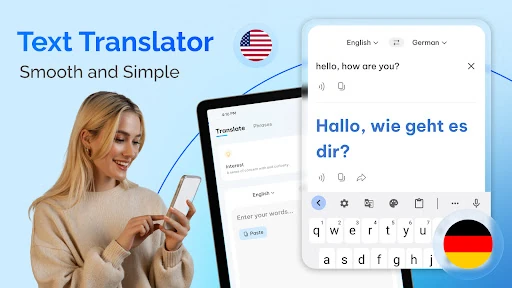
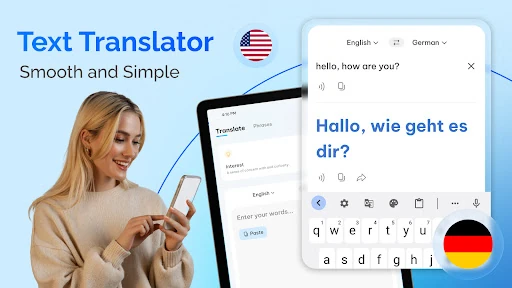
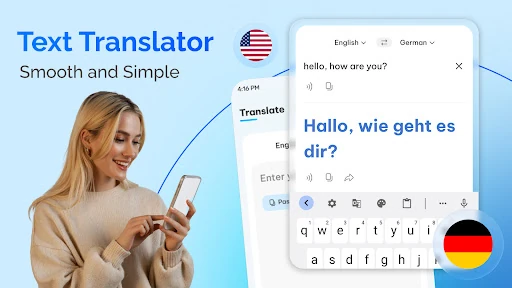
  • Smart Translate Keyboard: Streamlines digital communication across all apps by embedding translation into the typing process, removing the disruptive workflow of copying, pasting, and switching between applications.
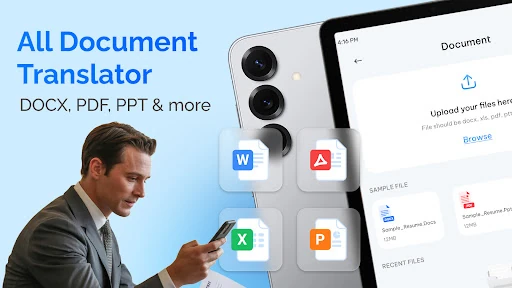
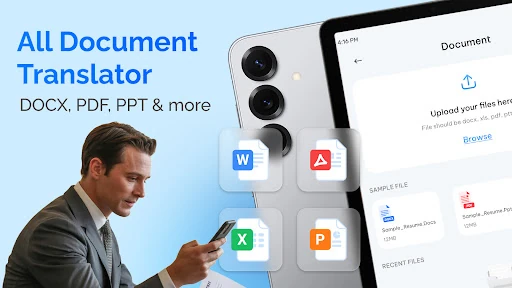
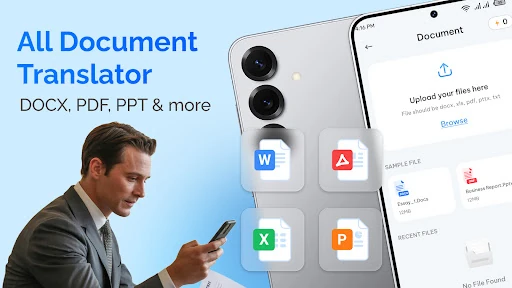
  • Document Translator with Format Retention: Solves the professional and academic challenge of processing foreign-language files (PDFs, DOCX) by preserving the original layout, saving immense time and effort in formatting.
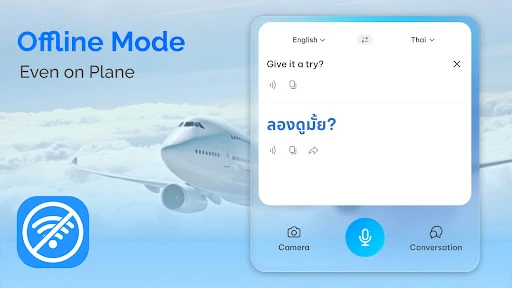
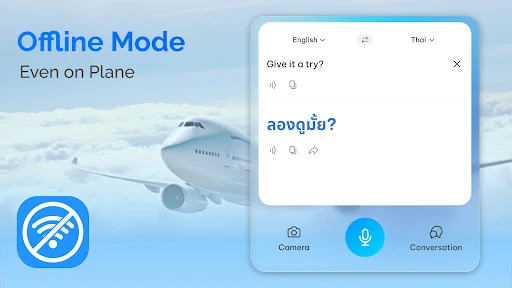
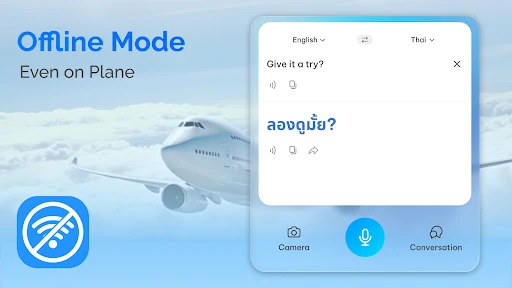
  • Offline Translation Packs: Directly mitigates the common traveler's anxiety about lacking internet connectivity, ensuring core translation functionality remains available in flights, remote areas, or when conserving mobile data.

🎨 User Experience & Design

The interface prioritizes accessibility and speed, which are paramount for a tool intended for use in potentially stressful or time-sensitive situations. The grouping of distinct translation modes (voice, camera, keyboard) into a clear, central hub follows established UI principles for utility apps, reducing cognitive load. The emphasis on "instant" and "one-tap" actions aligns perfectly with the Tools category ethos, where efficiency and reliability are the primary measures of success. The design likely succeeds by making powerful, AI-driven features feel simple and immediately usable for a global audience of over 25 million users.

⚖️ Pros & Cons Analysis

  • ✅ The Good: Exceptional breadth of functionality, combining multiple high-utility translation methods into a single, coherent application.
  • ✅ The Good: Strong focus on real-world, offline usability, making it a genuinely reliable travel companion beyond an online-only tool.
  • ✅ The Good: High user trust and satisfaction, as evidenced by the substantial 4.8-star rating from a large review base.
  • ❌ The Bad: The "all-in-one" promise may lead to feature bloat or a cluttered interface if not meticulously managed in future updates.
  • ❌ The Bad: Advanced features like document translation and offline packs often come with premium subscriptions, which can create friction for users seeking full functionality.

🛠️ Room for Improvement

To solidify its market lead, the development team should consider integrating an augmented reality (AR) overlay for camera translation, providing a more immersive and intuitive experience. Enhancing the conversation mode with automatic language detection and turn-taking cues would make live dialogues even smoother. Furthermore, adding collaboration features for document translation, such as shared projects or comment translation, would significantly increase its value for business and academic teams.

🏁 Final Conclusion & Recommendation

Go Translate All Languages is highly recommended for frequent travelers, international workers, students engaging with foreign materials, and anyone requiring versatile, on-demand translation that works in both online and offline contexts. It is less suited for users needing only occasional, basic word lookups. Final Verdict: This is a top-tier, genuinely useful tool that successfully bundles critical translation modalities into a polished and user-centric package, justifying its position as a leader in the Play Store's Tools category.