🏆 Expert Verdict & Overview
GIF Maker, GIF Editor stands as a powerhouse in the Photography landscape, offering a comprehensive suite of tools that eliminates the need for multiple disparate apps. By providing a watermark-free environment for high-quality animation, it positions itself as a top-tier utility for both casual social media users and professional content creators. Its ability to bridge the gap between static imagery and video content makes it an essential asset for modern digital storytelling.
🔍 Key Features Breakdown
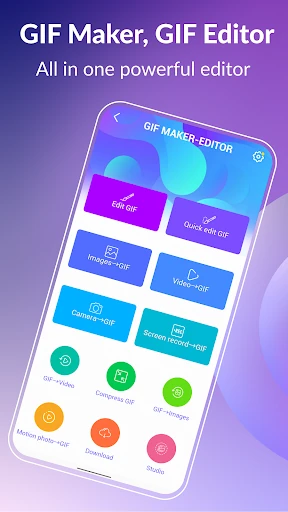
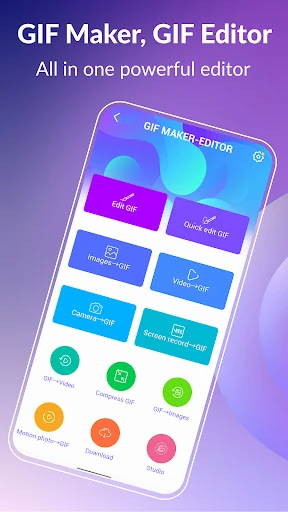
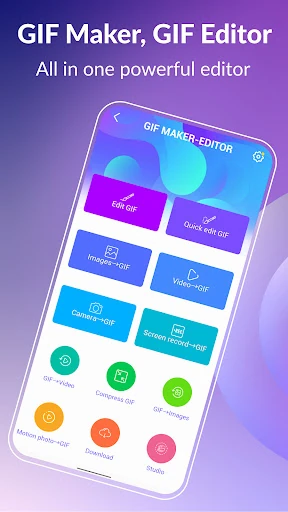
- Versatile Conversion Engine: Transforms images, video clips, and screen recordings into high-fidelity GIFs, allowing users to repurpose existing content effortlessly.
- Advanced Frame Control: Supports up to 400 frames and 50 frames per second, ensuring smooth animations that rival professional desktop software.
- Intelligent GIF Compression: Solves the problem of large file sizes by offering multiple quality options to balance visual clarity with shareable file limits.
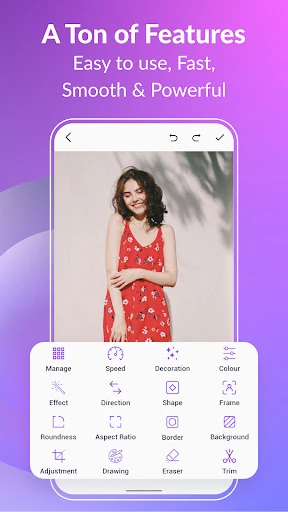
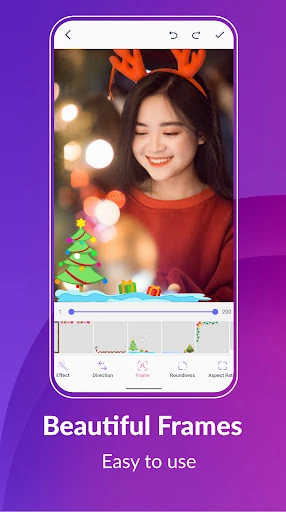
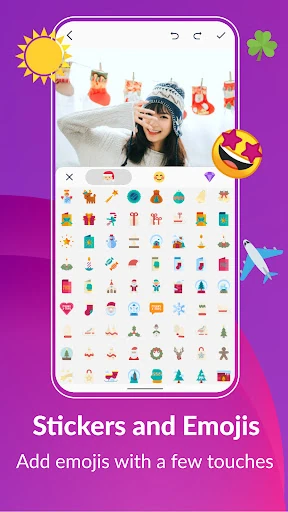
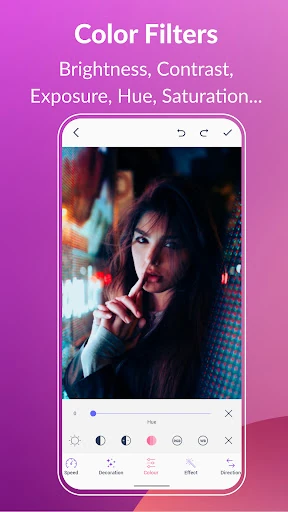
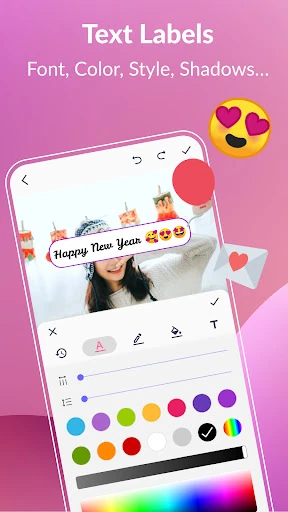
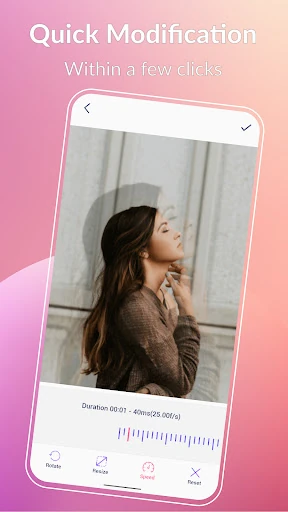
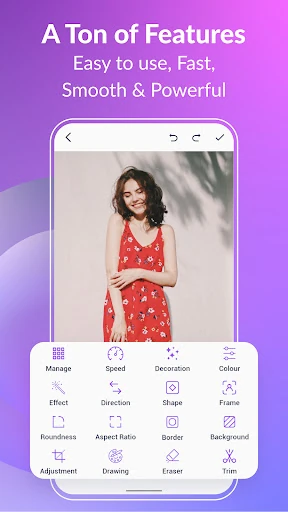
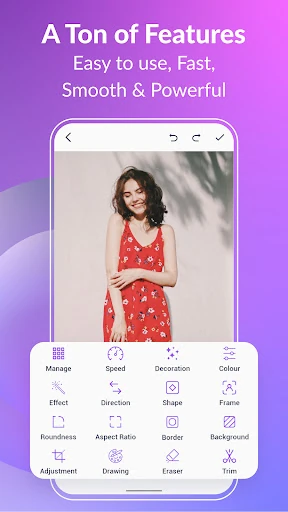
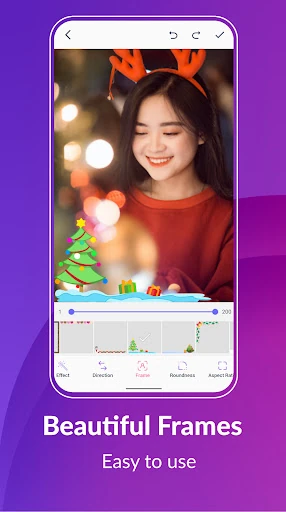
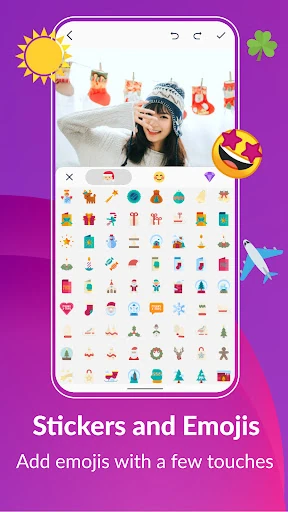
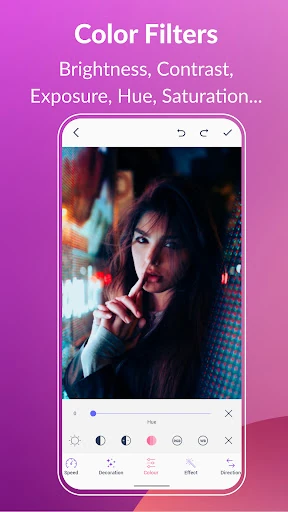
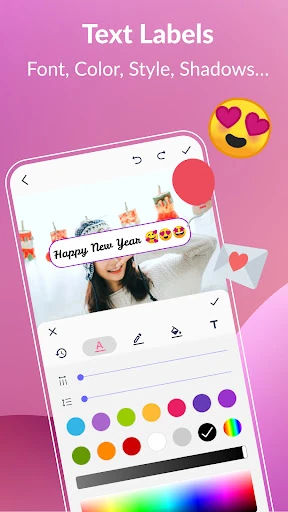
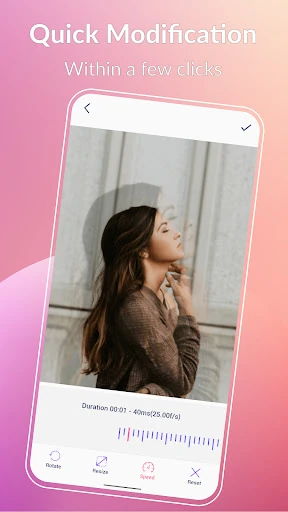
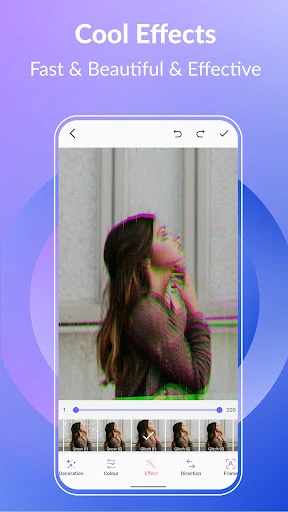
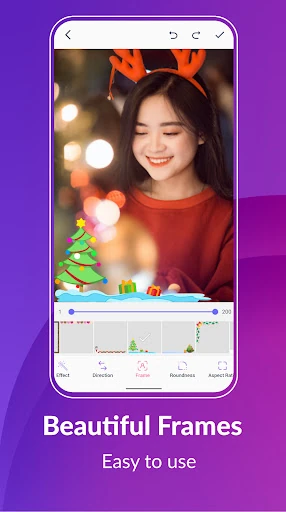
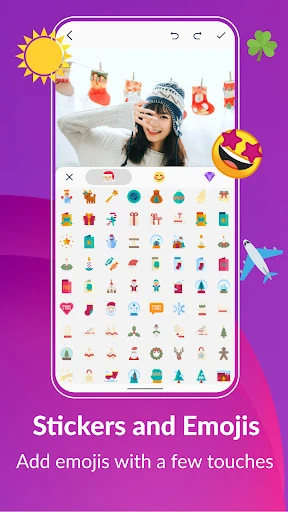
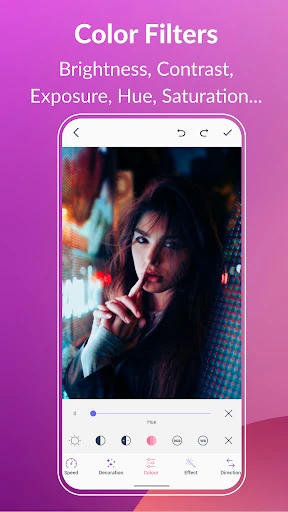
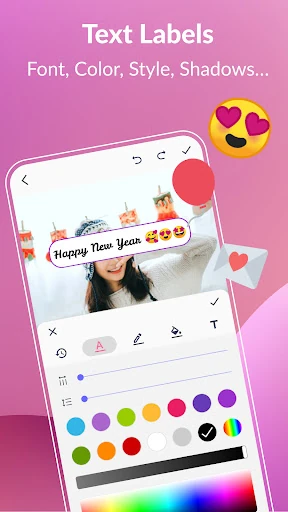
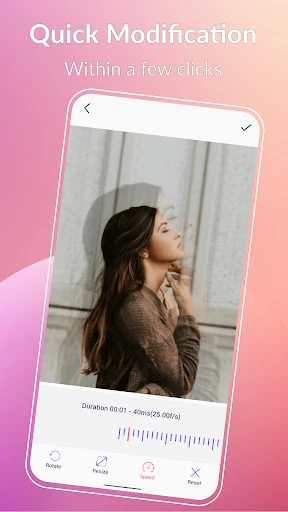
- Comprehensive Creative Suite: Includes tools for cropping, speed adjustment, filters, and text labels, enabling granular control over the final aesthetic.
- GIF to Video Converter: Streamlines the workflow for platforms that favor video formats, maintaining resolution and quality in a simple three-click process.
🎨 User Experience & Design
The interface of GIF Maker, GIF Editor is built with accessibility in mind, featuring an intuitive layout that caters to both novices and power users. The inclusion of both Dark and Light themes demonstrates a high level of UI polish, accommodating user preference and lighting conditions. With support for 22 languages, the app ensures a seamless UX for a global audience. The workflow is optimized for speed, particularly in its "Quick Edit" and "3-click" conversion features, which align perfectly with the fast-paced demands of the Photography category.
⚖️ Pros & Cons Analysis
- ✅ The Good: No watermarks on exported content, providing a professional look at no extra cost.
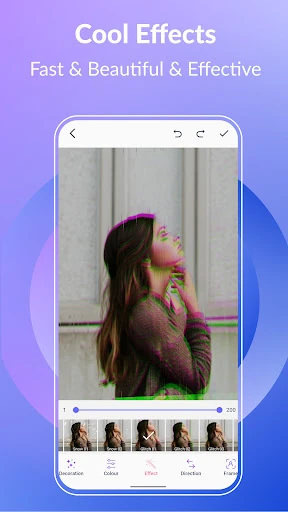
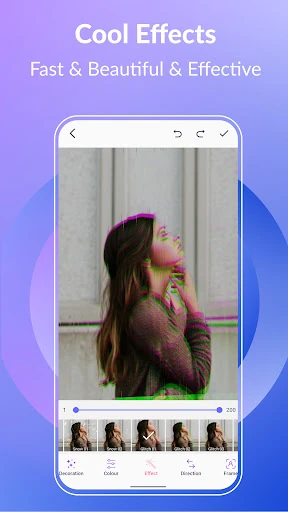
- ✅ The Good: Massive variety of editing tools, including filters like VHS and Glitch, as well as robust text customization.
- ❌ The Bad: The sheer volume of features may present a slight learning curve for users looking for a one-tap solution.
- ❌ The Bad: High frame counts (up to 400) may lead to performance bottlenecks on entry-level hardware.
🛠️ Room for Improvement
To further solidify its market lead, future updates could introduce AI-powered background removal to simplify the creation of transparent GIFs. Additionally, integrating direct cloud storage support (Google Drive/Dropbox) would improve the asset management workflow for professional users who work across multiple devices.
🏁 Final Conclusion & Recommendation
GIF Maker, GIF Editor is the definitive tool for social media influencers, digital marketers, and meme enthusiasts who require high-quality, watermark-free animations. Its robust feature set and clean UI make it a highly recommended installation for anyone looking to elevate their mobile photography and content creation game. It is a "must-have" utility for the modern Android ecosystem.