🏆 Expert Verdict & Overview
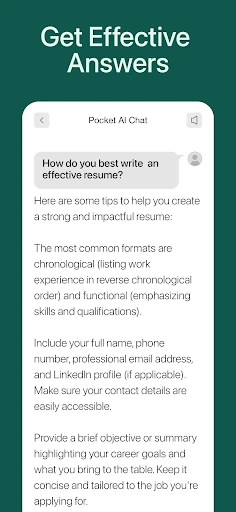
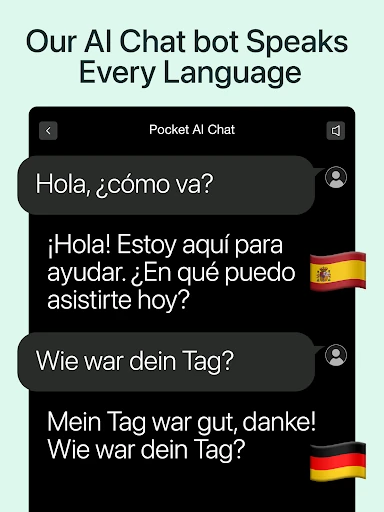
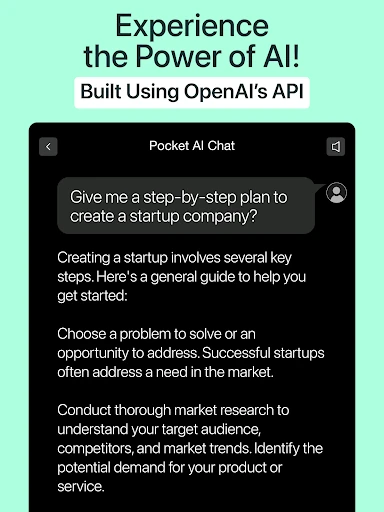
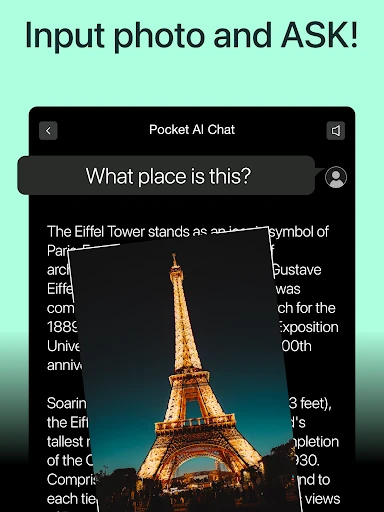
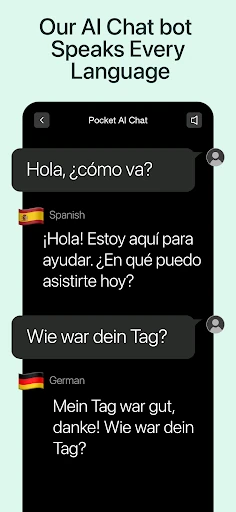
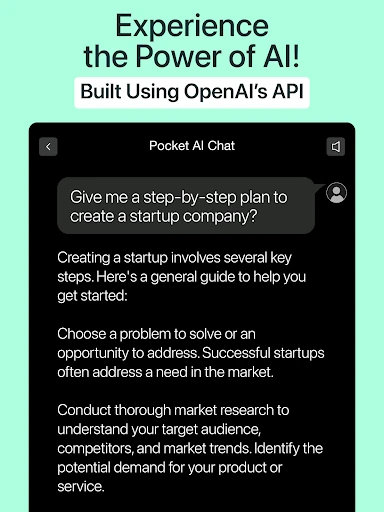
Al Chat - Chatbot by PocketAI is a powerhouse in the Productivity landscape, functioning as a multi-model aggregator that consolidates the world's most advanced AI engines into a single mobile interface. By integrating GPT-4o, Gemini, Deepseek, and Llama, the app transcends the traditional chatbot model, offering a comprehensive suite of tools that range from creative visual generation to complex technical problem-solving. It is an ambitious platform designed for users who need a singular, authoritative access point for the rapidly evolving world of generative artificial intelligence without the friction of multiple subscriptions.
🔍 Key Features Breakdown
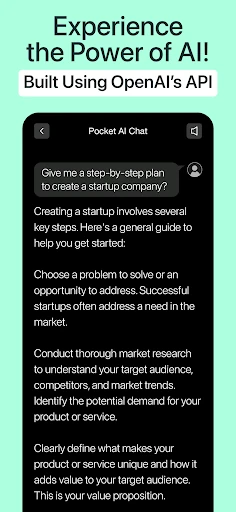
- Multi-Model Intelligence: By leveraging GPT-4o, Gemini, and Deepseek, the app ensures users receive the most sophisticated reasoning and creative output available, tailored to the specific complexity of their queries.
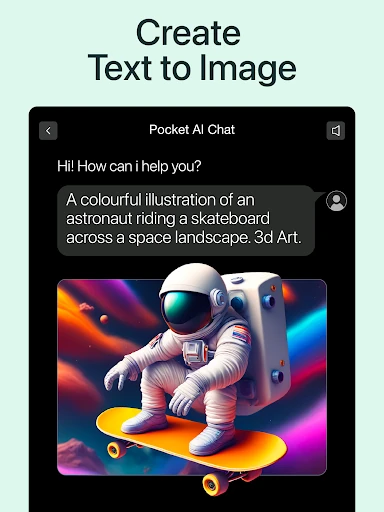
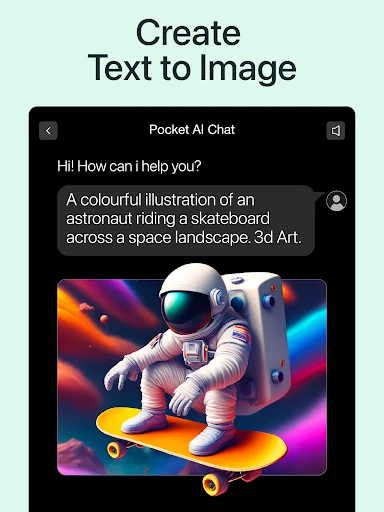
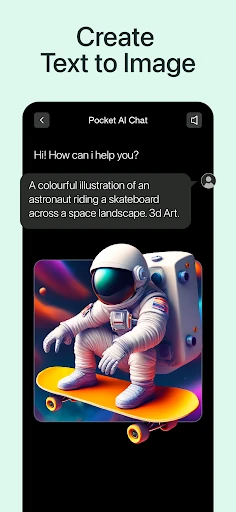
- AI Visual Creative Suite: Features like the Flux Pro-powered Logo Generator and AI Headshots solve professional branding and social media needs instantly, moving the app beyond text-only utility.
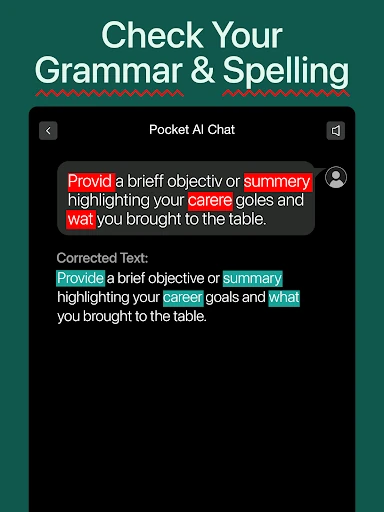
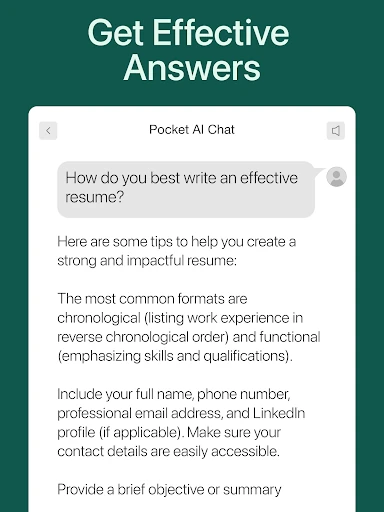
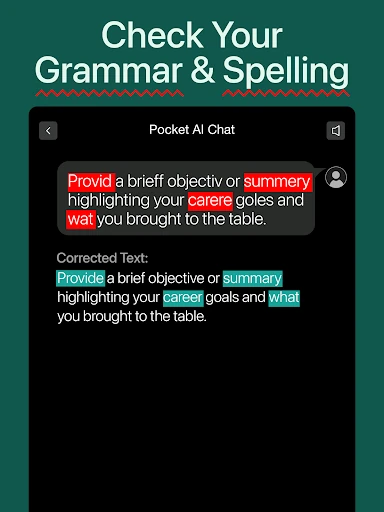
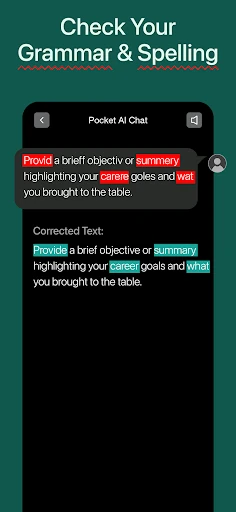
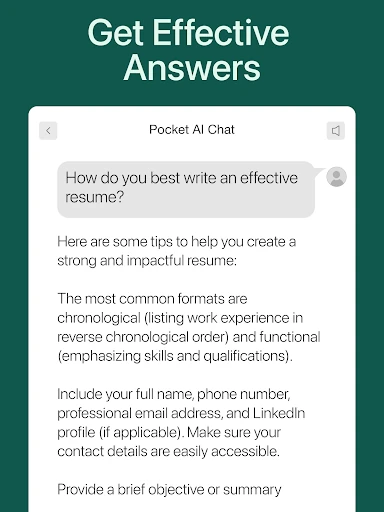
- Specialized Writing Assistants: Dedicated modules for essays, songs, and professional emails provide structured frameworks that help users overcome writer's block and maintain specific tonal requirements.
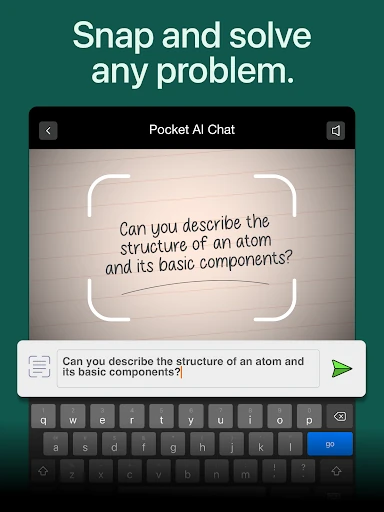
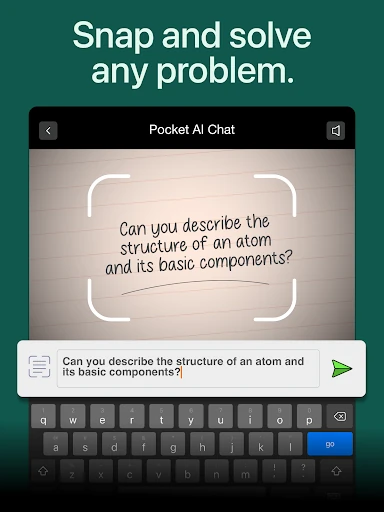
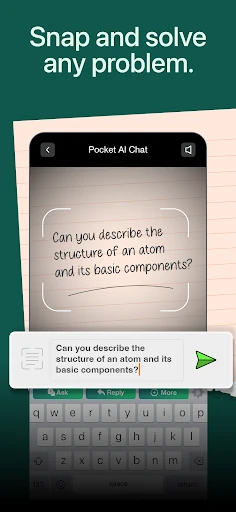
- Technical Problem Solving: The "Math Guru" and "Code Generator" features serve as high-level tutors, explaining complex logic and providing usable code snippets to boost developer and student productivity.
🎨 User Experience & Design
In the competitive Productivity category, PocketAI stands out by prioritizing immediate utility; the "No Sign Up" approach for its core tools is a significant UX advantage that fosters instant trust. The interface is designed to house a massive variety of features—from fitness planning to storytelling—within a unified chat-centric flow. While the sheer volume of tools could be overwhelming, the logical categorization into specific "Genius Tools" helps users navigate the diverse capabilities without cognitive overload. The design language is modern and professional, aligning with the expectations of power users who require a high-efficiency digital assistant.
⚖️ Pros & Cons Analysis
- ✅ The Good: Exceptional versatility provided by the inclusion of multiple state-of-the-art models like GPT-4o and o3-mini.
- ✅ The Good: High-value creative tools, such as the professional headshot generator, are integrated directly into the workflow.
- ❌ The Bad: The "all-in-one" approach may lead to feature bloat, making the interface feel cluttered for users seeking a simple chat experience.
- ❌ The Bad: Performance and response times are inherently tied to the uptime and API stability of third-party providers like OpenAI and Google.
🛠️ Room for Improvement
To further enhance its standing as a premier productivity tool, the app could benefit from deeper cross-functional integration. For example, allowing a user to generate a marketing email and then instantly create a matching logo or social media image within the same thread would streamline professional workflows. Additionally, adding a "Favorites" or "Pinned Tools" section in the UI would allow users to customize their dashboard, providing quicker access to the specific AI functions they use most frequently.
🏁 Final Conclusion & Recommendation
AI Chat - Chatbot by PocketAI is an ideal solution for students, content creators, and business professionals who require a comprehensive AI toolkit but want to avoid the hassle of managing multiple apps. Its strength lies in its "Swiss Army Knife" philosophy, offering everything from coding help to artistic generation under one roof. For anyone looking to maximize their mobile productivity through the latest breakthroughs in artificial intelligence, this app is a highly recommended, versatile companion.