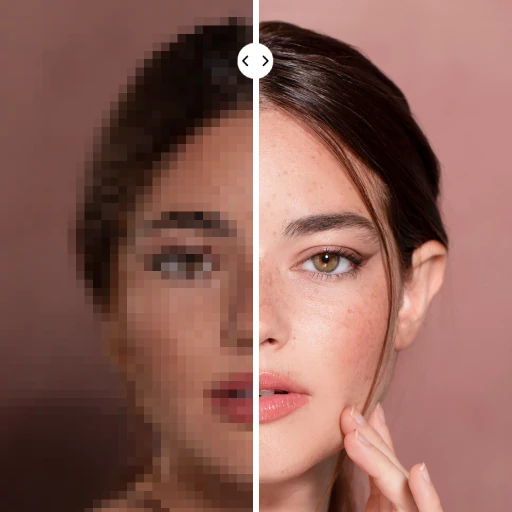
PhotoApp - AI Photo Enhancer

PhotoApp - AI Photo Enhancer

ScaleUp
Advertisement
4.2
Photography
10,000,000+ Downloads

Click to download now, finish the installation quickly, and directly unlock the "all-round experience"

Advertisement

Screenshots
Screenshot
Screenshot
Screenshot
Screenshot
Screenshot
Screenshot
Screenshot
Screenshot
Screenshot
Screenshot
Screenshot
Screenshot
Screenshot
Screenshot
Screenshot
Screenshot
Screenshot
Screenshot
Screenshot
Screenshot
Screenshot

About This App

🏆 Expert Verdict & Overview

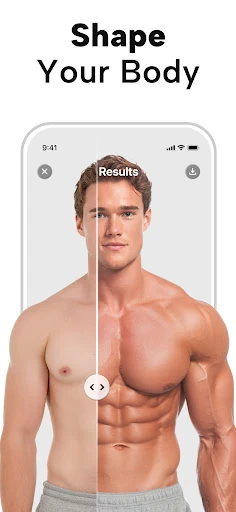
For those navigating the crowded Photography app ecosystem, PhotoApp - AI Photo Enhancer presents itself as a comprehensive, AI-powered toolkit aimed directly at the common pain points of the casual-to-enthusiast photographer. It positions itself as a direct competitor to established names like Remini and Pixelup by offering a one-stop solution for enhancing, restoring, and creatively manipulating personal photos. Its core promise is the democratization of professional-grade photo enhancement through simple, one-tap AI actions, making advanced editing accessible to non-experts who seek to rescue old memories or elevate everyday snapshots.

🔍 Key Features Breakdown

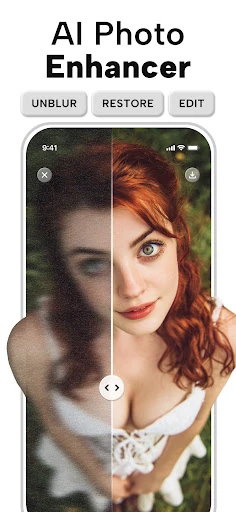
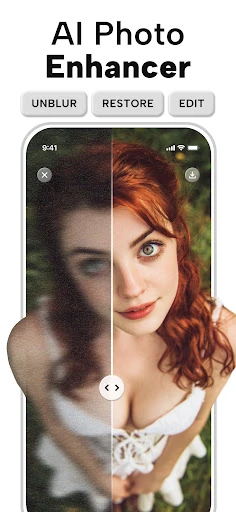
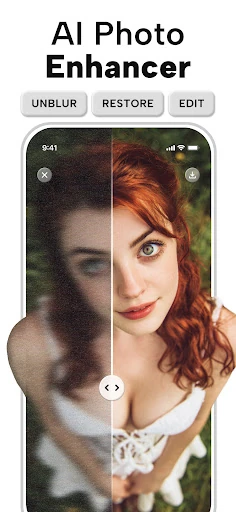
  • One-Tap AI Enhancement: Solves the user's problem of technical complexity by automating the analysis and correction of blur, noise, and low resolution, transforming a technically challenging task into a simple button press.
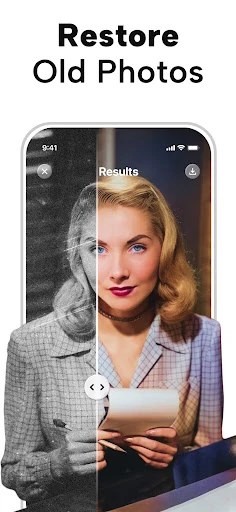
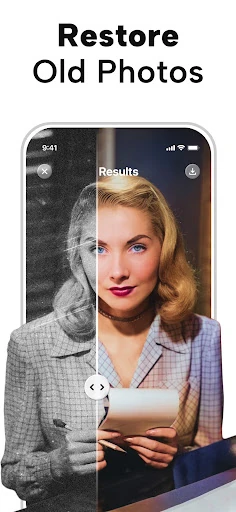
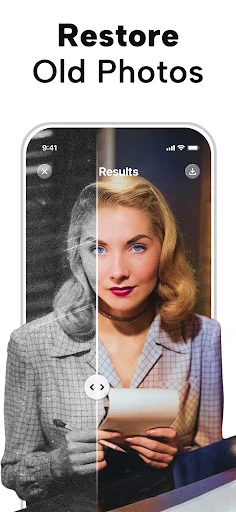
  • Old Photo Restoration & Colorization: Addresses the emotional desire to preserve and revitalize family history. It tackles the dual problems of physical degradation and lack of color in historical photos by intelligently repairing damage and applying plausible color.
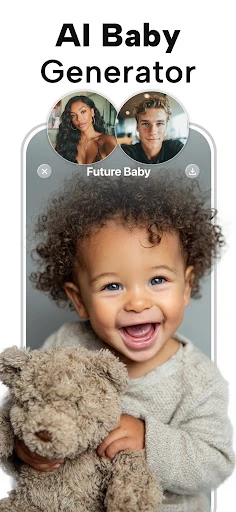
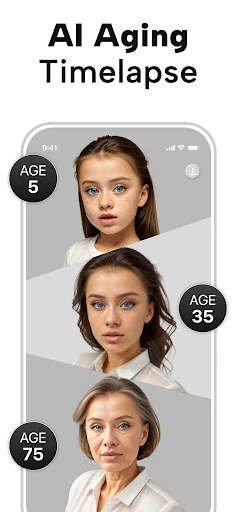
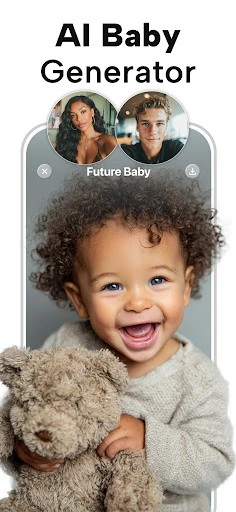
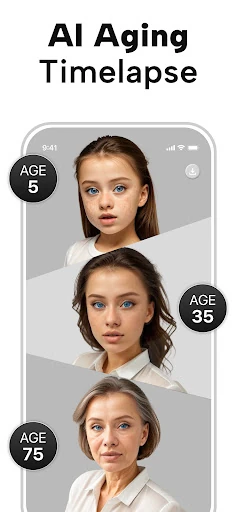
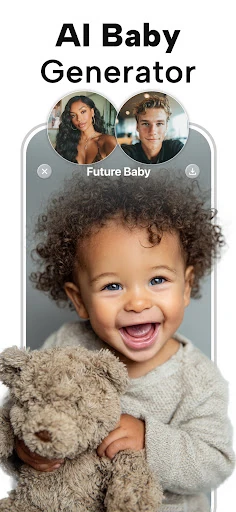
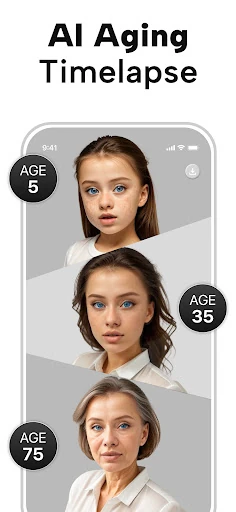
  • Future Baby Generator & AI Portraits: Targets user curiosity and the desire for personalized, creative content. It moves beyond utility into entertainment and social sharing, providing unique, AI-generated visuals based on user input.
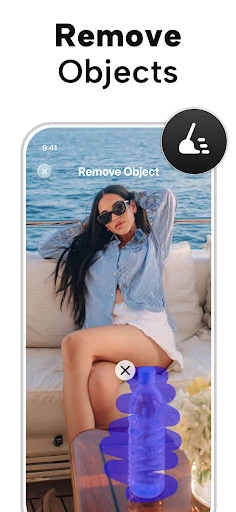
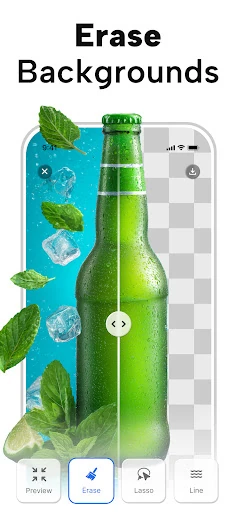
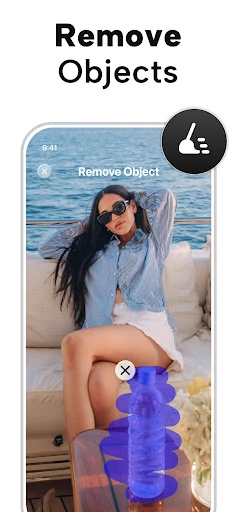
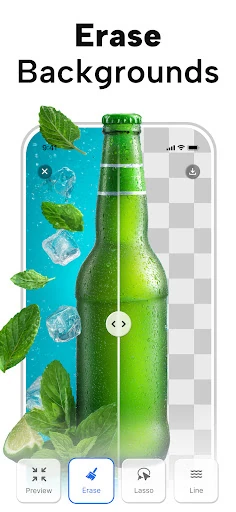
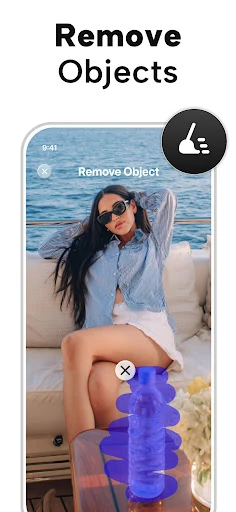
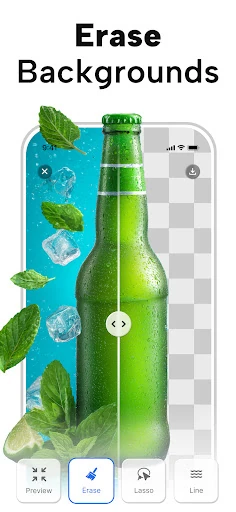
  • Object Removal & Background Editing: Solves the practical, often frustrating, issue of unwanted elements ruining an otherwise perfect shot. This offers users control over their final image composition without requiring manual cloning or complex layer editing.
  • Resolution Upscaling: Directly confronts the limitation of older digital cameras or heavily cropped images. It empowers users to salvage low-resolution photos for larger prints or display, effectively "creating" usable detail where it was previously lacking.

🎨 User Experience & Design

The app's user interface appears heavily geared towards simplicity and immediacy, which is a critical expectation in the Photography category where users want to see results quickly, not navigate complex menus. Prominent placement of large, clear buttons for primary actions ("Enhance," "Restore," "Remove Object") suggests a UX designed for intuitive, goal-oriented workflows. However, for a tool with such advanced capabilities, the success of the UX will hinge on the balance between this simplicity and providing users with enough control or insight into the AI's processing—such as before/after comparisons or adjustable intensity sliders—to feel confident in the automated results.

⚖️ Pros & Cons Analysis

  • ✅ The Good: Offers a remarkably wide array of AI-powered tools in a single application, from practical fixes to playful generators.
  • ✅ The Good: Emphasizes a one-tap, automated workflow, significantly lowering the barrier to entry for high-quality photo editing.
  • ✅ The Good: Explicitly targets high-emotion use cases (restoring old family photos) which drives strong user engagement and perceived value.
  • ❌ The Bad: Heavy reliance on cloud-based AI processing may lead to performance issues (speed, failures) dependent on network connectivity.
  • ❌ The Bad: The sheer number of features, while impressive, risks creating a cluttered experience or diluting focus from core enhancement capabilities.
  • ❌ The Bad: As with all AI enhancers, results can be inconsistent or produce "overcooked" artifacts, especially on severely degraded source material.

🛠️ Room for Improvement

The next major update should prioritize giving users more agency over the AI's output. Introducing adjustable parameters for enhancement strength, texture detail, and color saturation would allow for fine-tuning. A dedicated "batch process" mode for enhancing multiple old photos at once would be invaluable for users digitizing family albums. Furthermore, integrating basic, non-AI adjustment tools (cropping, exposure, contrast) would make PhotoApp a more self-contained editing suite, preventing the need to switch apps for final tweaks.

🏁 Final Conclusion & Recommendation

PhotoApp is ideally suited for non-professional users who want to quickly improve their personal photo library without learning complex software. It is a strong recommendation for anyone looking to digitally restore old physical photos, casually enhance smartphone pictures for social media, or experiment with AI-generated portrait fun. However, professional photographers or users requiring pixel-perfect, reproducible manual control may find the automated, "black-box" nature of the AI limiting. For its target audience, PhotoApp delivers a powerful and accessible suite of tools that successfully turns advanced photo manipulation into a simple, satisfying experience.