🏆 Expert Verdict & Overview
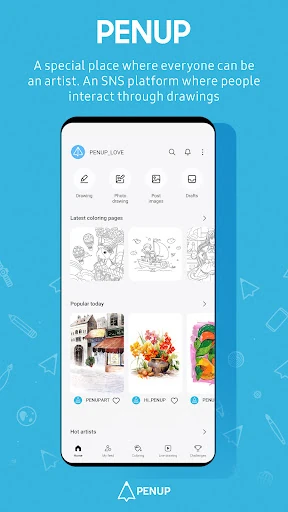
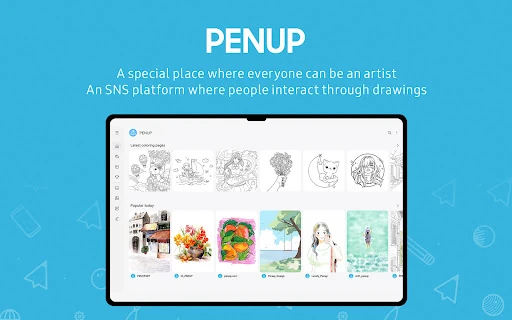
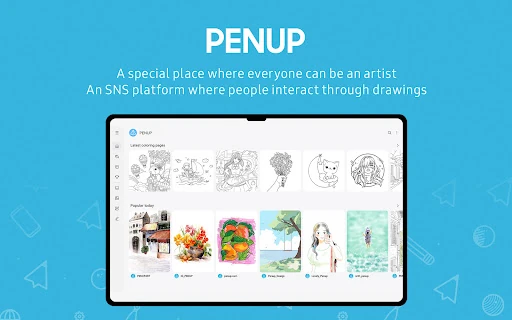
PENUP – Drawing-sharing SNS stands as a premier creative hub within the Art & Design landscape, specifically designed to bridge the gap between digital illustration and social networking. As an ecosystem primarily optimized for stylus-driven interaction, it offers a unique "low-barrier-to-entry" philosophy that democratizes digital art. Unlike professional-grade suites that can overwhelm novices, PENUP focuses on the joy of creation and community feedback, making it an essential platform for hobbyists looking to transition from casual doodling to structured artistic development.
🔍 Key Features Breakdown
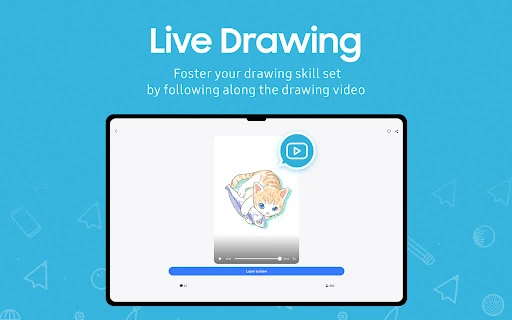
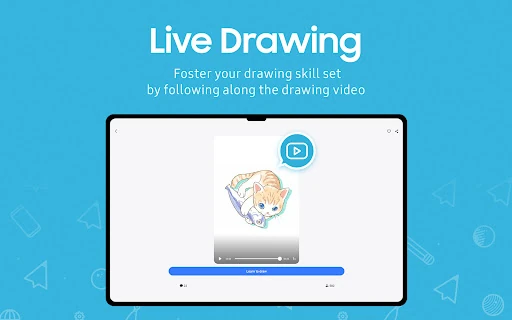
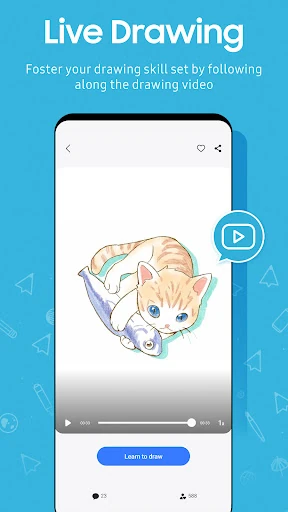
- Live Drawing: This feature solves the "blank canvas" anxiety by providing video-based follow-along tutorials, allowing users to trace and learn professional techniques in real-time.
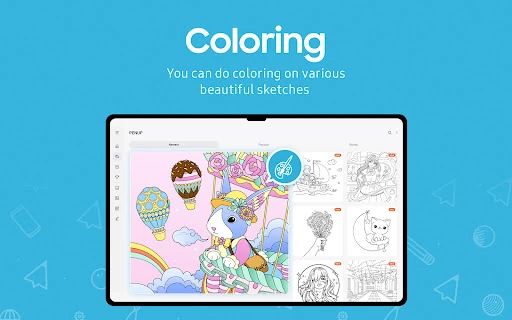
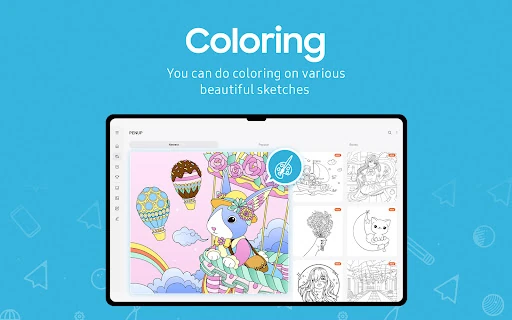
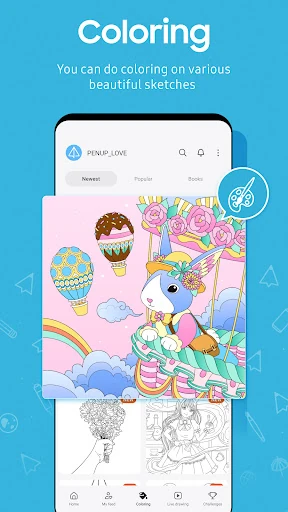
- Coloring & Templates: By providing a wide array of pre-made designs, it caters to users seeking a therapeutic, stress-relief experience without requiring advanced sketching skills.
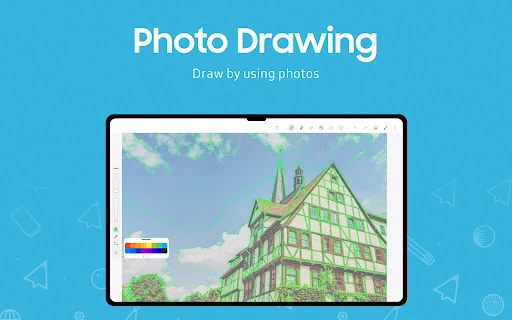
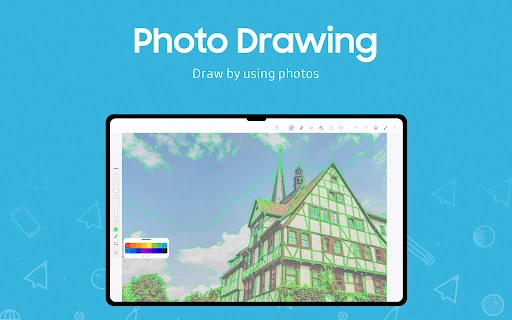
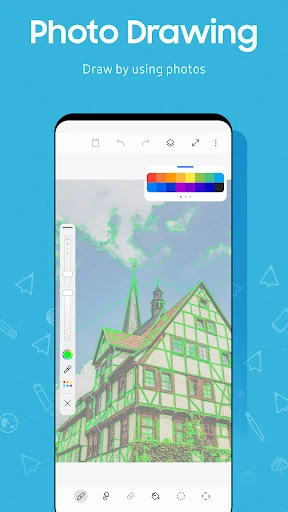
- Photo Drawing: This tool bridges reality and digital art by allowing users to use photos as templates, simplifying the process of capturing proportions and complex backgrounds.
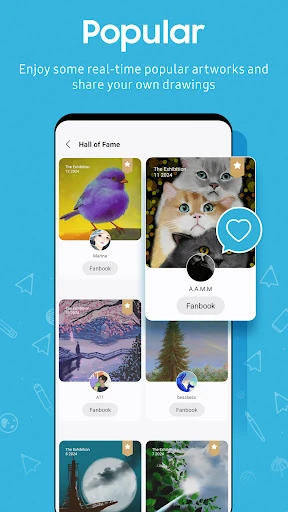
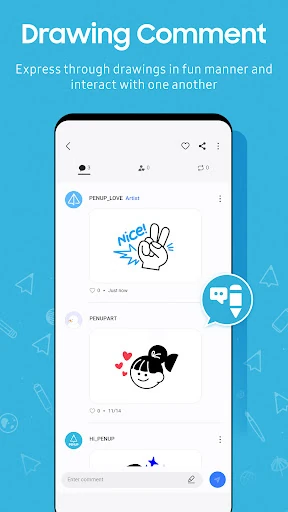
- Social SNS Integration: Beyond a toolset, the "Trending Works" and commenting system solve the isolation often felt by digital artists, fostering a global community for critique and inspiration.
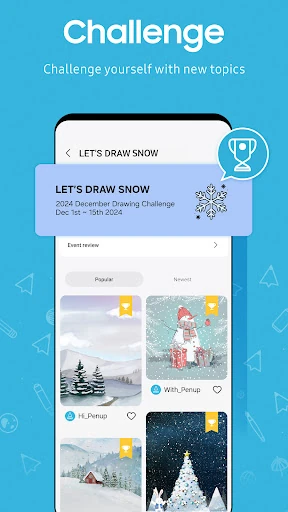
- Drawing Challenges: These time-bound events encourage regular practice and push users to explore new themes, solving the problem of creative blocks.
🎨 User Experience & Design
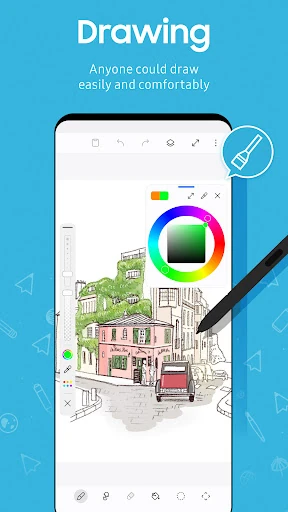
The UI of PENUP is remarkably clean, prioritizing the canvas while keeping social elements accessible but non-intrusive. In line with modern Art & Design category standards, the navigation is gesture-friendly and optimized for precision input. The UX is designed for discovery; moving from a tutorial to the community feed feels seamless. However, the interface clearly favors devices with stylus support, where the responsiveness and pressure sensitivity integration truly shine, providing a tactile experience that mimics traditional media.
⚖️ Pros & Cons Analysis
- ✅ The Good: Exceptional educational resources like Live Drawing that guide beginners through the entire creative process.
- ✅ The Good: A vibrant, positive community atmosphere that encourages participation through challenges and social feedback.
- ❌ The Bad: Advanced artists may find the brush customization and layer management options somewhat limited compared to dedicated professional illustration apps.
- ❌ The Bad: Some features and the overall performance are heavily optimized for specific hardware, potentially leading to a less fluid experience on entry-level devices.
🛠️ Room for Improvement
To further its appeal to the "Prosumer" segment, PENUP should consider introducing more advanced layer blending modes and customizable brush engines. Additionally, expanding the vector-based drawing capabilities would provide more flexibility for users looking to export their work for professional print or high-resolution scaling. Implementing a more robust search and tagging system within the SNS feed would also improve the discoverability of niche art styles.
🏁 Final Conclusion & Recommendation
PENUP – Drawing-sharing SNS is the ideal platform for aspiring artists, hobbyists, and anyone who finds peace in coloring and sketching. It successfully transforms the solitary act of drawing into a shared social experience. While it may not replace high-end professional production tools for industry veterans, it is the gold standard for community-driven artistic growth. We highly recommend this app for users who want to learn digital art in a supportive, interactive environment.