LINE: Calls & Messages

LINE: Calls & Messages

LINE (LY Corporation)
Advertisement
3.3
Communication
1,000,000,000+ Downloads

Click to download now, finish the installation quickly, and directly unlock the "all-round experience"

Advertisement

Screenshots
Screenshot
Screenshot
Screenshot
Screenshot
Screenshot
Screenshot
Screenshot
Screenshot
Screenshot
Screenshot
Screenshot
Screenshot
Screenshot
Screenshot
Screenshot

About This App

πŸ† Expert Verdict & Overview

LINE: Calls & Messages is a dominant force in the global Communication category, expertly blending essential functionality with rich, expressive features. It has evolved beyond a simple messaging app into a comprehensive platform that "closes the distance," enabling free, seamless, and engaging interaction across family and friends worldwide. By offering robust core communication tools on mobile, desktop, and Wear OS, it establishes itself as a versatile and ubiquitous presence in users' digital lives.

πŸ” Key Features Breakdown

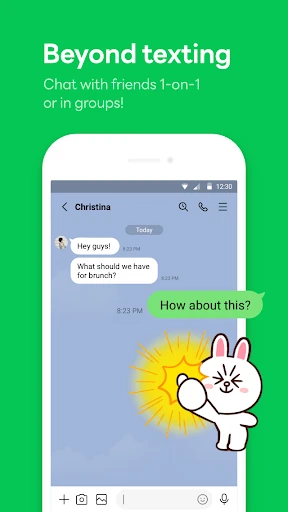
  • Multi-Format Communication: By integrating high-quality voice/video calls and messaging into a single interface, LINE solves the fundamental problem of platform fragmentation, allowing users to choose the most convenient and context-appropriate mode of communication without switching apps.
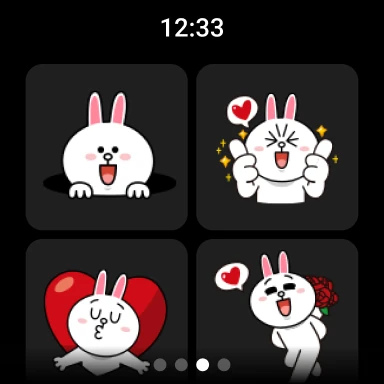
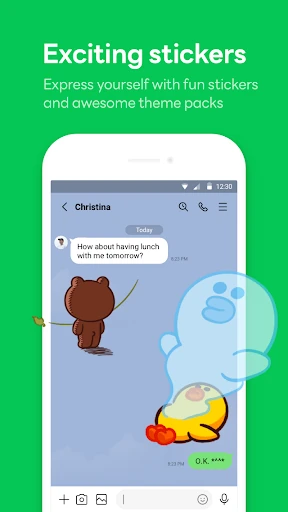
  • Stickers, Emojis, and Themes: This feature addresses the challenge of emotional nuance in digital text, providing users with a vast, often animated, visual lexicon to express tone, humor, and personality that plain text cannot convey, enhancing connection and reducing miscommunication.
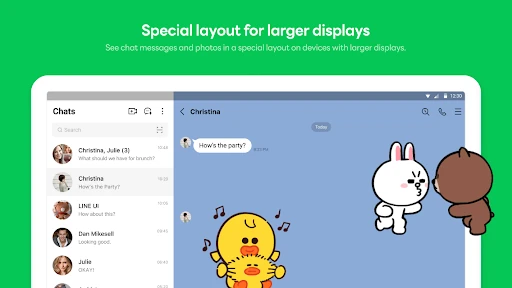
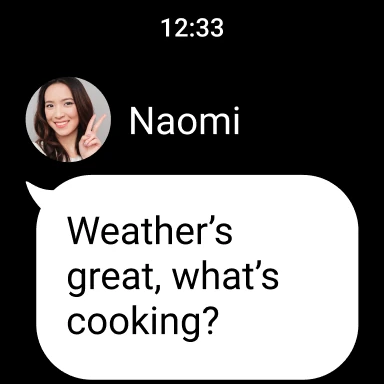
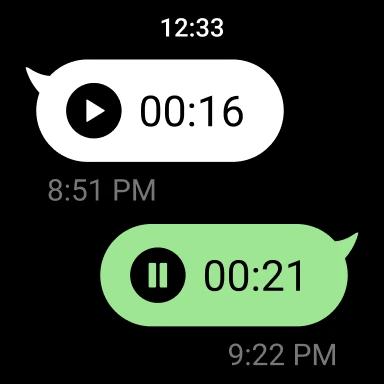
  • Seamless Multi-Device Sync: The ability to effortlessly continue conversations on smartphones, Wear OS, and desktop PCs solves user pain points around device dependency and interruption, enabling a persistent, fluid communication experience that adapts to their changing context throughout the day.
  • Letter Sealing (End-to-End Encryption): This directly tackles growing user concerns over privacy and data security. By encrypting messages, calls, and location, LINE provides peace of mind and builds trust, a critical feature for a communication app handling sensitive personal exchanges.
  • Keep Memo: This acts as a personal, temporary cloud clipboard within the app, solving the problem of needing to send files or notes to oneself to save them, thus streamlining information capture and transfer without cluttering other chats.

🎨 User Experience & Design

The UI adheres to familiar standards for the Communication category, prioritizing accessibility and ease of navigation. The "Home" tab centralizes key actions like contacts, stickers, and services, reducing cognitive load for finding core functions. For a feature-rich platform, the UX is generally intuitive, guiding users from simple texting to using expressive stickers and advanced features like Keep. A consistent design language across its mobile and desktop applications reduces the learning curve and promotes a unified brand experience, which is essential for user retention in a competitive market.

βš–οΈ Pros & Cons Analysis

  • βœ… The Good: A holistic ecosystem offering free, high-quality core communication (calls/messages) across all major platforms.
  • βœ… The Good: Industry-leading library of stickers and customization options that foster user engagement and self-expression.
  • βœ… The Good: Strong commitment to user privacy with end-to-end encryption (Letter Sealing) for sensitive conversations.
  • βœ… The Good: Useful utility features like Keep Memo that add value beyond basic chat.
  • ❌ The Bad: Can feel bloated or overwhelming for users who only want a simple, lightweight messaging app due to its many integrated services and constant feature additions.
  • ❌ The Bad: Performance and storage warnings in the description suggest it may be resource-intensive, potentially excluding users with older or lower-spec devices.
  • ❌ The Bad: The reliance on a "platform" model with various services may lead to feature creep, potentially diluting the core communication experience over time.

πŸ› οΈ Room for Improvement

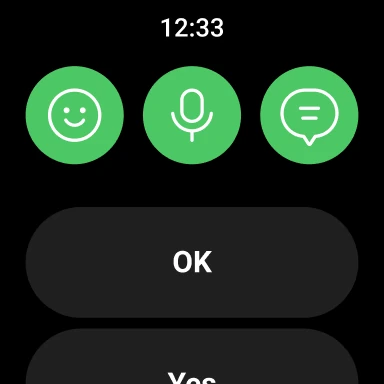
To refine the experience, the development team should introduce a "Lite Mode" or modular feature toggle, allowing users to disable non-essential services (e.g., certain news feeds or integrated games) for a cleaner, faster interface. Performance optimization for mid-range and older Android devices should be a priority to expand the accessible user base. Furthermore, enhancing the smartwatch (Wear OS) experience beyond message checking to include streamlined voice reply dictation or quick-sticker responses would deepen its utility in truly on-the-go scenarios.

🏁 Final Conclusion & Recommendation

This app is highly recommended for users who seek a full-featured, expressive, and private communication hub that seamlessly works across all their devices. It is ideal for friends, families, and communities that value rich visual communication (stickers) and require reliable free calling. It is less suitable for those seeking a minimalist, no-frills texting app or for users with severely limited device storage or processing power. For its target audience, LINE: Calls & Messages delivers a powerful and engaging platform that successfully makes digital communication more personal and convenient.