PDF Reader - PDF Editor
Simple Design Ltd.
Downloads
50,000,000+
Version
Latest
Advertisement
Click to download now, finish the installation quickly, and directly unlock the "all-round experience"
Advertisement
Screenshots
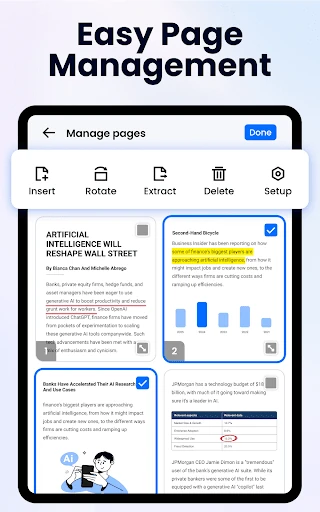
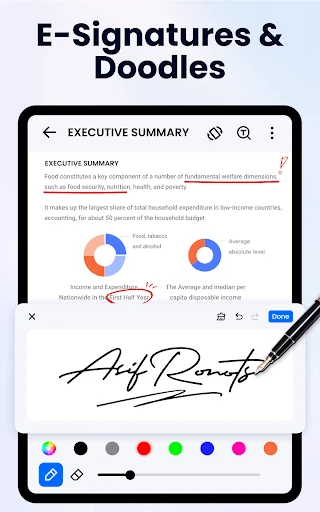
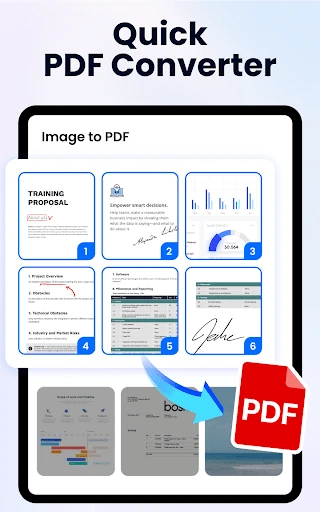
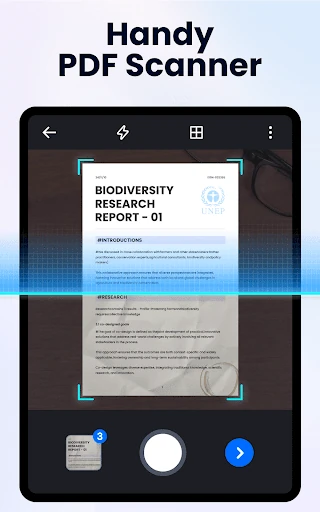
Click to download now, finish the installation quickly, and directly unlock the "all-round experience"
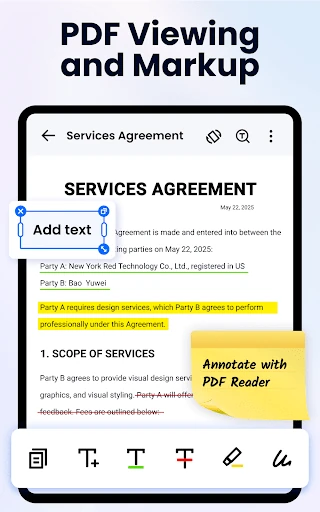
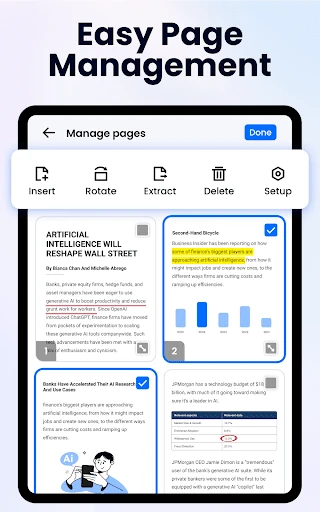
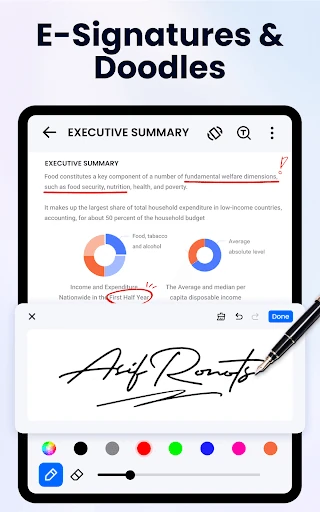
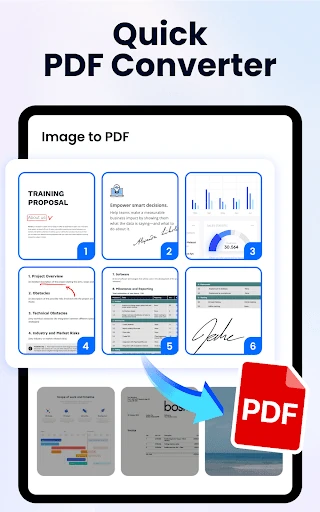
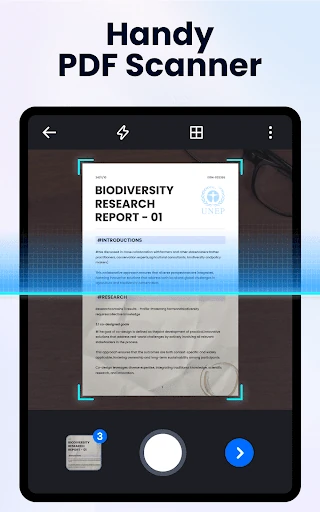
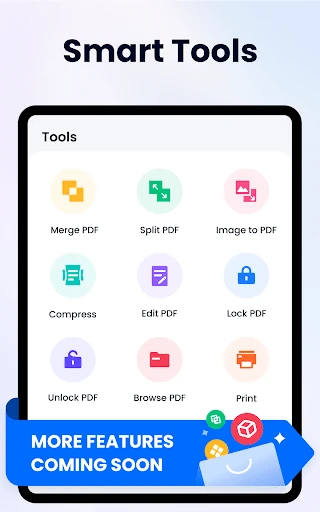
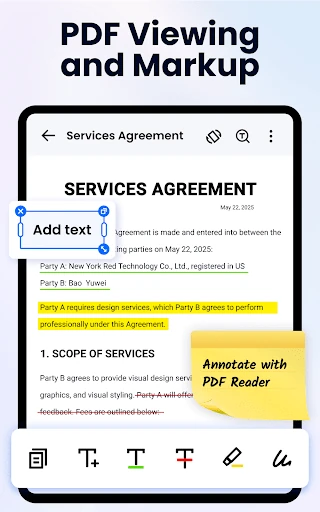
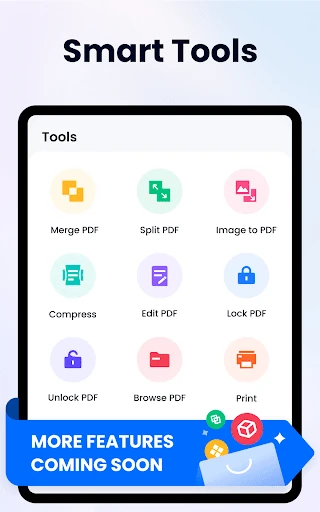
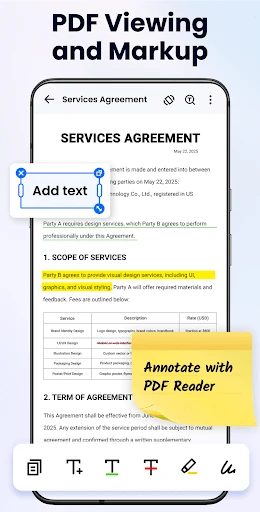
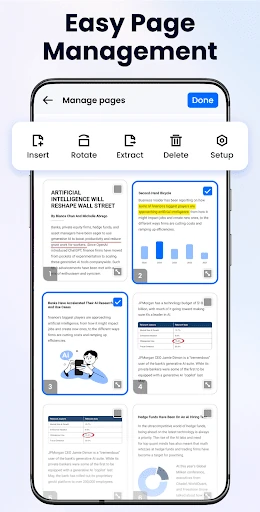
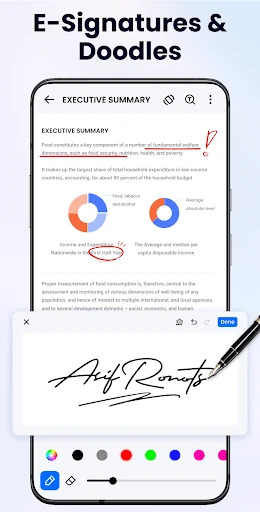
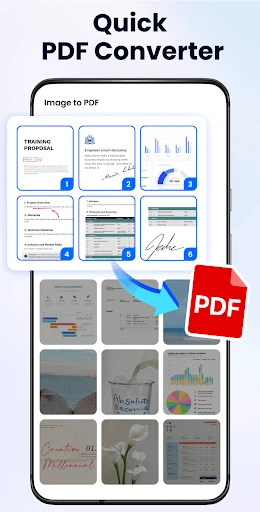
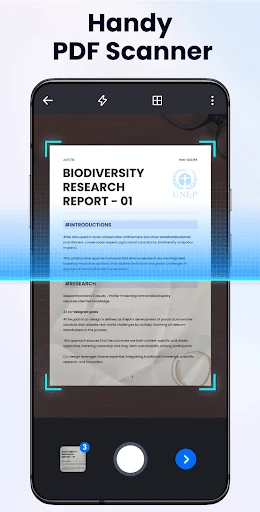
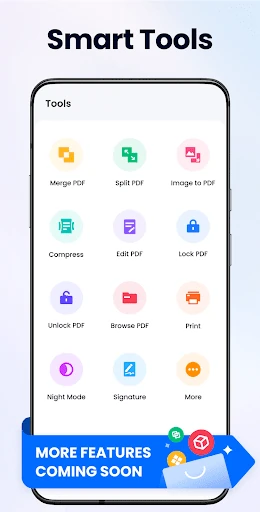
PDF Reader - PDF Editor enters the highly competitive Productivity landscape as a comprehensive, all-in-one utility designed to bridge the gap between simple document viewing and complex file manipulation. While many apps in the Google Play ecosystem specialize in either reading or editing, this application positions itself as a versatile "Swiss Army Knife" for mobile professionals and students. By integrating essential tools like e-signatures, file merging, and image-to-PDF conversion into a lightweight package, it offers a compelling alternative to heavier enterprise software, focusing on speed and accessibility without sacrificing core functionality.
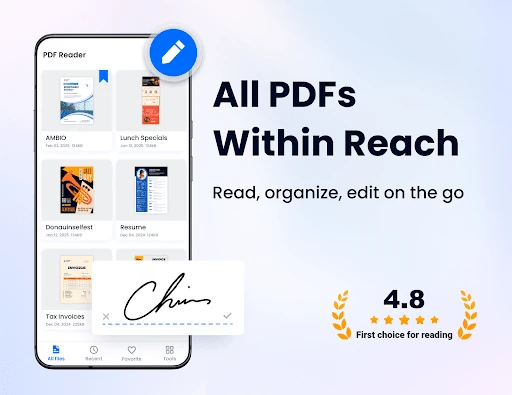
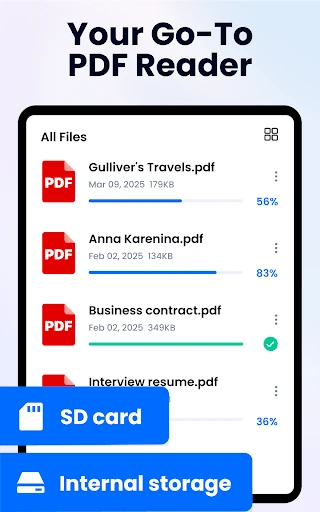
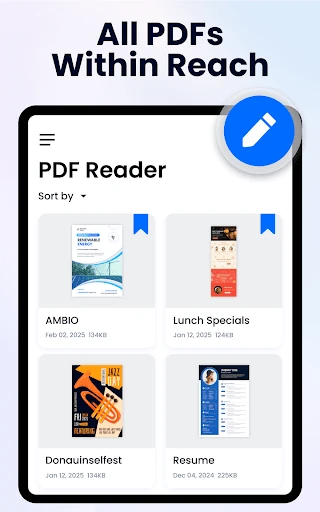
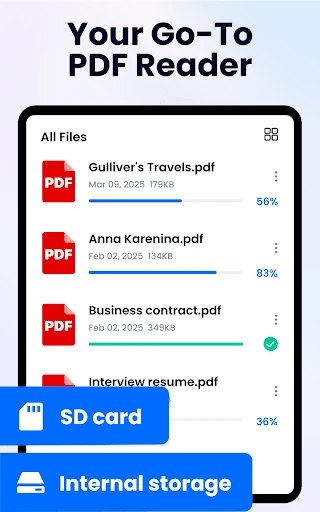
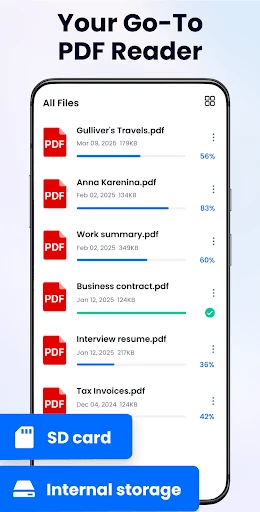
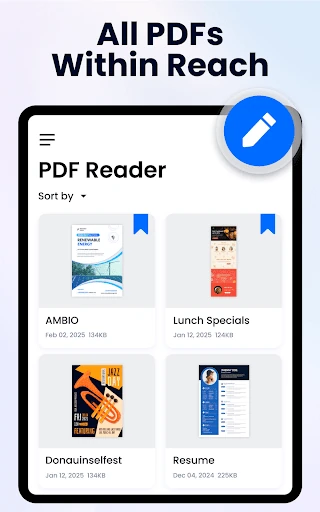
The interface of PDF Reader - PDF Editor follows a minimalist aesthetic that prioritizes content visibility, adhering to the standard expected of top-tier Productivity apps. The "Reflow mode" is a significant UX win, as it dynamically adjusts the layout for small screens to prevent the fatigue of constant horizontal scrolling. The navigation is streamlined via a "Recent" files list and a global search function that allows for keyword lookup within documents. The inclusion of a one-click toggle between light and dark modes demonstrates a thoughtful consideration of user psychology and eye strain during extended reading sessions.
To further solidify its position in the market, the developers should prioritize the integration of cloud storage services like Google Drive and Dropbox for seamless cross-device synchronization. Additionally, implementing an OCR (Optical Character Recognition) feature would be a transformative update, allowing users to extract and edit text from scanned images and business cards directly within the app.
PDF Reader - PDF Editor is a high-performance solution tailored for students, educators, and office professionals who require a dependable, free, and lightweight document manager. It successfully replaces several single-purpose apps by consolidating viewing, editing, and file conversion into one intuitive interface. This app is highly recommended for anyone looking to maximize their mobile productivity without the weight or cost of enterprise-level software.