PDF Scanner - Document Scanner

PDF Scanner - Document Scanner

Simple Design Ltd.
Advertisement
4.8
Productivity
10,000,000+ Downloads

Click to download now, finish the installation quickly, and directly unlock the "all-round experience"

Advertisement

Screenshots
Screenshot
Screenshot
Screenshot
Screenshot
Screenshot
Screenshot
Screenshot
Screenshot
Screenshot
Screenshot
Screenshot
Screenshot
Screenshot
Screenshot
Screenshot
Screenshot
Screenshot
Screenshot
Screenshot
Screenshot
Screenshot
Screenshot
Screenshot
Screenshot

About This App

🏆 Expert Verdict & Overview

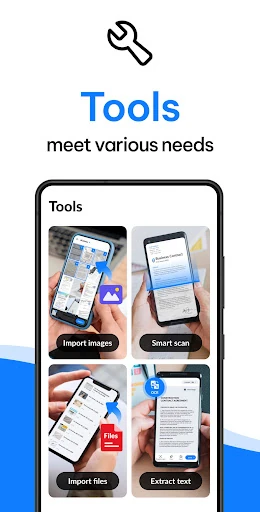
PDF Scanner - Document Scanner positions itself firmly within the competitive Productivity landscape by offering a feature-rich, all-in-one digital documentation solution. More than a basic converter, it transforms smartphones into powerful scanning and document management hubs, directly addressing the modern need for converting physical records into secure, shareable, and editable digital assets. This app goes beyond core scanning functions by integrating advanced tools like OCR and e-signatures, aiming to be a comprehensive workflow tool for personal and professional use.

🔍 Key Features Breakdown

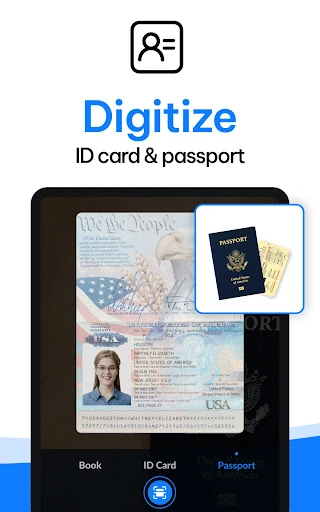
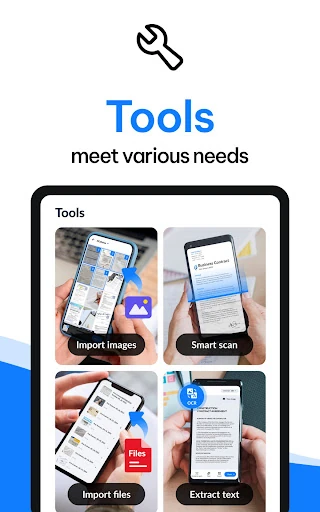
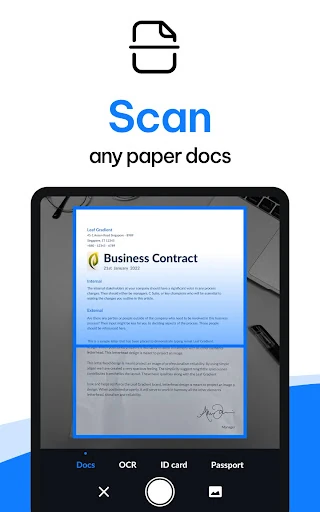
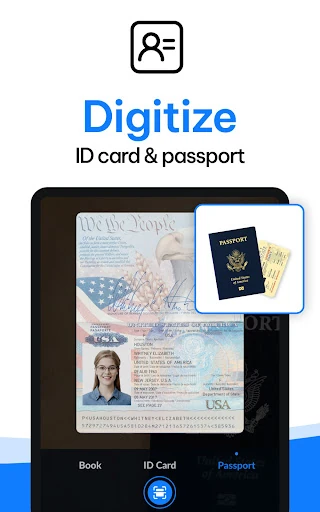
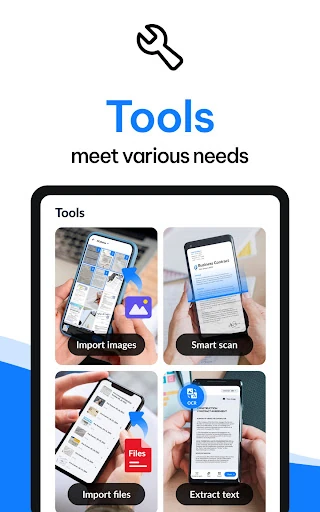
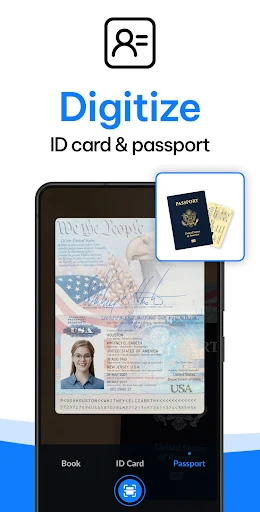
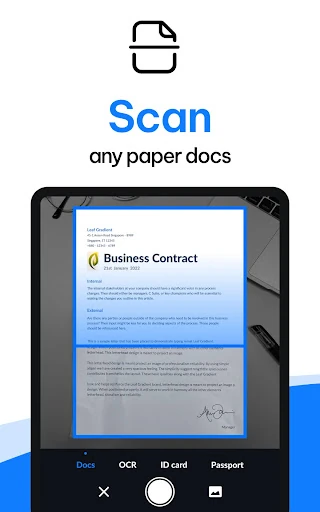
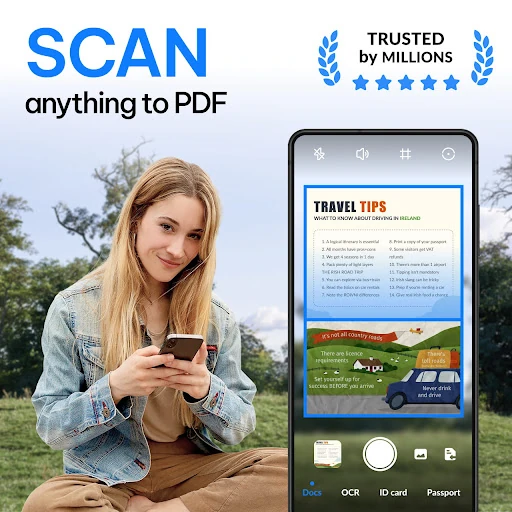
  • Smart Document-to-PDF Conversion: Solves the fundamental need for digitization by enabling one-tap conversion of diverse physical items (receipts, whiteboards, IDs) into standardized PDFs, reducing clutter and preserving important information.
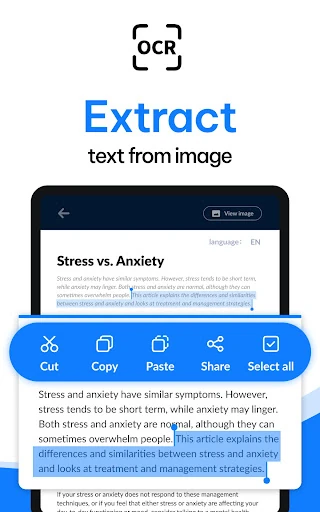
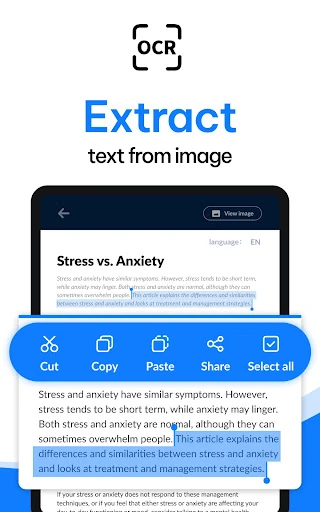
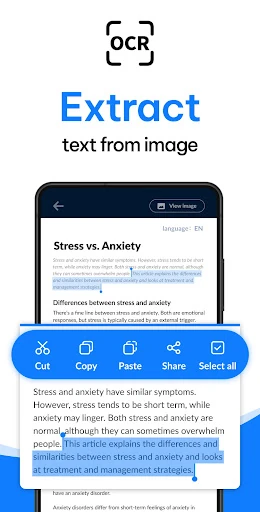
  • Integrated OCR Technology: Directly tackles the problem of static image-based scans by extracting editable and searchable text from photographs of documents, drastically improving data utility and retrieval.
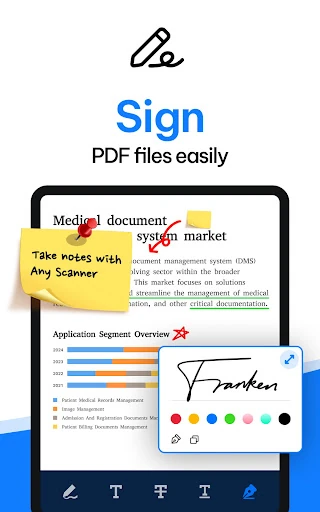
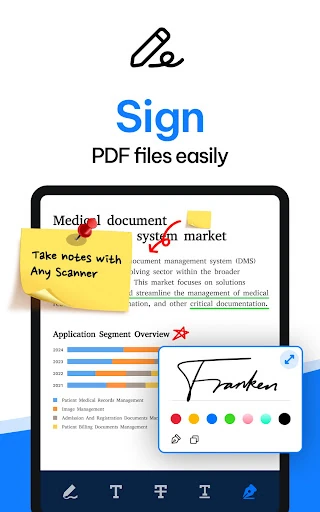
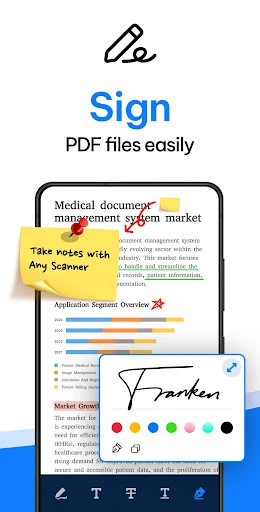
  • Electronic Signatures & Security Watermarks: Addresses workflow bottlenecks and security concerns by allowing users to sign documents digitally and add custom watermarks, streamlining approval processes and asserting document ownership.
  • Advanced File Management & Search: Mitigates digital disorganization with tools to create subfolders, add notes, and perform keyword searches—including within the text of scanned images via OCR—making document retrieval efficient.
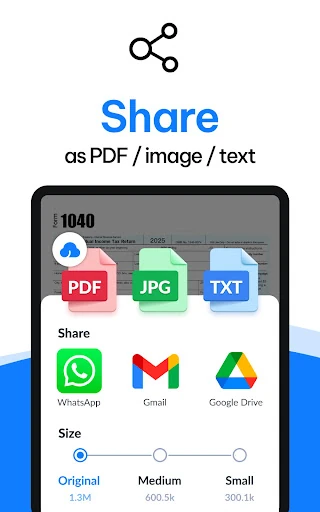
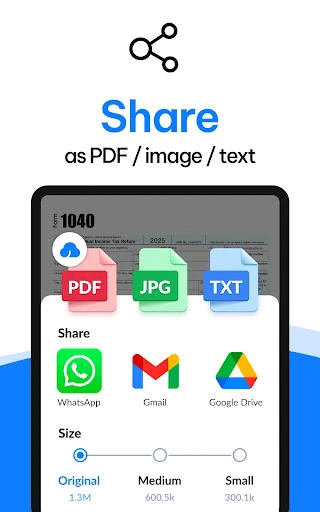
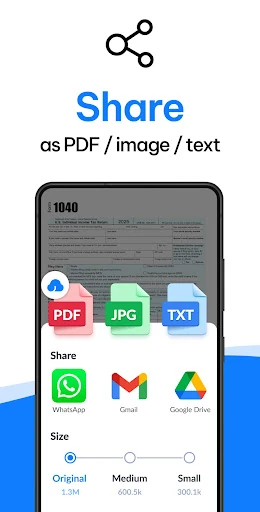
  • Multi-Format Sharing & Cloud Print: Solves the challenge of distribution by facilitating instant sharing of scans in common formats (PDF, JPG) via email and social media, and supports direct printing, enhancing collaboration and record-keeping.

🎨 User Experience & Design

For a Productivity app, the promised interface seems geared towards efficiency and a streamlined workflow. Features like one-tap scanning and "quick search" suggest a design philosophy that prioritizes speed and reducing steps to complete a task—a critical UX principle for this category. The provision of multiple filters and layout adjustments indicates a balance between simplicity for casual users and granular control for power users. The logical categorization of documents and the clear presentation of editing tools (add/delete pages, set sizes) are hallmarks of effective productivity app design, aiming to make complex document handling feel intuitive.

⚖️ Pros & Cons Analysis

  • ✅ The Good: Exceptionally comprehensive feature set covering the entire document lifecycle—from scan and enhance to edit, sign, secure, and share.
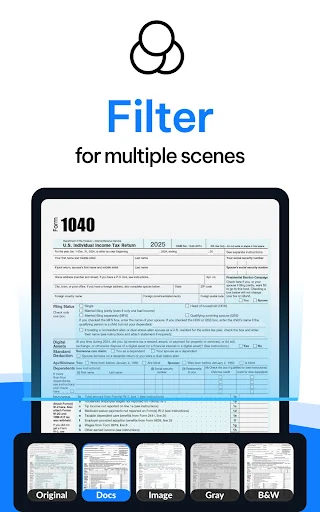
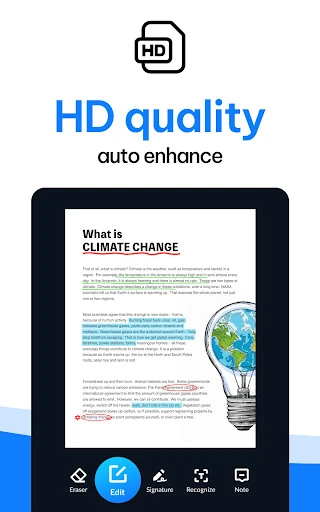
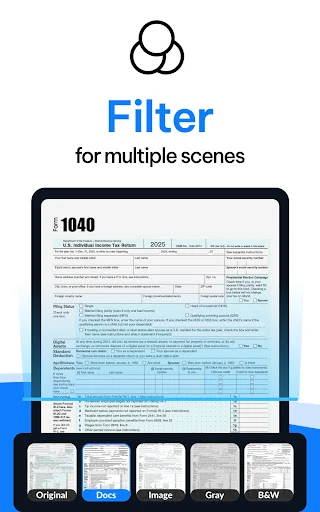
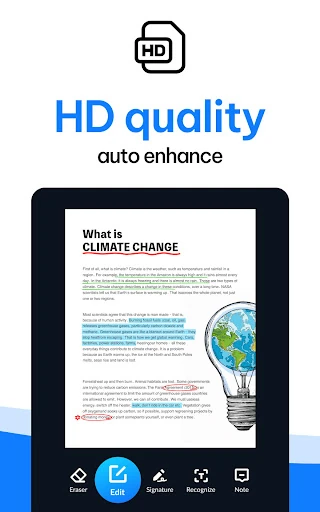
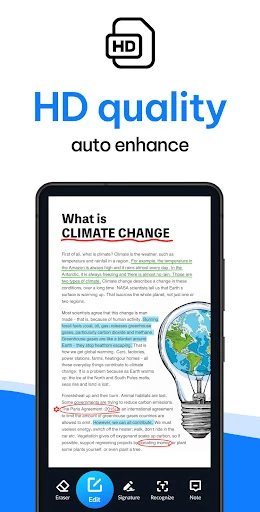
  • ✅ The Good: Strong emphasis on output quality with auto-enhancement, border detection, and multiple filters to ensure professional-grade scans.
  • ✅ The Good: Powerful, integrated OCR that moves beyond simple scanning to enable true text interaction and search within images.
  • ✅ The Good: Proactive roadmap with announced features like cloud sync, encryption, and annotations, showing commitment to development.
  • ❌ The Bad: Critical workflow features like cloud backup/sync and document password protection are listed as "Coming Soon," not currently available, which may limit its utility for users needing immediate, secure cross-device access.
  • ❌ The Bad: The promotional description text is repetitive and keyword-stuffed at the end, which can appear unprofessional and detract from the clear value proposition presented earlier.

🛠️ Room for Improvement

The highest priority should be the rapid deployment of the announced "Coming Soon" features, particularly cloud backup/syncing (to Google Drive, Dropbox, etc.) and document encryption/password protection. These are not just bonus features but essential components for a modern, secure productivity suite. Furthermore, refining the app store description by removing the repetitive, keyword-heavy tail section would significantly improve professional perception. A potential future update could explore light AI-assisted document categorization or automatic tagging upon scan to further reduce manual file management overhead.

🏁 Final Conclusion & Recommendation

PDF Scanner - Document Scanner is highly recommended for students, professionals, and small business owners who regularly handle physical documents and seek a robust, no-cost tool to digitize and manage them. It is ideal for the user who needs more than just a scanner—they need an editor, a text extractor, and a signing platform. While the absence of immediate cloud sync is a notable gap, the depth of its current free feature set is impressive. The final verdict is that this app delivers exceptional value for its core scanning and document processing functions, with a promising roadmap that could make it a category leader upon completion.