AI Art Generator: Photo, Draw
Smart AI DEV
Downloads
10,000,000+
Version
Latest
Advertisement
Click to download now, finish the installation quickly, and directly unlock the "all-round experience"
Advertisement
Screenshots
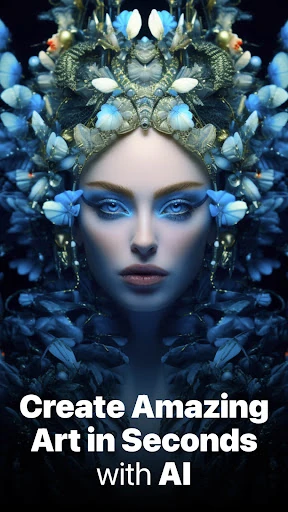
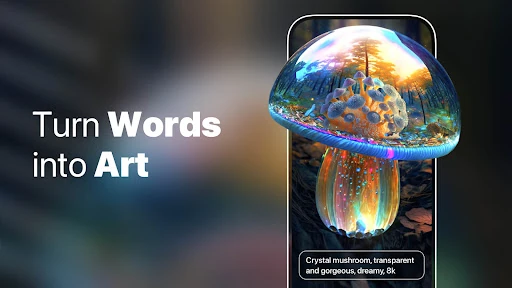

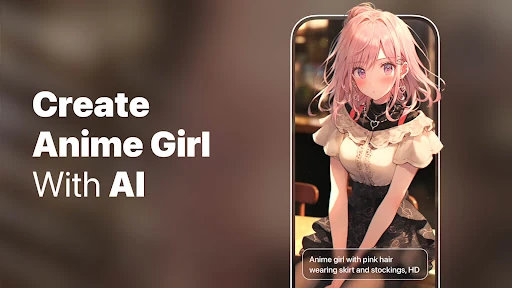
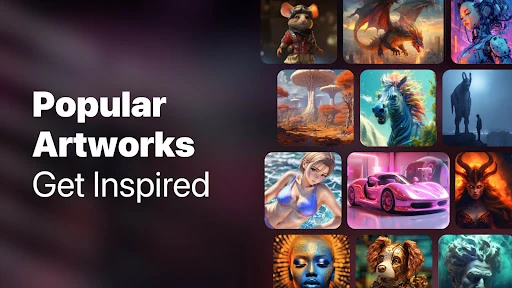
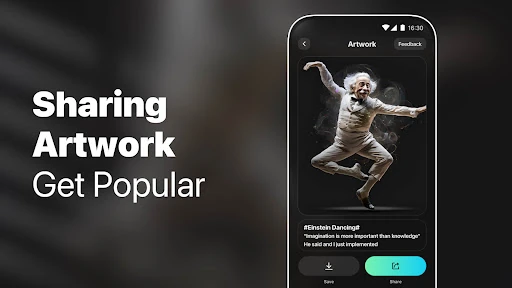
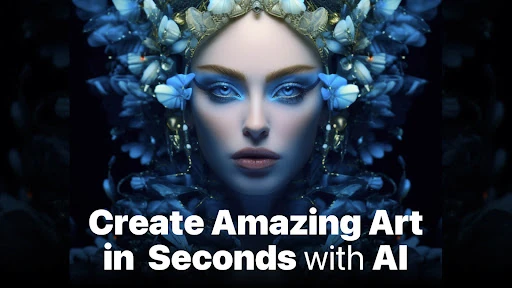
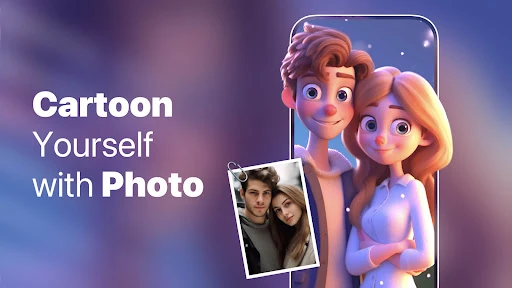
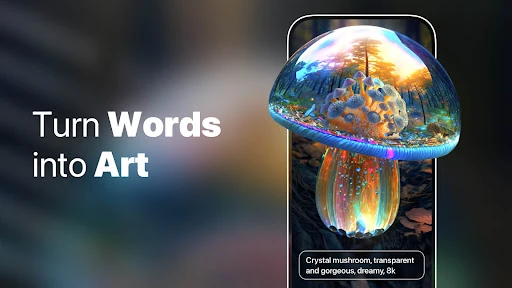
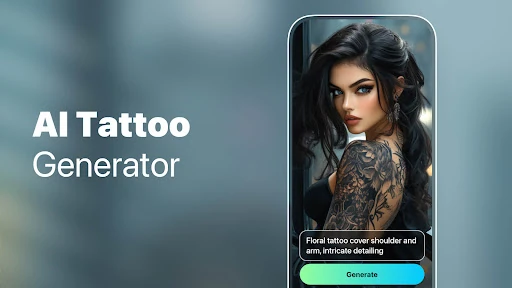
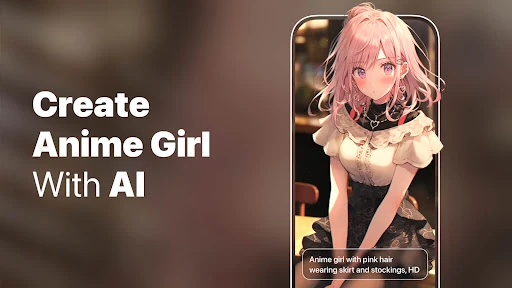
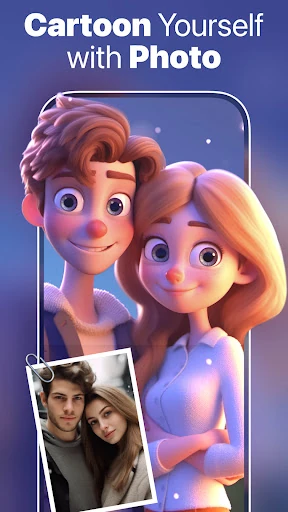
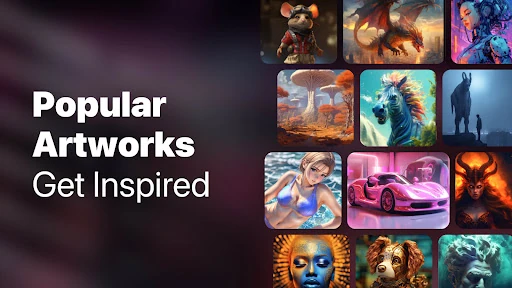
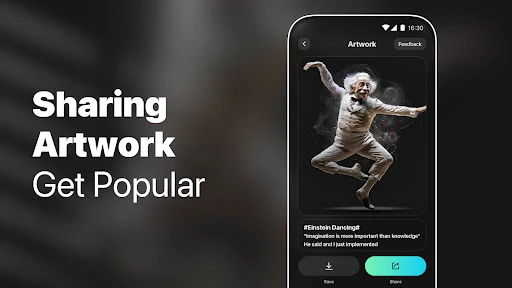
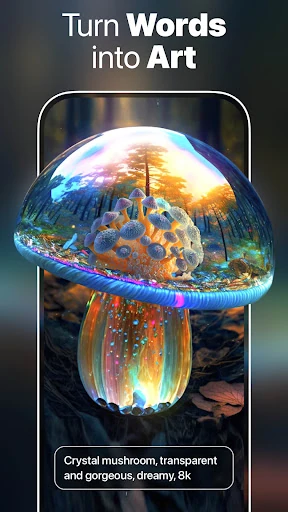
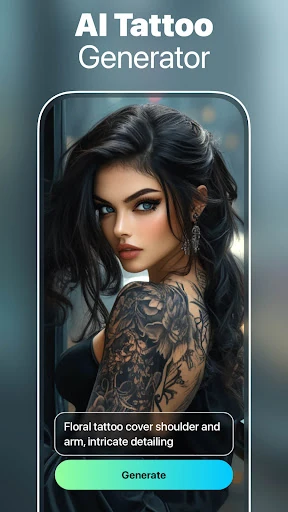
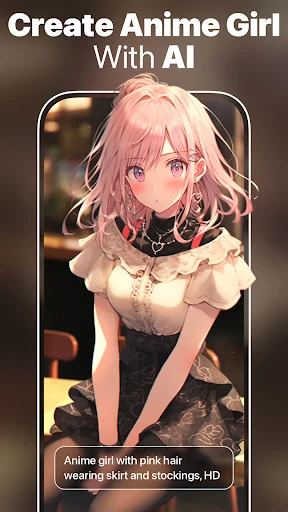
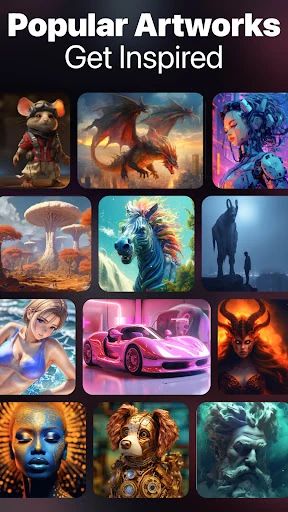
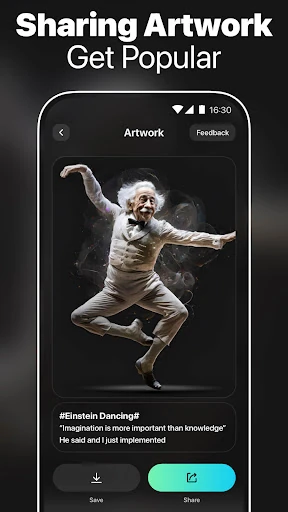
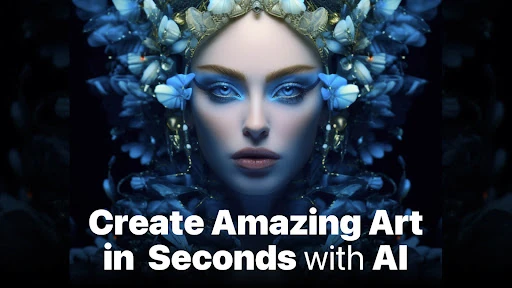
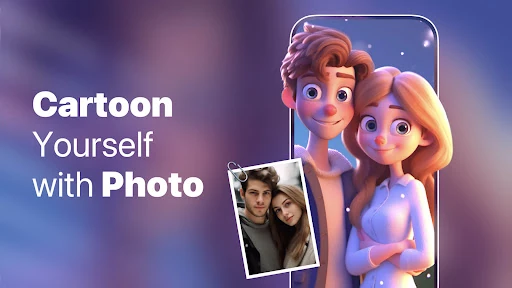
Click to download now, finish the installation quickly, and directly unlock the "all-round experience"
AI Art Generator: Photo, Draw enters the competitive Art & Design category as a versatile, all-in-one creative suite designed to democratize digital artistry. Leveraging stable diffusion and advanced neural networks, the app positions itself not just as a simple text-to-image tool, but as a comprehensive manipulation platform. By integrating niche features like face-swapping and age progression alongside traditional generative art, it manages to bridge the gap between casual social media filters and serious creative experimentation. Its professional appeal lies in its ability to condense complex prompt-engineering into an accessible mobile interface, making it a noteworthy contender for users seeking a multi-functional digital artist in their pocket.
The user interface of AI Art Generator: Photo, Draw is built on the principle of "one-click" gratification. In the Art & Design category, user friction is often the biggest barrier to entry; this app overcomes that with a streamlined flow that prioritizes the input field and style selection. The layout is intuitive, guiding the user from prompt entry to final export with minimal cognitive load. The inclusion of high-resolution outputs and realistic movements in the face-swap module suggests a robust back-end, though the overall UX is clearly optimized for speed and social sharing rather than deep-level manual editing.
To truly dominate the professional Art & Design space, the next update should introduce more granular "Seed" controls, allowing users to iterate on a specific image rather than generating a new one from scratch every time. Additionally, integrating a batch-processing mode for filters would significantly benefit social media managers and content creators who need to maintain a consistent aesthetic across multiple images simultaneously. Expanding the "Face Swap" library with more culturally diverse or trending templates would also keep user engagement high.
AI Art Generator: Photo, Draw is an ideal solution for social media influencers, hobbyist designers, and digital brand builders who need high-impact visuals without the overhead of professional software. While it faces stiff competition, its robust feature set—particularly the face-swap and aging filters—makes it a compelling download for those who value variety. We recommend this app for users who prioritize creative flexibility and quick turnaround over manual pixel-level control.