AI Video - AI Video Generator

AI Video - AI Video Generator

HubX
Advertisement
4.6
Photography
5,000,000+ Downloads

Click to download now, finish the installation quickly, and directly unlock the "all-round experience"

Advertisement

Screenshots
Screenshot
Screenshot
Screenshot
Screenshot
Screenshot
Screenshot
Screenshot
Screenshot
Screenshot
Screenshot
Screenshot
Screenshot
Screenshot
Screenshot
Screenshot
Screenshot
Screenshot
Screenshot
Screenshot
Screenshot
Screenshot
Screenshot
Screenshot
Screenshot

About This App

๐Ÿ† Expert Verdict & Overview

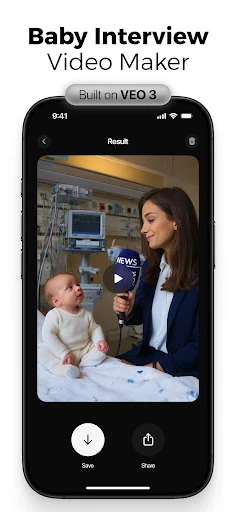
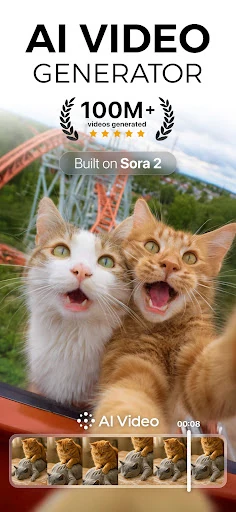
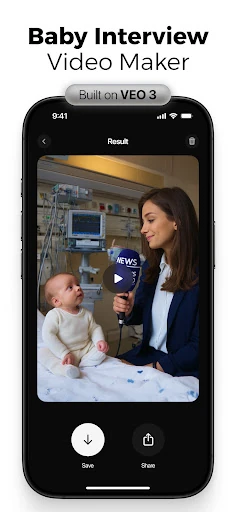
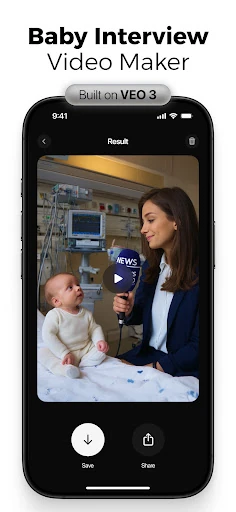
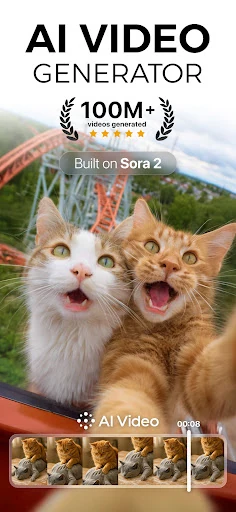
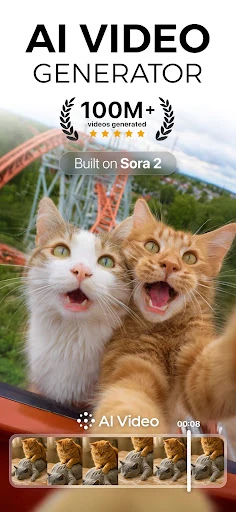
AI Video - AI Video Generator represents a significant evolution within the Photography category, pushing its boundaries beyond static image editing into dynamic, AI-powered video creation. This app positions itself as a democratizing force, enabling users without traditional video production skills to generate animated, high-quality content from simple text and image inputs. By leveraging advanced AI models like Google's Veo3, it bridges the gap between conceptual storytelling and polished visual output, making it a powerful tool for a modern, content-driven digital landscape.

๐Ÿ” Key Features Breakdown

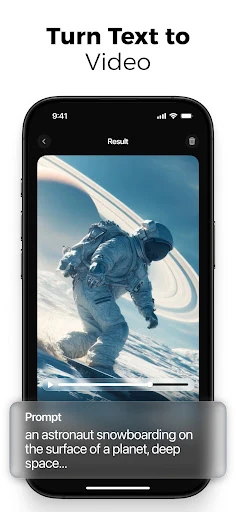
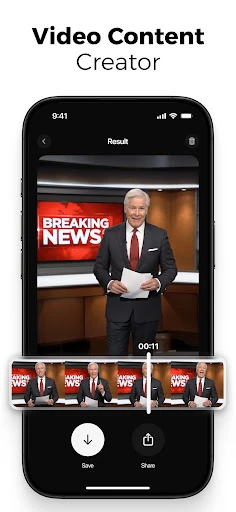
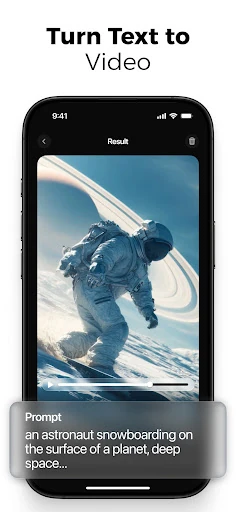
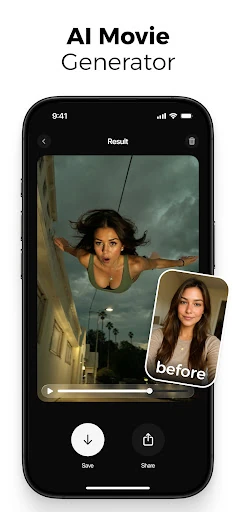
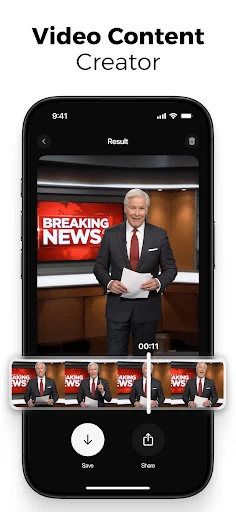
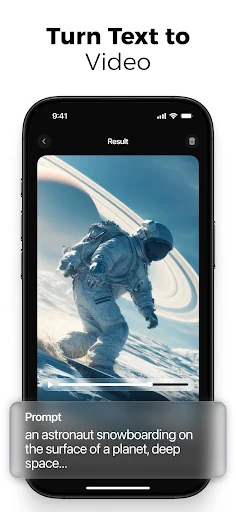
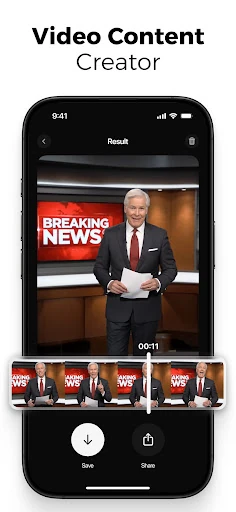
  • AI Text-to-Video Generator: Users can articulate an idea in plain text, and the app instantly visualizes it as animated scenes, solving the problem of translating abstract concepts into compelling video without storyboarding or filming.
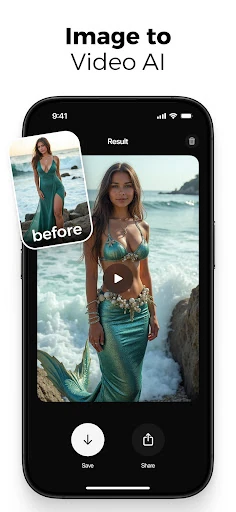
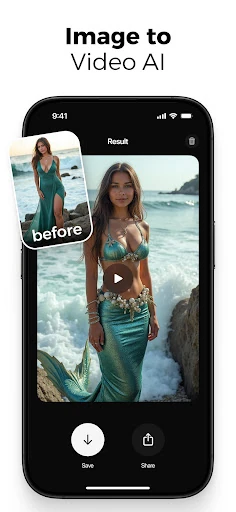
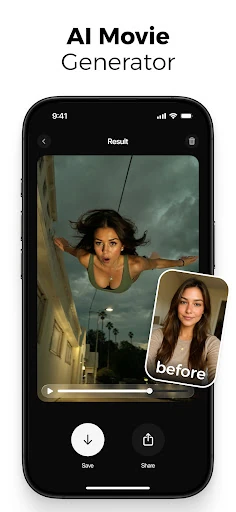
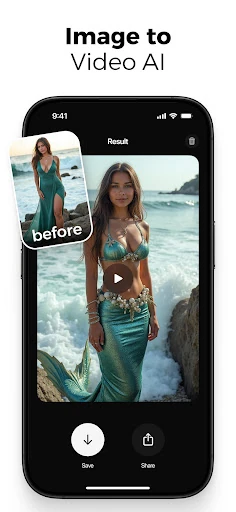
  • Image to Video Creator (Photo-to-Video): This feature brings static photos to life with motion and emotion, addressing the user need to enhance personal or stock imagery for more engaging social media posts, presentations, or personal projects.
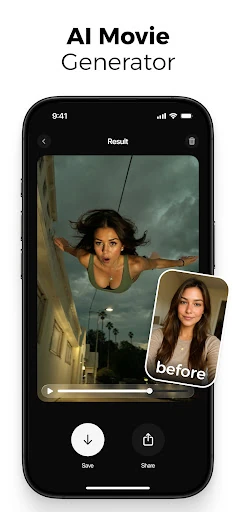
  • Character Animation with Emotional Expressions: By enabling realistic facial emotions on characters, it allows creators to infuse narrative and relatability into their videos, which is crucial for storytelling, marketing, and educational content to connect with an audience.
  • Integrated Voiceover & Lip-Sync: This solves the tedious challenge of manually recording and syncing audio by automating the process, ensuring professional-quality narration that matches the on-screen action, saving significant time and technical effort.
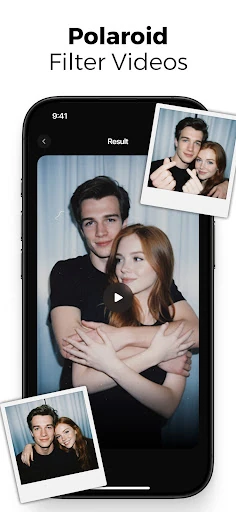
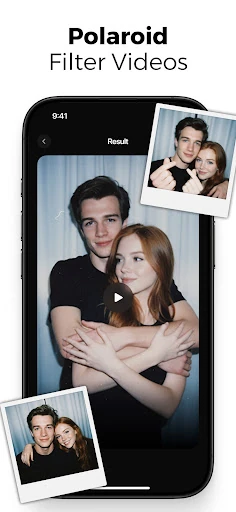
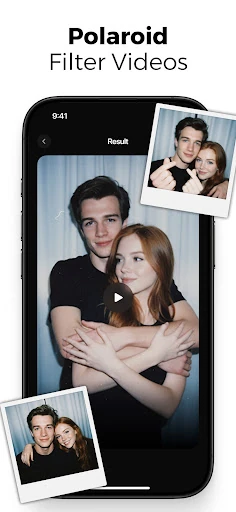
  • Veo3-Powered Special Effects (Polaroid, Mermaid, etc.): Provides access to cutting-edge, cinematic visual styles and transformations, empowering users to create trendy, high-production-value effects that were previously only possible with professional software and skills.

๐ŸŽจ User Experience & Design

The app's interface is designed around a drag-and-drop simplicity, which is critically important for a tool in this space. Aimed at non-professionals, the UX must balance powerful, granular controls with an intuitive workflow. For the Photography/Video category, this means clear visual feedback, minimal clutter, and logical progression from prompt to final export. The mention of an extensive media library and customizable scenes suggests a modular approach, allowing users to build complexity at their own pace. The primary UX challenge will be managing the potential complexity of numerous AI features without overwhelming the user.

โš–๏ธ Pros & Cons Analysis

  • โœ… The Good: Democratizes high-quality video creation, eliminating the need for animation or design expertise.
  • โœ… The Good: Leverages industry-leading AI (Veo3) for sophisticated and trendy visual effects, ensuring output quality is competitive.
  • โœ… The Good: Highly versatile toolset suitable for creators, marketers, educators, and casual users alike.
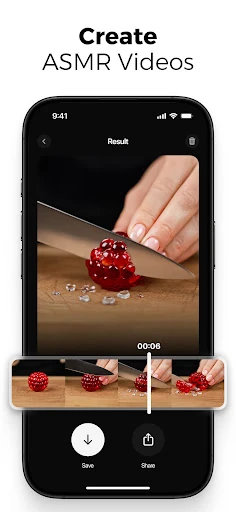
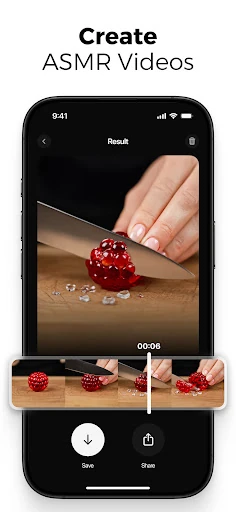
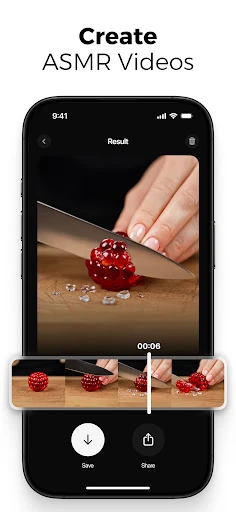
  • โŒ The Bad: The sheer breadth of features (polaroid filters, ASMR, car modifications) could feel disjointed or dilute the core value proposition for some users.
  • โŒ The Bad: Powerful AI rendering typically demands significant device resources, which may lead to performance issues or long processing times on older smartphones.
  • โŒ The Bad: The promotional description is dense; the actual user onboarding must be exceptionally clear to guide new users effectively through this powerful feature set.

๐Ÿ› ๏ธ Room for Improvement

To enhance user adoption and satisfaction, the next update should prioritize a more structured onboarding tutorial that guides users through a complete project using core features. Introducing template-based workflows for specific goals (e.g., "Create a Product Ad," "Make an Educational Short") would help users understand the app's potential and streamline creation. Performance optimization for a wider range of devices is crucial. Furthermore, while the effects list is impressive, a more curated or categorized library within the app would improve discoverability and usability.

๐Ÿ Final Conclusion & Recommendation

AI Video is highly recommended for content creators, social media marketers, educators, and hobbyists who need to produce engaging, animated video content quickly and without a steep learning curve. It is less suited for professionals seeking frame-by-frame control found in desktop editing suites. For its target audience, this app is a potent, all-in-one solution that successfully translates the power of generative AI into a practical, creative toolkit, making sophisticated video production accessible from a mobile device.