
µTorrent®- Torrent Downloader
Rainberry, Inc.
Downloads
100,000,000+
Version
Latest
Advertisement
Click to download now, finish the installation quickly, and directly unlock the "all-round experience"
Advertisement
Screenshots
Click to download now, finish the installation quickly, and directly unlock the "all-round experience"
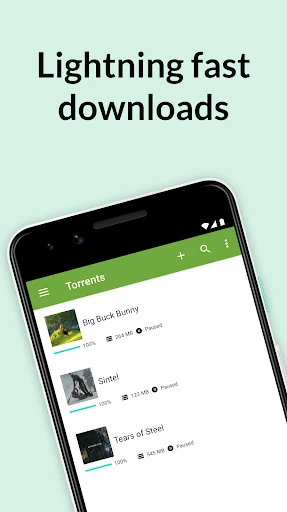
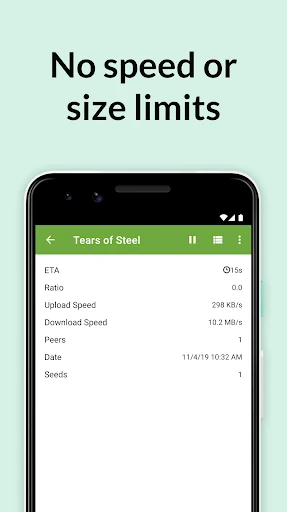
µTorrent®- Torrent Downloader remains the definitive standard for peer-to-peer file sharing on the Android platform. While technically categorized under Video Players & Editors, it serves as a critical gateway for media acquisition and consumption. With over 100 million downloads, the app leverages the BitTorrent hyper-distribution protocol to provide a high-speed, multi-threaded downloading experience. It distinguishes itself from competitors by offering a "limitless" philosophy—no caps on speed or file size—while maintaining a surprisingly lightweight footprint on system resources. As the official client from BitTorrent, it offers a level of reliability and protocol compliance that third-party alternatives often struggle to match.
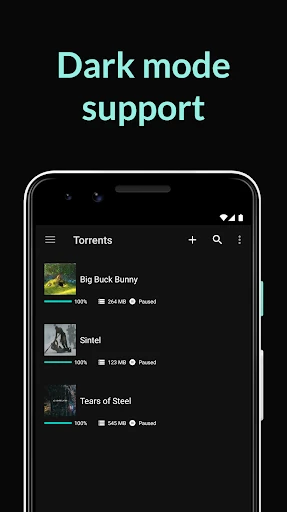
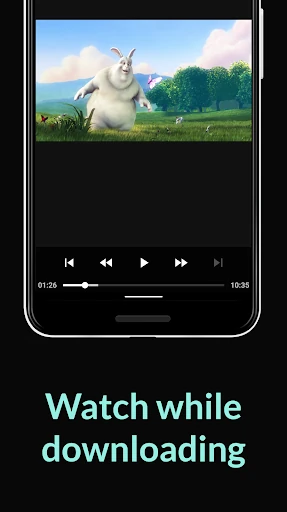
The UI of µTorrent® is centered around the concept of "Fast, light, and powerful." The design is remarkably clean for a tool that handles complex networking tasks. Navigating between active, completed, and inactive downloads is intuitive, following standard Android design patterns. In the context of Video Players & Editors, the experience is streamlined: once a video file hits 100%, the transition to the integrated player is seamless. However, while the interface is "beautifully light," power users may find the depth of networking settings slightly simplified compared to the desktop version to maintain mobile-friendly accessibility.
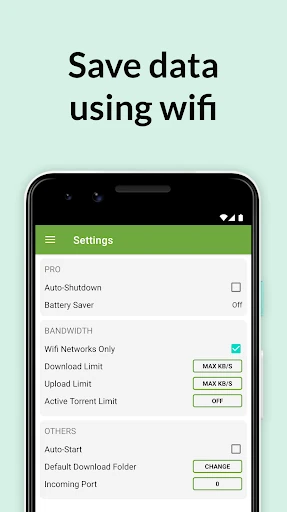
To further solidify its position in the Video Players & Editors category, µTorrent® could benefit from more advanced playback features within its integrated player, such as gesture-based brightness/volume controls and support for external subtitle files (.srt). Additionally, implementing a more granular battery-saver mode—which could automatically pause downloads when the device hits a certain battery percentage—would be a major quality-of-life upgrade for mobile-first users.
µTorrent®- Torrent Downloader is the "must-have" utility for power users, media collectors, and anyone who prefers local file ownership over streaming services. It is best suited for users who have access to stable Wi-Fi and ample device storage. For those looking for a reliable, official, and high-performance gateway to the world of P2P content, this app remains the industry benchmark. It is a highly recommended tool that successfully bridges the gap between file acquisition and media playback.