
Advertisement
Click to download now, finish the installation quickly, and directly unlock the "all-round experience"
Advertisement
Screenshots
Click to download now, finish the installation quickly, and directly unlock the "all-round experience"
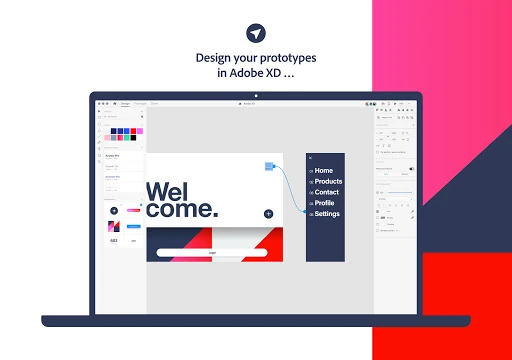
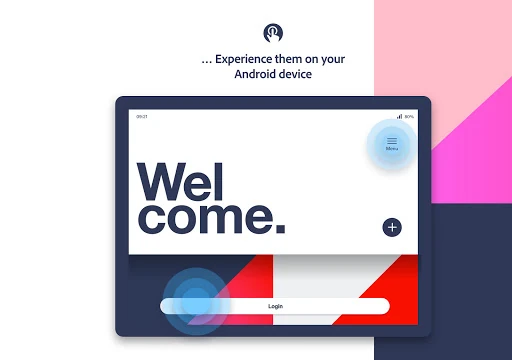
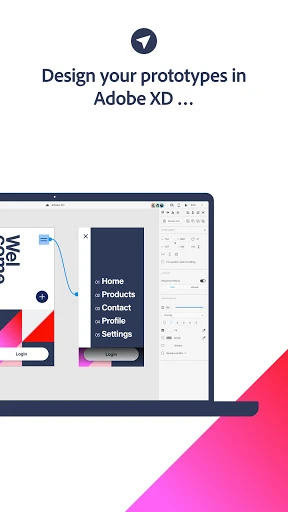
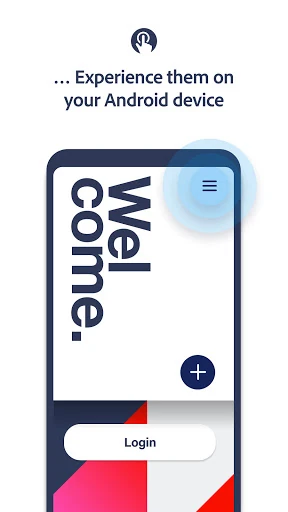
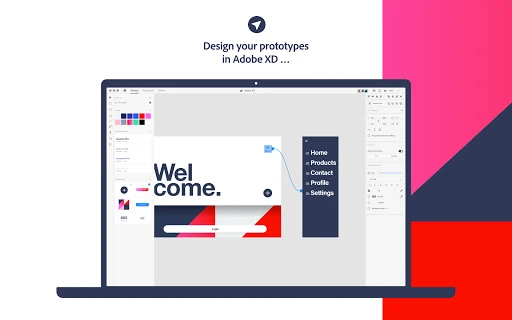
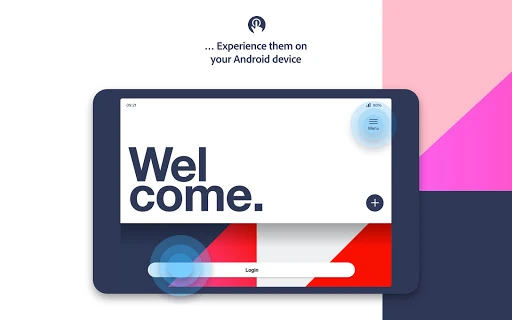
Adobe XD for mobile acts as a critical bridge between desktop design and real-world implementation. Positioned within the Tools landscape as a specialized companion utility, it serves a singular, high-value purpose: validating user experiences on the actual hardware they are intended for. Rather than attempting to port the full design suite to a small screen, Adobe has focused on high-fidelity previewing and interaction testing, making it an indispensable part of the Creative Cloud ecosystem for UI/UX professionals.
The user interface of the Adobe XD app is intentionally minimalist, adhering to the design principle that the tool should "get out of the way" of the content. Because the app’s primary function is to showcase other designs, the UI is virtually invisible, utilizing simple gestures to summon navigation menus. This creates a high-stakes environment where the performance of the rendering engine is the star. The navigation within the app is intuitive, mirroring the directory structure of the Adobe Creative Cloud, ensuring that designers spend less time searching and more time reviewing.
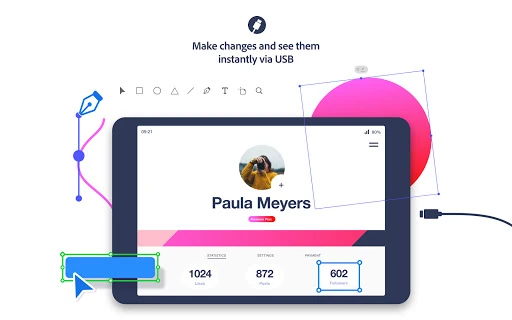
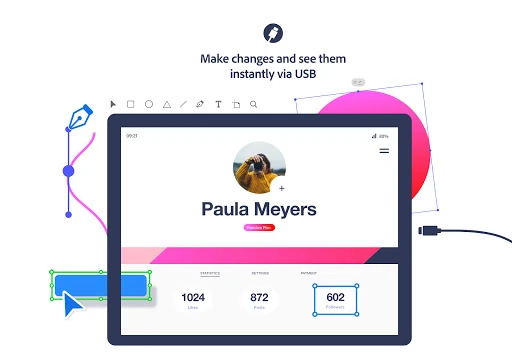
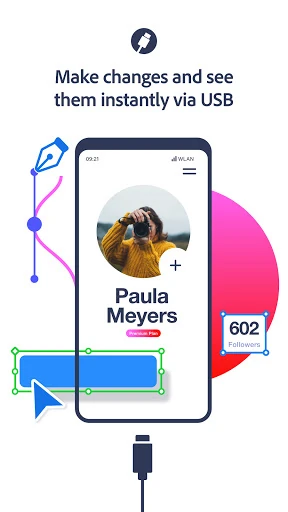
The most significant enhancement would be bringing USB preview parity to Windows users, as the current macOS exclusivity limits a large segment of the professional market. Furthermore, integrating a "Reviewer Mode" that allows stakeholders to leave pinned comments or voice feedback directly on the mobile preview would transform the app from a passive viewing tool into a collaborative powerhouse.
Adobe XD is a specialized tool designed specifically for UI/UX designers, product managers, and stakeholders who are already integrated into the Adobe ecosystem. It is not a standalone design app, but as a previewing utility, it is best-in-class. We highly recommend it for any design professional who needs to verify mobile ergonomics and transition timing before moving a project into the development phase.