
Advertisement
Click to download now, finish the installation quickly, and directly unlock the "all-round experience"
Advertisement
Screenshots
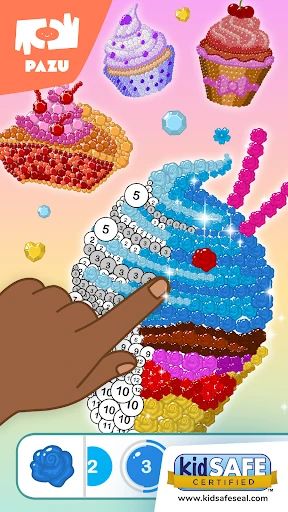
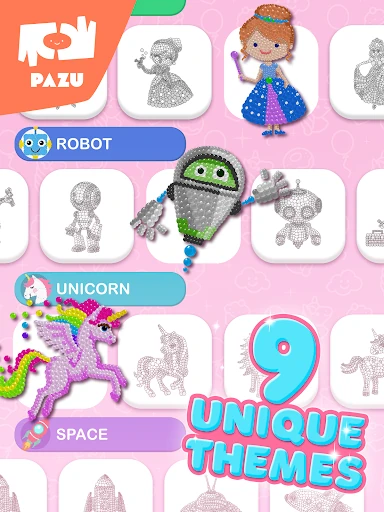
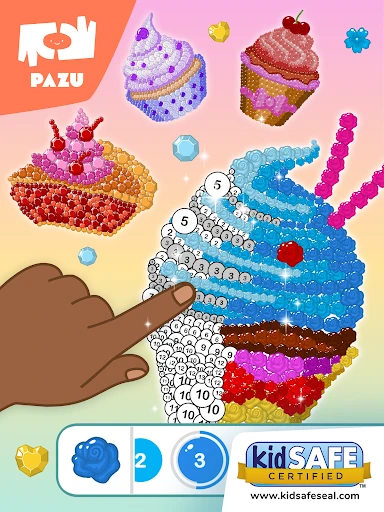

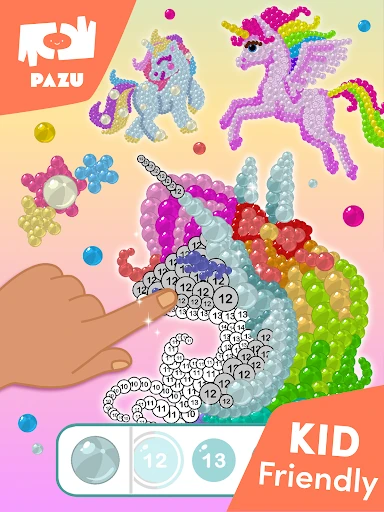
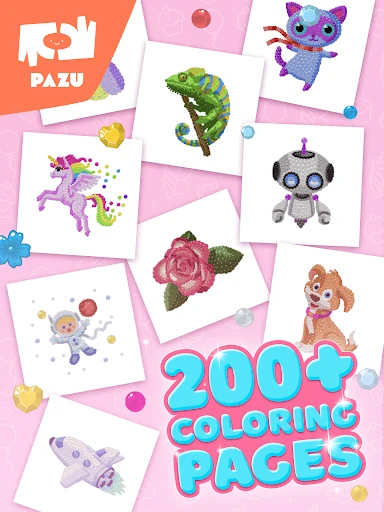


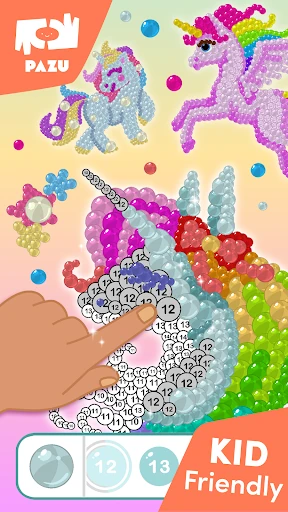
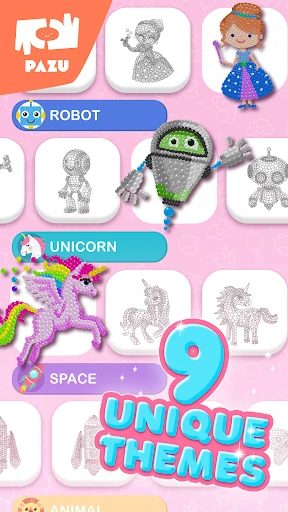

Click to download now, finish the installation quickly, and directly unlock the "all-round experience"
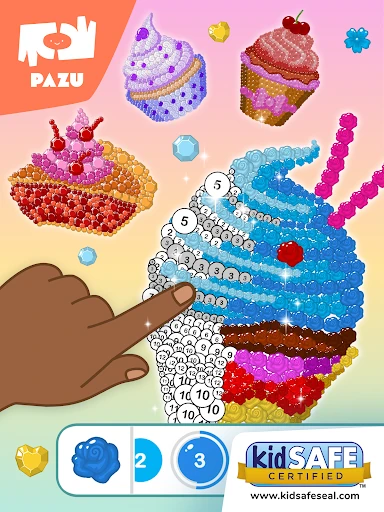
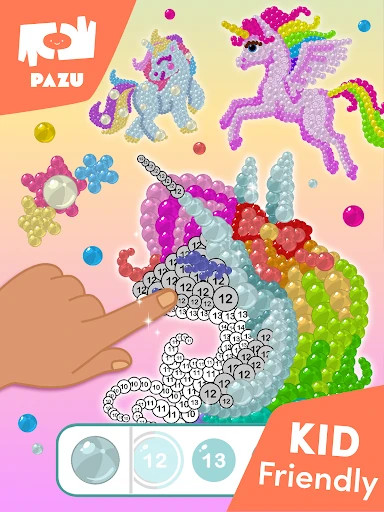
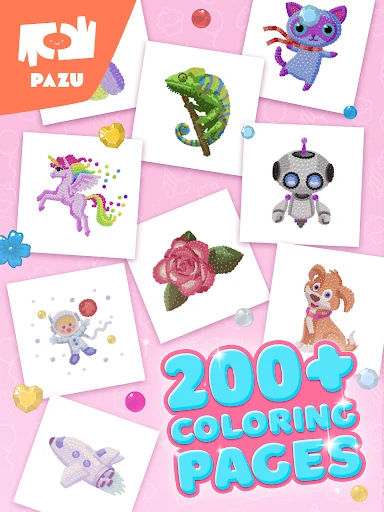
Pixel coloring games for kids is a sophisticated entry into the digital education sector, specifically designed to foster cognitive development and fine motor skills through artistic expression. In the crowded landscape of mobile learning tools, this app distinguishes itself by blending the relaxing nature of pixel art with structured number-recognition exercises. As part of the trusted Pazu Games portfolio, it serves as a reliable platform for early learners to engage with digital media in a way that is both productive and creatively fulfilling.
The UI/UX design reflects a deep understanding of pediatric usability standards expected in the Education category. The interface minimizes text in favor of vibrant, high-contrast iconography, making it accessible even for pre-literate users. The pixel-grid layout provides a satisfying sense of precision, while the responsive touch controls are optimized for smaller hands. This intentional design choice reduces user frustration and ensures that the educational focus remains on the creative process rather than on navigation.
To further enhance the educational value, the app could benefit from adding a "freestyle" mode that allows kids to create their own pixel art from scratch, rather than just following templates. Additionally, introducing audio-based number cues could support auditory learners and further assist children in the very early stages of number recognition.
This app is an excellent choice for parents of toddlers and early primary school children who are looking for a safe, educational, and engaging digital environment. It is a premium-tier tool that successfully bridges the gap between gaming and learning. We highly recommend it for families who want to encourage focus and creativity in a structured, kid-safe format.