GPX Viewer PRO

GPX Viewer PRO

Vectura Games OÜ
Advertisement
4.6
Maps & Navigation
100,000+ Downloads

Click to download now, finish the installation quickly, and directly unlock the "all-round experience"

Advertisement

Screenshots
Screenshot
Screenshot
Screenshot
Screenshot
Screenshot
Screenshot
Screenshot
Screenshot
Screenshot
Screenshot
Screenshot
Screenshot
Screenshot
Screenshot
Screenshot
Screenshot
Screenshot
Screenshot
Screenshot
Screenshot
Screenshot
Screenshot
Screenshot
Screenshot

About This App

šŸ† Expert Verdict & Overview

GPX Viewer PRO establishes itself as a premier, specialized toolkit within the Maps & Navigation category, specifically designed for power users who rely on GPS data for analysis and guidance. Unlike turn-by-turn navigation apps, this application excels as a comprehensive manager, analyzer, and recorder of geospatial data. It bridges the gap between raw GPS files and actionable insights, making it the go-to solution for serious hikers, cyclists, runners, and data-aware outdoor enthusiasts who demand precision and offline functionality.

šŸ” Key Features Breakdown

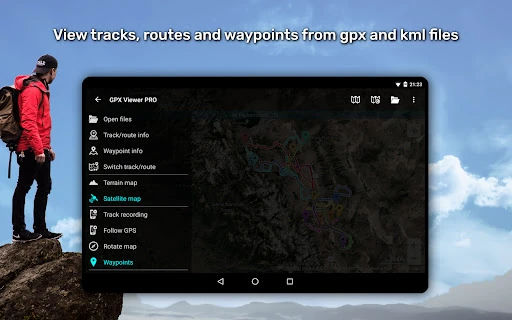
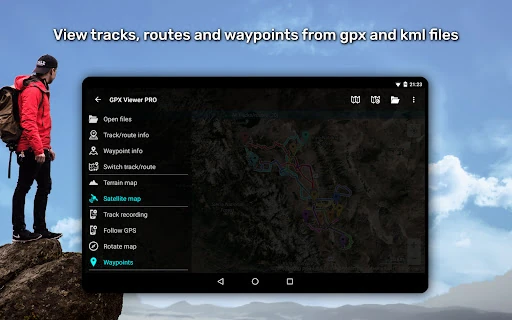
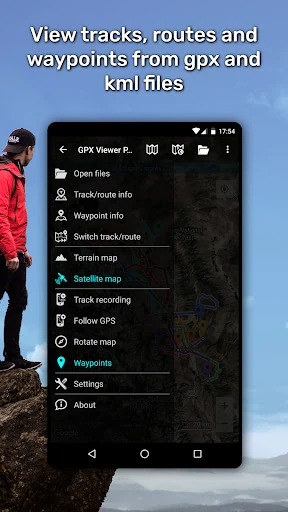
  • Multi-Format GPS File Support & Compression: By seamlessly handling GPX, KML, KMZ, and LOC files, it solves the primary problem of fragmented data across different devices and platforms, allowing users to aggregate and review all their trip data in one unified application.
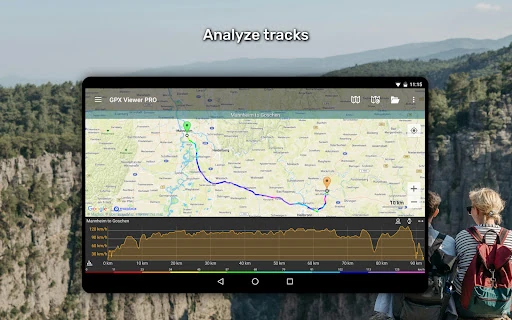
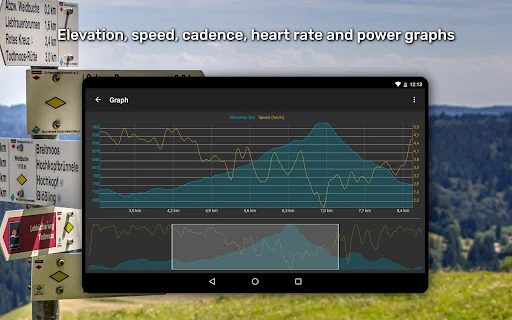
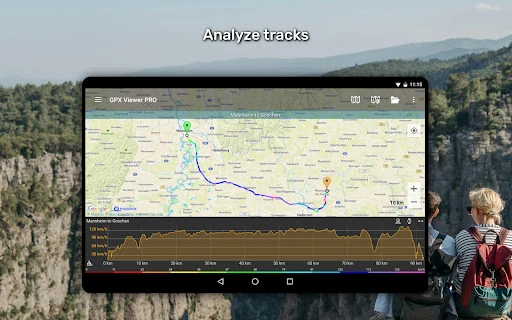
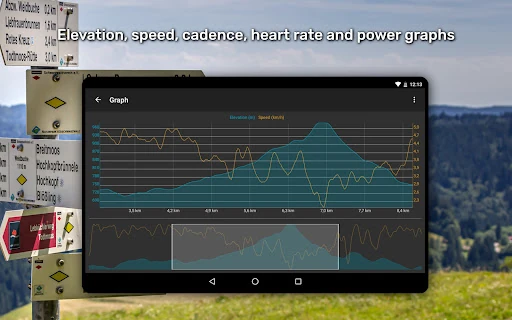
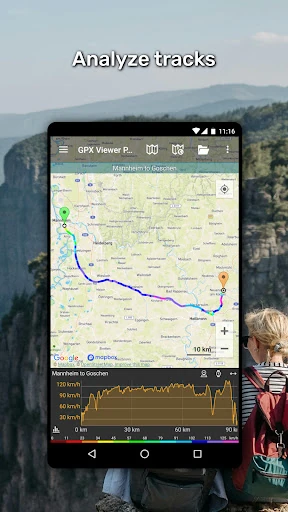
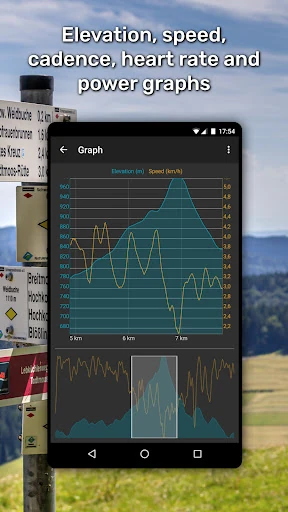
  • Advanced Data Analytics and Visualization: The detailed trip stats and graphing for elevation, speed, cadence, and heart rate transform raw track logs into meaningful performance analyses, enabling users to scientifically review and optimize their activities.
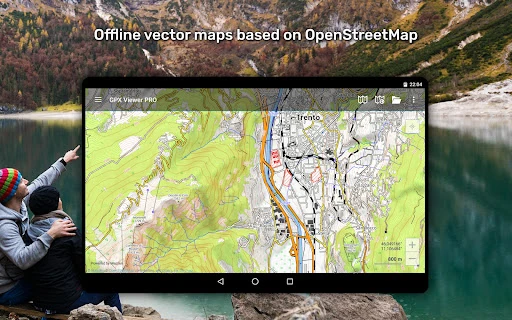
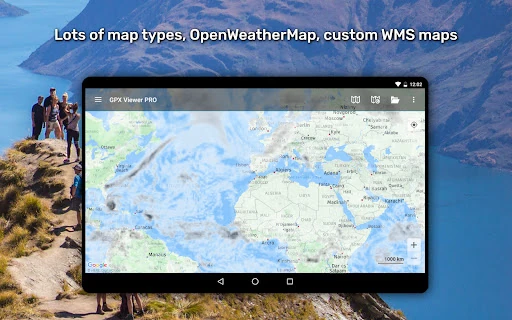
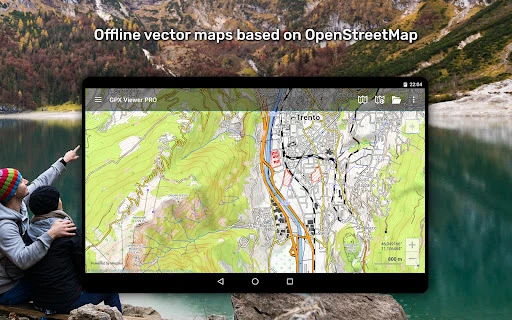
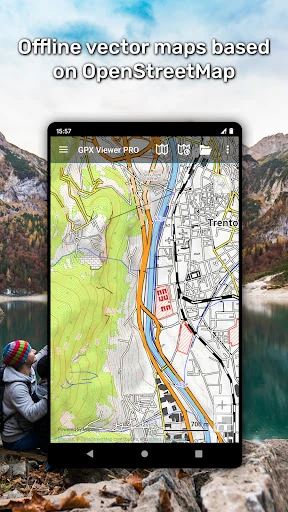
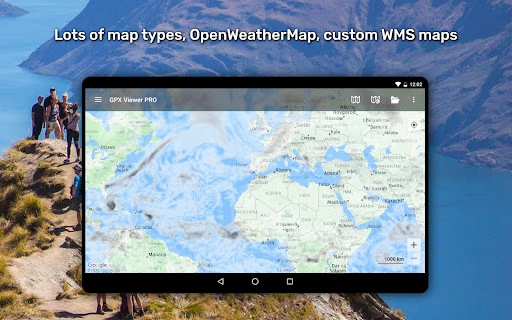
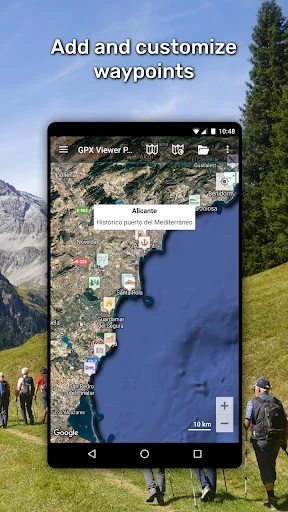
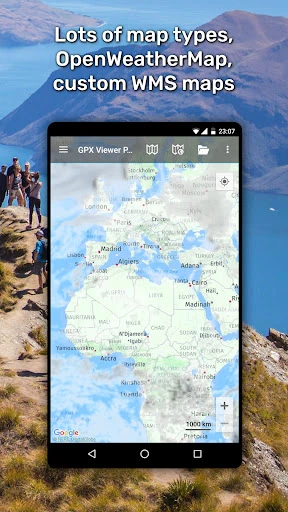
  • Hybrid Online/Offline Map Engine: It solves the critical issue of connectivity in remote areas by providing detailed, updatable vector-based offline maps, while also offering rich online map sources and weather layers when a connection is available.
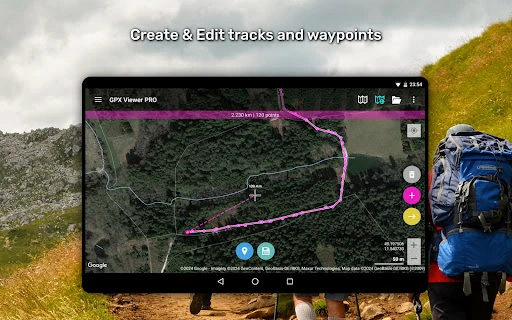
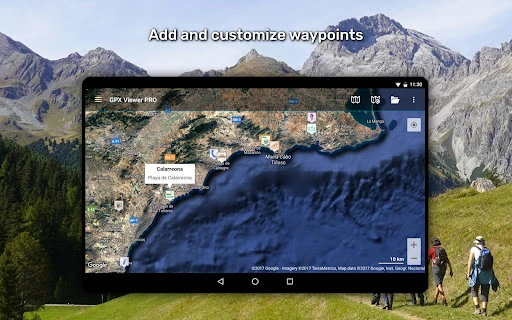
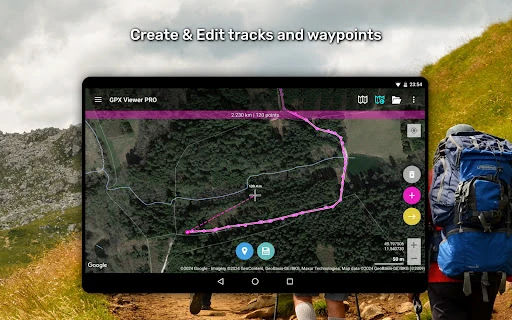
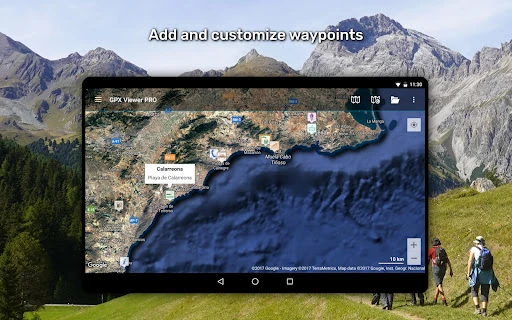
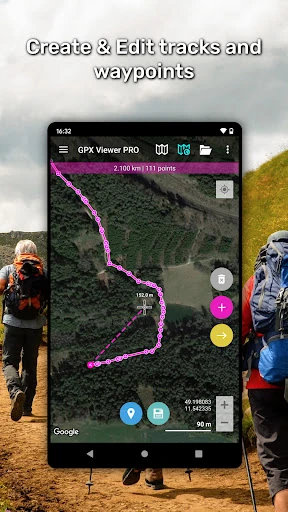
  • Integrated Creation & Editing Suite: The ability to create, split, merge, and annotate tracks directly within the app tackles the cumbersome workflow of exporting files to a desktop application for basic edits, streamlining the planning and post-processing phases.
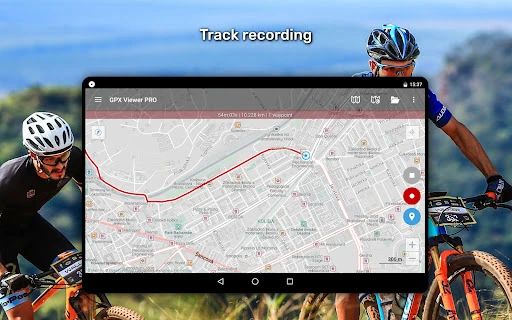
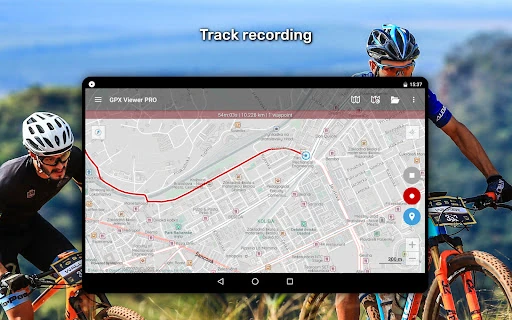
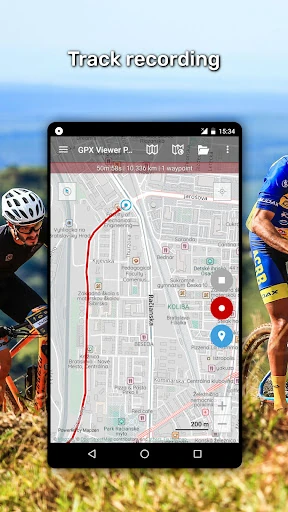
  • Context-Aware Recording & Simple Navigation: Adjustable recording profiles and proximity notifications address the need for flexible, activity-specific logging, while the follow-me map and orientation features provide reliable, on-the-fly guidance without the complexity of a full-fledged navigator.

šŸŽØ User Experience & Design

The user interface prioritizes functionality and data clarity over flashy aesthetics, which is appropriate for its power-user base in the Maps & Navigation space. The expected standard here is efficiency and information density, which the app delivers through structured menus and clear data visualizations like graphs and color-coded tracks. The high degree of customization mentioned ("You can set everything according to your needs!") suggests a user experience that can be tailored from a simple viewer to a complex analytical dashboard, although this may present a steeper initial learning curve for casual users. Seamless integration with services like Trackbook and support for custom TMS/WMS maps demonstrate a design philosophy centered on flexibility and user control.

āš–ļø Pros & Cons Analysis

  • āœ… The Good: Unmatched depth in GPS file analysis and visualization, going far beyond simple viewing to offer true performance insights.
  • āœ… The Good: Robust offline-first functionality with high-quality, updatable vector maps, ensuring reliability in any environment.
  • āœ… The Good: Exceptional versatility, combining the roles of a viewer, editor, recorder, and basic navigator into a single, cohesive tool.
  • āŒ The Bad: The sheer breadth of features could overwhelm new users looking for a quick, simple way to just view a GPX track.
  • āŒ The Bad: While it offers "simple navigation," it is not a replacement for dedicated turn-by-turn navigation apps with voice guidance and traffic data, which may lead to unmet expectations for some.
  • āŒ The Bad: The PRO-only label on core features like offline maps and editing creates a significant functional divide between the free and paid versions.

šŸ› ļø Room for Improvement

Future updates could enhance the app's value by focusing on accessibility and extended ecosystem integration. Developing a curated set of "Quick Start" profiles (e.g., Hiker, Road Cyclist, Data Analyst) would help new users configure the powerful settings more easily. Expanding the Trackbook-style synchronization to more popular fitness platforms (like Strava or Garmin Connect) would streamline the user's data workflow. Finally, introducing a basic, optional turn-by-turn voice guidance mode, even if limited to pre-loaded tracks, could make the "simple navigation" claim more tangible for users on the move.

šŸ Final Conclusion & Recommendation

GPX Viewer PRO is unequivocally recommended for the tech-savvy outdoor enthusiast, the data-driven athlete, and the professional who requires detailed GPS log analysis and reliable offline mapping. It is less suitable for the casual user who just needs to follow a trail once or relies on real-time traffic navigation. For its target audience, it is an indispensable Swiss Army knife that consolidates multiple tools into one powerful, professional-grade application, justifying its position as a top-rated specialist app in its field.