Microsoft SharePoint

Microsoft SharePoint

Microsoft Corporation
Advertisement
4.1
Productivity
10,000,000+ Downloads

Click to download now, finish the installation quickly, and directly unlock the "all-round experience"

Advertisement

Screenshots
Screenshot
Screenshot
Screenshot
Screenshot
Screenshot
Screenshot

About This App

🏆 Expert Verdict & Overview

Microsoft SharePoint’s mobile app represents a strategic and capable extension of a cornerstone enterprise collaboration platform into the on-the-go work era. Positioned firmly within the Productivity category, it excels by integrating AI to personalize and streamline access to critical organizational content. This app is not a standalone tool but a vital node in the Microsoft 365 ecosystem, designed specifically for users who need to stay connected to their digital workplace from anywhere.

🔍 Key Features Breakdown

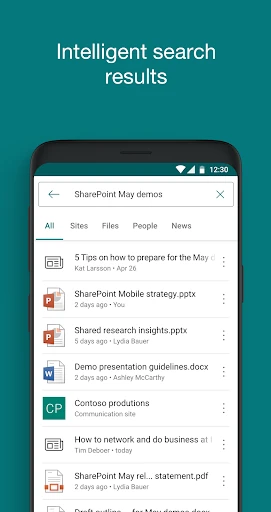
  • Intelligent AI-Powered Experience: The app’s AI learns user work patterns and relationships, moving beyond simple search to proactively surface relevant files, people, and updates, solving the problem of context-switching and information overload in a mobile context.
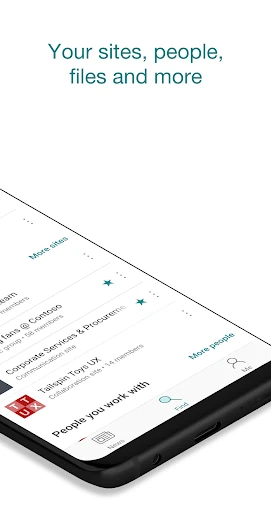
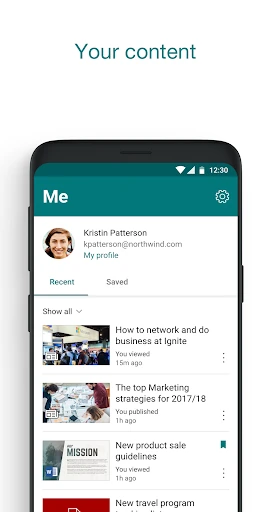
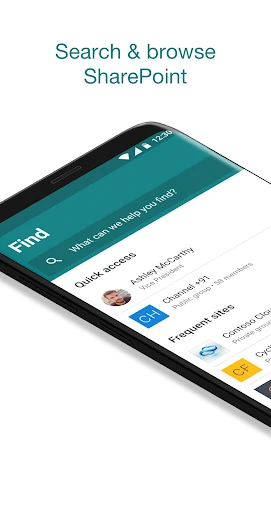
  • Unified Content Discovery & Access: By centralizing browsing for sites, files, and people, it directly addresses the pain point of fragmented enterprise information, enabling users to quickly resume work and find what they need without navigating multiple systems.
  • Comprehensive Hybrid Environment Support: Seamless login for both SharePoint Online and on-premises servers (2013+) provides a crucial bridge for organizations in transition, ensuring no team member is left behind regardless of their company's infrastructure.
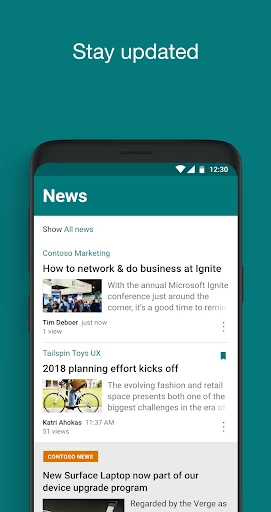
  • On-the-Go Content Creation & Sharing: The ability to create and publish news posts from a mobile device empowers users to share timely updates and maintain team engagement, solving the latency problem of waiting to be at a desktop to communicate.
  • Multi-Account Management: This feature elegantly solves a common professional dilemma by allowing users to cleanly separate and switch between work accounts (e.g., different projects or clients), maintaining organizational clarity on a personal device.

🎨 User Experience & Design

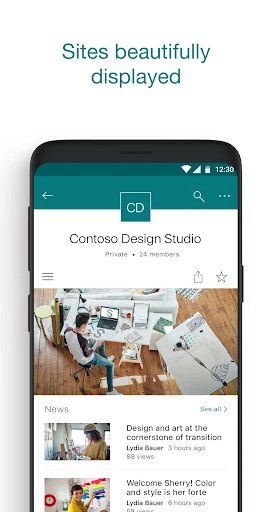
The interface adheres to Microsoft's Fluent Design principles, prioritizing clarity and efficiency—key tenets for a Productivity app. Navigation appears streamlined for core tasks like search, site access, and news consumption. The focus on a "personalized view" suggests a UX designed to reduce noise and highlight pertinent information, which is critical for effective mobile productivity. However, the depth of SharePoint’s functionality inherently presents a challenge; the mobile experience must balance power with simplicity, likely burying more advanced site management features in favor of core consumption and light creation tasks.

⚖️ Pros & Cons Analysis

  • ✅ The Good: Deep AI integration personalizes the workflow and reduces time spent searching.
  • ✅ The Good: Robust support for hybrid (cloud/on-premises) environments caters to diverse enterprise IT landscapes.
  • ✅ The Good: Multi-account support is essential for consultants and professionals managing multiple organizational identities.
  • ❌ The Bad: Utility is entirely contingent on an organization's subscription to Office 365 or SharePoint Server, limiting it to business users.
  • ❌ The Bad: The inherent complexity of SharePoint may mean some power features are absent or simplified, potentially frustrating advanced users.
  • ❌ The Bad: Data processing terms remind users that enterprise-grade access comes with the expectation of Microsoft's global data handling policies.

🛠️ Room for Improvement

Future updates would benefit from enhanced offline capabilities, allowing for more robust viewing and editing of documents without a connection. Integrating more deeply with other mobile-first Microsoft 365 apps, like a unified "Actions" feed from Planner/To Do, could create a more cohesive mobile hub. Furthermore, expanding the AI's capabilities to offer predictive "next steps" or automated briefings based on calendar and content access would solidify its role as an indispensable productivity assistant.

🏁 Final Conclusion & Recommendation

This app is unequivocally for enterprise professionals, knowledge workers, and team leaders already operating within the Microsoft 365 ecosystem. For them, it is a non-negotiable tool for maintaining productivity and connection outside the office. The app successfully translates SharePoint's core value proposition to a mobile format, augmented by intelligent features. The final verdict is that the Microsoft SharePoint mobile app is a highly effective, specialized tool that excels in its specific domain, making it a strong recommendation for its target business audience but irrelevant for general consumers.