Advertisement
Click to download now, finish the installation quickly, and directly unlock the "all-round experience"
Advertisement
Screenshots
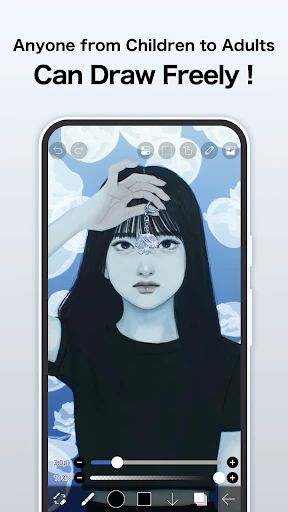
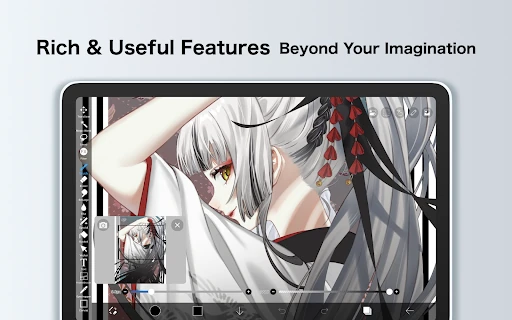
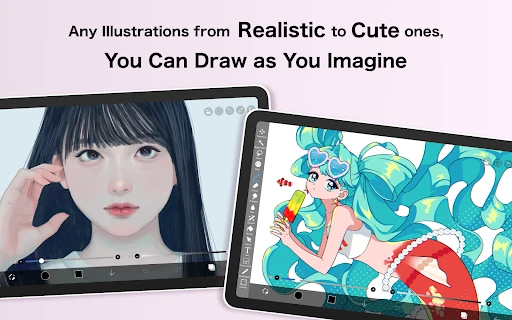
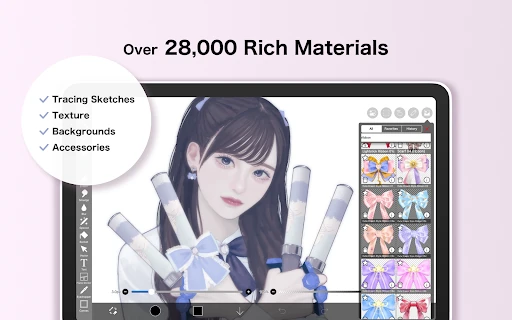
Click to download now, finish the installation quickly, and directly unlock the "all-round experience"
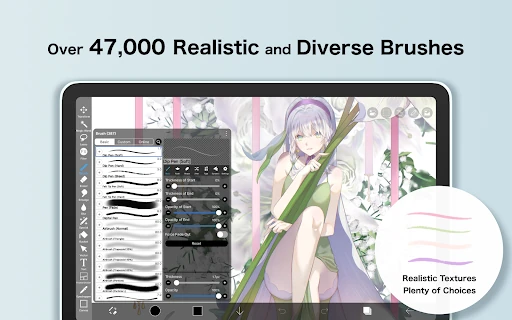
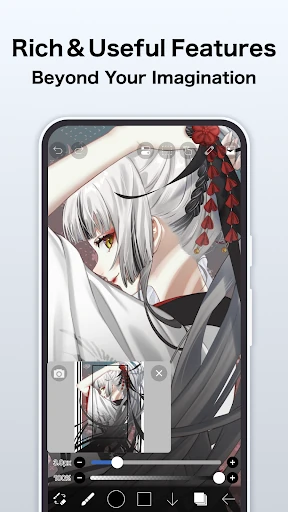
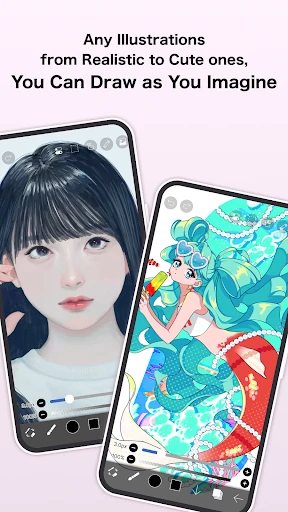
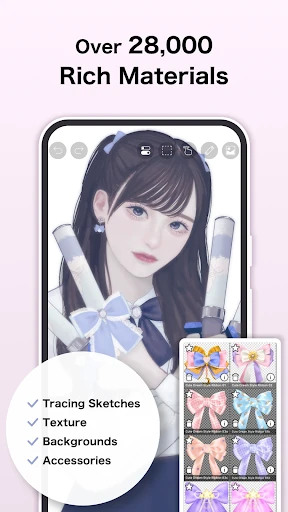
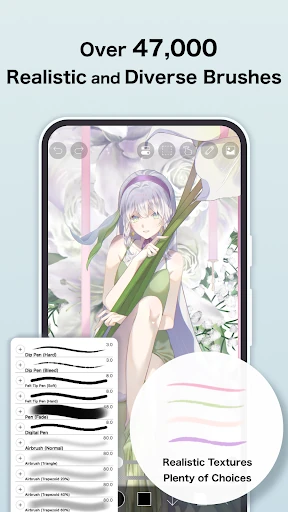
ibis Paint stands as a powerhouse in the mobile Art & Design landscape, offering a desktop-class digital illustration experience on a mobile footprint. With over 460 million downloads, it has evolved from a simple drawing tool into a comprehensive suite for illustrators and manga artists. By providing an staggering library of over 47,000 brushes and 27,000 materials, it effectively democratizes high-end digital art, allowing users to create professional-grade compositions without the need for expensive hardware. It is a vital tool for both the social-media-savvy hobbyist and the serious professional illustrator.
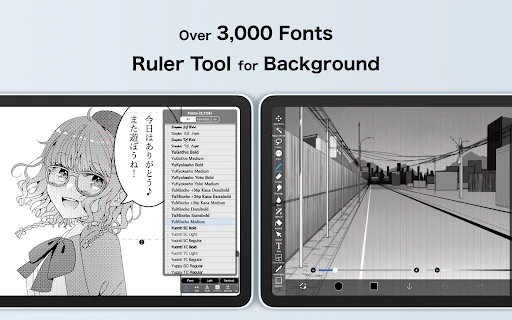
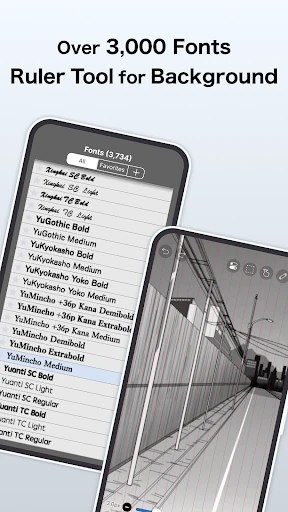
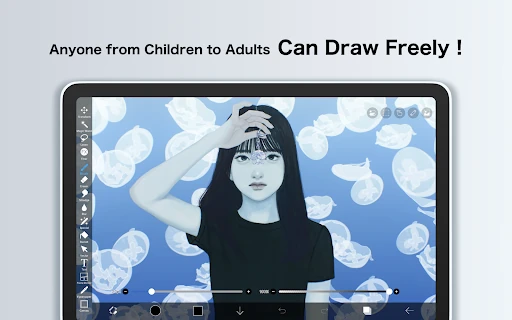
The UI of ibis Paint is densely packed, reflecting its high functionality. While the sheer volume of icons and menus can be overwhelming for a novice, the design follows a logical hierarchy familiar to users of professional software like Photoshop or Clip Studio Paint. The interface is highly optimized for touch and stylus input, with quick-access sliders for brush size and opacity. However, the complexity of the "paid version" versus "Prime Membership" tiers can lead to initial user confusion, as the paid version primarily serves as an ad-remover rather than a complete feature unlock.
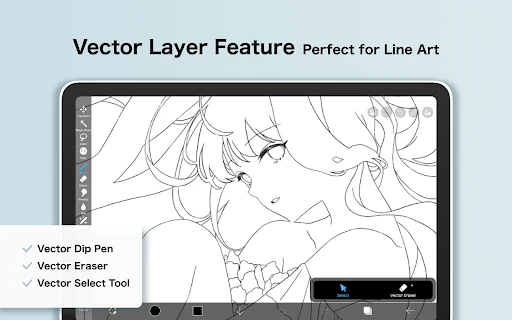
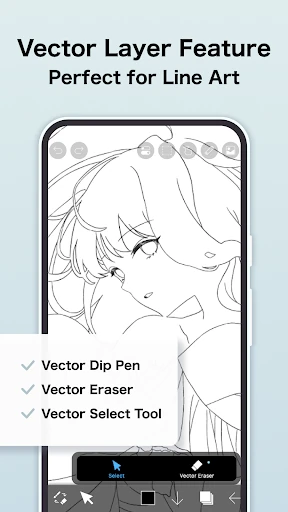
The developer could significantly improve the user experience by simplifying the subscription model; having a "Paid App" and a "Prime Membership" as separate entities is often frustrating for consumers. Additionally, implementing a "Lite" or "Simplified" UI mode for beginners would make the app more accessible. Expanding the vector tool capabilities beyond the current 1-hour daily trial for non-Prime users would also provide better value for those still testing the professional features.
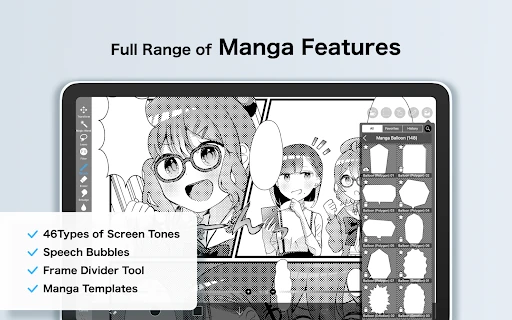
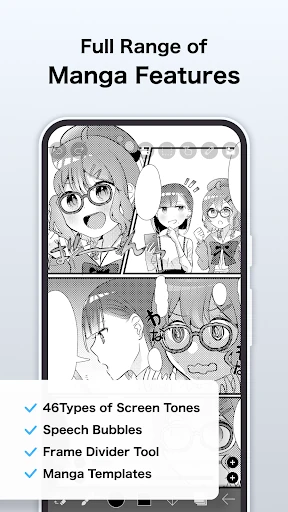
ibis Paint is the definitive choice for serious mobile artists, particularly those focused on manga and character illustration. Its depth is unmatched in the Play Store, though it requires a time investment to master. It is highly recommended for power users and professional illustrators who need a mobile studio, while casual users may find its extensive feature set more than they strictly require. For those committed to the ecosystem, the Prime Membership is almost a necessity to unlock the app's full creative potential.