Advertisement
Click to download now, finish the installation quickly, and directly unlock the "all-round experience"
Advertisement
Screenshots
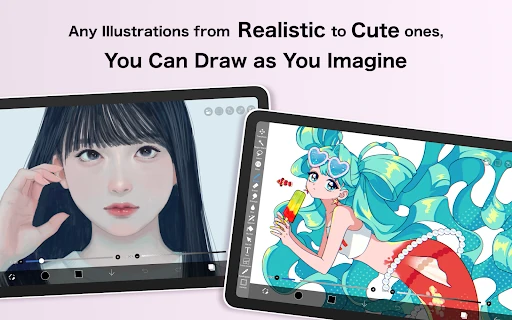
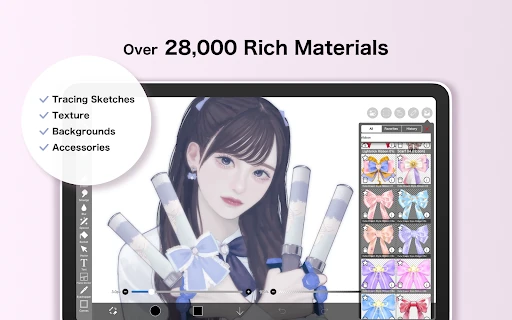
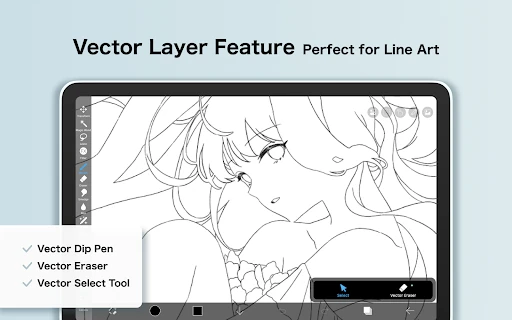
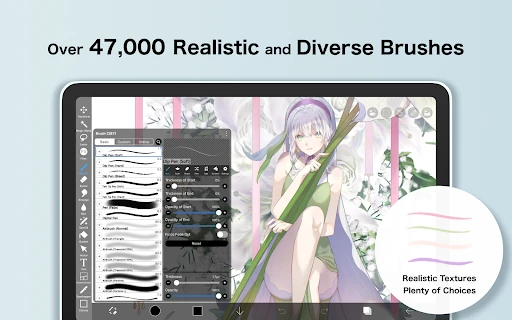
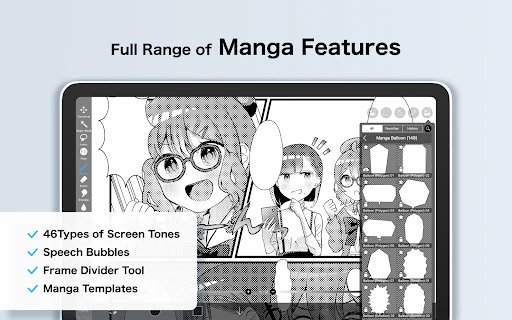
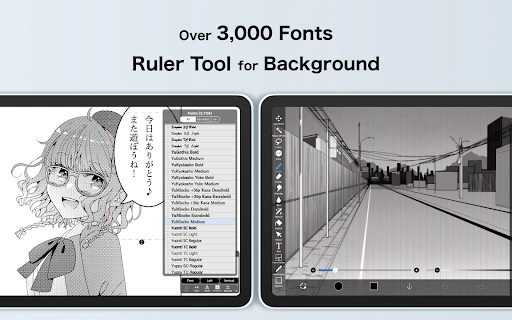
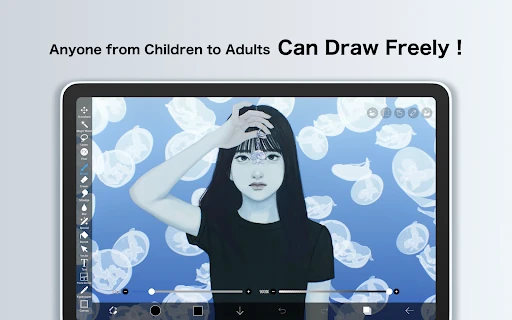
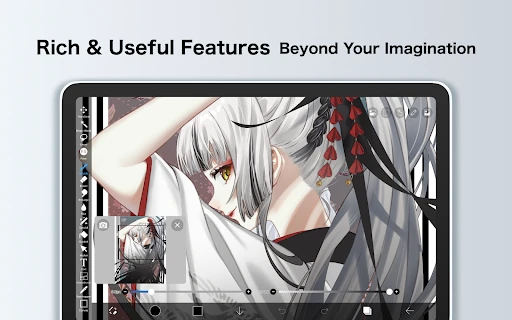
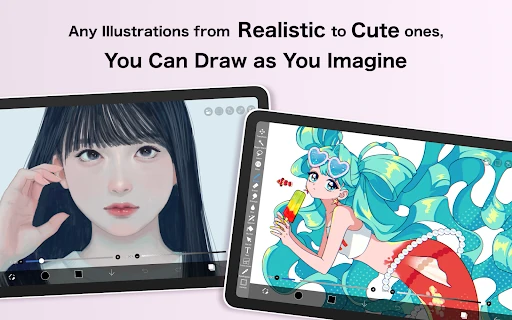
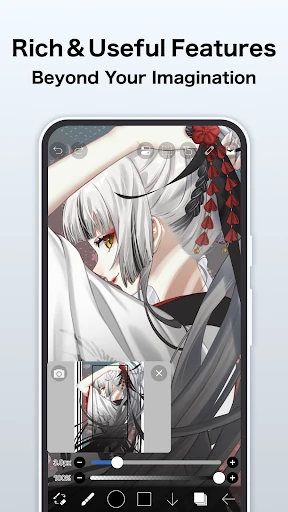
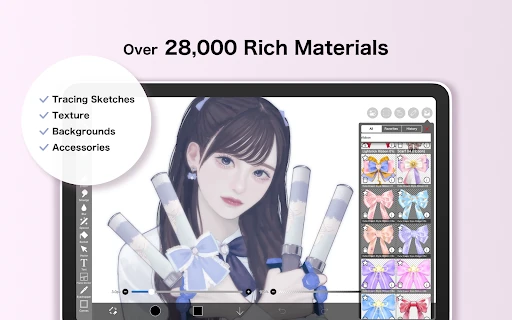
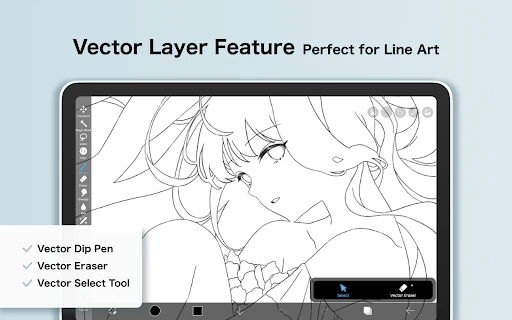
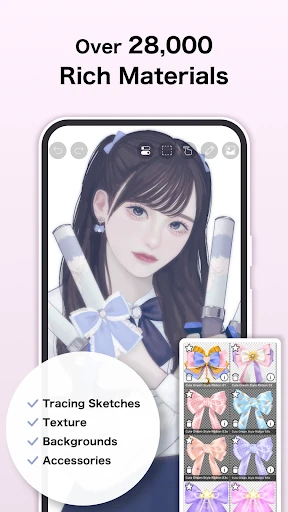
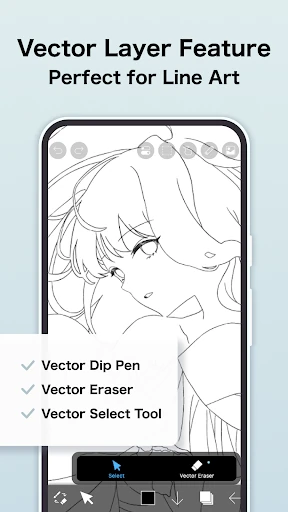
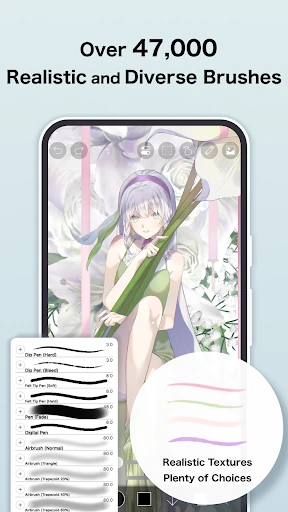
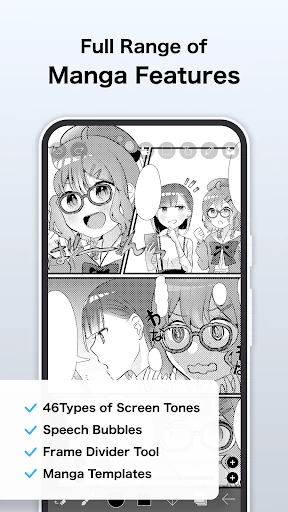
Click to download now, finish the installation quickly, and directly unlock the "all-round experience"
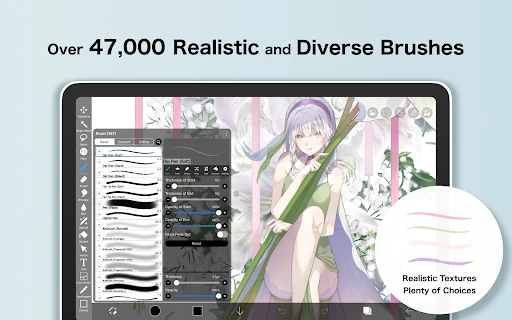
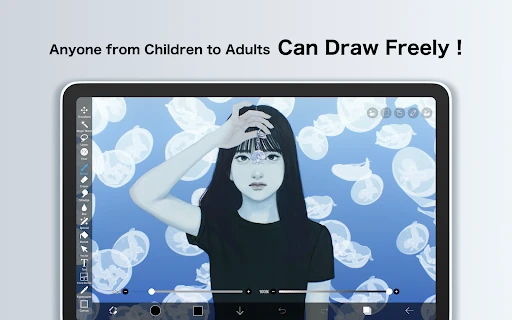
ibis Paint X has solidified its position as a powerhouse in the Art & Design category, effectively bridging the gap between mobile accessibility and professional-grade digital illustration. With a staggering 460 million downloads, it serves as a cornerstone of the mobile creative economy. The app is not merely a drawing tool but a comprehensive ecosystem that leverages OpenGL technology to provide a desktop-class experience on handheld devices. Its unique blend of social integration and high-performance rendering makes it a definitive leader for both hobbyists and professional illustrators working on the go.
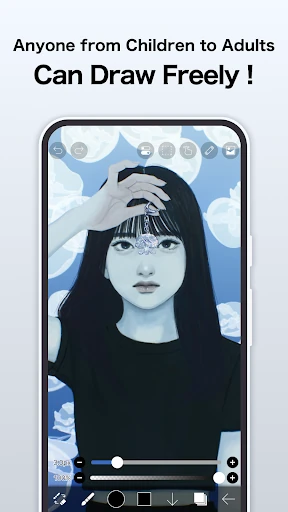
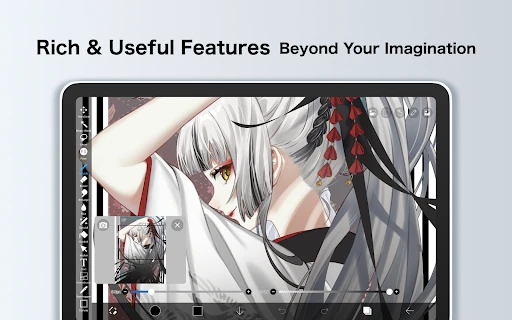
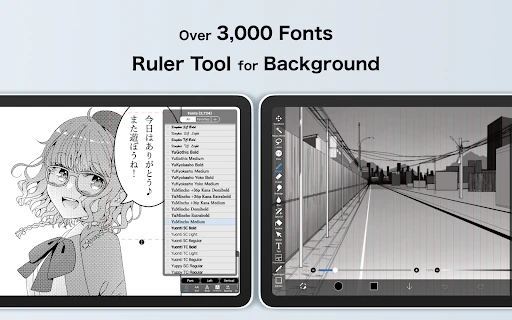
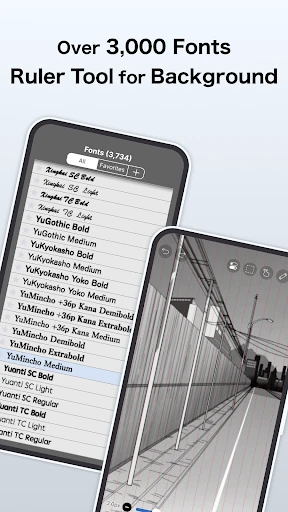
The user interface of ibis Paint X is designed with a "pro-tool" philosophy, prioritizing function and depth over minimalist aesthetics. While the density of icons and menus may present a learning curve for newcomers, the UX is remarkably smooth thanks to 60 fps rendering. The placement of the stabilizer and ruler features is intuitive for those familiar with industry standards like Clip Studio Paint or Photoshop. For mobile users, the gesture support and clipping mask workflow are highly optimized, ensuring that the creative process remains fluid even on smaller smartphone screens.
To further enhance the user experience, the developers could consider a more customizable "Quick Menu" to reduce the need for menu diving on smaller displays. Additionally, expanding the one-hour daily trial for Prime-exclusive tools like the Vector tool could help users better evaluate the subscription's value. A more robust offline tutorial mode would also benefit users in environments with limited connectivity.
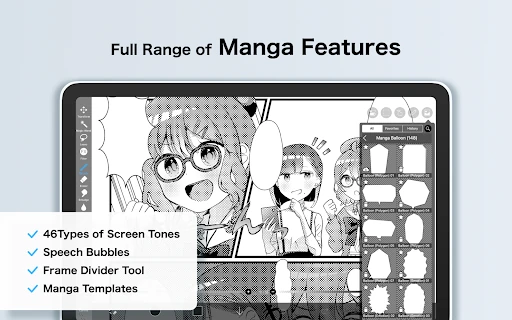
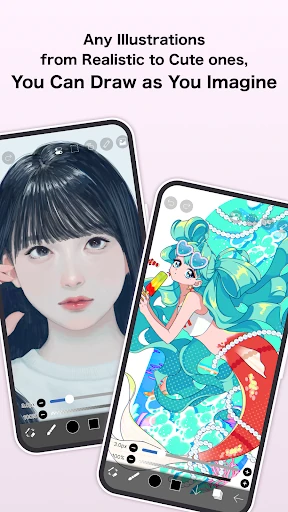
ibis Paint X is the gold standard for mobile artists, particularly those specializing in manga, anime-style illustration, and social media content creation. It is the ideal choice for aspiring professionals who need a comprehensive toolset without the need for an expensive desktop setup. While the subscription model might be a deterrent for some, the sheer volume of free assets makes it a must-download for anyone serious about digital art.