DJ Mixer Studio - DJ Music Mix

DJ Mixer Studio - DJ Music Mix

Mobile_V5
Advertisement
4.3
Music & Audio
10,000,000+ Downloads

Click to download now, finish the installation quickly, and directly unlock the "all-round experience"

Advertisement

Screenshots
Screenshot
Screenshot
Screenshot
Screenshot
Screenshot
Screenshot
Screenshot
Screenshot
Screenshot
Screenshot
Screenshot
Screenshot
Screenshot
Screenshot
Screenshot
Screenshot
Screenshot
Screenshot
Screenshot
Screenshot
Screenshot
Screenshot
Screenshot
Screenshot

About This App

🏆 Expert Verdict & Overview

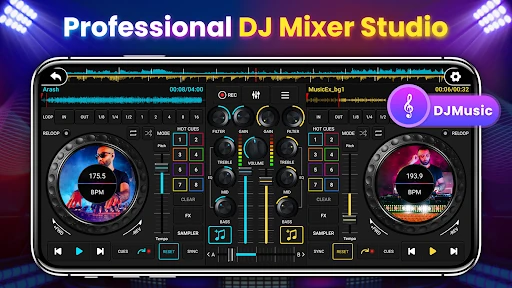
DJ Mixer Studio - DJ Music Mix positions itself as a compelling hybrid in the Music & Audio landscape, attempting to bridge the gap between a beginner-friendly learning tool and a serious practice platform for aspiring DJs. It stands out by offering a high-fidelity simulation of real-world DJ consoles within a smartphone interface, making professional mixing concepts accessible to a wider, non-professional audience while retaining enough depth for skill refinement.

🔍 Key Features Breakdown

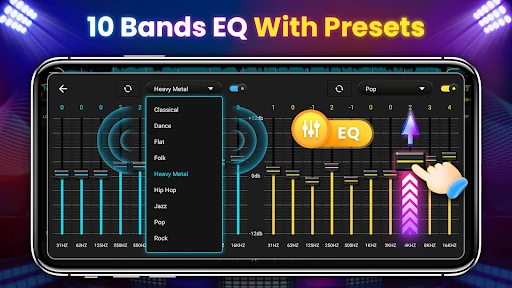
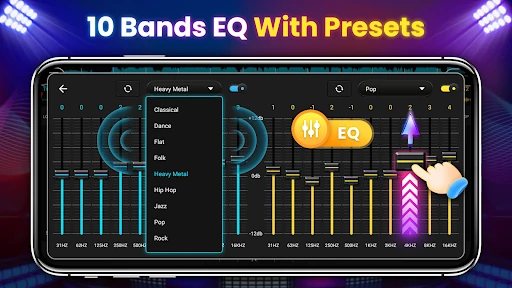
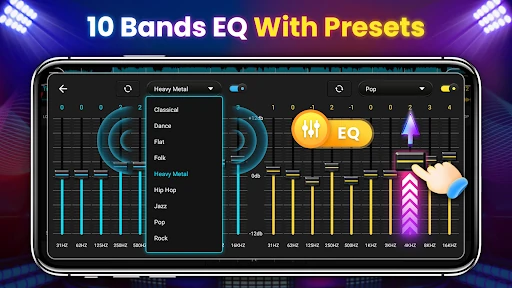
  • 10-Band Equalizer & 3-Band EQ: Provides granular sound shaping for precise professional mixing and quick, on-the-fly adjustments for beginners, solving the problem of inaccurate audio tuning which is critical for seamless track blending.
  • BPM Synchronization & Tone Lock: Automatically aligns the tempo of two tracks while maintaining their original key. This solves the fundamental challenge for new DJs of keeping songs in time, preventing chaotic mixes and allowing focus on creative transitions.
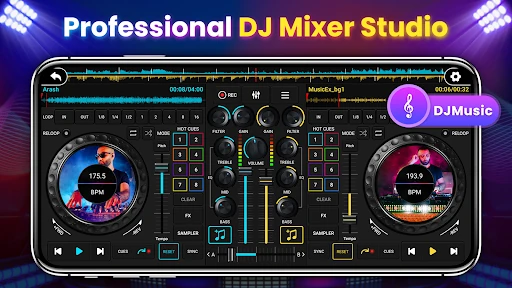
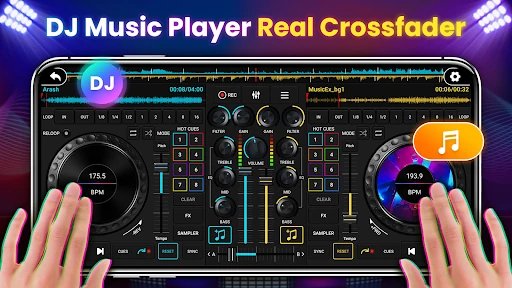
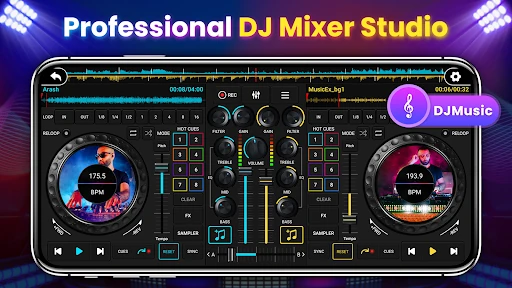
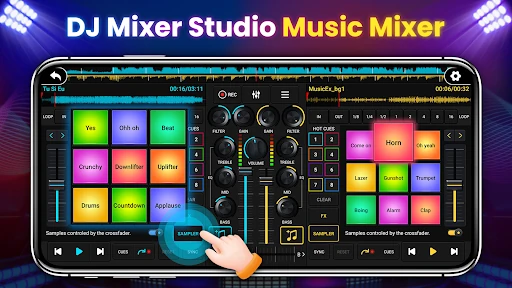
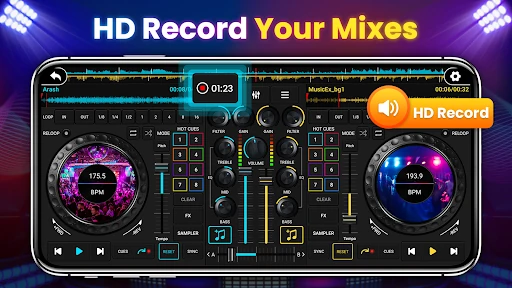
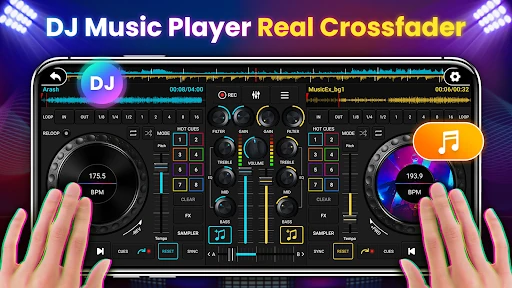
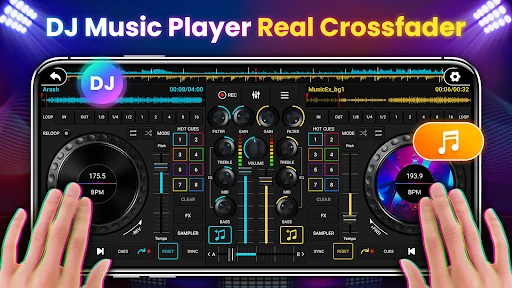
  • High-Fidelity Console Simulation: Features like sliding faders, rotary knobs, and virtual platters create an intuitive, tactile experience. This solves the problem of abstract, confusing controls by mimicking the physical gear users would encounter on professional setups, accelerating learning.
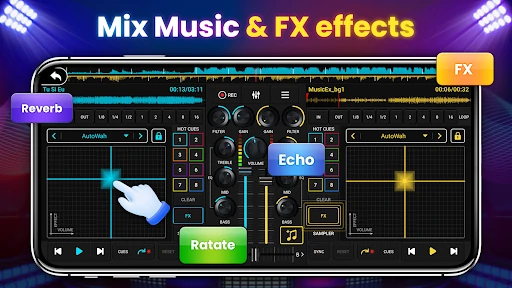
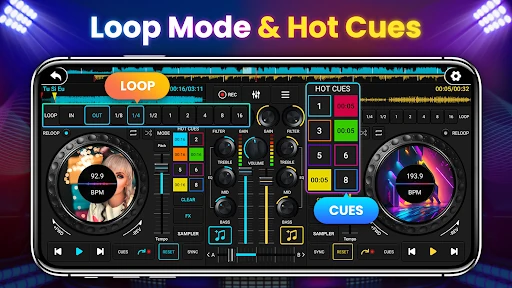
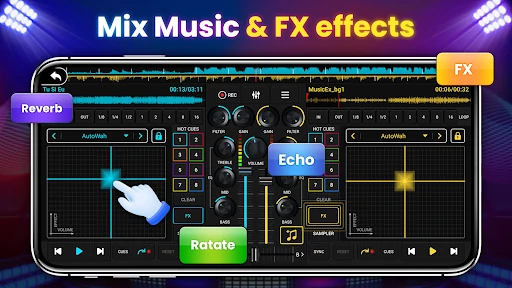
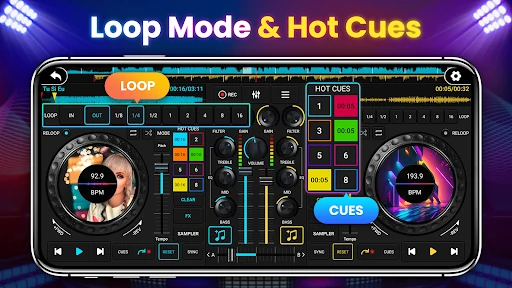
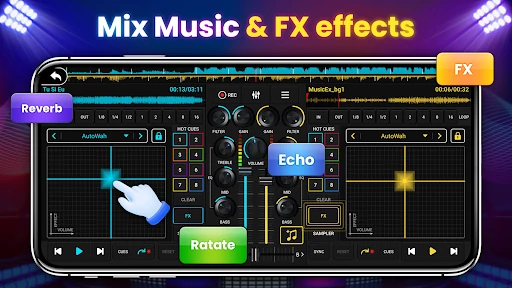
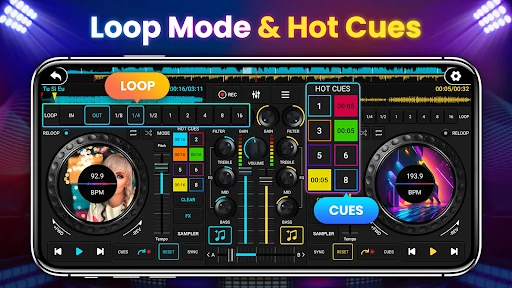
  • Comprehensive FX Suite & Loop Modes: Seven real-time effects and eight beat-synced loop options provide extensive creative tools. This solves the problem of static, boring mixes by enabling users to add signature flair and build tension, key skills for live performance.
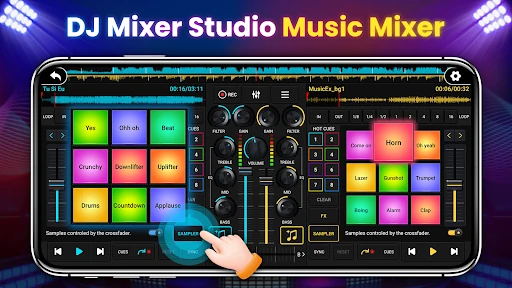
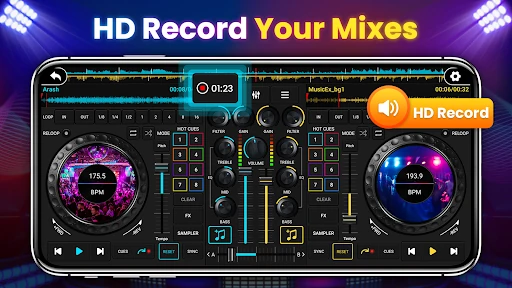
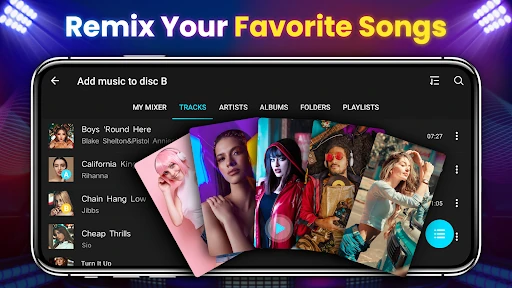
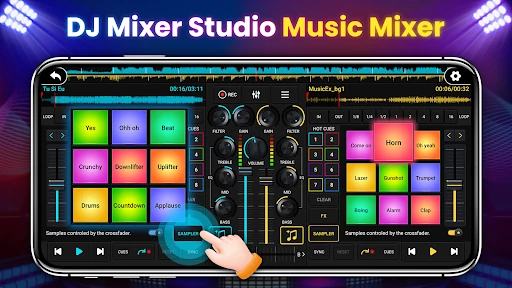
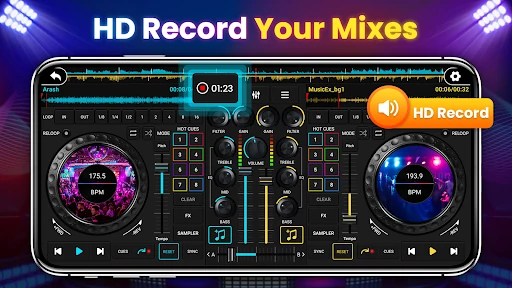
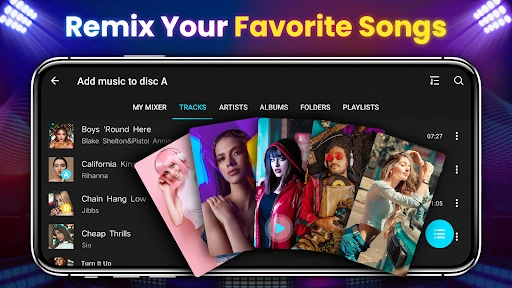
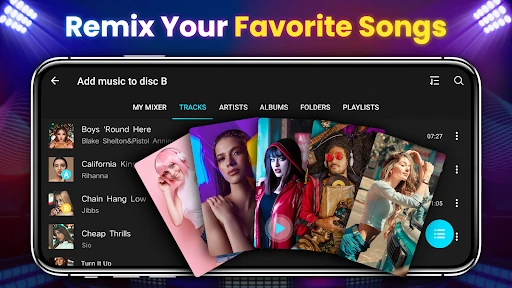
  • One-Click Recording & Sample Library: Allows instant capture of mixes and provides 27 free sound packs. This solves the need for immediate practice review and sharing, as well as quick access to professional sound elements without external sourcing.

🎨 User Experience & Design

The UI/UX design smartly addresses the core tension of a mobile DJ app: complex functionality versus limited screen space. The interface successfully simulates a physical two-deck mixer with clear visual hierarchy, utilizing larger, color-coded buttons essential for accurate finger-based control in a live setting. The inclusion of a beginner tutorial layer is crucial for the Music & Audio category, where complex signal flows can be daunting. The real-time waveform and BPM display prioritize the information a DJ needs most during a mix, adhering to professional standards. The adaptation for phone ergonomics is a strong positive, though the density of controls risks a cluttered feel on smaller screens.

⚖️ Pros & Cons Analysis

  • ✅ The Good: Exceptional emulation of professional DJ hardware lowers the barrier to entry for beginners.
  • ✅ The Good: Packed with genuinely professional features like a 10-band EQ, key lock, and comprehensive FX, offering real skill-building potential.
  • ✅ The Good: Intuitive onboarding and UI scaling for mobile make it immediately usable without a steep learning curve.
  • ❌ The Bad: The "pro" features, while present, are inherently limited by touch-screen control compared to physical knobs and jog wheels, which can hinder precise manipulation.
  • ❌ The Bad: The app description heavily markets professional utility, but the mobile-first nature may not satisfy users seeking a true pre-performance preparation tool for club-standard equipment.
  • ❌ The Bad: Potential for visual clutter on smaller devices, which could impact usability during the fast-paced decision-making required in mixing.

🛠️ Room for Improvement

To elevate the app further, the next update should focus on connectivity and community. Introducing MIDI controller support would be a game-changer, allowing users to connect physical hardware for a more authentic and precise tactile experience. Expanding the recording feature to allow direct multi-track export to DAWs (Digital Audio Workstations) would cater to users producing full sets or tracks. Furthermore, integrating a cloud-sharing platform for users to upload, rate, and remix each other's recorded mixes would foster a learning community and significantly boost user retention and engagement.

🏁 Final Conclusion & Recommendation

DJ Mixer Studio is highly recommended for absolute beginners curious about DJing and intermediate mobile enthusiasts looking to practice core concepts anywhere. It successfully demystifies the art of mixing. However, serious students aiming for professional club performance should view this as an excellent supplementary learning tool for theory and rhythm training, not a complete replacement for practicing on industry-standard equipment. Its greatest strength is making a complex craft feel approachable and fun.