
Advertisement
Click to download now, finish the installation quickly, and directly unlock the "all-round experience"
Advertisement
Screenshots
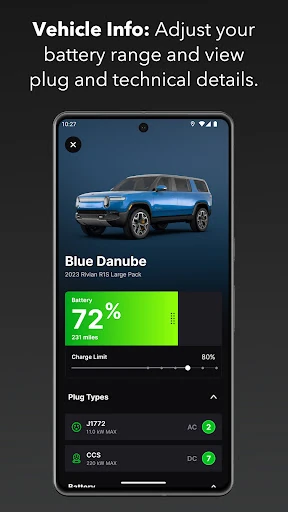
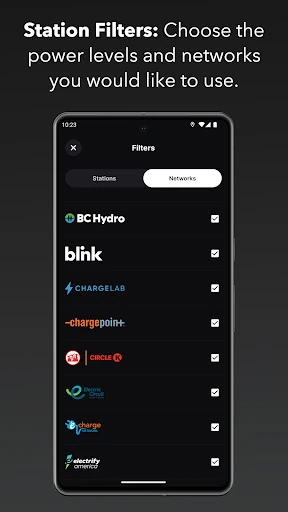
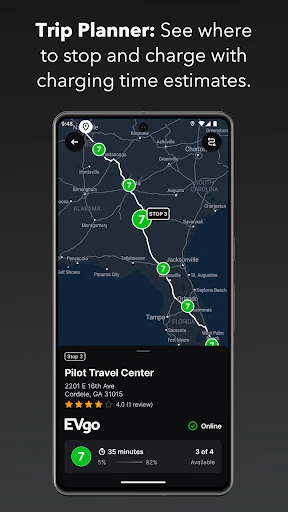
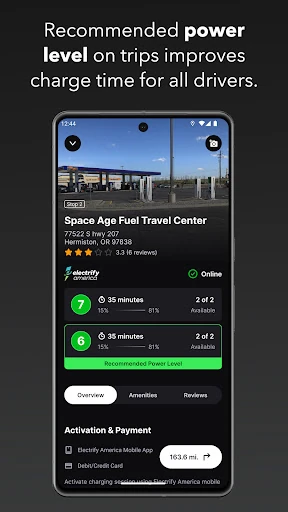
Click to download now, finish the installation quickly, and directly unlock the "all-round experience"
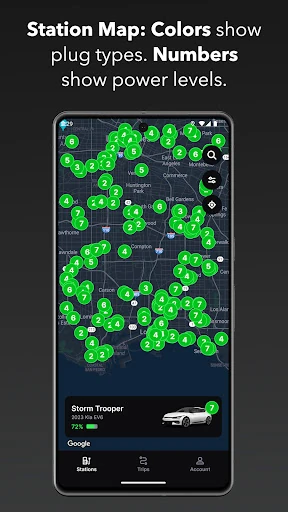
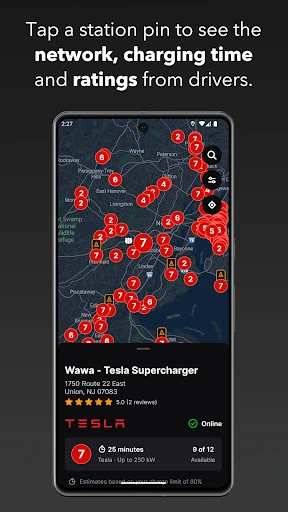
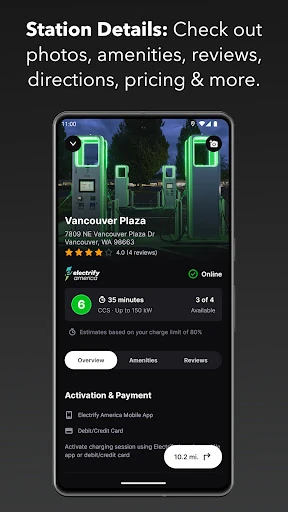
Chargeway emerges as a sophisticated solution to one of the most significant barriers in the electric vehicle (EV) market: the complexity of charging infrastructure. Positioning itself as a vital player in the Maps & Navigation landscape, the app moves away from technical jargon—such as volts, amps, and connector names—in favor of a simplified, color-coded system it calls "electric fuel." By shifting the focus from hardware specifications to user-centric utility, Chargeway provides an authoritative guide that bridges the gap between traditional combustion engine habits and the nuances of EV ownership. It is a game-changing tool that prioritizes clarity over data clutter, making it an essential companion for both daily commutes and long-distance travel.
The UI/UX design of Chargeway is rooted in the principle of cognitive load reduction. For a Maps & Navigation app, the interface is remarkably clean, avoiding the cluttered "POI overload" often found in competing EV apps. The map filtering is automated based on the user's vehicle profile, which streamlines the discovery process. The use of high-contrast colors and bold iconography ensures readability even while mounted on a dashboard. By utilizing familiar swipe gestures for switching between multiple vehicles and one-click directions, the app adheres to modern mobile standards, providing a seamless transition from planning to active navigation.
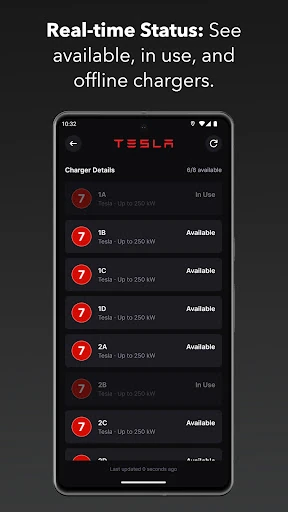
To further solidify its position as the premier EV navigation tool, Chargeway should look toward integrating real-time stall occupancy data directly into the map view to prevent users from arriving at full stations. Additionally, implementing OBD-II Bluetooth support to pull live battery data directly from the vehicle would automate the range-adjustment process, removing the need for manual input. Expanding the database to include European and Asian charging standards would also allow for a successful global rollout.
Chargeway is specifically designed for the EV driver who wants a "it just works" experience. It is the ideal application for new electric car owners who find the various plug types and charging speeds confusing, as well as for seasoned EV enthusiasts who require accurate trip planning that accounts for weather and speed variables. It is a highly recommended download for anyone looking to simplify their "electric fuel" experience and navigate the growing charging infrastructure with confidence.