Video Maker With Music & Photo

Video Maker With Music & Photo

Easyelife
Advertisement
4.7
Video Players & Editors
5,000,000+ Downloads

Click to download now, finish the installation quickly, and directly unlock the "all-round experience"

Advertisement

Screenshots
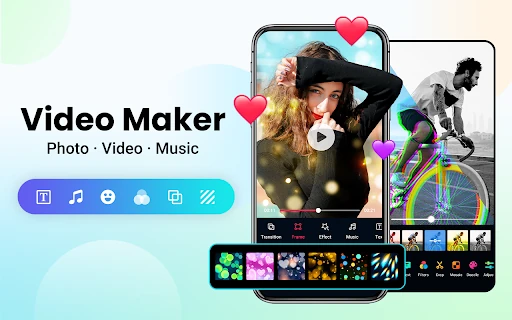
Screenshot
Screenshot
Screenshot
Screenshot
Screenshot
Screenshot
Screenshot
Screenshot
Screenshot
Screenshot
Screenshot
Screenshot
Screenshot
Screenshot
Screenshot
Screenshot
Screenshot
Screenshot
Screenshot
Screenshot

About This App

🏆 Expert Verdict & Overview

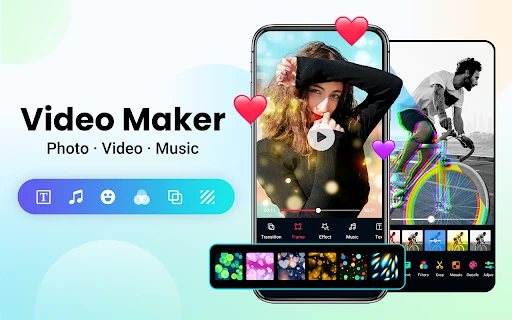
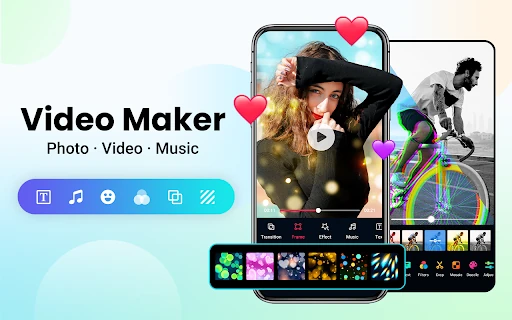
Video Maker With Music & Photo establishes itself as a robust, all-in-one solution within the crowded Video Players & Editors landscape. It positions itself not just as an editor, but as a creative suite for social media content creation. The app ambitiously combines video editing, slideshow creation, and photo collage tools while integrating a substantial library of licensed music and trendy templates. This comprehensive approach makes it a strong contender for users seeking a single app to produce polished, music-synced content for platforms like TikTok and Instagram. Its promise of no watermarks and high-resolution export further cements its value proposition for casual and semi-professional creators alike.

🔍 Key Features Breakdown

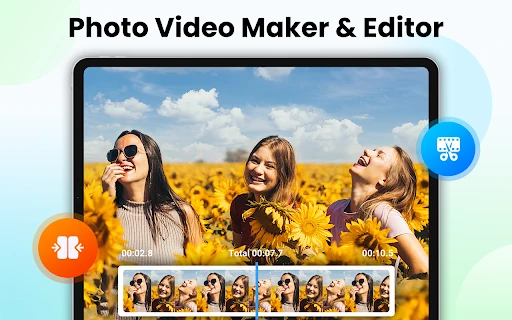
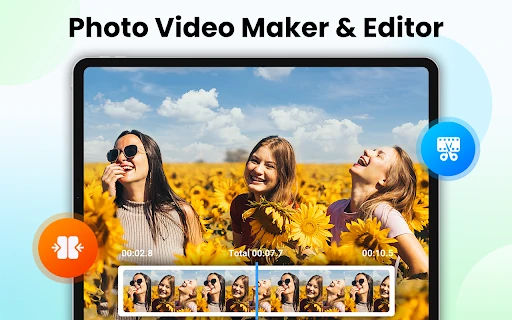
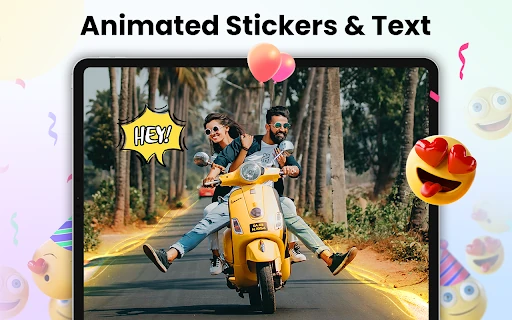
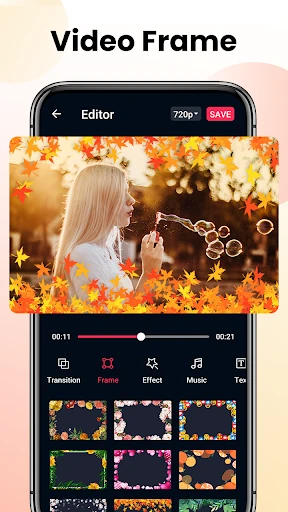
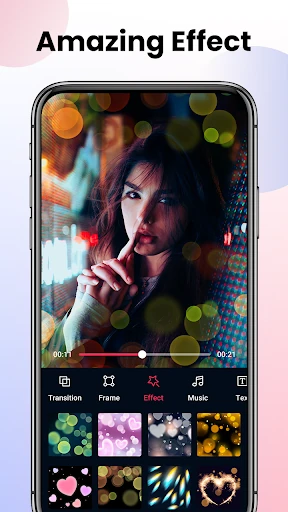
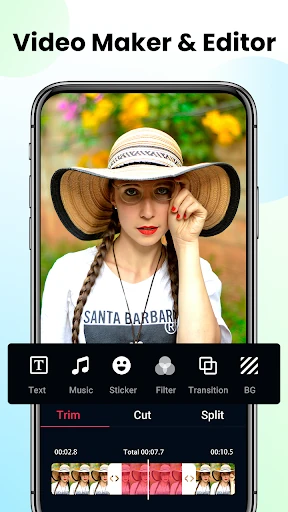
  • All-in-One Media Creation Studio: Solves the problem of switching between multiple apps by merging video trimming, merging, photo editing, and collage-making into a single workflow, streamlining the content creation process.
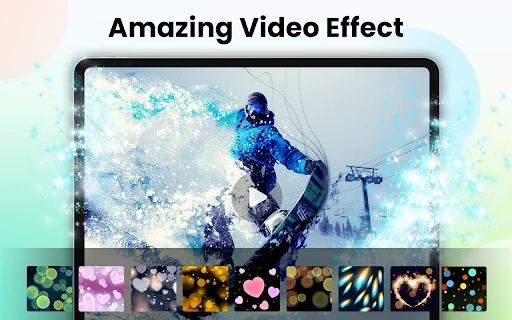
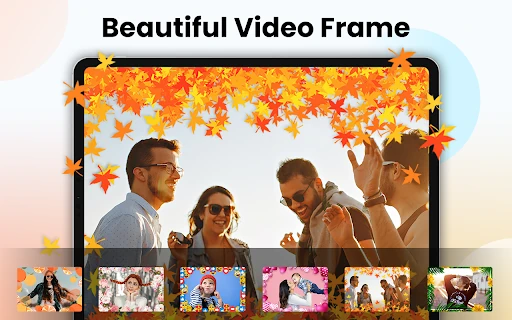
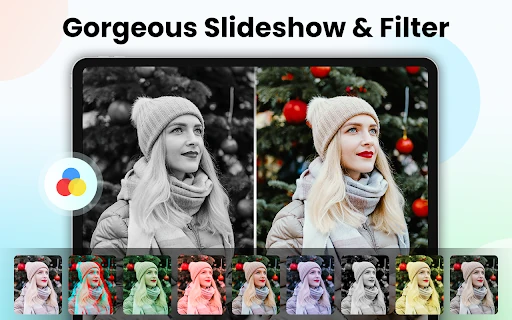
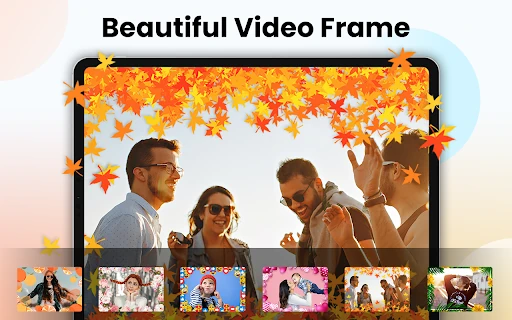
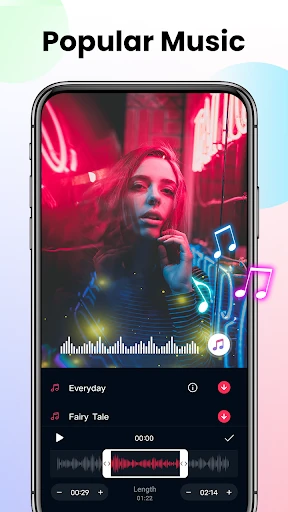
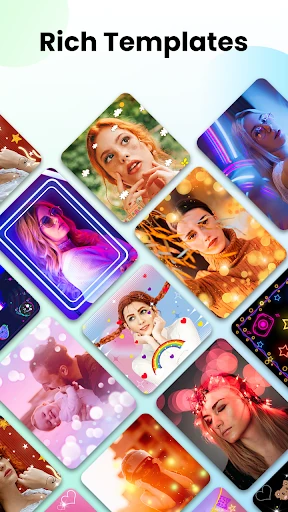
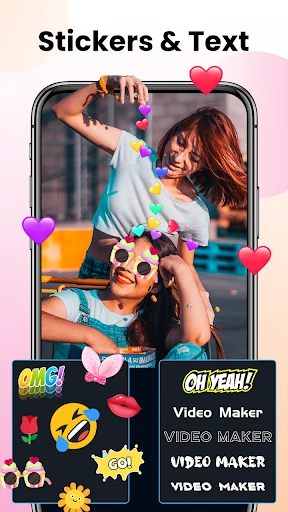
  • Trend-Driven Templates & Music Library: Directly addresses the challenge of keeping up with social media trends by providing pre-designed themes for holidays, moods, and events, paired with a curated selection of licensed music, reducing creative friction.
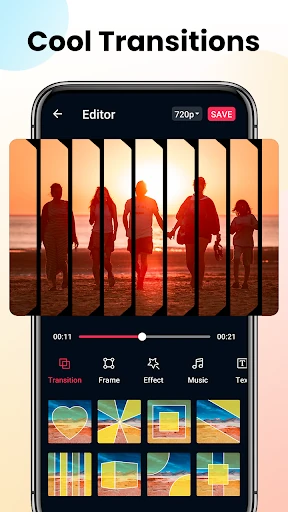
  • Intelligent Music Synchronization: Automatically aligns video transitions and effects with the music's rhythm, solving the technical hurdle of manual timing and ensuring a professional-looking, dynamic final product.
  • High-Fidelity Export Options: Allows for lossless quality exports up to 4K without watermarks, solving the common user pain point of degraded video quality or brand intrusions when sharing content publicly.
  • Advanced Compression Tool: Tackles the issue of large video file sizes, enabling easier sharing and uploading to social platforms by reducing file size significantly while aiming to preserve visual quality.

🎨 User Experience & Design

For a Video Players & Editors app, the interface's primary goal must be to demystify complex editing tasks. The app's description emphasizes "simple steps" and "easy to use" tools, suggesting a design philosophy centered on guided creation, likely through template-first workflows. This is crucial for its target audience of beginners and influencers who prioritize speed and trendiness over granular control. However, the sheer breadth of features—from beat-synced effects to advanced compression—raises the UX challenge of organizing these capabilities without overwhelming the user. A successful design would feature a clear, tiered interface where core functions (templates, music add) are front-and-center, with advanced tools (timeline editing, compression) accessible but not intrusive.

⚖️ Pros & Cons Analysis

  • ✅ The Good: Exceptionally wide feature set covering video, photo, and audio editing in one package.
  • ✅ The Good: Strong social media focus with trendy templates and aspect ratios tailored for platforms like Instagram and TikTok.
  • ✅ The Good: High-value offerings like watermark-free, high-resolution exports and a library of licensed music.
  • ❌ The Bad: Potential for a cluttered or complex interface due to the overwhelming number of features and options presented.
  • ❌ The Bad: Performance may be a concern on older devices when applying multiple high-quality effects or processing 4K video.
  • ❌ The Bad: The "all-in-one" nature might mean individual tools (e.g., the photo editor) lack the depth found in dedicated, best-in-class apps.

🛠️ Room for Improvement

To elevate from a powerful tool to an exceptional one, future updates should focus on curation and personalization. Implementing a smarter, algorithm-driven template suggestion system based on the user's selected photos or music genre would enhance the creative starting point. Furthermore, adding a cloud-based project syncing feature would be a significant upgrade, allowing users to start a project on one device and finish it on another. Finally, introducing more advanced color grading tools or LUT support would attract users looking to develop a more distinctive and professional visual style beyond preset filters.

🏁 Final Conclusion & Recommendation

Video Maker With Music & Photo is highly recommended for social media enthusiasts, content creators, and small business owners who need to produce a high volume of engaging, music-driven video content quickly and without a steep learning curve. It is less suited for professional filmmakers or editors who require frame-accurate control and industry-standard color workflows. For its target audience, this app delivers outstanding value by consolidating multiple creative needs into a single, powerful, and cost-effective package, effectively lowering the barrier to creating visually compelling social media posts.