Advertisement
Click to download now, finish the installation quickly, and directly unlock the "all-round experience"
Advertisement
Screenshots
Click to download now, finish the installation quickly, and directly unlock the "all-round experience"
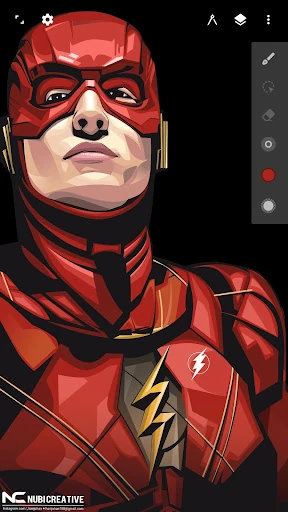
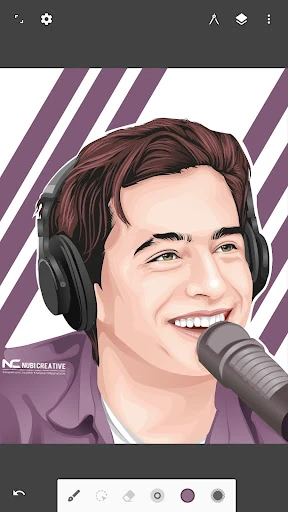
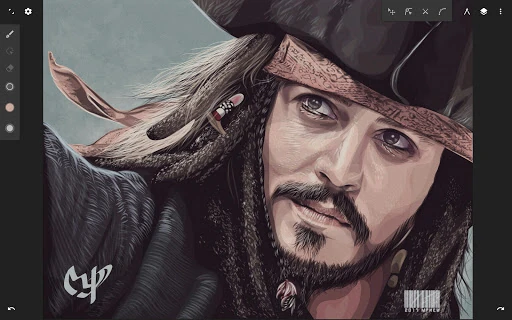
Infinite Design represents a significant milestone in mobile vector illustration, having been rebuilt from the ground up to offer a desktop-class experience on Android devices. In the competitive Art & Design landscape, it distinguishes itself by prioritizing an "infinite" workflow—both in terms of its boundless canvas and its non-destructive editing capabilities. It provides a sophisticated bridge between casual mobile sketching and professional-grade graphic design, offering a level of stability and performance that positions it as a premier choice for vector artists seeking power on the go.
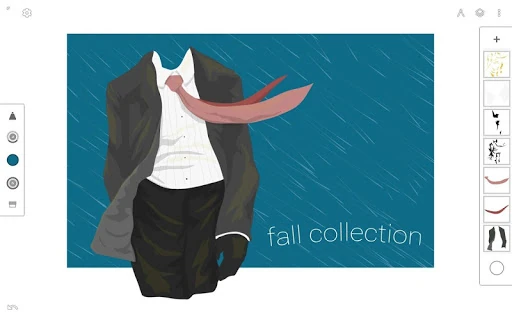
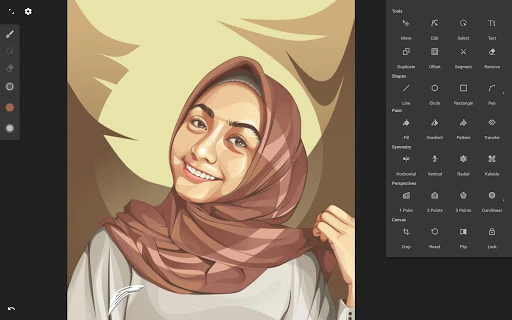
The user interface of Infinite Design is built on the philosophy of being "out of the way." It utilizes a minimalist, organized layout that maximizes the visible drawing area, which is critical for smaller mobile screens. The UX is highly customizable, allowing users to drag favorite tools to a top bar for immediate access. The inclusion of clever gesture controls, such as dragging out the color wheel with two fingers, demonstrates a deep understanding of mobile ergonomics and the need for a fluid, uninterrupted creative process.
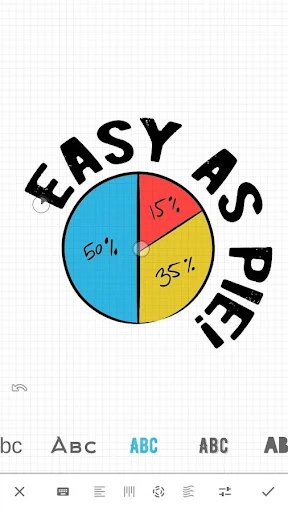
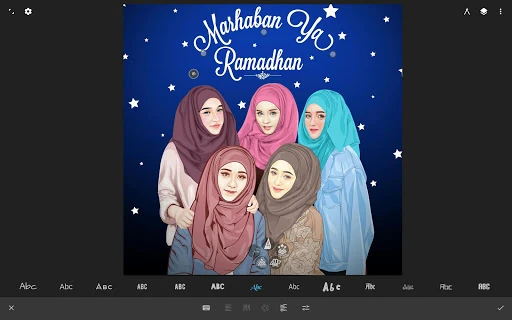
To further solidify its place as the industry leader, the app could benefit from enhanced cloud synchronization features to allow for seamless hand-offs between different mobile devices. Additionally, expanding the typography suite to include more advanced kerning controls and support for custom font uploads would be a major boon for professional logo and brand designers.
Infinite Design is an essential tool for graphic designers, illustrators, and concept artists who require a high-precision vector suite on a mobile platform. It successfully transitions from a simple drawing app to a robust production tool capable of handling professional workflows. This app is highly recommended for anyone who needs to create scalable artwork, from intricate logos to complex architectural illustrations, without being tethered to a desktop computer.