AccuWeather: Weather Radar

AccuWeather: Weather Radar

AccuWeather
Advertisement
3.4
Weather
100,000,000+ Downloads

Click to download now, finish the installation quickly, and directly unlock the "all-round experience"

Advertisement

Screenshots

Screenshot
Screenshot
Screenshot
Screenshot
Screenshot
Screenshot
Screenshot
Screenshot
Screenshot
Screenshot
Screenshot
Screenshot
Screenshot
Screenshot
Screenshot
Screenshot
Screenshot
Screenshot
Screenshot
Screenshot
Screenshot
Screenshot
Screenshot
Screenshot
Screenshot
Screenshot
Screenshot
Screenshot

About This App

🏆 Expert Verdict & Overview

AccuWeather: Weather Radar presents itself as a premium, data-dense contender in the crowded Weather app category. It moves beyond basic forecasts by positioning itself as a decision-making tool, emphasizing "Superior Accuracy™" and a deep suite of proprietary weather metrics. The app is clearly targeted at users who require granular, hyperlocal weather intelligence for safety planning and detailed daily activity management.

🔍 Key Features Breakdown

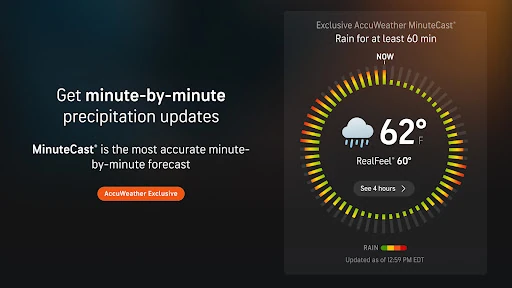
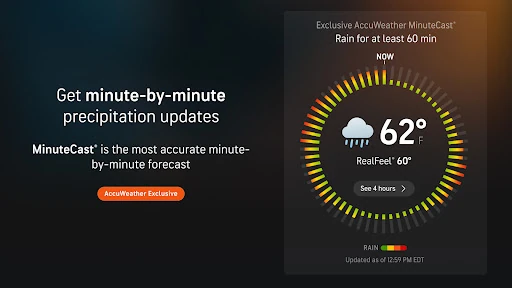
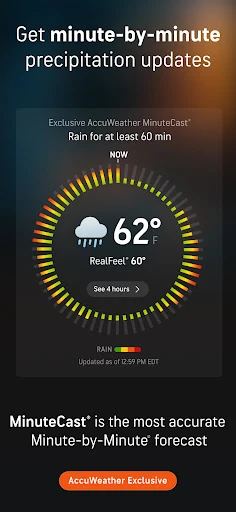
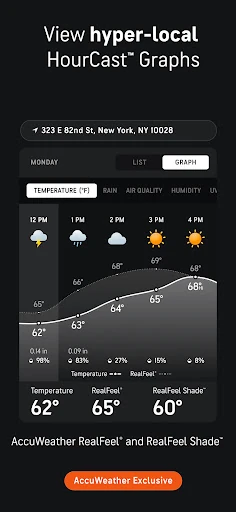
  • MinuteCast® & Hyperlocal Precision: Solves the problem of imprecise daily forecasts by providing minute-by-minute precipitation predictions for the next four hours, pinpointed to a specific street address. This allows users to confidently plan short-term outdoor activities.
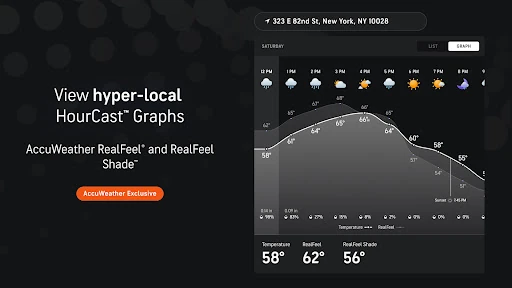
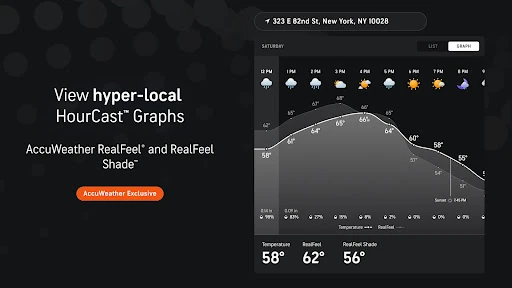
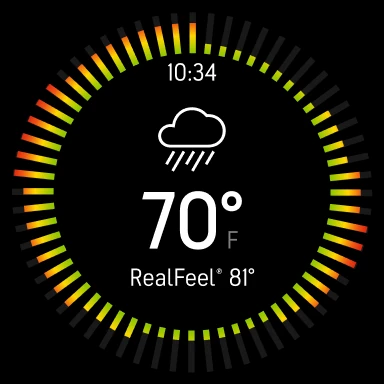
  • RealFeel® & RealFeel Shade™ Temperatures: Addresses the disconnect between the actual air temperature and what the human body perceives. By factoring in humidity, wind, and sun intensity, it provides a more actionable understanding of weather comfort and safety risks like heat stress.
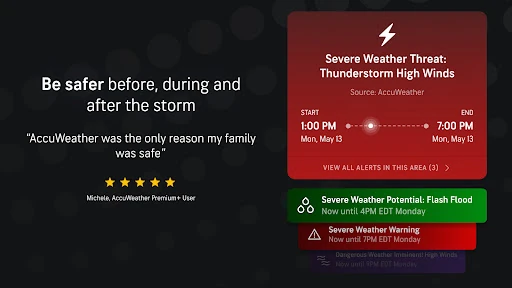
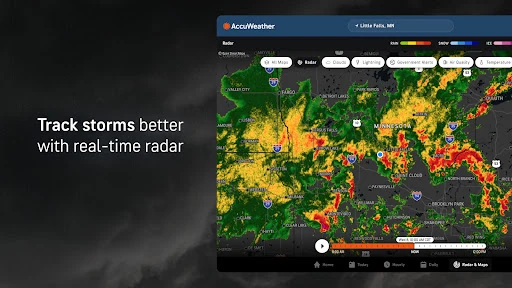
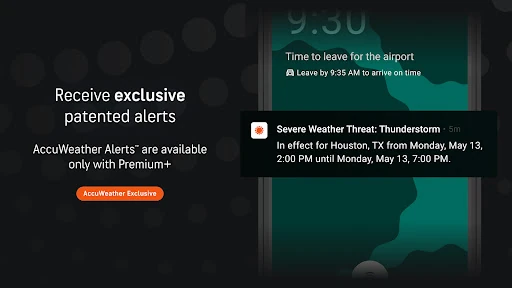
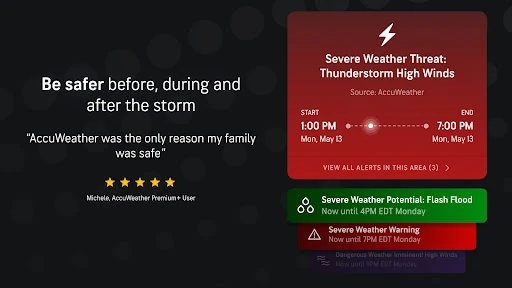
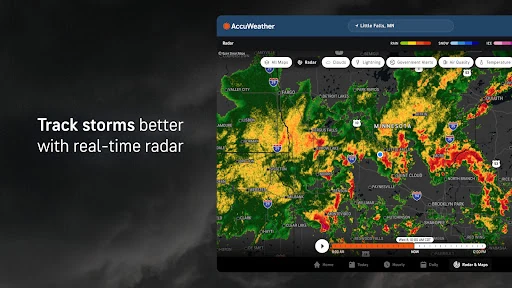
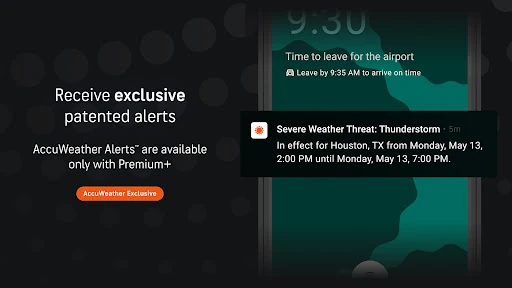
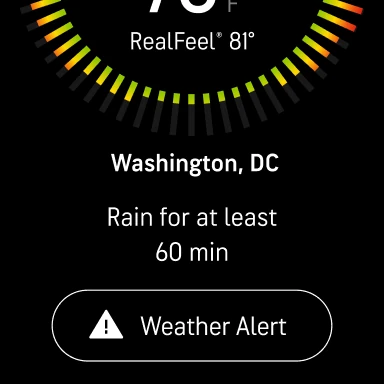
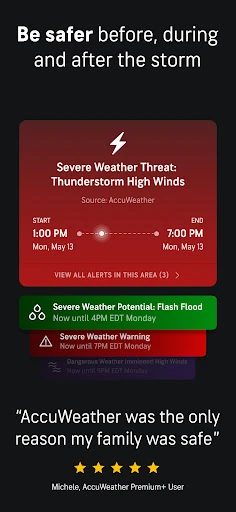
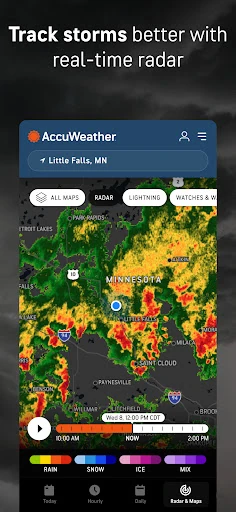
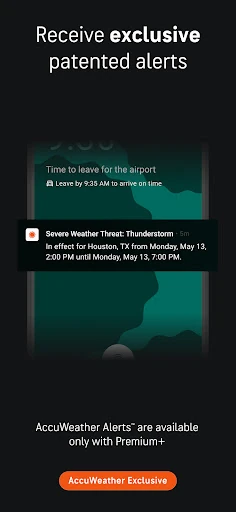
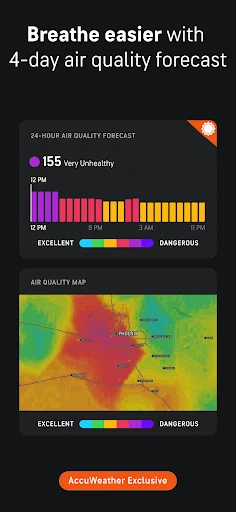
  • Advanced Severe Weather Tracking: Tackles the critical need for early and reliable warnings. Features like the verified hurricane tracker, live radar, and the Lightning Network cater to users in storm-prone areas, offering them potentially life-saving advanced notice.
  • Specialized Forecast Indices (WinterCast®, AccuLumen Brightness): Solve niche but significant planning problems. The WinterCast® helps users prepare for snow and ice impacts, while the Brightness Index aids in planning for UV exposure and outdoor lighting conditions, going beyond standard weather data.

🎨 User Experience & Design

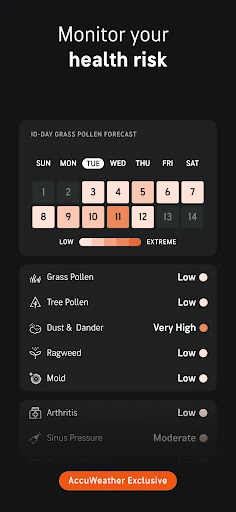
Based on the description, the interface likely prioritizes data presentation over minimalist design—a standard expectation for power-user apps in the Weather category. The success of its UX hinges on how effectively it organizes this wealth of information (hourly forecasts, multiple indices, radar maps) to prevent user overwhelm. Features like customizable widgets and health views suggest an attempt to personalize the data flow, which is crucial for usability. The premium tier offering an ad-free experience directly targets a common UX pain point in free weather apps.

⚖️ Pros & Cons Analysis

  • ✅ The Good: Unmatched depth of proprietary weather data and metrics (RealFeel, MinuteCast) that provide genuinely unique insights.
  • ✅ The Good: Strong emphasis on verified forecasting accuracy and severe weather alerts, positioning it as a reliable safety tool.
  • ✅ The Good: High degree of hyperlocal customization, down to street-level forecasts and customizable widgets.
  • ❌ The Bad: The sheer volume of features and data points may create a steep learning curve and feel cluttered to casual users.
  • ❌ The Bad: Heavy promotion of "Superior Accuracy™" and exclusive features can come across as marketing-heavy within the app interface.
  • ❌ The Bad: Core advanced features and an ad-free experience are locked behind a Premium Plus subscription, limiting the best experience to paying users.

🛠️ Room for Improvement

A key area for the next update would be an enhanced onboarding or "data dashboard" customization flow. First-time users could select their primary use cases (e.g., "Severe Weather Alerts," "Daily Commute," "Outdoor Hobbies"), and the app would surface the most relevant metrics and hide less critical ones by default. This would reduce initial clutter. Furthermore, a visual consolidation of the various "Index" features (RealFeel, Brightness, Snow Probability) into a single, interactive "Weather Comfort & Impact" dashboard could improve information digestion compared to presenting them as separate data points.

🏁 Final Conclusion & Recommendation

AccuWeather: Weather Radar is unequivocally recommended for weather enthusiasts, outdoor professionals, and anyone living in regions prone to volatile or severe weather who needs the most detailed, actionable forecasts possible. It is less ideal for the casual user who simply wants a quick glance at the temperature and chance of rain. For its target audience—those who view weather data as critical for safety, planning, and comfort—the app's depth and claimed accuracy make it a top-tier choice, despite the potential complexity and subscription model.