Themify: Theme & Icon Changer

Themify: Theme & Icon Changer

AIBY Inc.
Advertisement
3.7
Personalization
5,000,000+ Downloads

Click to download now, finish the installation quickly, and directly unlock the "all-round experience"

Advertisement

Screenshots
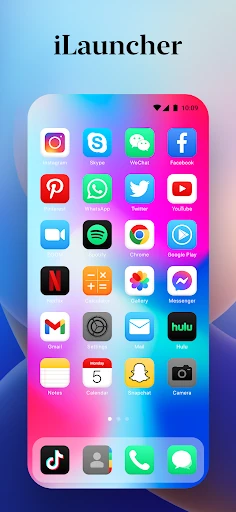
Screenshot
Screenshot
Screenshot
Screenshot
Screenshot
Screenshot
Screenshot
Screenshot
Screenshot
Screenshot
Screenshot
Screenshot
Screenshot
Screenshot
Screenshot
Screenshot
Screenshot
Screenshot
Screenshot
Screenshot
Screenshot
Screenshot
Screenshot
Screenshot
Screenshot
Screenshot
Screenshot
Screenshot

About This App

🏆 Expert Verdict & Overview

Themify: Theme & Icon Changer presents itself as a comprehensive all-in-one suite for device personalization. In a crowded Personalization category, the app distinguishes itself by attempting to consolidate three major customization pillars—thematic visuals, wallpapers, and icon replacement—into a single, streamlined interface. This holistic approach aims to solve the user pain point of juggling multiple apps for a complete home screen redesign. Our initial analysis suggests it's positioned as a one-stop shop for users seeking a cohesive aesthetic transformation without technical complexity.

🔍 Key Features Breakdown

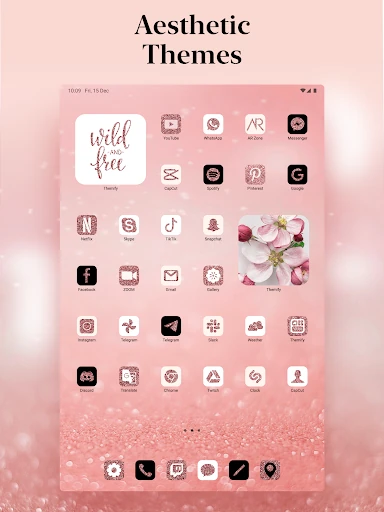
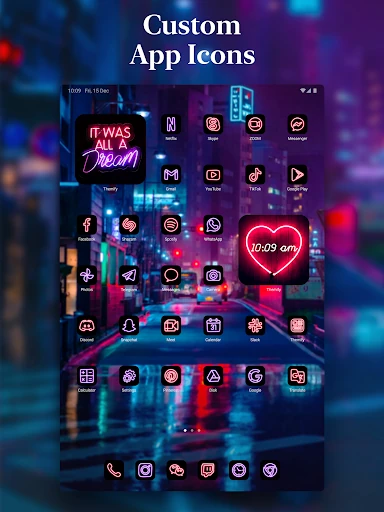
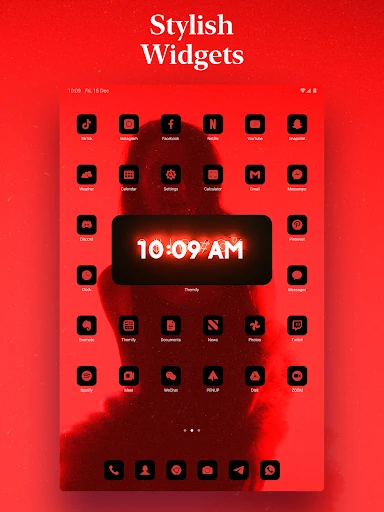
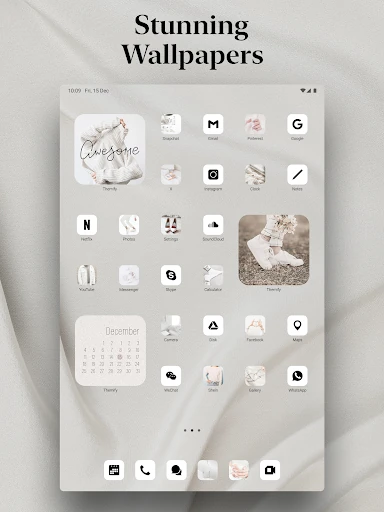
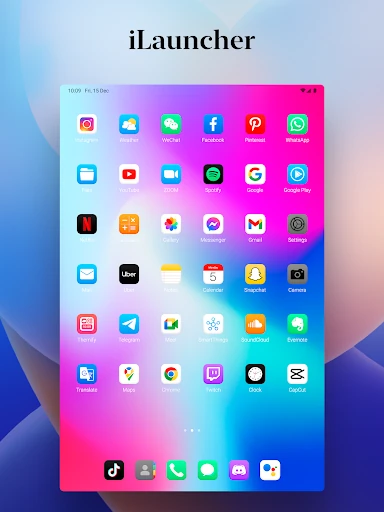
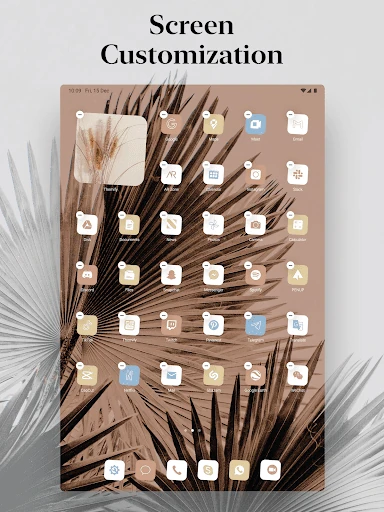
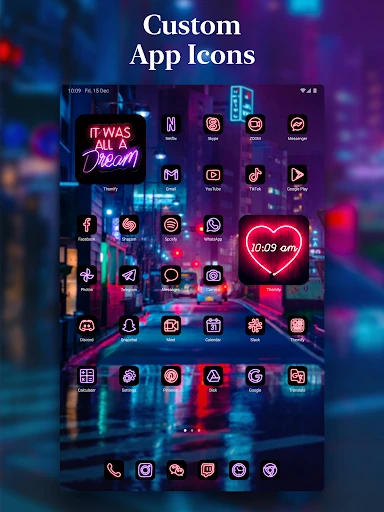
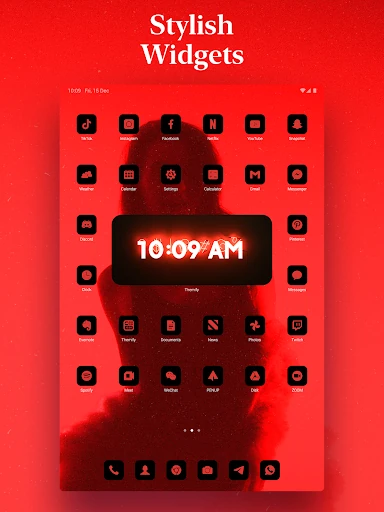
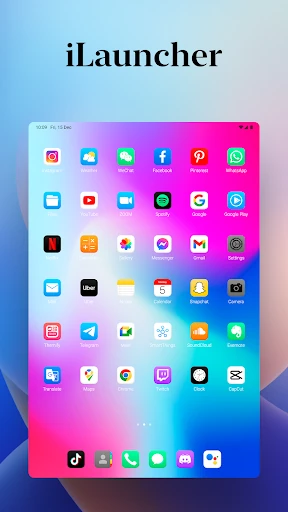
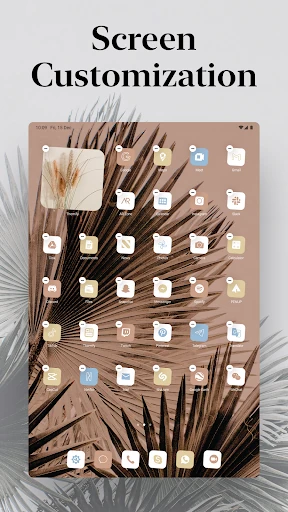
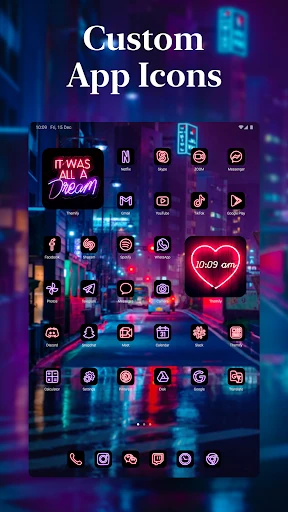
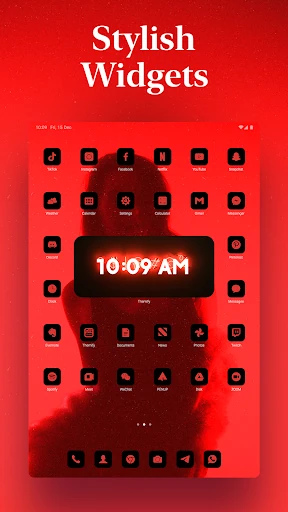
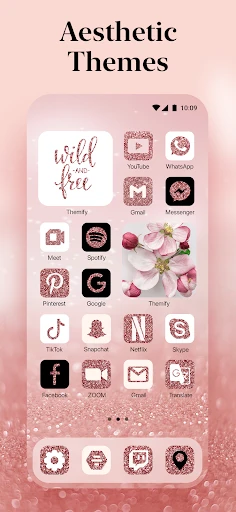
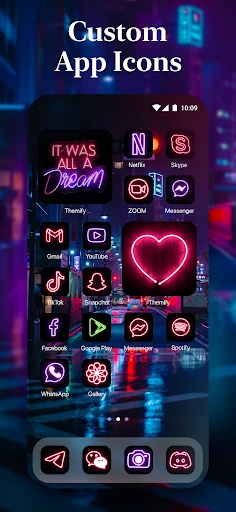
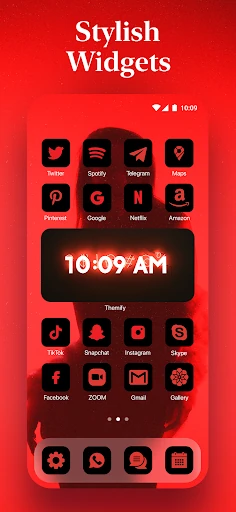
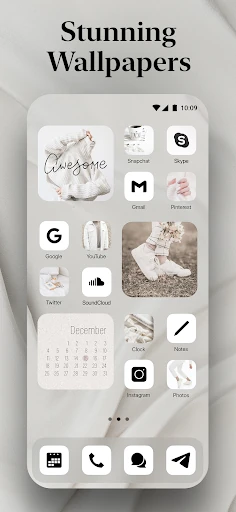
  • 3-in-1 Theme System: By bundling wallpapers, widgets, and icon skins, it provides a unified design language, significantly reducing the friction of matching disparate visual elements. It solves the problem of disjointed, time-consuming customization by offering pre-packaged, cohesive looks.
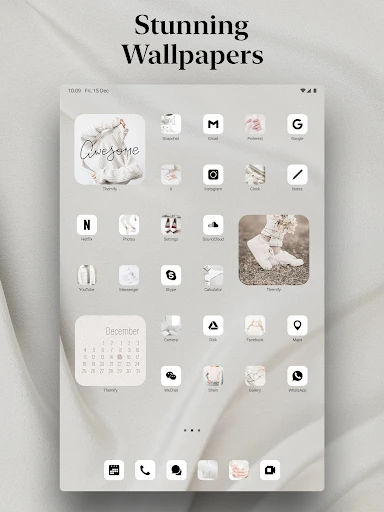
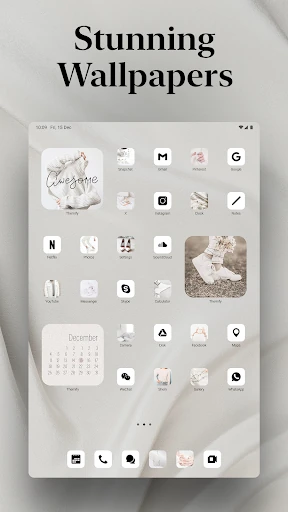
  • Live Wallpaper Galore: Offers dynamic backgrounds that add a layer of depth and interactivity to the home screen. It caters to users who find static backgrounds mundane by providing animated motifs from nature to abstract art.
  • Holiday & Event Themes: Directly addresses the desire for digital celebration and timely personalization. This solves the need for users who want to align their device's aesthetic with real-world occasions without searching for individual seasonal components.
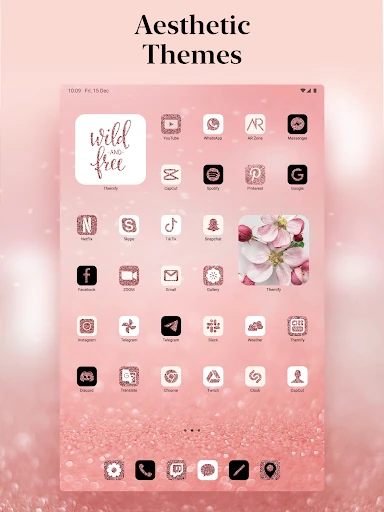
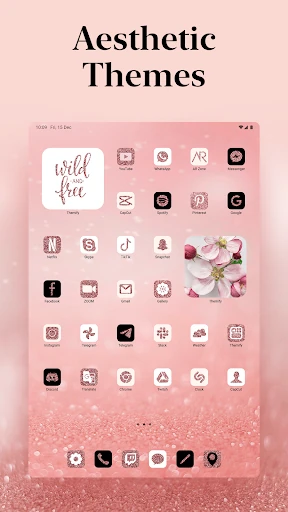
  • Vast Content Library: Aims to satisfy a wide array of user tastes—from anime to minimal aesthetic. This solves the problem of limited choices, ensuring users from various subcultures and preferences can find relevant themes.
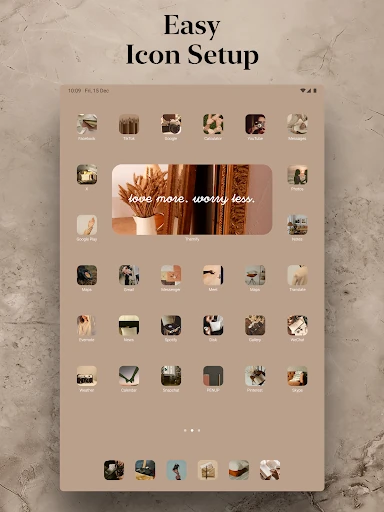
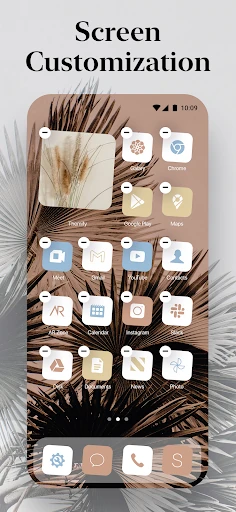
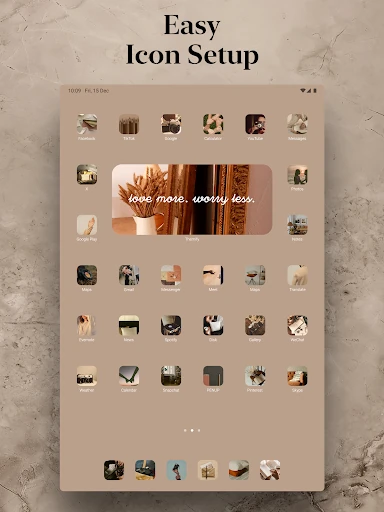
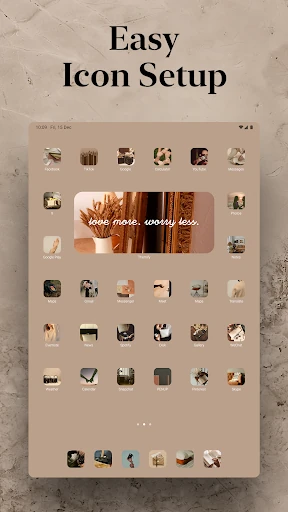
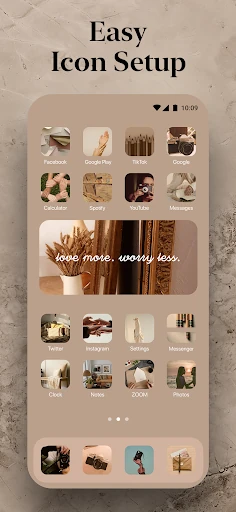
  • Streamlined Setup: Promises a "single tap" decoration process. This explicitly targets users who may be intimidated by manual, multi-step personalization, lowering the barrier to entry for advanced-looking customizations.

🎨 User Experience & Design

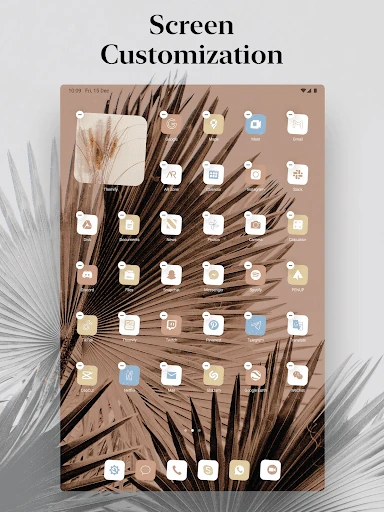
The user experience appears centered on discovery and implementation. For the Personalization category, the primary metrics are visual appeal and ease of navigation. The described experience prioritizes browsing a large catalog and applying full themes effortlessly. A successful UX would feature high-quality previews, intuitive categorization for its vast library, and a truly seamless application process that handles icon masking and widget placement automatically, aligning with user expectations of "easy setup." The challenge will be maintaining performance with a large asset library and ensuring the UI itself is aesthetically pleasing to its target audience.

⚖️ Pros & Cons Analysis

  • ✅ The Good: The integrated "all-in-one" approach is its core strength, potentially saving users significant time and effort compared to using separate apps.
  • ✅ The Good: A large, curated collection targeting niche interests like anime and aesthetics increases its appeal to dedicated personalization enthusiasts.
  • ✅ The Good: Featuring live wallpapers and holiday themes adds timely value and keeps the content fresh and relevant throughout the year.
  • ❌ The Bad: Having a vast library can become a double-edged sword, potentially leading to overwhelming choice paralysis without excellent search and filter functionality.
  • ❌ The Bad: The quality and depth of icon skinning are critical; incomplete icon packs that leave many default icons unchanged can break the cohesive aesthetic it promises.

🛠️ Room for Improvement

Future updates could focus on deeper system integration and intelligence. A key enhancement would be an AI-based theme engine that generates cohesive themes based on a user’s favorite colors or an uploaded wallpaper. Additionally, expanding widget functionality to be more interactive, rather than purely aesthetic, would add utility. Implementing a community-driven "Shared Setups" section where users can upload and download complete configurations could drive engagement. Finally, a robust preview feature, perhaps using AR to superimpose a theme onto a model of the user's actual home screen layout, would significantly improve confidence before applying a theme.

🏁 Final Conclusion & Recommendation

Themify: Theme & Icon Changer is best suited for Android users who want a significant visual overhaul of their device but lack the time, confidence, or technical know-how to mix and match components from different sources manually. It is a strong recommendation for users who value cohesive, pre-packaged aesthetics and enjoy regularly updating their device's look to match seasons, holidays, or their evolving tastes. The final verdict is that it is a potent tool in the personalization arsenal, provided its content library remains high-quality and its application process truly seamless.