ArtRage Vitae Mobile Painting
Ambient Design Ltd.
Downloads
10,000+
Version
Latest
Advertisement
Click to download now, finish the installation quickly, and directly unlock the "all-round experience"
Advertisement
Screenshots
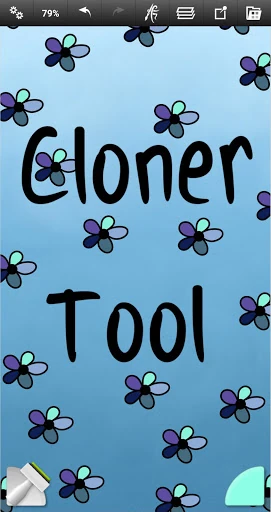
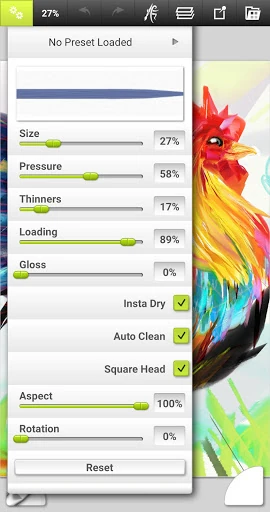
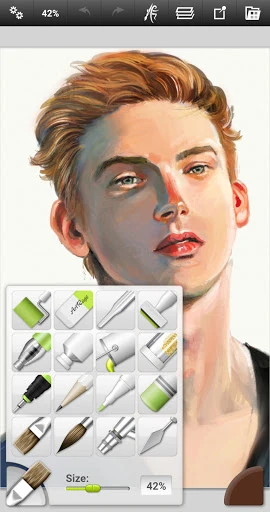
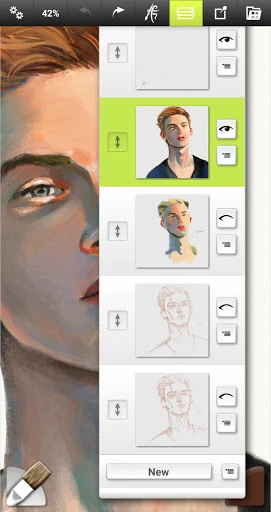
Click to download now, finish the installation quickly, and directly unlock the "all-round experience"
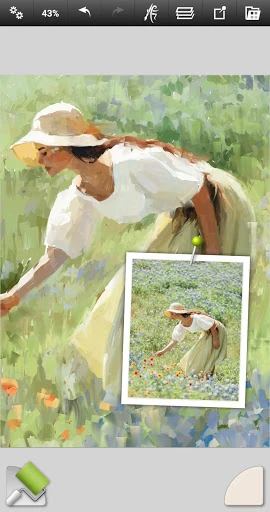
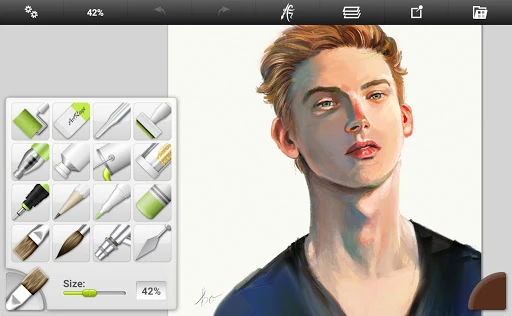
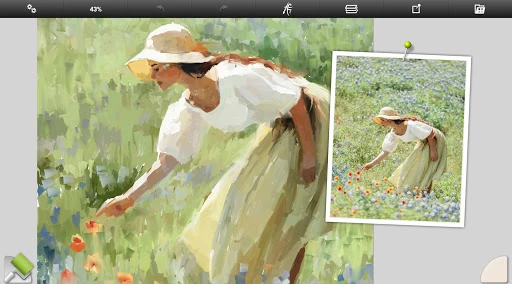
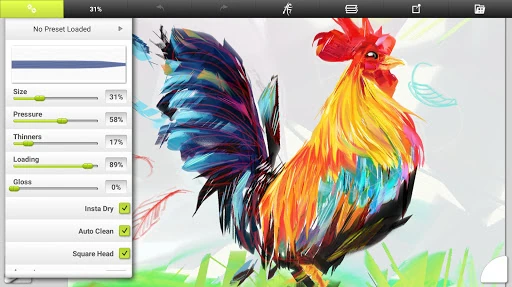
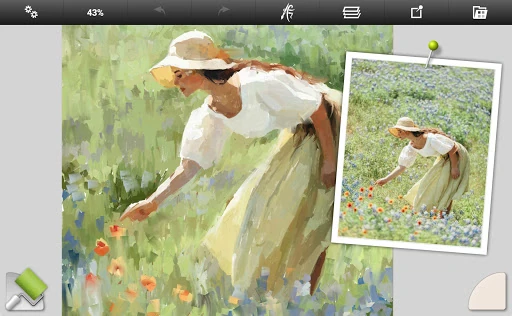
ArtRage Vitae Mobile Painting represents a sophisticated evolution in the mobile Art & Design landscape, positioning itself as a premium "natural media" studio rather than a standard digital illustration tool. By prioritizing the physics of paint—such as thickness, moisture, and texture—ArtRage Vitae differentiates itself from competitors that often rely on flat, pixel-based rendering. It successfully bridges the gap between traditional tactile artistry and the convenience of mobile technology, offering a robust environment for both professional creators and serious hobbyists who demand a realistic interaction with their digital canvas.
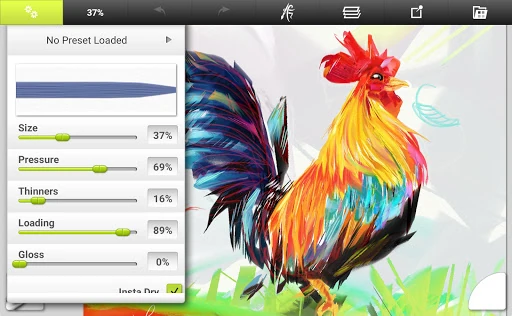
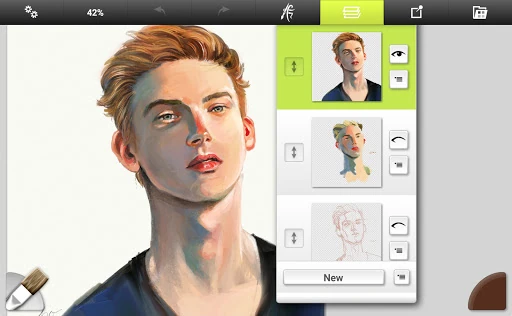
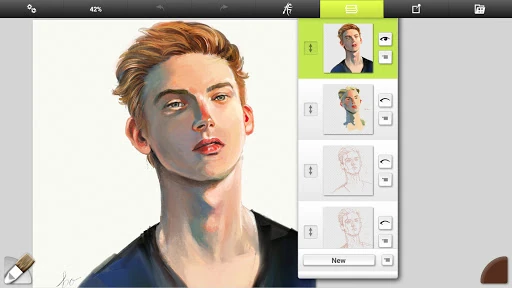
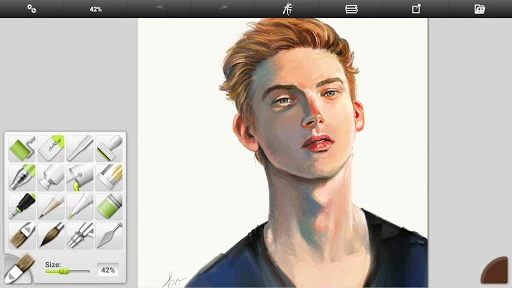
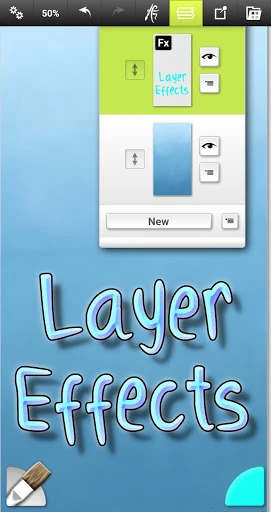
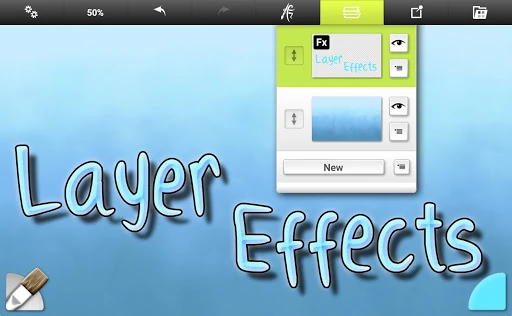
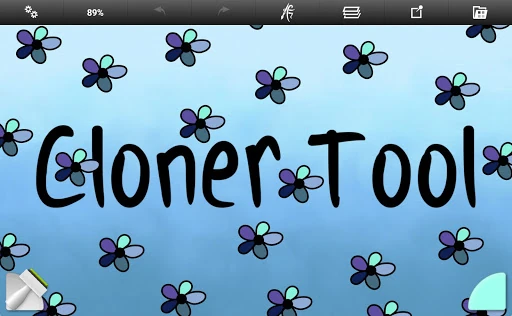
The UI of ArtRage Vitae is intentionally minimalist, adhering to the philosophy that the canvas should remain the focal point. The interface is highly responsive to multi-touch gestures and stylus input, which is critical for the Art & Design category where precision is paramount. The "get out of the way" design ensures that toolbars and menus do not clutter the creative space. However, because the app offers deep professional-grade settings (like paint thickness and brush softness), there is a slight learning curve for beginners compared to simpler, more arcade-style drawing apps.
To further solidify its position as a market leader, future updates should consider increasing the maximum canvas resolution for high-end devices with 8GB+ of RAM. Additionally, integrating direct cloud-storage synchronization (such as Google Drive or Dropbox) within the gallery manager would streamline the workflow for artists moving between multiple mobile devices. A simplified "Basic Mode" for the interface could also help onboard younger users or beginners before they dive into the professional tool options.
ArtRage Vitae Mobile Painting is the definitive choice for traditional artists transitioning to digital, and for professionals who require a portable "wet paint" studio. It is less of a graphic design tool and more of a digital easel. We highly recommend this app for illustrators, concept artists, and art students who prioritize the aesthetic and technical behavior of real-world materials like oil, watercolor, and pastel. It remains one of the most authentic painting experiences available on the Google Play Store.