🏆 Expert Verdict & Overview
Cast for Chromecast & TV Cast serves as a comprehensive utility within the Android Tools landscape, designed to eliminate the hardware limitations of mobile viewing. As a multi-functional bridge between small-screen devices and large-format displays, it distinguishes itself by consolidating three distinct utilities—screen mirroring, media casting, and remote control functionality—into a single interface. In an era of fragmented smart home ecosystems, this app provides a streamlined, software-based solution for users seeking a "Swiss Army Knife" for their home entertainment and professional presentation needs.
🔍 Key Features Breakdown
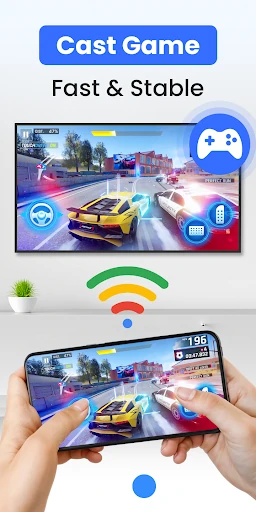
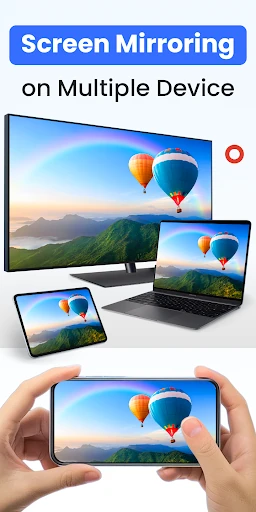
- HD Screen Mirroring: Provides real-time synchronization of the phone’s display to a TV, effectively solving the "small screen huddle" for gaming, photo browsing, and business presentations.
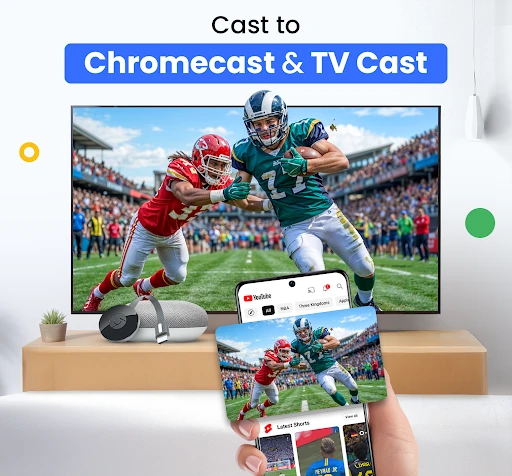
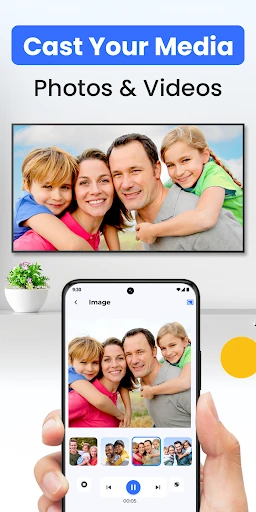
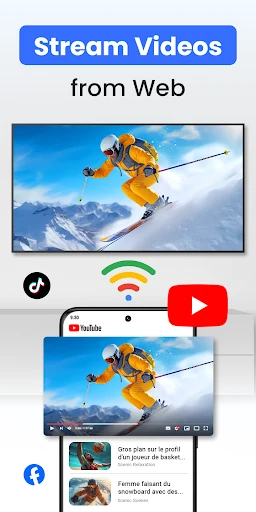
- Web and Local Media Casting: Allows users to bypass proprietary hardware restrictions by streaming local files and web-based videos directly to various receivers, ensuring content accessibility across different sources.
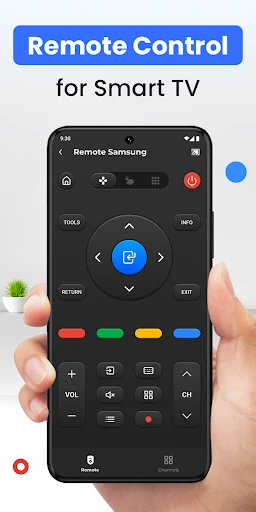
- Integrated Smart TV Remote: Functions as a redundant control system for Chromecast and Smart TVs, offering a digital alternative to lost or malfunctioning physical remotes with full navigation and playback support.
- Universal Protocol Support: Solves compatibility headaches by supporting a wide array of standards including Google Cast, AirPlay, DLNA, and UPnP, making it a viable tool for diverse hardware environments.
🎨 User Experience & Design
The user interface adheres to the efficiency standards expected of high-tier utility apps, focusing on a minimal-click path to functionality. By utilizing an automated three-step discovery process, the UX removes the technical barrier of manual IP entry or complex pairing sequences. The design is utilitarian yet polished, ensuring that even non-technical users can navigate from app launch to active casting in under a minute, which is critical for maintaining flow during social gatherings or meetings.
⚖️ Pros & Cons Analysis
- ✅ The Good: Extensive hardware compatibility covering Roku, Fire TV, Xbox, and major Smart TV brands (Samsung, LG, Sony).
- ✅ The Good: Low-latency performance optimized for HD mirroring, which is essential for interactive tasks like mobile gaming.
- ❌ The Bad: Strict reliance on a unified Wi-Fi network may pose challenges in enterprise or hotel environments with AP isolation.
- ❌ The Bad: As an independent third-party solution, it may lack the deep system-level integration found in official first-party manufacturer apps.
🛠️ Room for Improvement
To further solidify its position in the Tools category, the app could benefit from direct cloud storage integration (e.g., Google Drive, Dropbox, or OneDrive) to allow casting of files not stored locally. Additionally, a "network diagnostic" tool within the app would help users troubleshoot connectivity issues or signal interference in real-time, enhancing the overall reliability of the casting experience.
🏁 Final Conclusion & Recommendation
Cast for Chromecast & TV Cast is a top-tier recommendation for "power users" and families living in multi-platform households. It is particularly valuable for those who frequently switch between different streaming hardware or who require a reliable presentation tool on the go. This app effectively transforms a standard smartphone into a centralized media hub, making it an essential download for anyone looking to maximize the potential of their smart display hardware.