
AMD Link
AMD (Advanced Micro Devices, Inc.)
Downloads
1,000,000+
Version
Latest
Advertisement
Click to download now, finish the installation quickly, and directly unlock the "all-round experience"
Advertisement
Screenshots

Click to download now, finish the installation quickly, and directly unlock the "all-round experience"
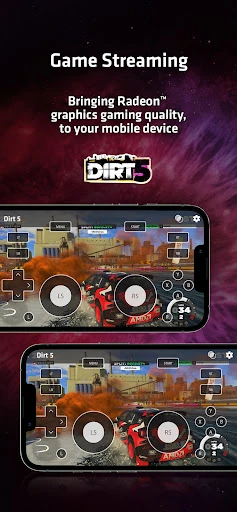
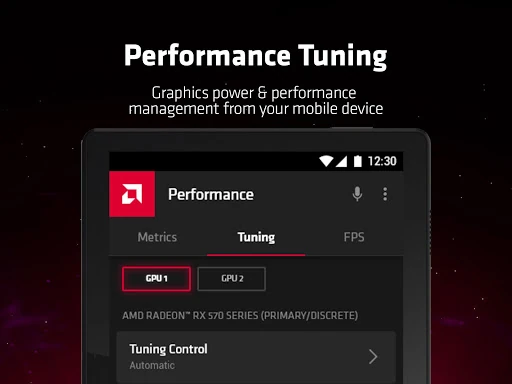
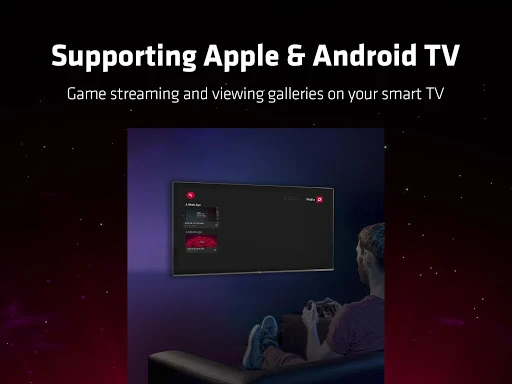
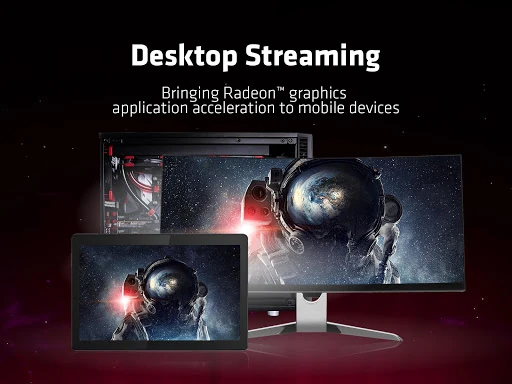
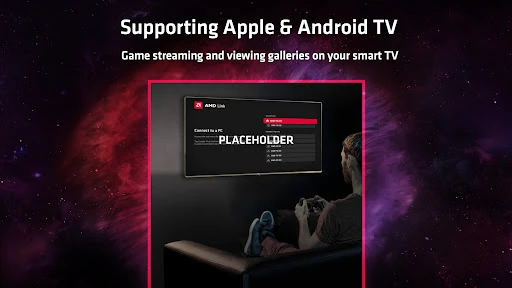
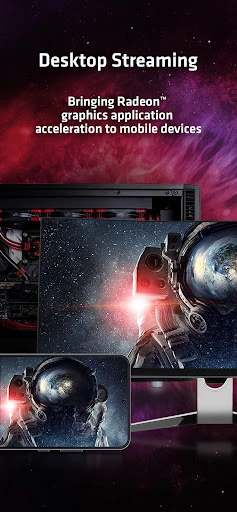
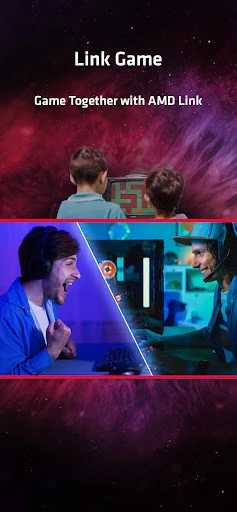
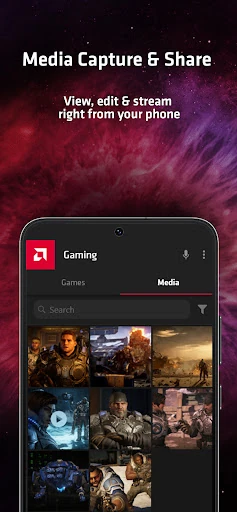
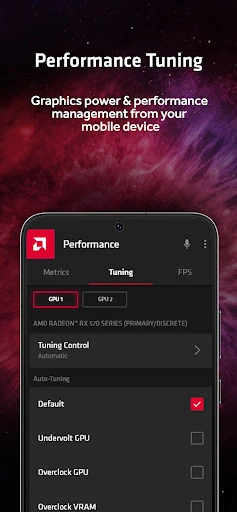
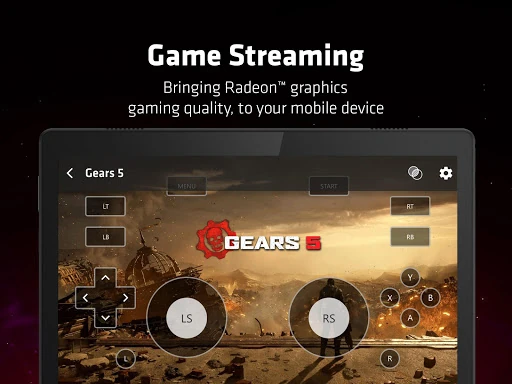
AMD Link has served as a pivotal utility within the Entertainment landscape, bridging the gap between high-performance PC gaming and mobile portability. Designed specifically for the Radeon ecosystem, it allowed users to extend their gaming reach beyond the desk. However, with AMD officially announcing the end of support in Q1 2024, the app is now in a legacy phase. While it remains a high-quality tool for low-latency streaming and system monitoring, its impending sunsetting means users must view it as a short-term solution before migrating to third-party alternatives.
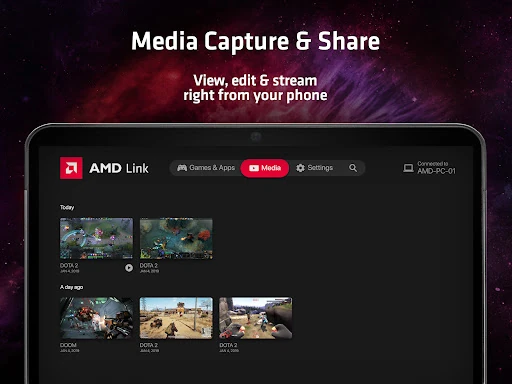
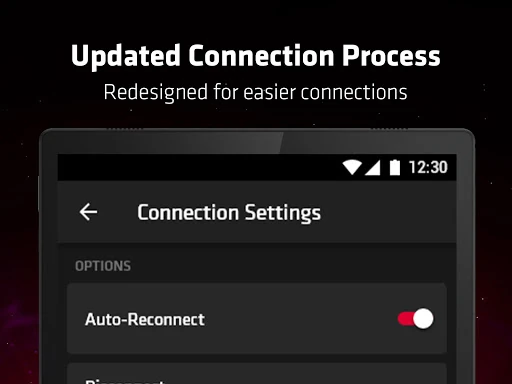
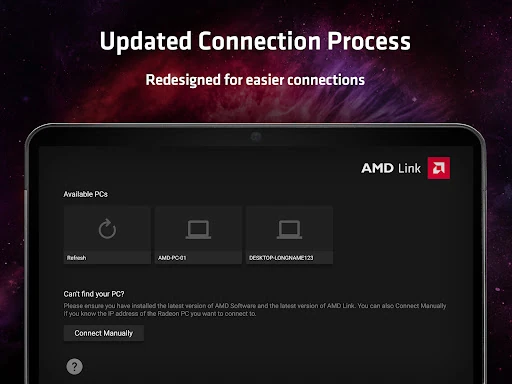
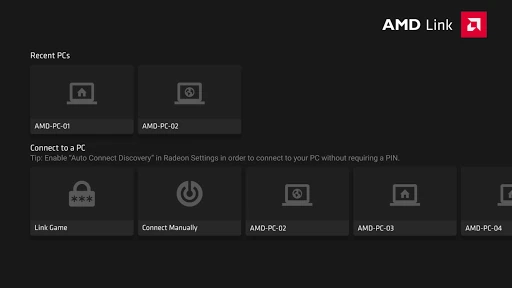
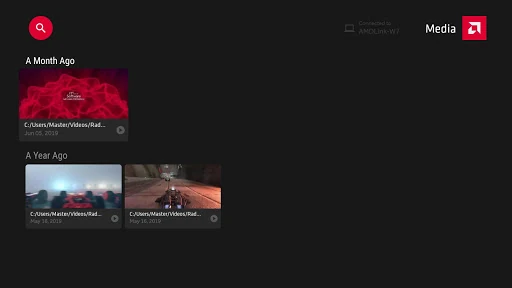
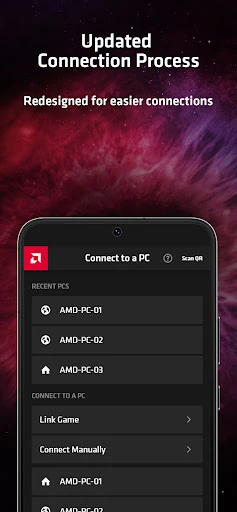
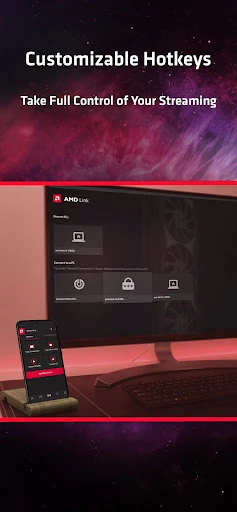
The UI of AMD Link is a direct reflection of the AMD Software: Adrenalin Edition, featuring a sleek, dark-mode aesthetic that resonates with the gaming community. The UX is generally intuitive, utilizing a QR-code pairing system that simplifies what is traditionally a complex networking setup. In the context of the Entertainment category, the interface succeeds by prioritizing "Game First" navigation, though occasional connection drops and the requirement for a robust local network can sometimes mar an otherwise seamless design experience.
Since the app is entering its final lifecycle stages, the most beneficial improvement would be a "Bridge Update" that helps users transition their settings or configurations to recommended third-party applications. Additionally, improving the reliability of the "Wake on LAN" feature would have been a significant final enhancement, as users often struggle to boot their PCs remotely to initiate a streaming session.
AMD Link is currently best suited for Radeon-based gamers who want to maximize their hardware's potential in the immediate term. It remains a gold standard for proprietary streaming, but its days are numbered. We recommend current users enjoy its streamlined features for now but begin exploring alternatives like Steam Link, Moonlight, or Sunshine to ensure their remote entertainment workflow remains uninterrupted after the Q1 2024 driver release.