Waze Navigation & Live Traffic

Waze Navigation & Live Traffic

Waze
Advertisement
4.1
Maps & Navigation
500,000,000+ Downloads

Click to download now, finish the installation quickly, and directly unlock the "all-round experience"

Advertisement

Screenshots
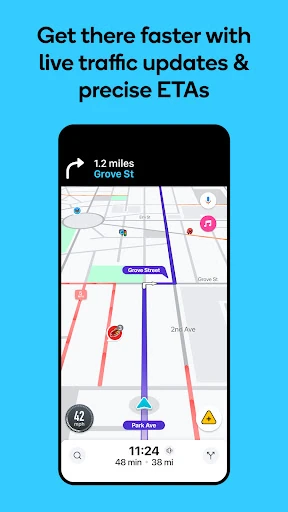
Screenshot
Screenshot
Screenshot
Screenshot
Screenshot
Screenshot
Screenshot
Screenshot
Screenshot
Screenshot
Screenshot
Screenshot
Screenshot
Screenshot
Screenshot
Screenshot
Screenshot
Screenshot
Screenshot
Screenshot
Screenshot
Screenshot
Screenshot
Screenshot
Screenshot
Screenshot
Screenshot
Screenshot

About This App

🏆 Expert Verdict & Overview

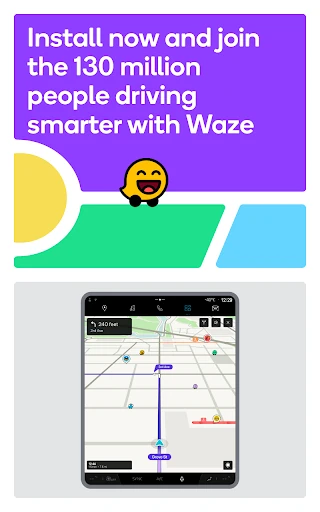
In the competitive landscape of Maps & Navigation apps, Waze Navigation & Live Traffic carves out a distinct and powerful niche. It transcends the standard turn-by-turn GPS experience by embedding a robust, real-time social layer. Waze positions itself not just as a mapping tool, but as a collective intelligence network for the road, using its user base to generate unparalleled, hyper-local insights that no pre-programmed system can match.

🔍 Key Features Breakdown

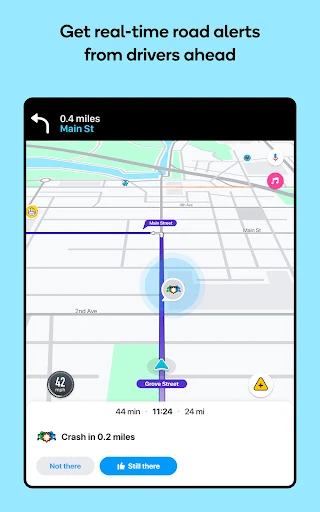
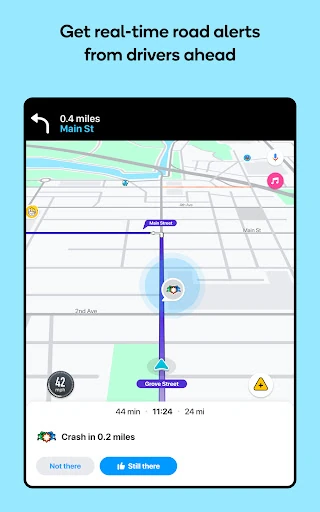
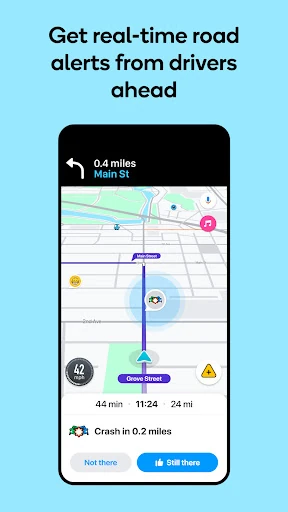
  • Crowd-Sourced Live Traffic & Alerts: This core philosophy solves the fundamental problem of unpredictability. Real-time reports on accidents, police, hazards, and road conditions from other drivers provide a constantly updated, hyper-local awareness that static or sensor-based systems cannot replicate, significantly reducing commuting stress.
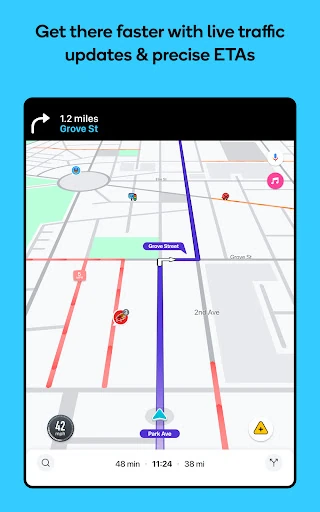
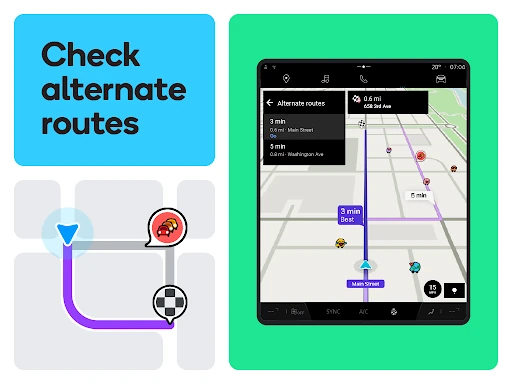
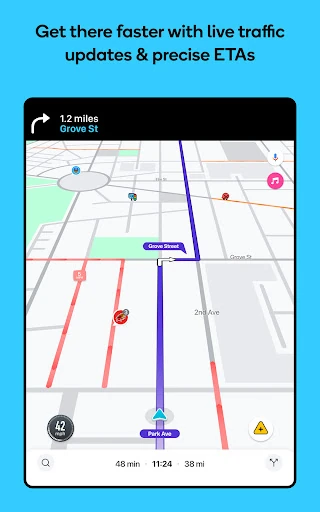
  • Dynamic Re-routing & Accurate ETAs: Addresses the frustration of outdated traffic information by automatically calculating the fastest route based on live data, not just distance. This directly tackles the core user goal of minimizing travel time and maximizing predictability.
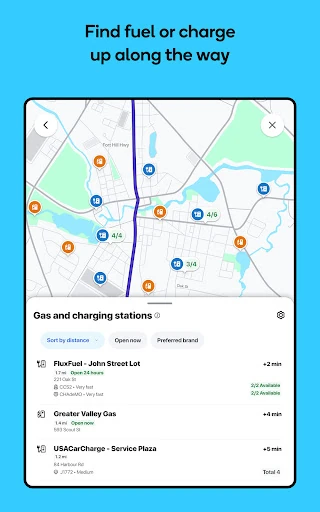
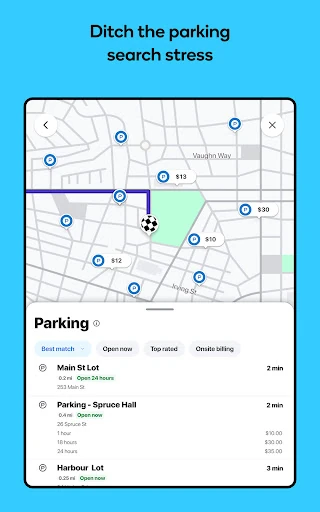
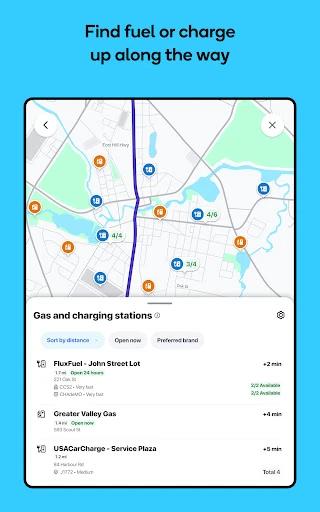
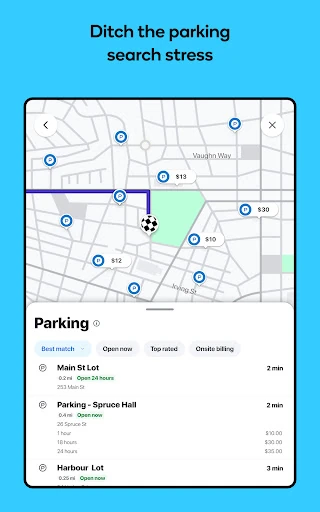
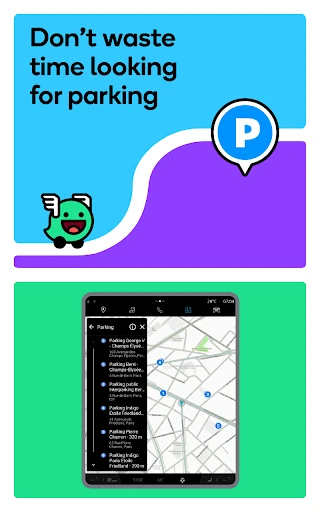
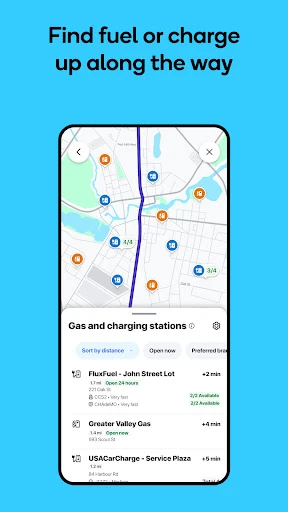
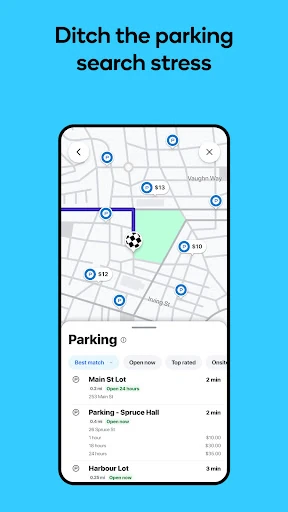
  • Driver-Centric Utilities (Tolls, Fuel, Parking): Moves beyond simple navigation to solve ancillary pain points of a journey. Integrating real-time fuel prices, parking lot locations/pricing, and toll pass management creates a holistic, end-to-end trip planning experience all within one app.
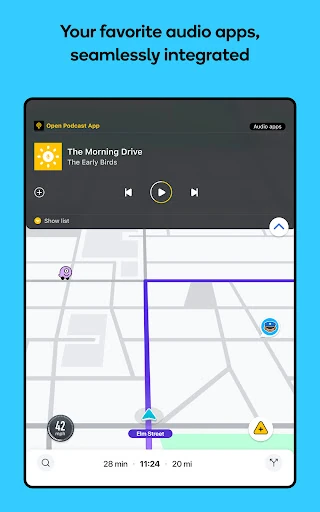
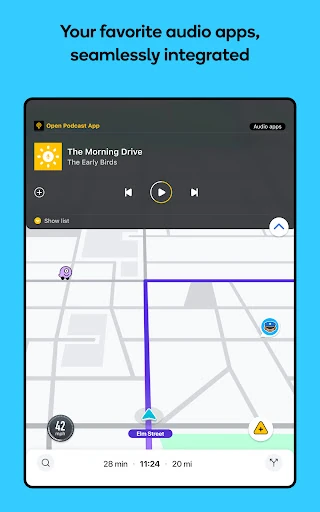
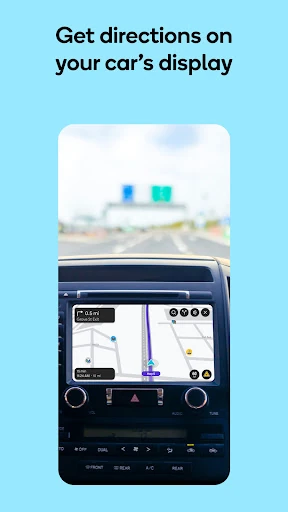
  • Audio & Infotainment Integration: Solves the problem of app-switching distraction. Seamless integration with music/podcast apps and Android Auto ensures the navigation experience is non-intrusive and keeps users' attention where it belongs—on the road.
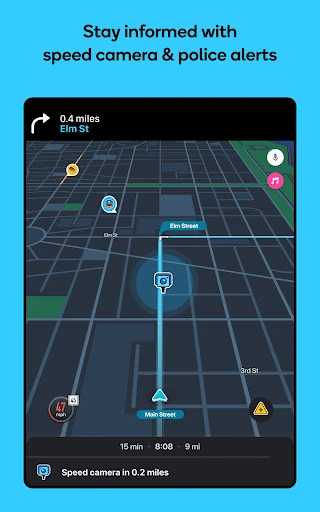
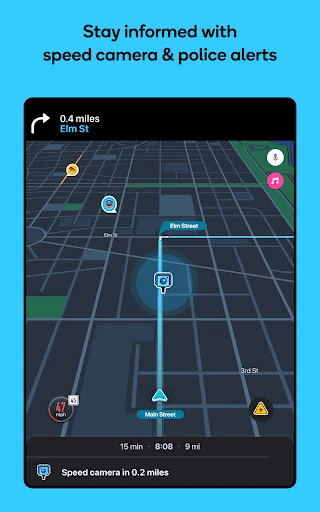
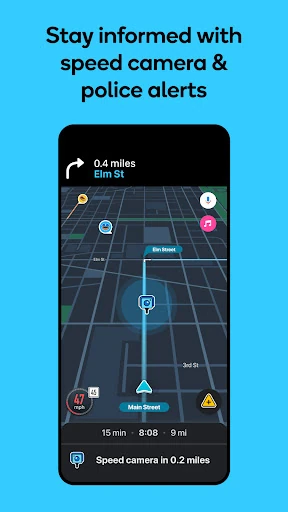
  • Community-Based Speed & Camera Alerts: Directly addresses user concerns about traffic enforcement. This feature fosters a sense of shared vigilance, helping drivers stay aware of posted limits and enforcement zones to avoid tickets and drive more safely.

🎨 User Experience & Design

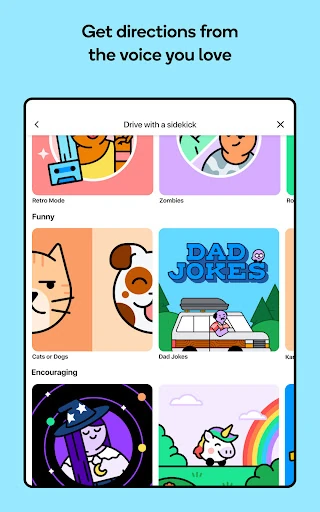
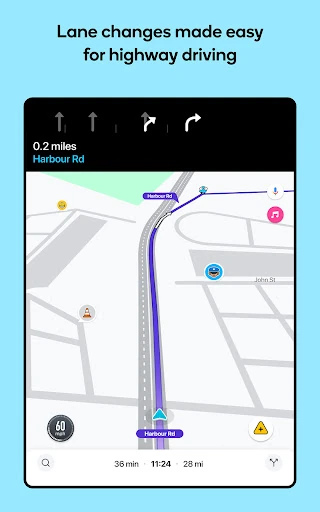
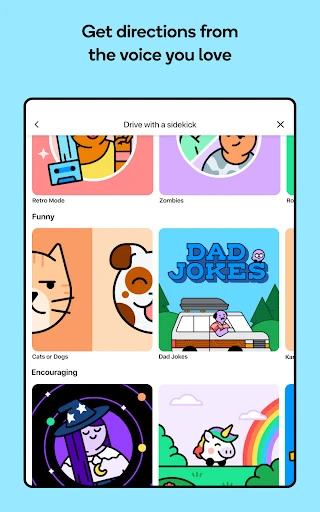
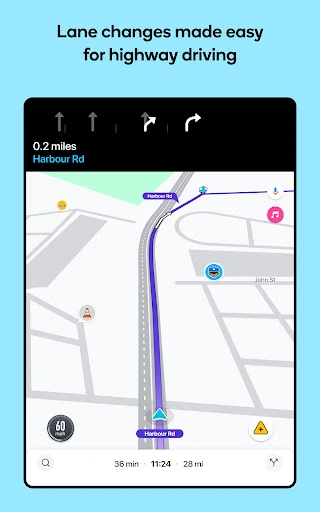
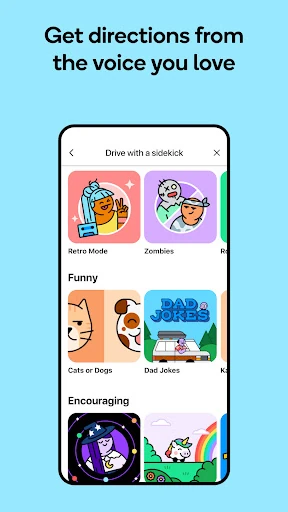
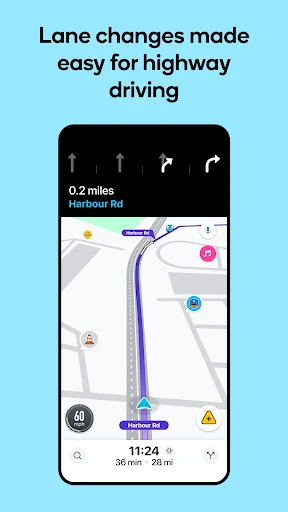
Waze's UI prioritizes clarity and immediate actionability, which is paramount in a navigation context where information must be absorbed at a glance. The map interface effectively highlights critical hazards and incidents with intuitive icons, while estimated arrival times and next-turn instructions are prominently displayed. The UX is built around real-time interaction; reporting an incident is a simple, low-friction process designed for safety. The integration of playful elements (voice packs, customizable "moods") softens the utilitarian nature of the app, making it feel more like a companion and less like a tool. Some may find the interface busier than minimalist alternatives, but this density is a direct result of its strength—presenting a rich stream of crowd-sourced data.

⚖️ Pros & Cons Analysis

  • ✅ The Good: Unrivaled real-time, hyper-local traffic and hazard information directly from the source—other drivers.
  • ✅ The Good: Exceptionally accurate and dynamic ETAs that adapt to changing conditions, often outperforming competitors in urban and commuter scenarios.
  • ✅ The Good: A comprehensive suite of driver-focused utilities (fuel, parking, tolls) that makes it a one-stop trip-planning solution.
  • ✅ The Good: Strong community features that encourage participation and make users feel like part of a collaborative network.
  • ❌ The Bad: Data quality and feature availability are entirely dependent on a large, active user base; effectiveness can plummet in rural or low-traffic areas.
  • ❌ The Bad: The interface can feel cluttered with icons and pop-ups, which some users may find visually distracting compared to cleaner, data-minimalist alternatives.
  • ❌ The Bad: The social-centric model raises persistent, though manageable, privacy considerations regarding location and driving data collection.
  • ❌ The Bad: Constant data transmission and screen-on usage can lead to higher battery consumption compared to offline-first navigation apps.

🛠️ Room for Improvement

To maintain its edge, Waze should focus on enhancing the intelligence layer. Introducing AI-powered trip pattern recognition could allow the app to auto-suggest departure times based on a user's historical commute data and predicted traffic. Expanding hazard prediction—forecasting where issues like fog, ice, or congestion are likely to occur based on time, weather, and event data—would be a significant leap forward. Furthermore, developing a more sophisticated battery-saving mode that intelligently throttles data usage on familiar routes without sacrificing critical alert functionality would address a key user pain point.

🏁 Final Conclusion & Recommendation

Waze Navigation & Live Traffic is the definitive recommendation for daily commuters, urban drivers, and anyone whose primary driving routes are in well-populated areas where real-time data is king. Its unique value comes from the active community, making it less ideal for consistent off-grid or remote travel. For drivers who prioritize the most up-to-the-second information on road conditions, hazards, and the absolute fastest route—and are willing to contribute to the ecosystem—Waze remains in a class of its own. It's a powerful tool that turns every driver into both a consumer and producer of road intelligence.