New Zealand Topo Maps
ATLOGIS Geoinformatics GmbH & Co. KG
Downloads
100,000+
Version
Latest
Advertisement
Click to download now, finish the installation quickly, and directly unlock the "all-round experience"
Advertisement
Screenshots

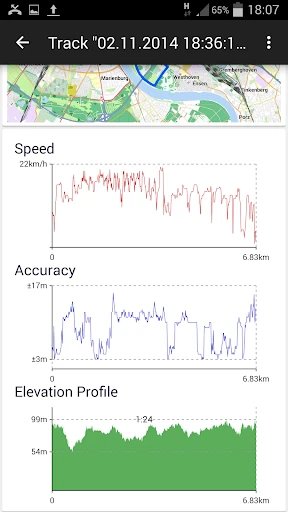

Click to download now, finish the installation quickly, and directly unlock the "all-round experience"
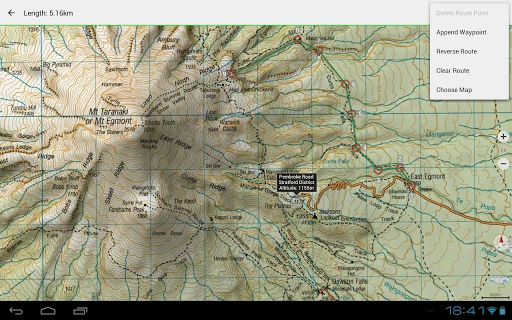
New Zealand Topo Maps stands as a definitive navigation solution for anyone venturing into the New Zealand wilderness. In the broader Maps & Navigation landscape, where general-purpose apps like Google Maps often fail due to lack of terrain detail or offline reliability, this app excels by integrating official Land Information New Zealand (LINZ) Topo50 data. It successfully replicates the robust functionality of dedicated GPS handhelds, providing a professional-grade toolset for outdoor enthusiasts, search and rescue personnel, and land managers. Its authoritative use of government-standard topographic information makes it an essential asset for safe and precise backcountry navigation.
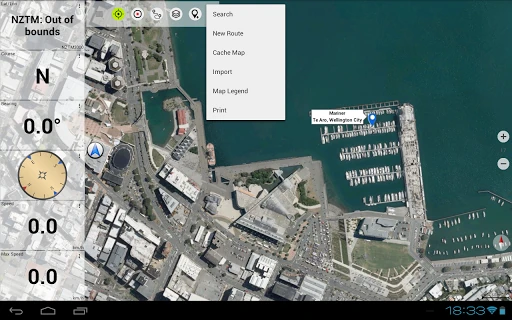
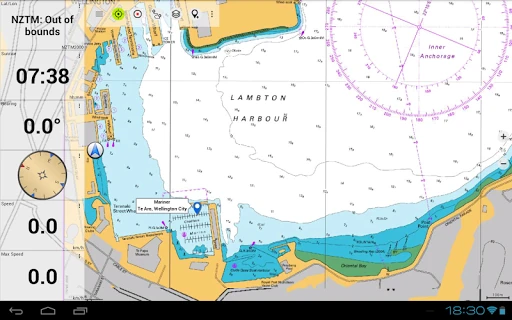
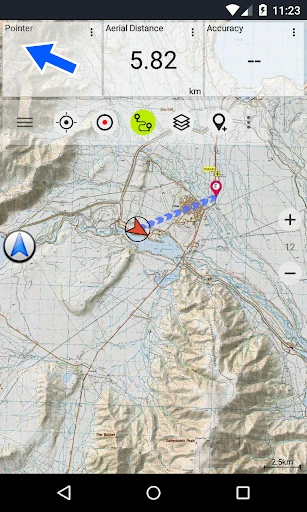
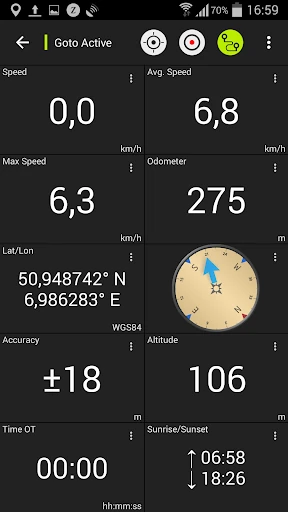
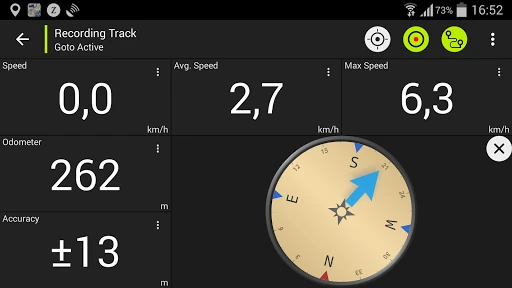
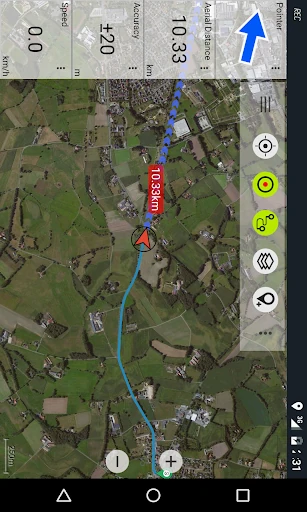
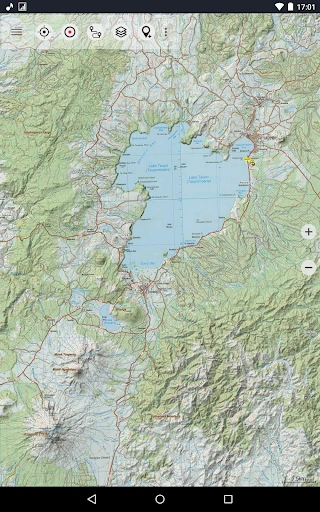
The interface of New Zealand Topo Maps prioritizes utility over aesthetic flair, which is a standard expectation in the high-stakes Maps & Navigation category. The design language is reminiscent of traditional GPS hardware, which may present a learning curve for casual users but offers deep efficiency for power users. Map rendering is notably crisp, thanks to the Atlogis hillshading and additional labeling that maintains readability even at high zoom scales. While the UI might feel slightly dated compared to modern "flat design" apps, the tactical placement of customizable data fields in the Map View and Tripmaster ensures that critical information—such as coordinates in UTM or WGS84—is always accessible during high-intensity outdoor activities.
The application would benefit significantly from a modernized UI overhaul to make its deep feature set more accessible. Specifically, a more intuitive onboarding process for the various map layers and overlays would help new users understand the value of the Pro version. Additionally, implementing a more flexible "freemium" model—perhaps allowing more waypoints but limiting advanced overlays—could improve user retention. Better integration of cloud syncing for waypoints across multiple devices would also bring the app up to modern productivity standards.
New Zealand Topo Maps is a purpose-built tool designed for serious trampers, hunters, climbers, and 4WD enthusiasts. It is not a casual city navigator; rather, it is a high-precision instrument for those who depend on accurate terrain data for safety and planning. While the free version serves as a useful proof-of-concept, the Pro version is a mandatory investment for any professional or frequent adventurer in New Zealand. If you require the reliability of a Garmin GPS within the convenience of your Android device, this is the premier choice for the region.