Adobe Scan AI PDF Scanner, OCR

Adobe Scan AI PDF Scanner, OCR

Adobe
Advertisement
4.7
Business
100,000,000+ Downloads

Click to download now, finish the installation quickly, and directly unlock the "all-round experience"

Advertisement

Screenshots
Screenshot
Screenshot
Screenshot
Screenshot
Screenshot
Screenshot
Screenshot
Screenshot
Screenshot
Screenshot
Screenshot
Screenshot
Screenshot
Screenshot
Screenshot
Screenshot
Screenshot
Screenshot
Screenshot
Screenshot
Screenshot
Screenshot
Screenshot
Screenshot

About This App

๐Ÿ† Expert Verdict & Overview

Adobe Scan AI PDF Scanner, OCR solidifies its position as a premium-tier productivity tool within the Business category. Our analysis confirms it is far more than a basic scanner; it's an intelligent document processing hub that leverages AI to automate tedious tasks, transforming physical paperwork into organized, editable, and actionable digital assets. It exemplifies Adobe's strength in creating a seamless, professional-grade ecosystem, making it a compelling choice for users who prioritize accuracy, integration, and efficiency.

๐Ÿ” Key Features Breakdown

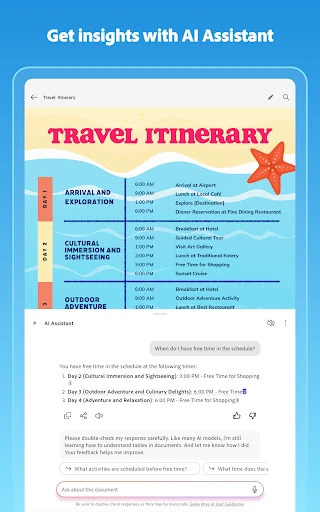
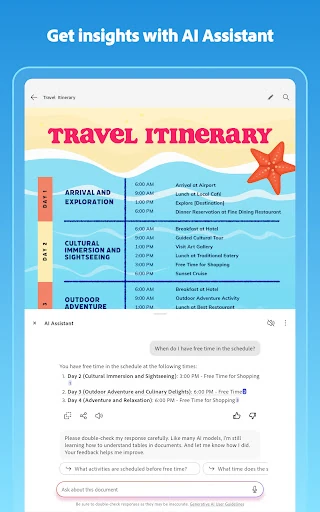
  • AI-Powered Summarization & Interaction: Solves information overload by allowing users to instantly extract key points from lengthy scans and even ask follow-up questions or generate draft content, turning static documents into starting points for action.
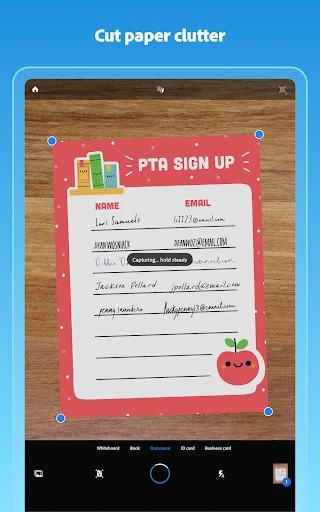
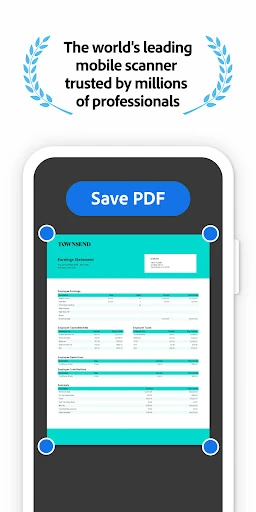
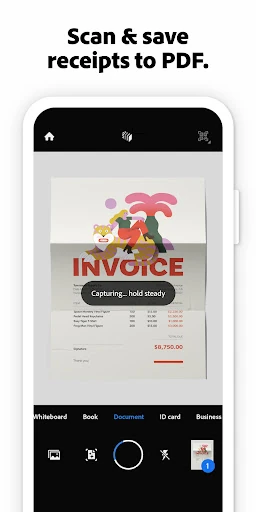
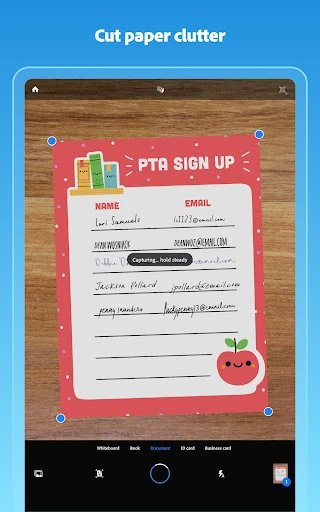
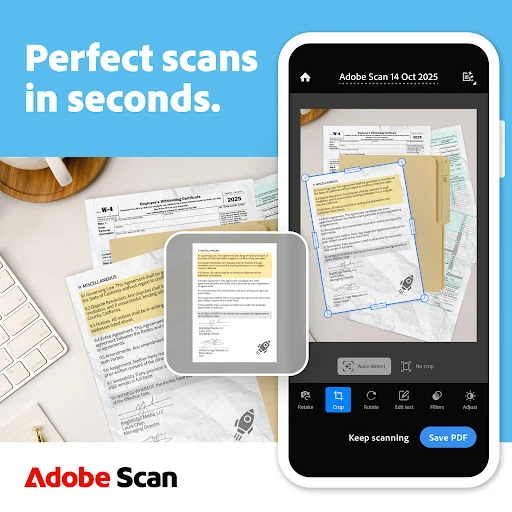
  • Intelligent Document Capture & Straighten: Addresses the common pain point of poor-quality phone scans by automatically detecting borders, sharpening text, and correcting curved pages, ensuring outputs are consistently professional without manual correction.
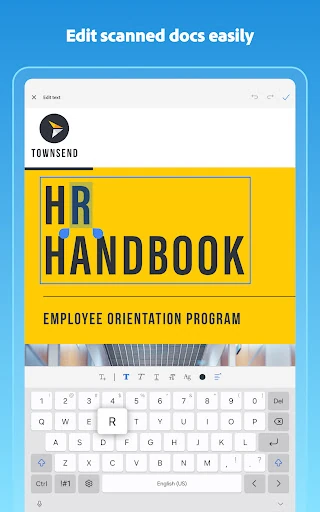
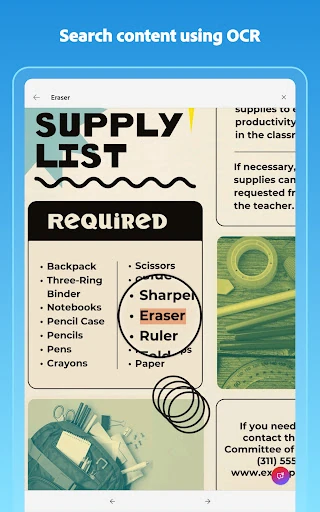
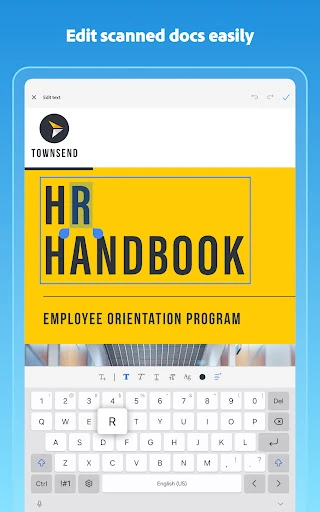
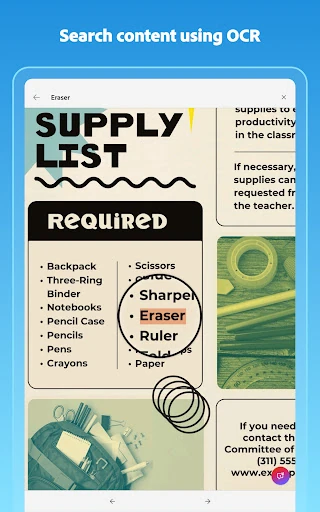
  • Advanced OCR & Text Reusability: Tackles the frustration of 'locked-in' scanned text by accurately converting images and handwriting into editable and searchable text, enabling users to copy, edit, and repurpose content directly into other applications like Word or Excel.
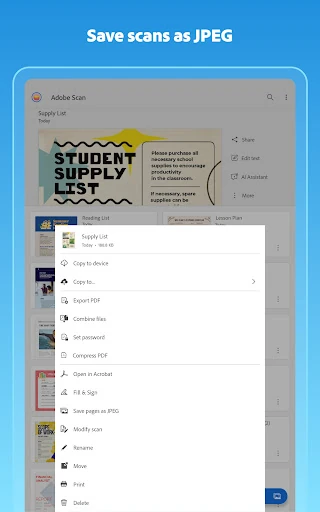
  • Smart Library & Organization: Mitigates digital clutter by automatically identifying documents within the photo library and allowing the creation of custom folders, directly linking the act of scanning with structured filing.
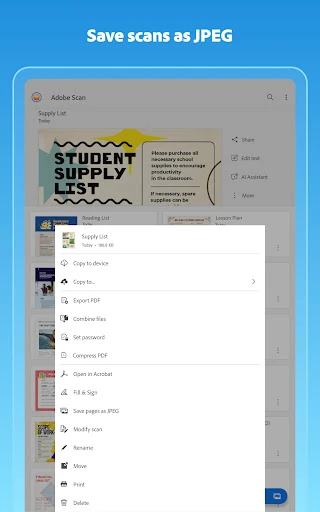
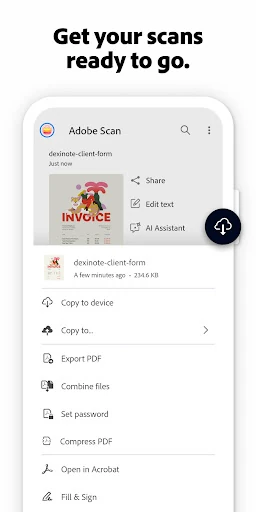
  • Cross-Platform Ecosystem Integration: Solves workflow fragmentation by providing direct access to Adobe Document Cloud and seamless handoff to Acrobat Reader for advanced tasks like commenting, signing, and form filling, creating a unified document management pipeline.

๐ŸŽจ User Experience & Design

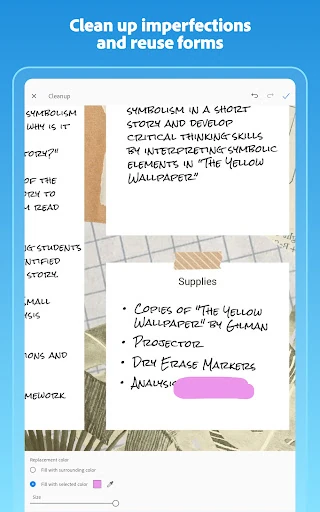
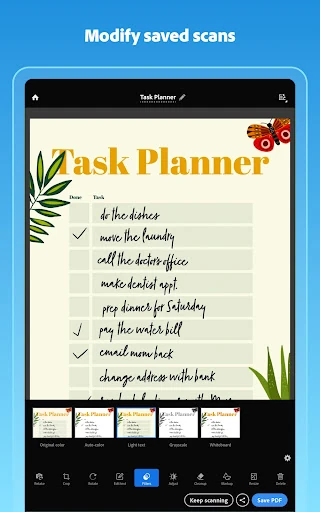
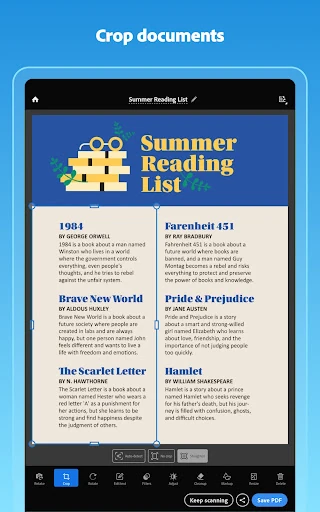
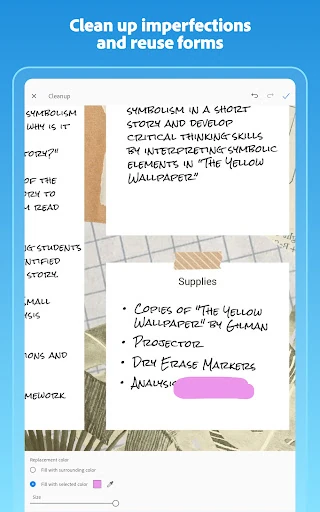
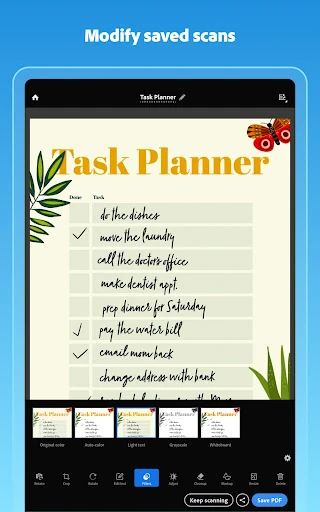
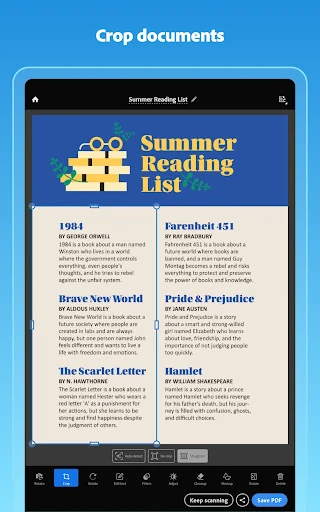
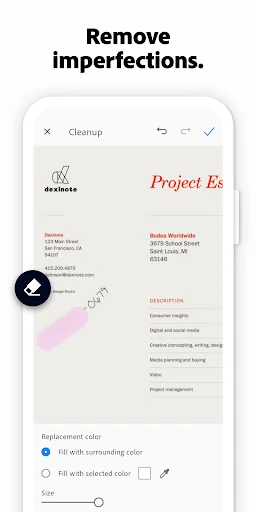
The interface adheres to the high standards expected of a leading Business application. It prioritizes efficiency and clarity: the primary scan function is immediately accessible, and post-capture tools like cropping, color adjustment, and the powerful Cleanup tool are intuitively laid out. The UX successfully minimizes the steps between capturing a document and having a finished, usable PDF. Features like bulk scanning and one-tap AI summaries demonstrate a deep understanding of user psychology in a business contextโ€”valuing speed and immediate insight. The design is clean and professional, avoiding gimmicks in favor of reliable functionality.

โš–๏ธ Pros & Cons Analysis

  • โœ… The Good: The free tier offers robust, high-quality scanning and OCR, which is exceptional in a market of limited freemium apps.
  • โœ… The Good: The AI Assistant and Generative Summary features are genuinely transformative, moving beyond simple scanning to document intelligence.
  • โœ… The Good: Seamless integration with the broader Adobe ecosystem (Document Cloud, Acrobat) provides a powerful end-to-end solution for professionals.
  • โŒ The Bad: Key productivity features like multi-document merging and higher OCR page limits are locked behind a subscription paywall.
  • โŒ The Bad: As with many AI-powered tools, the accuracy of text recognition and summary generation, while high, may still require user verification for mission-critical documents.
  • โŒ The Bad: The full value proposition is deeply tied to the Adobe ecosystem, which can be a barrier for users entrenched in other platforms (e.g., Google Drive, Apple Notes).

๐Ÿ› ๏ธ Room for Improvement

Future updates could focus on enhancing flexibility and transparency. Introducing a one-time purchase option for specific premium features (e.g., document merging) would cater to users averse to subscriptions. Improving offline functionality for core scanning and editing tasks would increase reliability in low-connectivity environments. Furthermore, providing more granular control or pre-scan previews for the AI summary settings would allow users to better tailor the output to their specific needs, adding a layer of advanced customization for power users.

๐Ÿ Final Conclusion & Recommendation

Adobe Scan AI PDF Scanner, OCR is highly recommended for students, professionals, and small business owners who regularly handle physical documents and require a reliable, intelligent tool to digitize and organize them. It is particularly ideal for users already within the Adobe ecosystem. The free version is powerful enough for most individual needs, while the subscription is justified for heavy users who require batch processing and advanced capabilities. For those seeking a top-tier, AI-enhanced scanning solution that blends seamlessly with a professional software suite, Adobe Scan is the definitive choice.