Advertisement
Click to download now, finish the installation quickly, and directly unlock the "all-round experience"
Advertisement
Screenshots
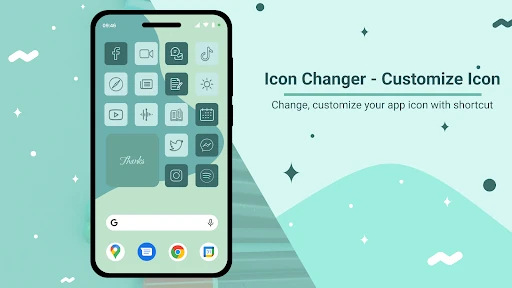
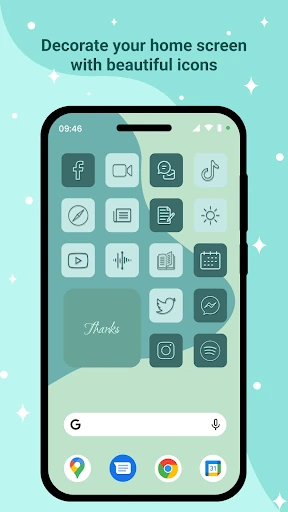
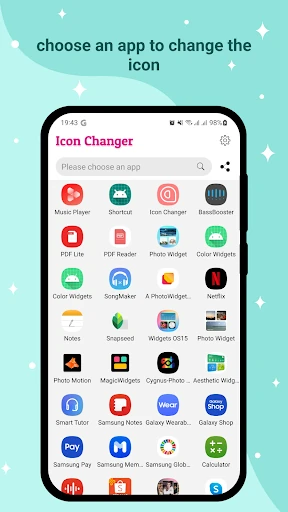
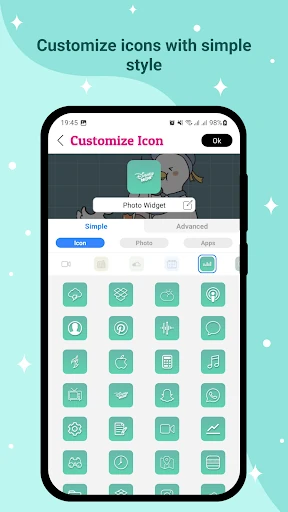
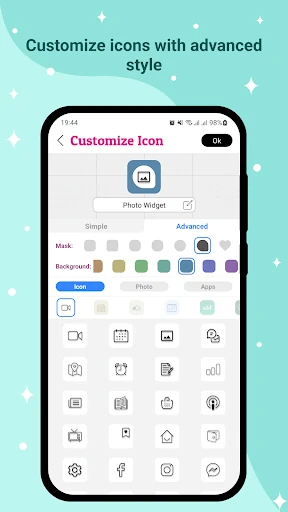
Click to download now, finish the installation quickly, and directly unlock the "all-round experience"
Icon Changer - Customize Icon emerges as a dedicated utility in the Android Personalization landscape, specifically designed for users who seek aesthetic control without the overhead of a custom launcher. By utilizing the system's shortcut functionality, it offers a non-destructive way to overhaul home screen visuals. For enthusiasts looking to bridge the gap between Android's flexibility and the curated look of iOS or custom design languages, this app provides a versatile, lightweight toolkit for granular icon and name modification.
The user experience is built around a linear, four-step workflow that minimizes friction: select, customize, confirm, and repeat. While the interface prioritizes functionality, the logical progression from selecting a target app to the "Customize Icon" screen ensures that even novice users can navigate the process without a steep learning curve. The inclusion of an "ios-like" experience caters to a significant demographic within the personalization market, though the overall design remains utilitarian to ensure performance across various device specifications.
To further elevate the user experience, the developers should consider implementing a batch-processing feature, allowing users to apply a theme to multiple icons simultaneously rather than modifying them one by one. Additionally, integrating a search bar within the "select application" screen would significantly speed up the workflow for users with large app libraries. Refining the UI to better align with modern Material You design principles would also give the app a more premium, integrated feel.
Icon Changer - Customize Icon is an ideal solution for Android users who enjoy "theming" their devices but prefer to stick with their stock launcher rather than migrating to a third-party alternative. It is particularly well-suited for creative hobbyists who want to design their own icon shapes and color palettes from the ground up. While it is subject to the inherent limitations of shortcut-based customization, its robust masking features make it a valuable asset for anyone looking to personalize their digital workspace.