Dropbox: Secure Cloud Storage
Dropbox, Inc.
Downloads
1,000,000,000+
Version
Latest
Advertisement
Click to download now, finish the installation quickly, and directly unlock the "all-round experience"
Advertisement
Screenshots
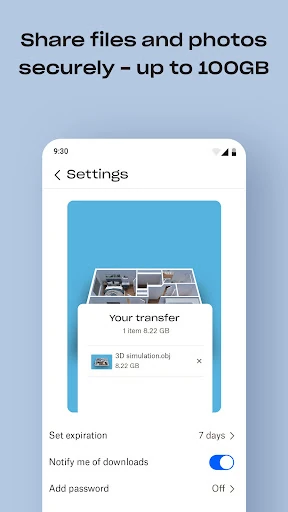
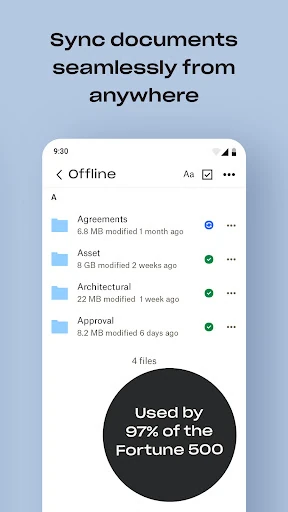
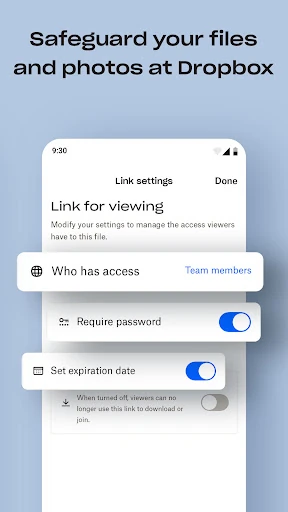
Click to download now, finish the installation quickly, and directly unlock the "all-round experience"
Dropbox: Secure Cloud Storage remains a cornerstone of the productivity ecosystem, serving as a gold standard for reliable cloud synchronization and multi-platform collaboration. With a massive global footprint of over 700 million users, it has transitioned from a simple storage utility into a comprehensive data management suite. In the modern productivity landscape, Dropbox distinguishes itself through its "anywhere" accessibility and ironclad security, making it an essential tool for those who prioritize data integrity and seamless workflow continuity across mobile and desktop environments.
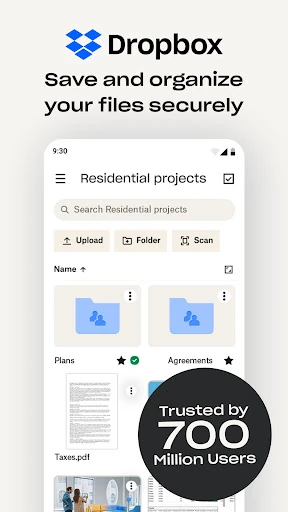
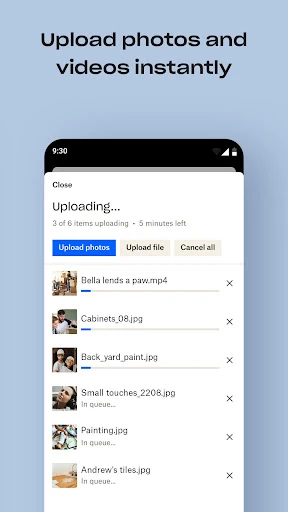
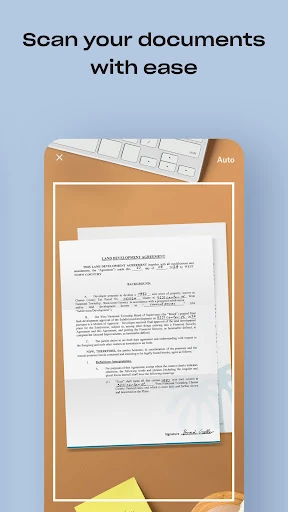
The interface of Dropbox follows a clean, minimalist design language that prioritizes functional clarity over aesthetic flair. In the Productivity category, success is defined by how quickly a user can locate a specific file, and Dropbox achieves this with an intuitive folder hierarchy and a responsive search engine. The mobile UX is particularly well-optimized, with "Quick Action" buttons for scanning and uploading that feel natural. The consistency between the mobile app, web interface, and desktop client ensures a low cognitive load for users moving between different hardware.
To further solidify its market position, Dropbox should consider introducing a "Lite" premium tier for individual users who need more than the basic free storage but do not require a full 2TB. Additionally, enhancing the AI capabilities within the document scanner—such as automatic expense categorization from receipts—would provide more value to the productivity-focused user base. Improved offline folder management would also benefit users in low-connectivity regions.
Dropbox: Secure Cloud Storage is the premier choice for creative professionals, remote teams, and power users who require a dependable "digital home" for their data. While casual users might find the storage-to-price ratio of the free tier limiting, the app’s reliability and advanced features like File Rewind and Vault make it an unbeatable investment for anyone managing sensitive information. It is highly recommended for users who value a "set-it-and-forget-it" backup solution combined with professional-grade sharing tools.