Picsart Color - Painting, Draw

Picsart Color - Painting, Draw

PicsArt, Inc.
Advertisement
3.7
Entertainment
50,000,000+ Downloads

Click to download now, finish the installation quickly, and directly unlock the "all-round experience"

Advertisement

Screenshots
Screenshot
Screenshot
Screenshot
Screenshot
Screenshot

About This App

🏆 Expert Verdict & Overview

Picsart Color - Painting, Draw positions itself as a comprehensive mobile art studio within the crowded Entertainment category. It successfully bridges the gap between a simple coloring book app and a professional-grade digital art tool, offering a surprisingly deep feature set that caters to casual doodlers and serious illustrators alike. Its core strength lies in democratizing advanced artistic concepts like layers and blending modes through an accessible mobile interface.

🔍 Key Features Breakdown

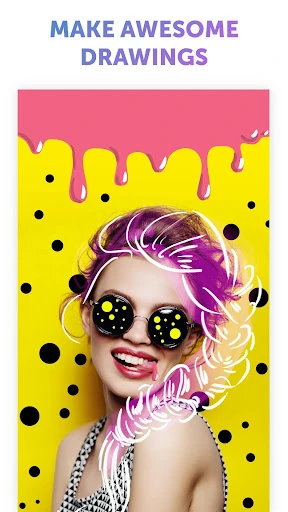
  • Symmetric Drawing with Rotating Axis: Solves the challenge of creating perfectly mirrored, intricate patterns and mandalas, saving immense time and ensuring visual balance, which is especially valuable for beginners.
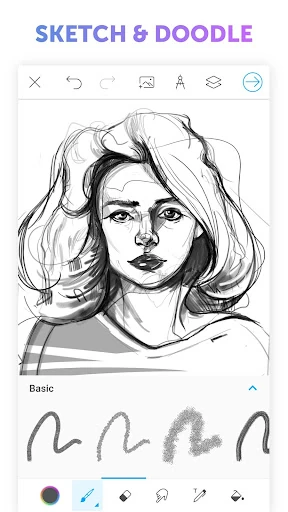
  • Textured Brush Engine: Moves beyond flat color to add physicality and depth to digital art. This addresses the user problem of digital art feeling "too clean" or lacking the tactile quality of traditional mediums like pastels or charcoal.
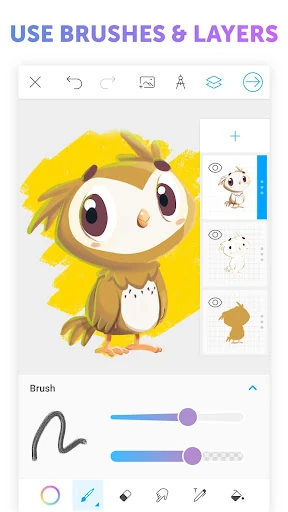
  • Full Layer Support with Blending Modes: Provides the non-destructive, professional workflow essential for complex illustrations. This solves the problem of experimentation risk, allowing users to test effects and compositions without ruining their base work.
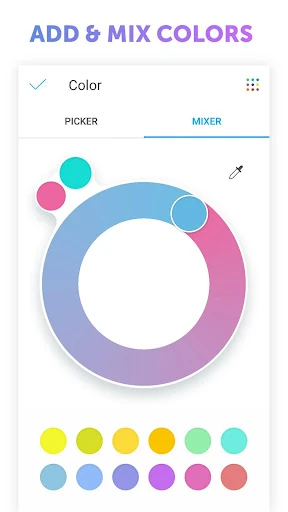
  • Comprehensive Color Mixer & Wheel: Tackles the fundamental artist need for precise color selection and discovery. It empowers users to create any hue imaginable, moving beyond limited pre-set palettes that stifle creativity.
  • Auto-Recovery Function: Directly addresses a primary user anxiety in creative apps: losing work. This feature removes a significant point of friction, encouraging longer, more relaxed creative sessions.

🎨 User Experience & Design

The interface succeeds in its primary goal for an Entertainment/creativity app: minimizing the learning curve and maximizing time spent creating. Promising an "intuitive interface" is common, but the organization of pro-level tools (layers, brushes) into a mobile-friendly layout appears well-considered. For the Entertainment category, the UX prioritizes discovery and play—features like text-based drawing and pattern fills encourage experimentation over rigid productivity. The lack of "pesky ads," as noted, is a critical UX decision that prevents disruptive breaks in the creative flow, a standard increasingly expected in quality apps of this type.

⚖️ Pros & Cons Analysis

  • ✅ The Good: Offers a remarkably professional feature set (layers, blending modes) for a free, ad-supported mobile app.
  • ✅ The Good: Unique tools like symmetric drawing and texture brushes provide creative value not found in many basic competitors.
  • ✅ The Good: Clean, ad-free experience removes a major point of frustration for users wanting an immersive creative session.
  • ❌ The Bad: The sheer breadth of tools could potentially overwhelm a true novice seeking a simple coloring or doodling app.
  • ❌ The Bad: While feature-rich, the output quality will be ultimately limited by the precision of finger or stylus input on a mobile screen compared to a dedicated graphics tablet.

🛠️ Room for Improvement

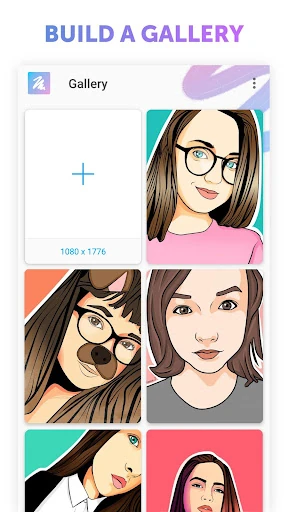
To elevate from a great tool to an indispensable platform, future updates should focus on community and learning. Integrating a simple in-app gallery or community challenge feed could inspire users. Adding interactive, guided tutorials for key features like blending modes would help onboard beginners. Furthermore, expanding export options beyond standard image formats to include project files or time-lapse videos of the creation process would cater to the growing creator economy.

🏁 Final Conclusion & Recommendation

This app is highly recommended for a broad target audience: beginners looking to graduate from simple doodling, hobbyists seeking a powerful yet portable art studio, and even professionals needing a capable sketchpad on the go. Its standout proposition is providing pro-grade tools in a free, accessible package. While it may have a slight initial complexity, the payoff in creative potential is significant. For anyone serious about mobile digital art, Picsart Color is a must-try and could easily become a primary creative tool.