Advertisement
Click to download now, finish the installation quickly, and directly unlock the "all-round experience"
Advertisement
Screenshots
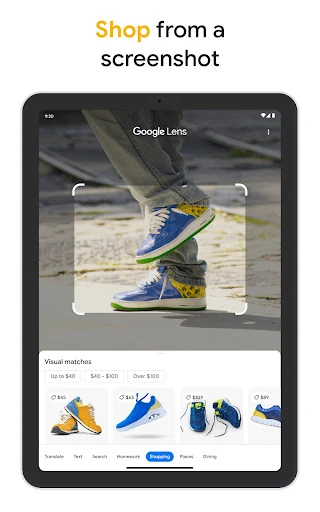
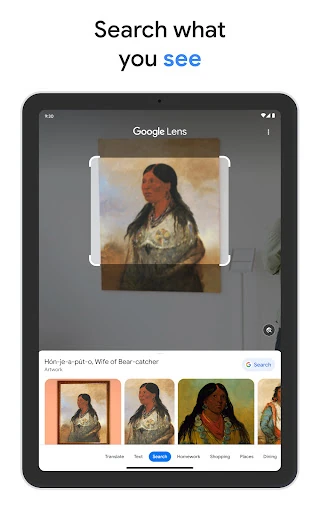
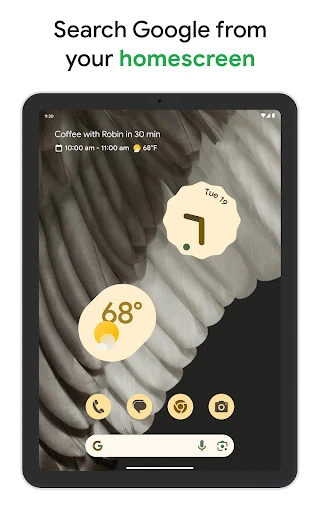
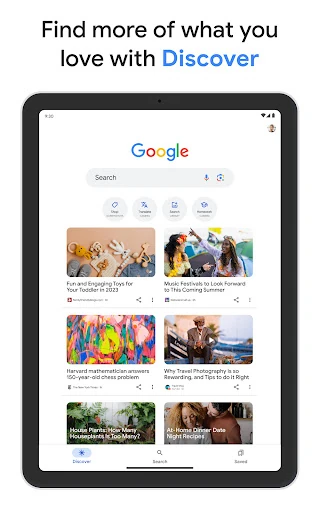

Click to download now, finish the installation quickly, and directly unlock the "all-round experience"
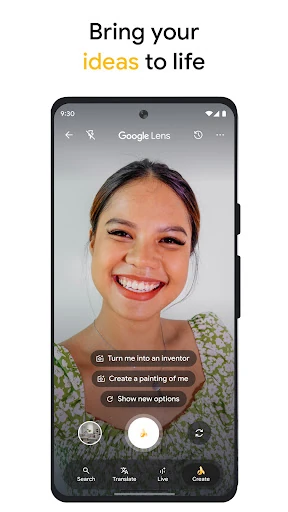
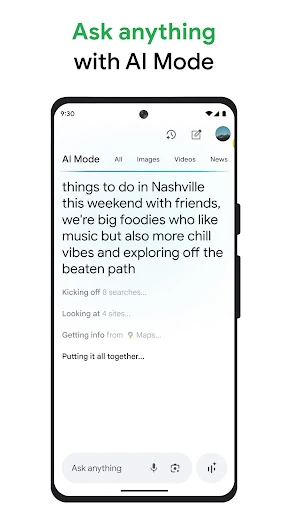
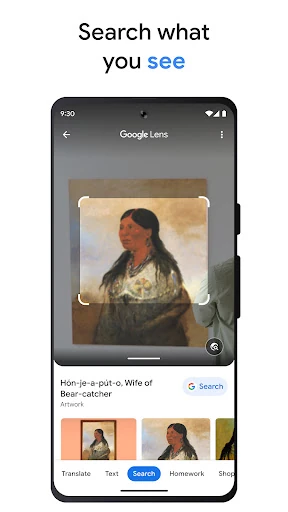
The Google app stands as the definitive benchmark for the mobile Tools category, evolving from a simple entry point for web queries into a sophisticated, multi-modal command center. By integrating advanced generative AI and computer vision directly into the core search experience, Google has redefined how users interact with information. It is no longer just an app but a pervasive layer of intelligence that connects the physical world to the digital landscape, making it an essential utility for virtually every smartphone user.
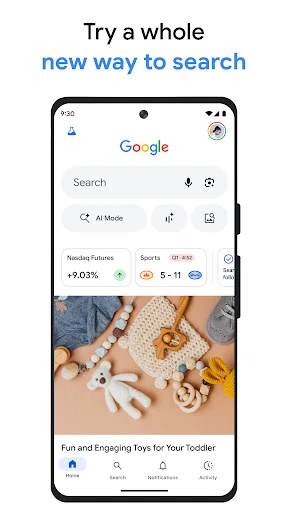
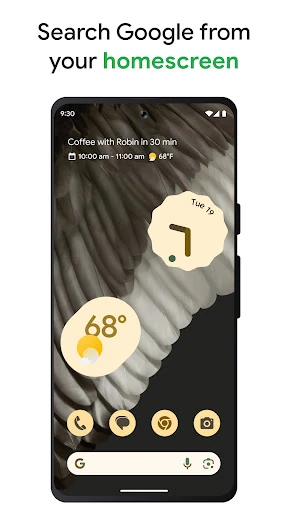
The user interface of the Google app is a masterclass in "Material You" design principles, prioritizing clean lines, ample white space, and adaptive color palettes that sync with the user's system theme. The UX is engineered for speed; the search bar is always within reach, and the transition between text, voice, and visual search is seamless. While the app houses an immense amount of utility, it avoids clutter through a minimalist home screen and intuitive iconography. The integration of widgets further enhances the UX, allowing users to perform complex tasks like song identification or translation directly from the home screen without ever opening the full application.
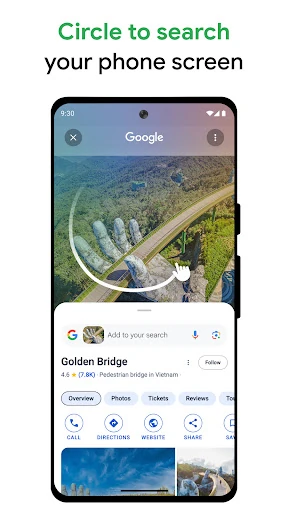
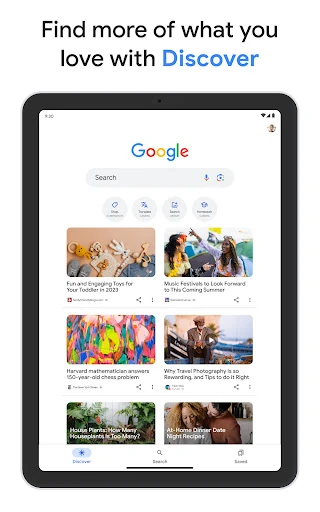
To further refine the experience, the next update should focus on reducing the app's resource footprint, particularly for mid-range devices where the AI features can cause slight UI lag. Additionally, expanding the "Circle to Search" functionality to a wider range of hardware beyond premium devices would increase utility for the general user base. Finally, providing more granular user controls for the "Discover" algorithm—such as the ability to "hard block" specific domains—would improve the quality of the content feed.
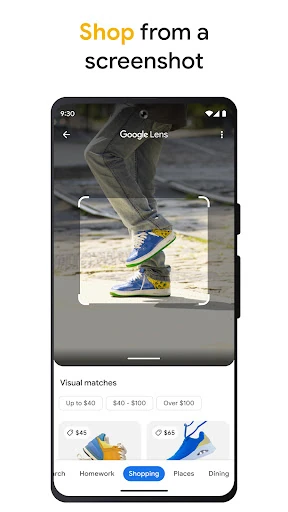
The Google app is the ultimate Swiss Army knife for the modern mobile era. It is designed for everyone—from students needing homework help via Lens to professionals requiring quick AI-generated insights. While its data collection practices require a level of trust in the Google ecosystem, the utility it provides is currently unmatched in the Tools landscape. It is highly recommended as the primary gateway for anyone looking to maximize their mobile productivity and information-gathering efficiency.