Picsart AI Photo Editor, Video
PicsArt, Inc.
Downloads
1,000,000,000+
Version
Latest
Advertisement
Click to download now, finish the installation quickly, and directly unlock the "all-round experience"
Advertisement
Screenshots
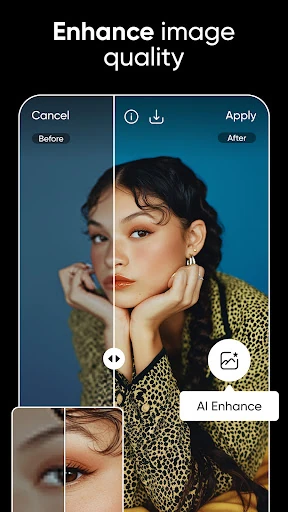
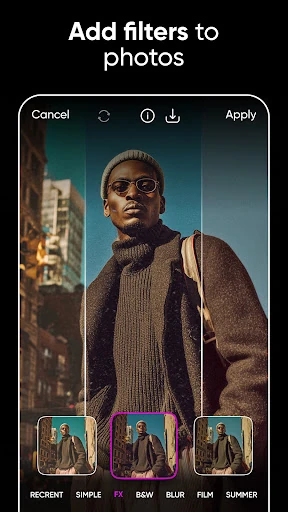
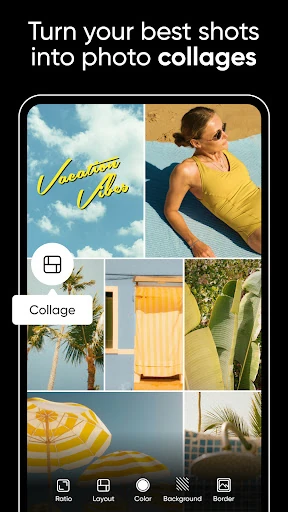
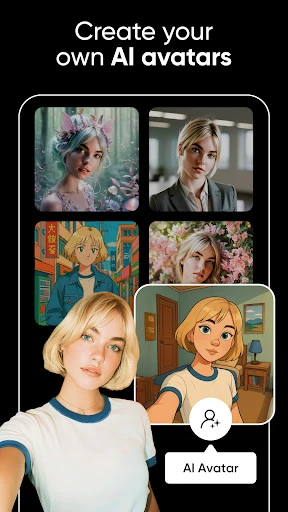

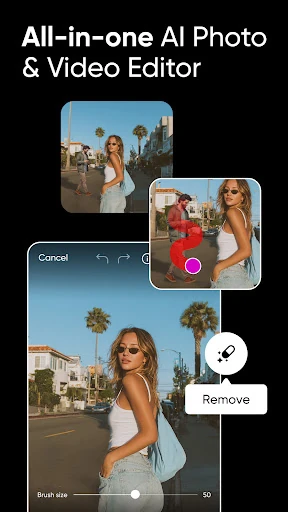
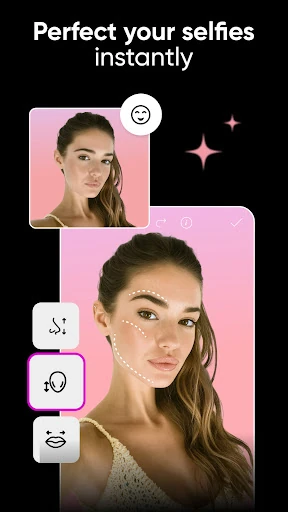
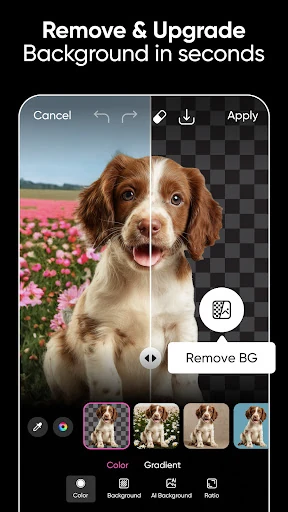
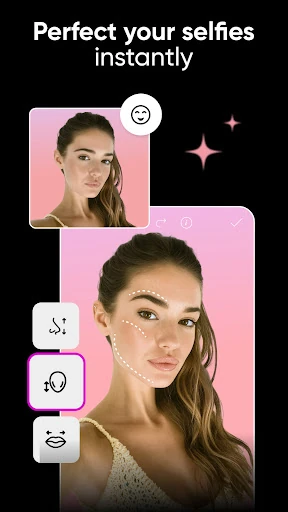
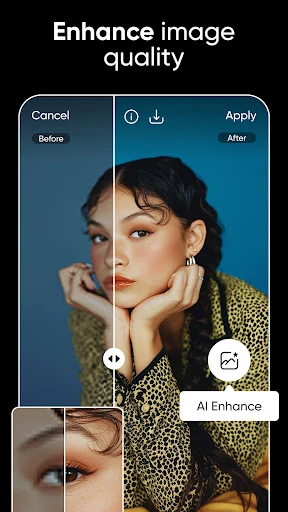
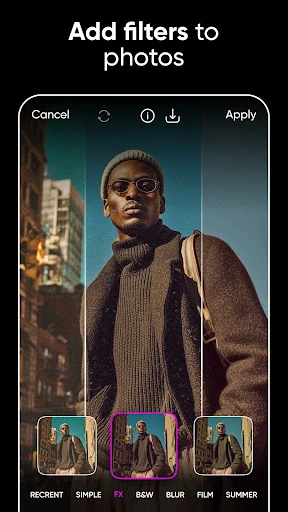
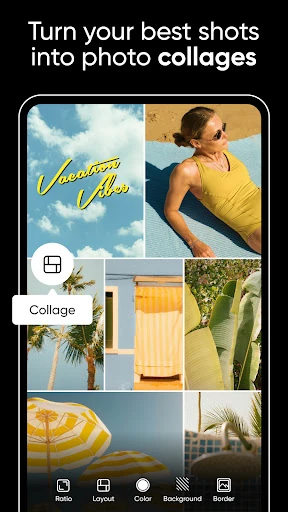
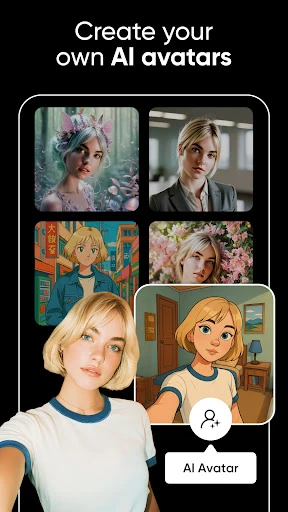

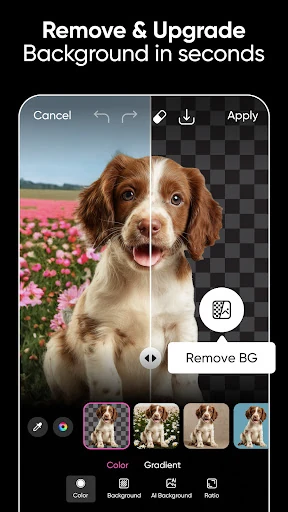
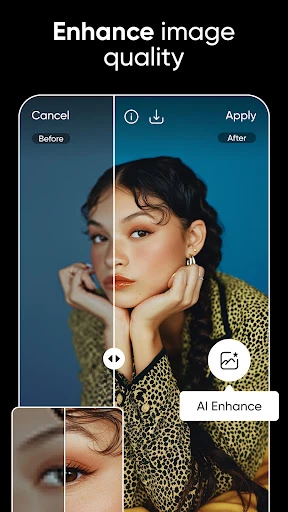
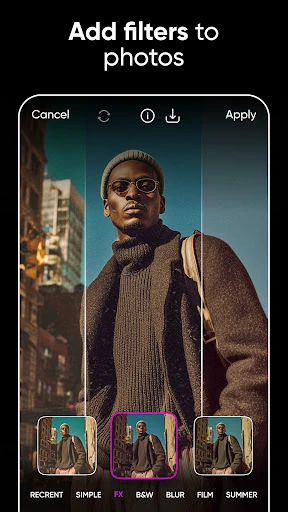
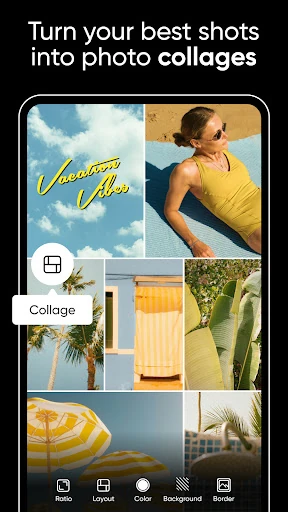
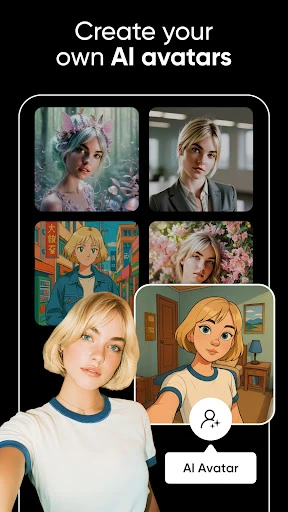

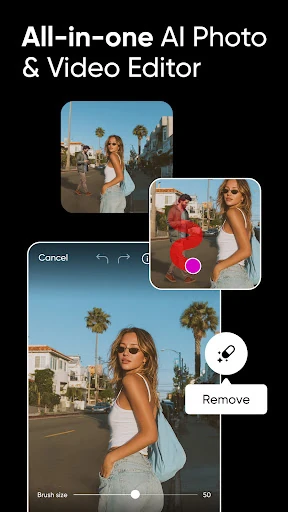
Click to download now, finish the installation quickly, and directly unlock the "all-round experience"
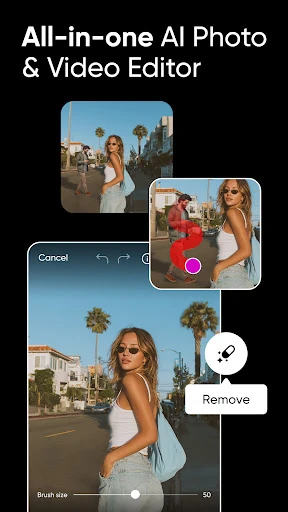
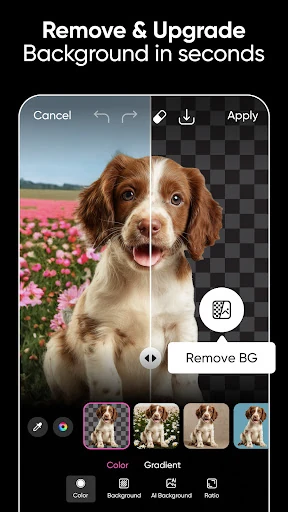
Picsart AI Photo Editor, Video stands as a formidable powerhouse in the mobile photography landscape, effectively bridging the gap between casual social media filters and professional-grade graphic design. As an all-in-one creative suite, it leverages cutting-edge generative AI to democratize complex editing tasks—such as object removal and background expansion—that previously required desktop software proficiency. In a crowded market, Picsart distinguishes itself by offering a cohesive ecosystem that handles photo, video, and vector-like design elements under a single, intuitive roof, making it an essential tool for the modern creator economy.
The user interface of Picsart is a masterclass in managing high-density feature sets within a mobile-first environment. Following the established conventions of the Photography category, it utilizes a bottom-bar navigation and horizontal scrolling toolsets that feel familiar to most users. However, given the sheer volume of tools—ranging from AI writing to video collage—the UX occasionally faces challenges with "choice paralysis." To mitigate this, Picsart employs a logical grouping of features and uses a "one-tap" philosophy for its AI tools, ensuring that despite the app's complexity, the learning curve remains accessible for beginners while providing enough depth for power users.
To further solidify its market lead, Picsart should focus on streamlining its navigation to reduce menu nesting, perhaps through a customizable toolbar for frequent users. Additionally, improving the offline functionality of basic editing tools would be a significant benefit for creators on the go. Expanding the AI Writer to include more localized SEO keywords for small business owners would also add immense value to the "solopreneur" demographic.
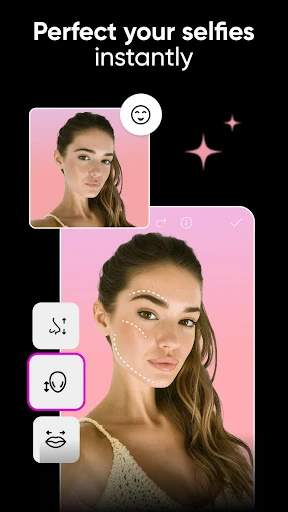
Picsart AI Photo Editor, Video is the definitive choice for social media influencers, small business owners, and digital artists who require a fast, high-quality turnaround for their visual content. While the subscription model may be a hurdle for some, the sheer utility of its AI-driven feature set makes it a high-value investment. It is highly recommended for anyone looking to produce professional-grade visual assets without the steep learning curve of traditional design software.