Advertisement
Click to download now, finish the installation quickly, and directly unlock the "all-round experience"
Advertisement
Screenshots
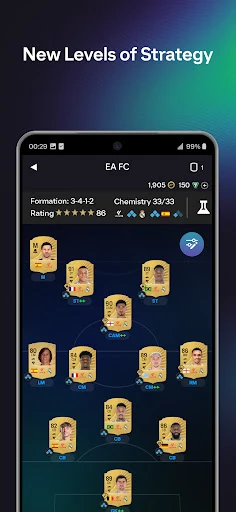
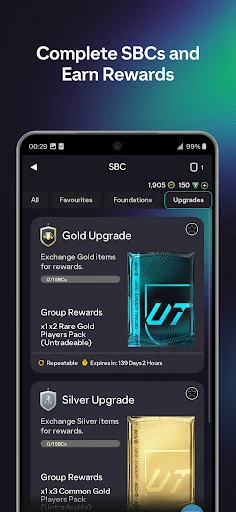
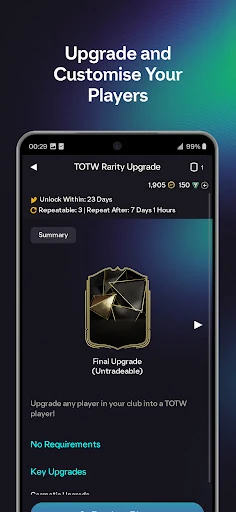
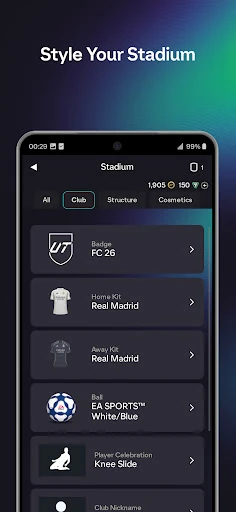
Click to download now, finish the installation quickly, and directly unlock the "all-round experience"
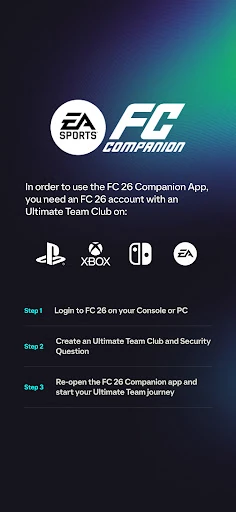
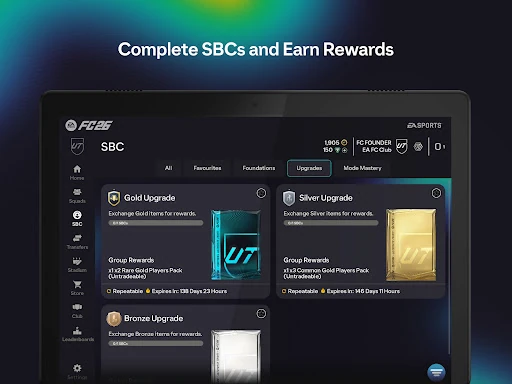
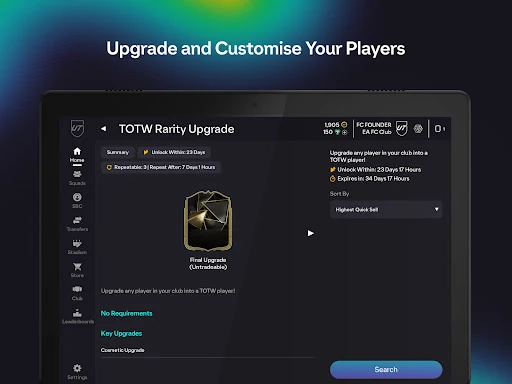
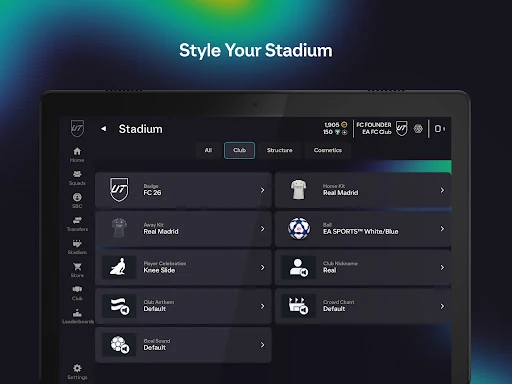
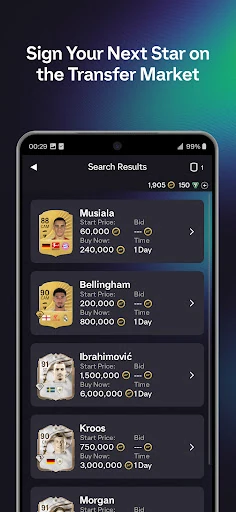
The EA SPORTS FC™ 26 Companion stands as an indispensable utility for any serious player within the EA SPORTS FC ecosystem. Far from being just a secondary screen, it serves as a powerful extensions of the Ultimate Team experience, allowing users to manage their club's infrastructure without being tethered to a console or PC. In the modern Sports gaming landscape, where the "grind" and market fluctuations happen in real-time, this app provides the necessary agility to stay competitive. It is a professionally designed tool that prioritizes utility, ensuring that the most time-consuming aspects of club management—such as trading and squad building—are handled with mobile-first efficiency.
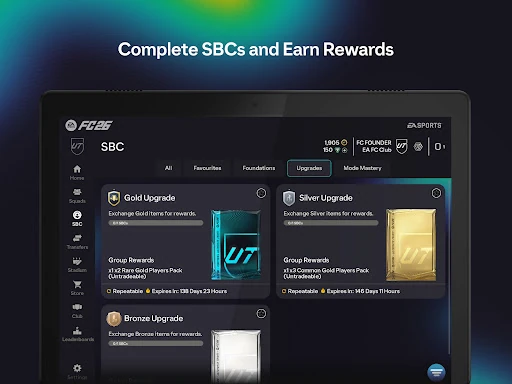
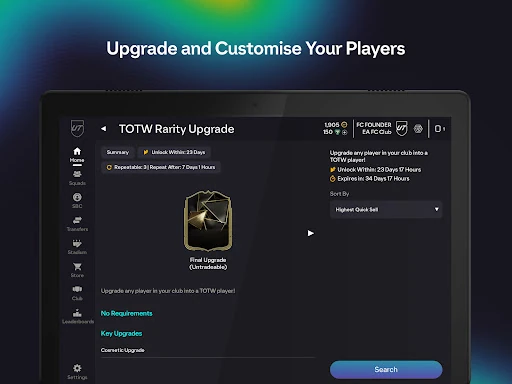
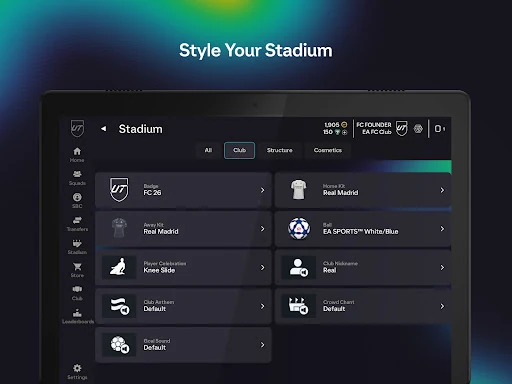
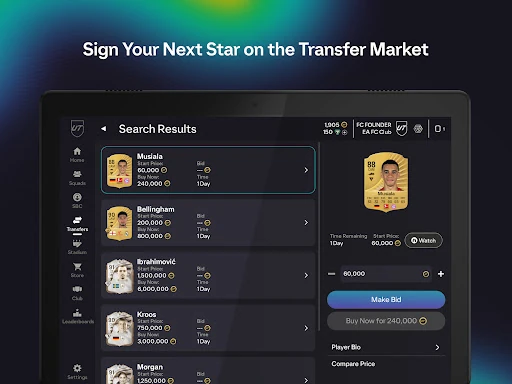
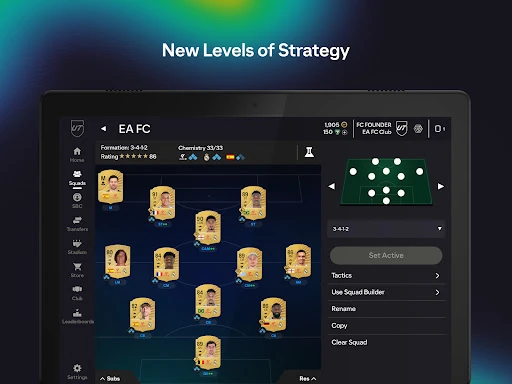
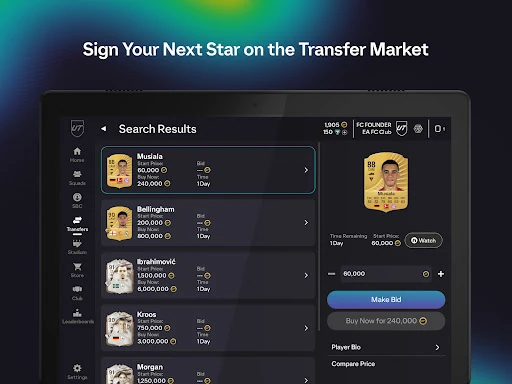
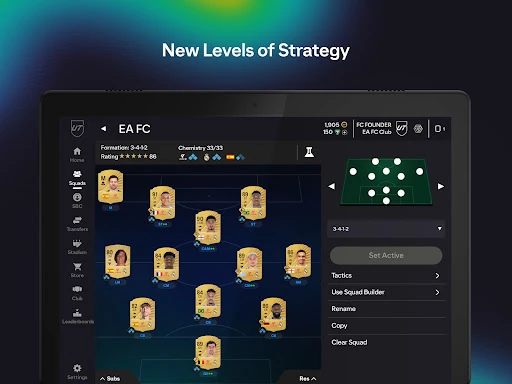
The UI of the EA SPORTS FC™ 26 Companion is built on a high-contrast, data-rich framework that mirrors the aesthetic of the main game. From a UX perspective, the app excels in navigation; the bottom navigation bar provides quick leaps between the squad, the market, and the store. While the interface can feel dense due to the sheer volume of player data and attributes, the search filters are robust, allowing for precise management. The touch-and-drag mechanics for squad building are intuitive, though they require a stable connection to prevent desyncing. Overall, the design successfully translates a complex console menu system into a functional mobile environment.
To further elevate the user experience, the next update should focus on optimizing the "soft ban" triggers that occur during rapid SBC completion, which often frustrate power users. Additionally, implementing a more advanced "Multi-Swap" tool in the squad builder and adding a price-comparison shortcut directly within the SBC screen would drastically reduce the number of taps required to complete tasks. Stability improvements during high-traffic events (such as Team of the Year) remain a critical necessity to prevent server-side disconnects.
The EA SPORTS FC™ 26 Companion is a mandatory download for any dedicated Ultimate Team player. It is specifically designed for the "hardcore" demographic that treats the Transfer Market and Squad Building as a strategy game in its own right. While it cannot replace the actual on-pitch gameplay, its ability to handle the administrative and economic sides of the club is unmatched. If you are looking to maximize your team's potential and never miss a limited-time objective, this app is your most essential tactical tool.