🏆 Expert Verdict & Overview
Data Transfer - MobileTrans by Wondershare is a high-performance utility that addresses one of the most significant friction points in the mobile ecosystem: device migration. Positioned as a premium solution within the Tools landscape, it distinguishes itself through its robust cross-platform capabilities, allowing for seamless data movement between iOS and Android. By prioritizing speed and data integrity, MobileTrans serves as a professional-grade bridge for users upgrading their hardware, particularly those moving between competing operating systems where native solutions often fall short.
🔍 Key Features Breakdown
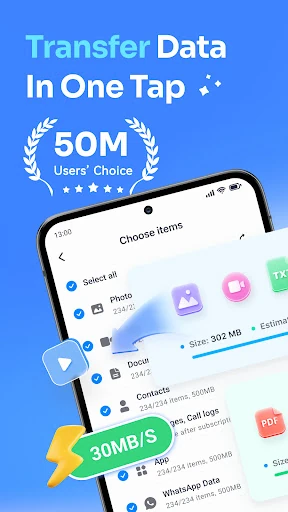
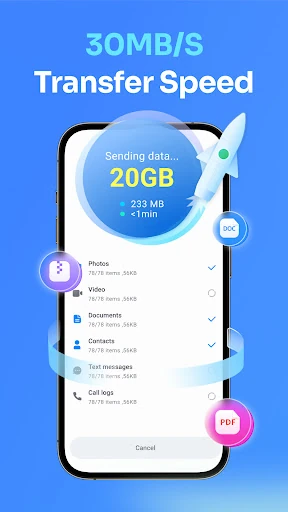
- High-Speed Data Migration: Offers transfer speeds of up to 30 MB/s, which is significantly faster than standard Bluetooth transfers, allowing users to move gigabytes of data in minutes.
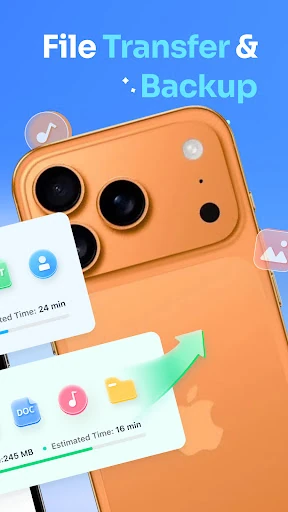
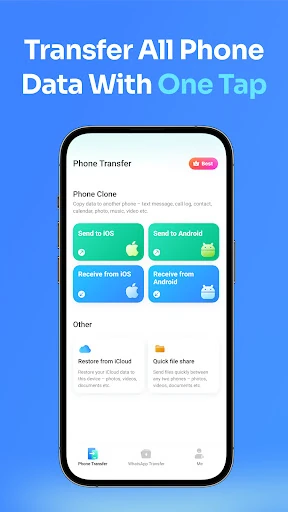
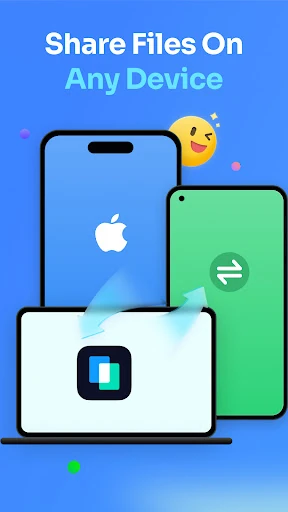
- Cross-Platform Compatibility: Solves the "walled garden" problem by enabling data transfers between iPhone and Android, Android to iOS, and even syncing iCloud data directly to Android devices.
- Comprehensive WhatsApp Transfer: Specifically engineered to move WhatsApp and WhatsApp Business data, including chat history, stickers, and attachments, preserving communication continuity.
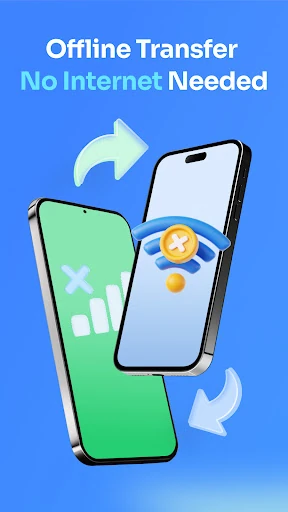
- Offline Local Hotspot Transfer: Uses a local connection to transfer files, meaning no mobile data is consumed and privacy is maintained by keeping data off external servers.
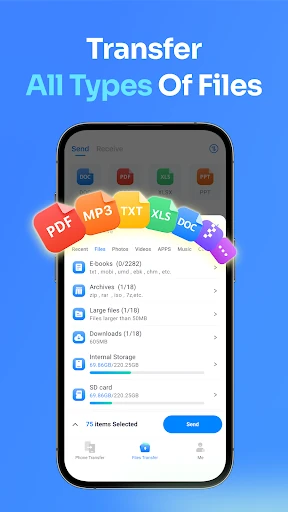
- Universal File Support: Handles a vast array of file types, from basic contacts and SMS to complex document formats like PDFs, ePubs, and Microsoft Office files.
🎨 User Experience & Design
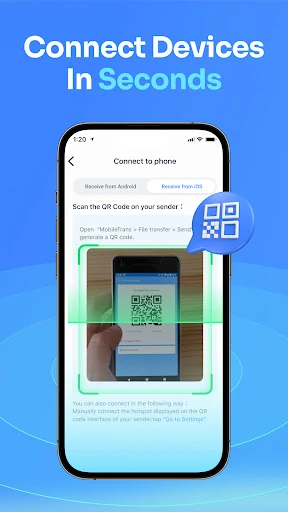
The interface of MobileTrans is designed with a "utility-first" philosophy, focusing on a guided, wizard-like experience that minimizes user error. By implementing a QR Code-based connection system, the app bypasses the technical hurdles of manual device pairing, making the initial handshake between phones nearly instantaneous. The UI is clean and functional, adhering to the standards expected of top-tier system tools. While the process is highly automated, the app provides clear feedback on transfer progress, which is critical for maintaining user confidence during large-scale data migrations.
⚖️ Pros & Cons Analysis
- ✅ The Good: Exceptional transfer speeds (up to 30MB/s) that drastically reduce the downtime associated with setting up a new device.
- ✅ The Good: Versatile brand support that works across Apple, Samsung, Huawei, Oppo, and Google Pixel without proprietary limitations.
- ❌ The Bad: The requirement of an OTG cable for WhatsApp transfers adds a physical hardware dependency that may frustrate unprepared users.
- ❌ The Bad: Mobile-to-mobile app transfers are sometimes limited by source availability and OS version compatibility.
🛠️ Room for Improvement
To further elevate the user experience, the developers should explore wireless solutions for WhatsApp migration to eliminate the need for an OTG cable. Additionally, integrating a "Storage Cleaner" pre-check would be beneficial; this would allow users to identify and exclude redundant files or cached data before the transfer begins, ensuring the new device starts with an optimized storage footprint. Expanding the "App Transfer" logic to suggest equivalent apps on the target OS (e.g., suggesting an iOS equivalent for an Android-only app) would also add significant value.
🏁 Final Conclusion & Recommendation
Data Transfer - MobileTrans is an essential tool for technology enthusiasts, professional switchers, and everyday users who are upgrading to new hardware, such as the latest iPhone or Samsung Galaxy. It is particularly recommended for those performing cross-platform transitions where standard cloud backups often fail. For users who value time and data integrity over free, slower alternatives, MobileTrans is a top-tier recommendation that delivers on its promise of a "zero-loss" migration experience.