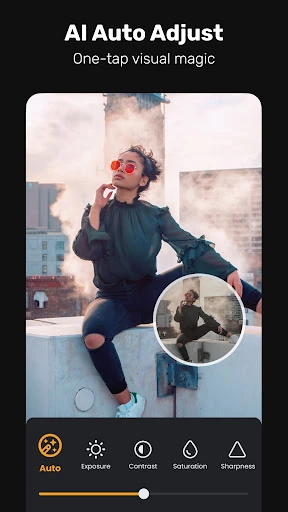
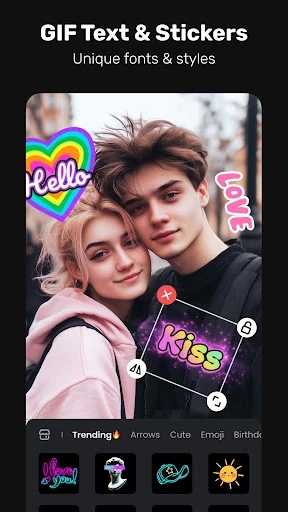
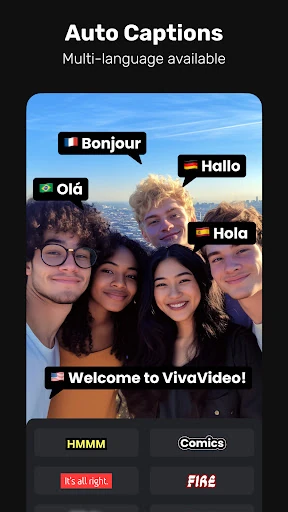
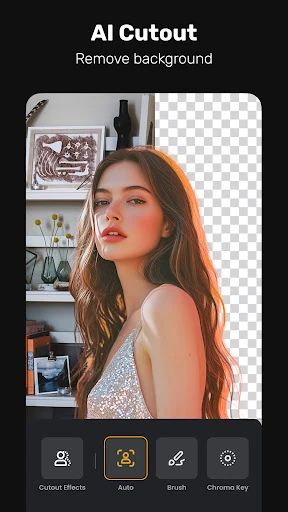
🏆 Expert Verdict & Overview
VivaVideo - Video Cut & Editor stands as a formidable veteran in the Video Players & Editors landscape, having successfully pivoted from a basic mobile trimmer into a sophisticated, AI-augmented creative suite. In an era dominated by short-form content on TikTok and Instagram, VivaVideo distinguishes itself by offering a rare "Free & No Ads" model that democratizes high-end production tools. By integrating the Veo 3 AI engine, the app effectively lowers the barrier to entry for complex tasks like voice cloning and motion tracking, making it an essential tool for creators who need to balance speed with professional-grade output.
🔍 Key Features Breakdown
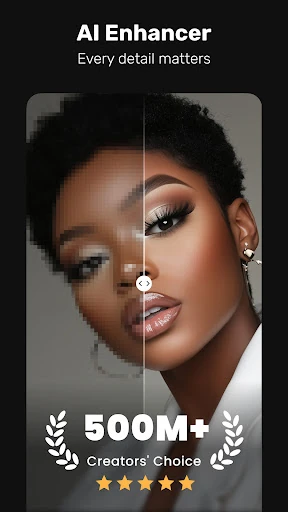
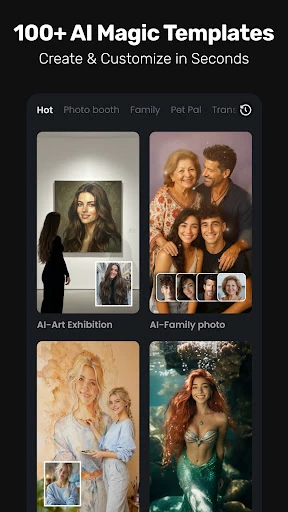
- Generative AI Creative Suite: Features like AI Avatar and Image-to-Video allow users to generate talking clips and dynamic animations from static assets, solving the problem of high production costs and the need for expensive filming equipment.
- Advanced Motion Tools: Smart Tracking and Keyframe editing enable users to create dynamic movement and fluid animations, solving the "static" look often found in amateur mobile edits.
- AI-Driven Audio Processing: With AI Voice Clone and the AI Music Generator, creators can produce unique, localized, and emotionally resonant soundtracks without navigating complex licensing issues or external recording software.
- Automated Accessibility: AI Auto Captions and translation services handle the tedious task of subtitling, ensuring content is accessible and ready for global distribution with a single tap.
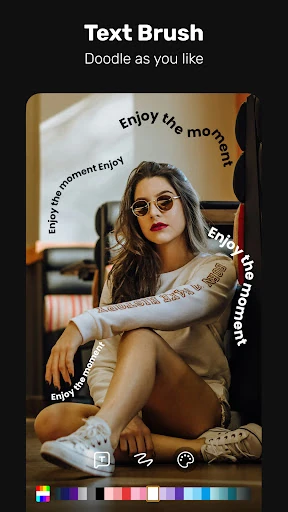
- Pro-Level Composition: Tools such as Chromakey (Green Screen), Masking, and Picture-in-Picture (PIP) allow for complex visual storytelling and layered compositions that were previously reserved for desktop software.
🎨 User Experience & Design
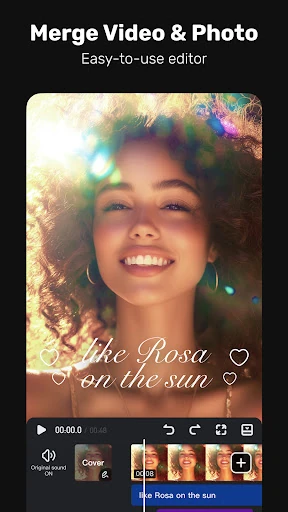
The interface of VivaVideo follows the established logic of the Video Players & Editors category but refines it with an "intuitive for beginners, powerful for pros" philosophy. The UI is designed to minimize friction; common tasks like trimming and splitting are front-and-center, while deeper functions like speed curves and masking are tucked into logical sub-menus. The inclusion of "one-tap" Reel Templates significantly enhances the UX for casual users, providing an immediate path to a polished product. However, the sheer density of features means that the "Professional" toolset requires a slight learning curve, though the visual feedback during AI processing helps keep the user engaged and informed.
⚖️ Pros & Cons Analysis
- ✅ The Good: The "Free & No Ads" commitment is a massive disruptor in a category usually plagued by intrusive monetization.
- ✅ The Good: Integration of cutting-edge AI (Veo 3) provides features like "AI Hug" and voice cloning that aren't yet standard in competing apps.
- ❌ The Bad: High-intensity AI features may lead to significant battery drain or thermal throttling on older mobile devices.
- ❌ The Bad: The vast array of specialized effects (Glitch, Retro DV) can lead to a cluttered asset library that takes time to navigate.
🛠️ Room for Improvement
To further solidify its lead, VivaVideo could benefit from a more robust organizational system for its asset library, such as user-defined folders for favorite filters and stickers. Additionally, while the AI tools are powerful, providing a "batch processing" mode for auto-captions across multiple projects would be a major workflow win for social media managers. Finally, expanding the AI Voice Clone to include more nuanced emotional "profiles" would enhance the realism of the generated clips.
🏁 Final Conclusion & Recommendation
VivaVideo - Video Cut & Editor is a premier choice for social media influencers, digital marketers, and casual storytellers who require a "studio in their pocket." It bridges the gap between simple clip-stitching and high-end post-production with remarkable ease. If you are looking for a comprehensive, AI-forward editor that removes the typical friction of mobile ads and paywalls, this app is highly recommended as your primary creative driver.