FormsApp

FormsApp

SurveyHeart LLP
Advertisement
3.2
Productivity
10,000,000+ Downloads

Click to download now, finish the installation quickly, and directly unlock the "all-round experience"

Advertisement

Screenshots
Screenshot
Screenshot
Screenshot
Screenshot
Screenshot
Screenshot
Screenshot
Screenshot
Screenshot
Screenshot
Screenshot
Screenshot
Screenshot
Screenshot
Screenshot
Screenshot

About This App

🏆 Expert Verdict & Overview

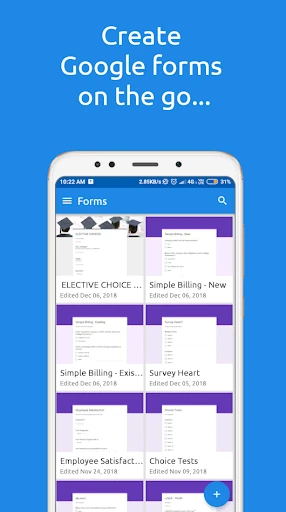
FormsApp positions itself as a highly focused mobile solution for Google Forms and SurveyHeart users, carving a distinct niche within the Productivity landscape. It aims to liberate form creation and management from the desktop, offering a streamlined, on-the-go workflow. This app is not a form builder from scratch but rather a powerful conduit for existing services, specifically targeting users who rely on these platforms for data collection, surveys, and feedback.

🔍 Key Features Breakdown

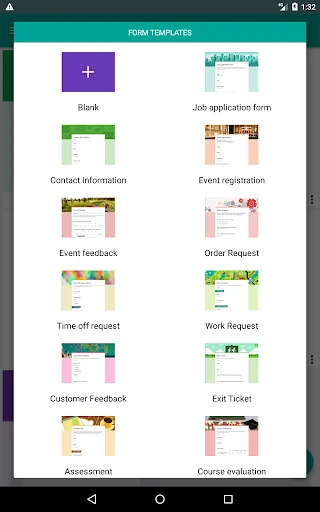
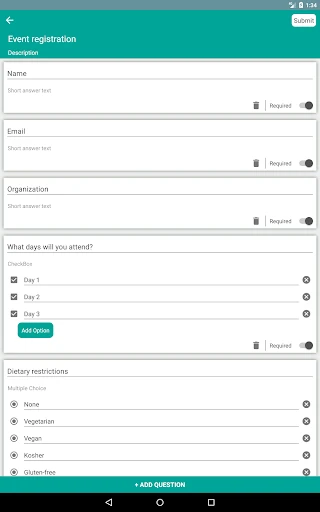
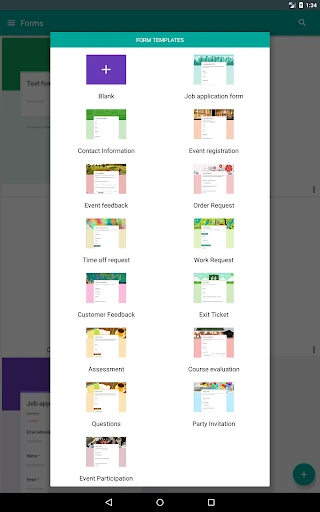
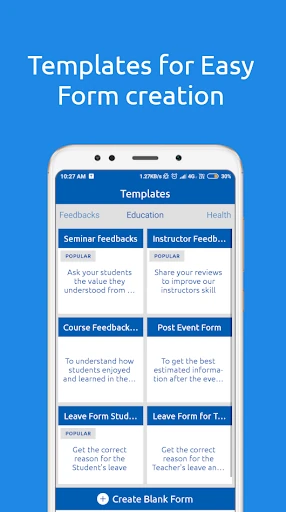
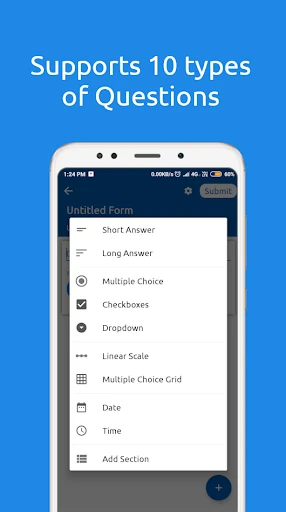
  • Templated Form Creation: Provides a curated library of common form templates (Job Application, Event Registration, Customer Feedback, etc.), drastically reducing setup time and guiding users toward professional, effective question structures.
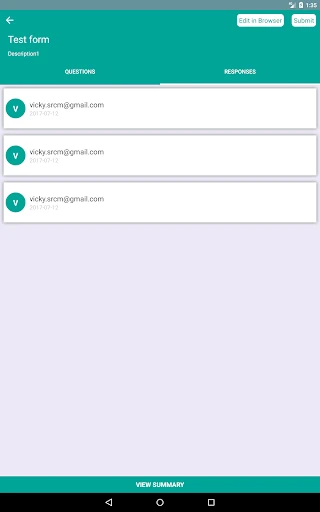
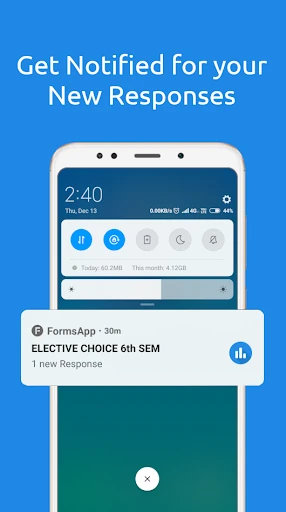
  • In-App Notification for Responses: Solves the problem of constantly checking for new responses by delivering real-time alerts directly to the mobile device, enabling prompt data review and follow-up.
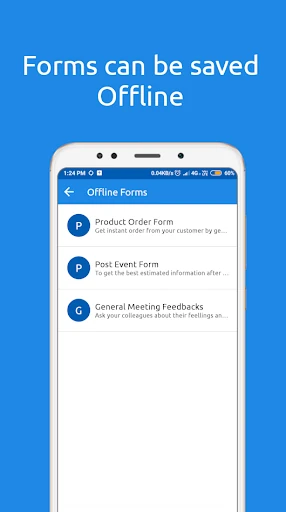
  • Offline Drafting & Editing: Addresses connectivity issues by allowing users to start or modify forms without an internet connection, syncing changes once back online, which is crucial for productivity in varied environments.
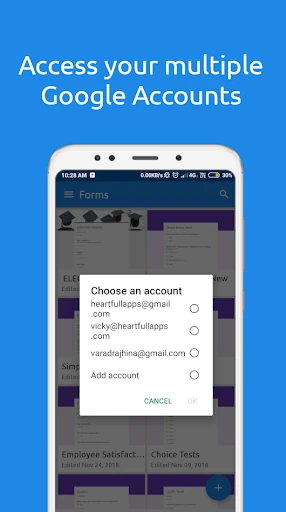
  • Multi-Account Management: Caters to professionals or individuals managing separate Google accounts (e.g., work and personal) by allowing seamless switching within a single app interface, centralizing control.
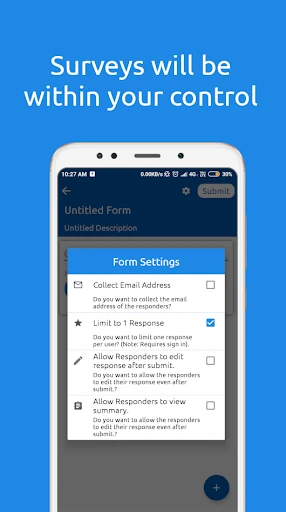
  • Integrated Sharing & Distribution: Streamlines the workflow from creation to deployment by enabling users to share form links directly from the app, closing the loop within one tool.

🎨 User Experience & Design

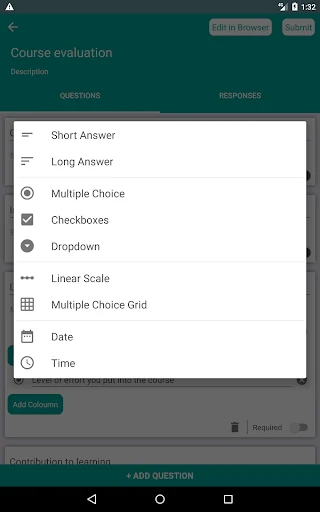
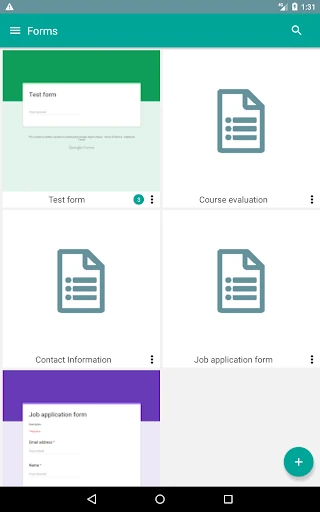
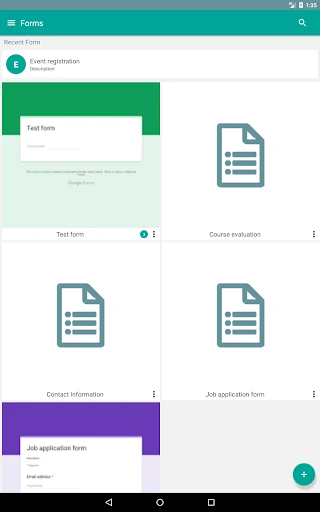
The interface, as inferred from its feature set, prioritizes efficiency and clarity—the hallmarks of a competent Productivity tool. By offering pre-built templates, it minimizes cognitive load and decision fatigue for the user. Features like offline access and in-app notifications demonstrate a user-centric design that understands real-world usage patterns. The ability to manage multiple accounts from one dashboard suggests a clean, organized UI that avoids clutter. The overall UX philosophy appears to be about reducing the steps between a user's intent to create a form and its successful publication and response monitoring.

⚖️ Pros & Cons Analysis

  • ✅ The Good: Exceptional focus on core functionality for Google Forms and SurveyHeart users, eliminating feature bloat.
  • ✅ The Good: The template system is a significant productivity booster for common use cases.
  • ✅ The Good: Robust offline capability ensures reliability regardless of network conditions.
  • ✅ The Good: Real-time response notifications transform the mobile device into an active dashboard.
  • ❌ The Bad: Its utility is intrinsically tied to and limited by the capabilities of Google Forms and SurveyHeart.
  • ❌ The Bad: The template selection, while useful, may not cover highly specialized or industry-specific form needs.

🛠️ Room for Improvement

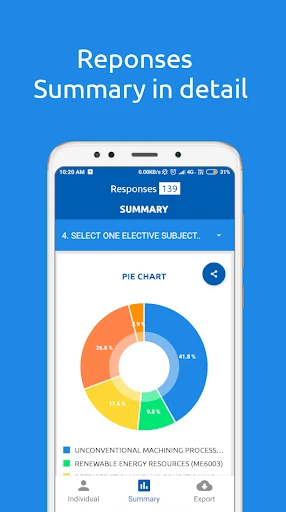
Future updates could explore deeper customization of the provided templates. Introducing a "template builder" where users can save their own frequent form structures would be a powerful addition. Enhanced data visualization for responses within the app, even basic charts or summary statistics, would make mobile analysis more viable. Furthermore, adding support for other popular form services (like Microsoft Forms or Jotform) could broaden its appeal and make it a truly universal mobile form companion.

🏁 Final Conclusion & Recommendation

FormsApp is a highly recommended tool for a specific target audience: professionals, educators, event organizers, and small business owners who heavily rely on Google Forms or SurveyHeart for their operations. It excels at its primary goal—making mobile form management not just possible, but efficient and convenient. If your workflow involves frequent creation, distribution, and monitoring of forms from these services, FormsApp is an essential utility that effectively bridges the gap between desktop power and mobile accessibility.