🏆 Expert Verdict & Overview
Family Nest: Private Locator represents a significant evolution in the parenting tech space, rebranding from a standard GPS tracker into a sophisticated, privacy-first safety ecosystem. Positioned firmly within the Parenting category, it distinguishes itself by rejecting the common industry practice of data monetization. As a Senior Analyst, I find its emphasis on "ethical monitoring" and its robust feature set—including fake GPS detection and PDF reporting—to be a high-water mark for transparency. It provides a professional-grade toolset for guardians who require granular oversight of their children’s movements and driving behaviors without the clutter of third-party advertisements.
🔍 Key Features Breakdown
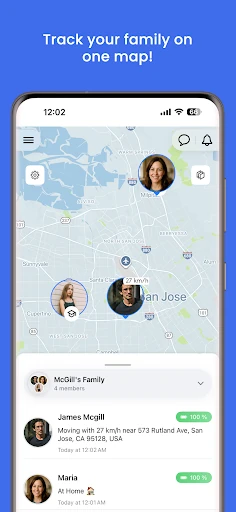
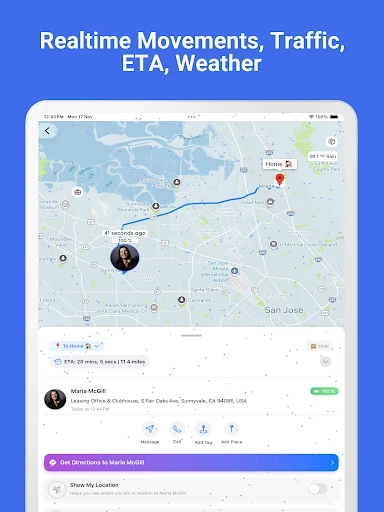
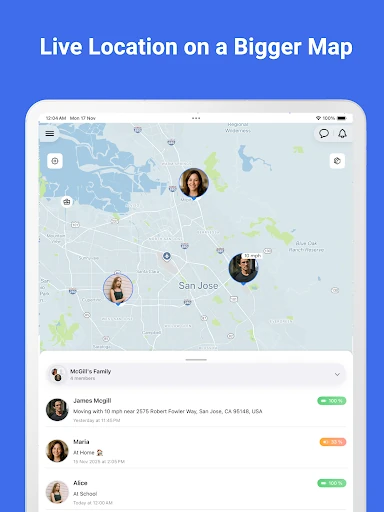
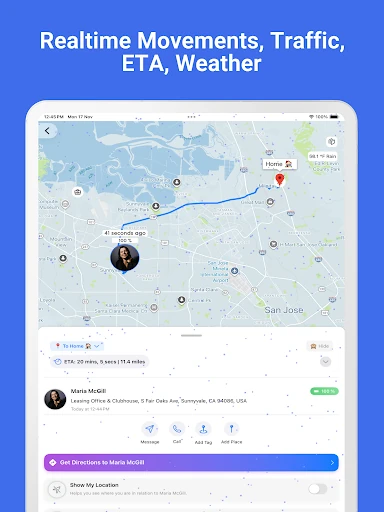
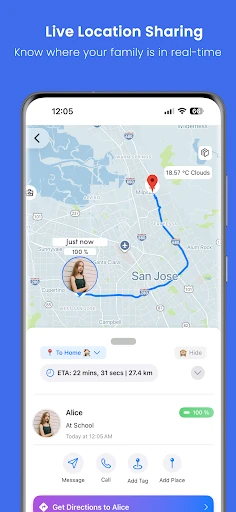
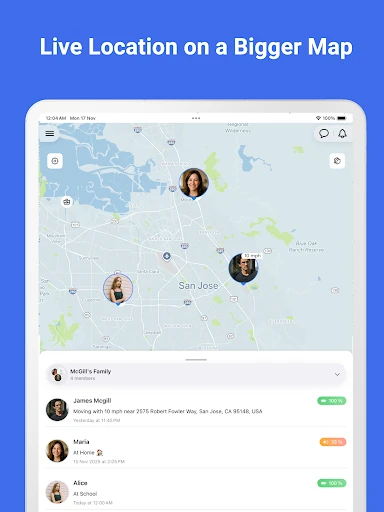
- High-Precision Real-Time Tracking: Utilizes advanced GPS protocols to provide live updates, ensuring parents have the most current location data available to minimize anxiety.
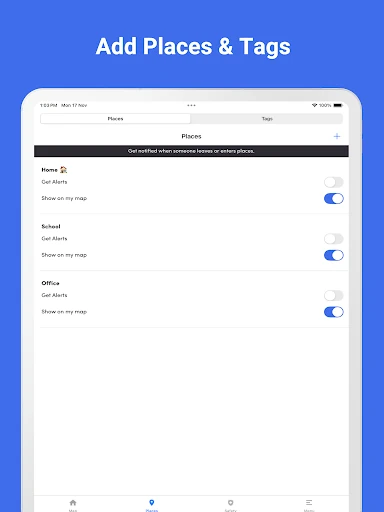
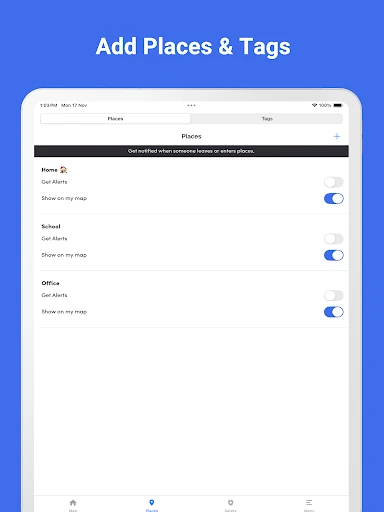
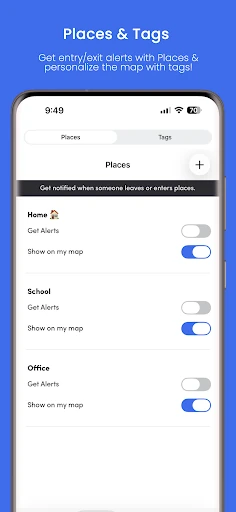
- Safe Zone Geofencing (Nests): Allows users to create digital perimeters around frequent locations like schools or homes, triggering instant notifications upon entry or exit to automate safety checks.
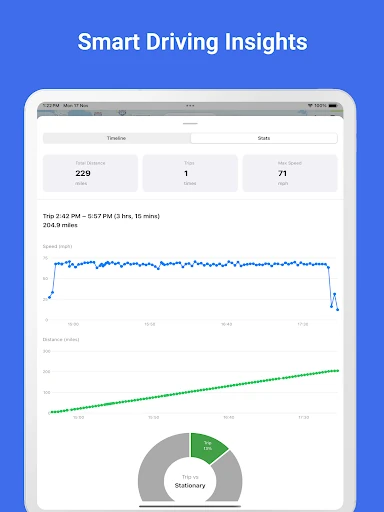
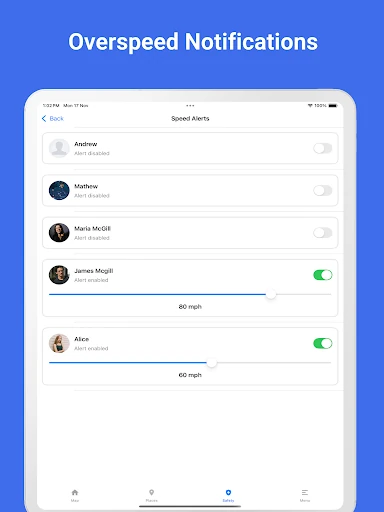
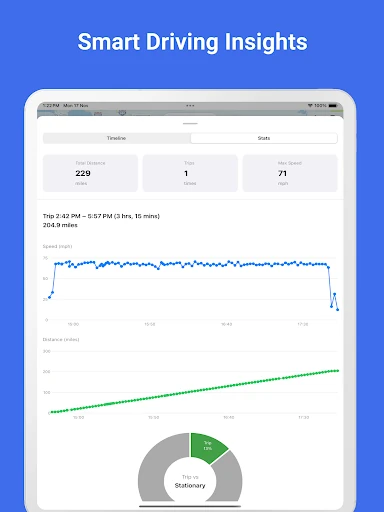
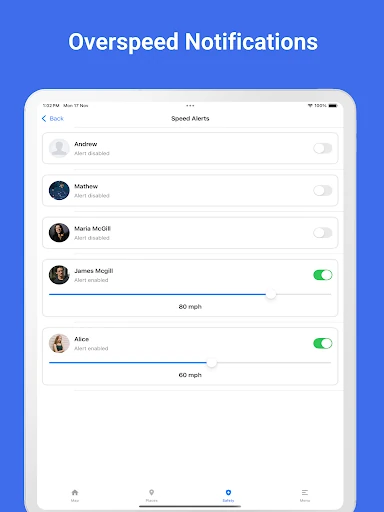
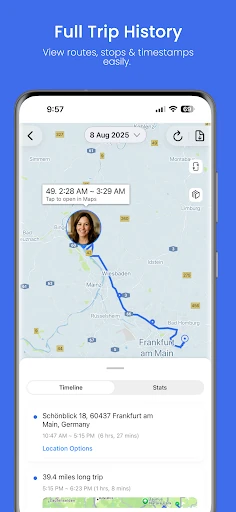
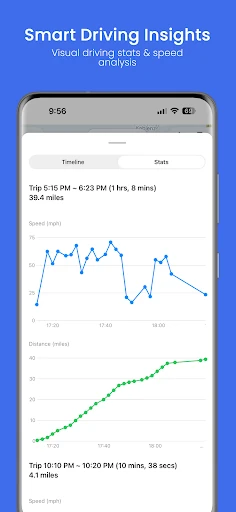
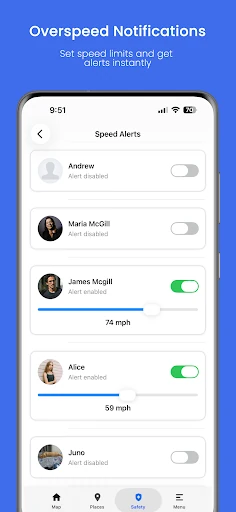
- Driving Safety & Speed Monitoring: Tracks overspeeding and trip patterns, providing parents of teenagers with actionable data to encourage responsible driving habits.
- Anti-Tamper Detection: Specifically identifies when a child is using "mock locations" or fake GPS apps, a critical feature for maintaining the integrity of the safety network.
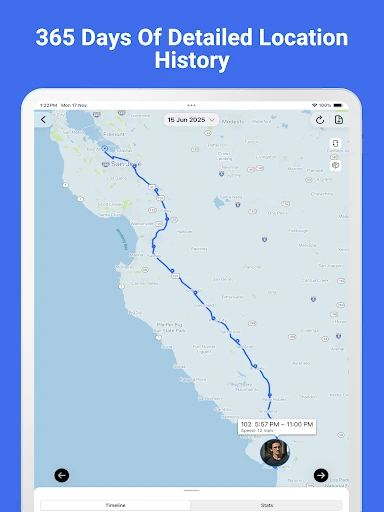
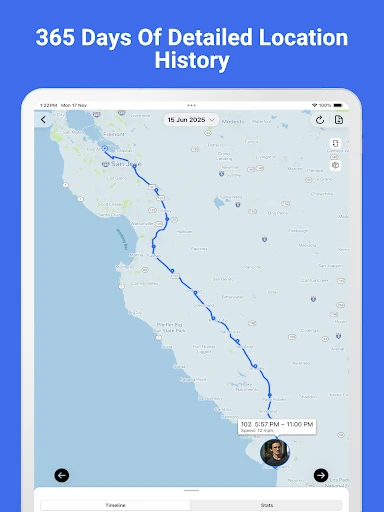
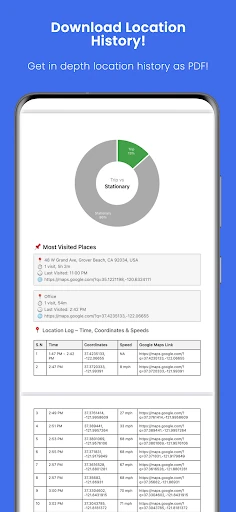
- Detailed PDF Exporting: Transforms raw location history into professional speed and distance graphs, making it easier to review travel patterns over a 30-day period.
🎨 User Experience & Design
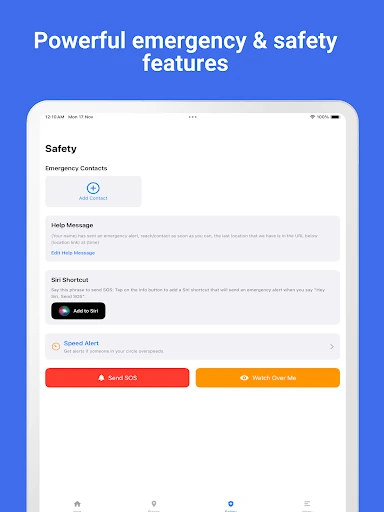
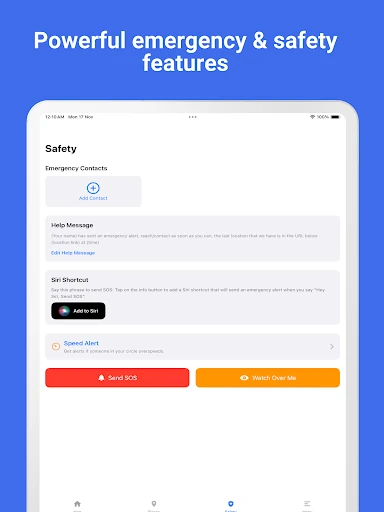
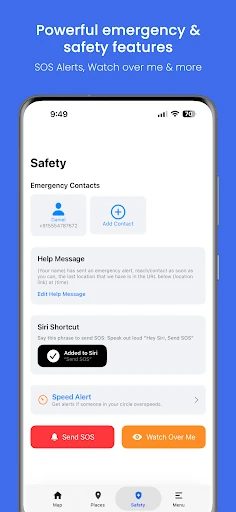
The interface of Family Nest follows modern UI/UX principles tailored for the high-stress parenting environment: clarity and speed. By organizing family members into "Nests," the app simplifies group management. The inclusion of real-time traffic context directly on the map interface reduces the need for app-switching, while the SOS emergency button is positioned for high visibility and instant access. The transition from a 21-day trial to a "forever-free" model provides a low-friction entry point, though the most responsive tracking (2-3 second updates) is logically reserved for the premium tier to manage server load while maintaining high performance.
⚖️ Pros & Cons Analysis
- ✅ The Good: Strict privacy policy with no ads and no location data selling, setting a gold standard for family data protection.
- ✅ The Good: The 21-day free trial is exceptionally generous, requiring no credit card and offering a true "test drive" of premium features.
- ❌ The Bad: The most frequent location updates (2-3 seconds) are restricted to the premium plan, which may be a hurdle for high-risk monitoring needs.
- ❌ The Bad: Explicitly restricted to minor children only, which may limit users looking for a single solution to also track elderly relatives or consenting adults.
🛠️ Room for Improvement
While the current feature set is comprehensive, the inclusion of a "Low Battery Alert" for child devices would be a significant UX upgrade, allowing parents to remind children to charge their phones before contact is lost. Furthermore, adding an integrated "Check-in" button that requires a single tap from the child could supplement the automated geofencing with proactive communication.
🏁 Final Conclusion & Recommendation
Family Nest: Private Locator is designed for the modern, security-conscious parent who prioritizes data ethics as much as physical safety. It is particularly well-suited for parents of teenagers or tech-savvy children who might attempt to bypass standard tracking. Because it offers a forever-free tier after the initial trial, it is a highly accessible recommendation. We recommend this app as a top-tier choice for families seeking a professional, ad-free environment to manage their children's safety and driving education.