🏆 Expert Verdict & Overview
Samsung Smart Switch Mobile stands as the definitive migration utility in the Android ecosystem for users transitioning to the Galaxy family. As a cornerstone of the Samsung Tools portfolio, it removes the friction of hardware upgrades by providing a seamless bridge between old and new devices. Its professional-grade reliability ensures that digital legacies—ranging from call logs to home screen layouts—are preserved with surgical precision, cementing its status as an essential download for any new Samsung user.
🔍 Key Features Breakdown
- Cross-Platform Compatibility: Facilitates seamless data migration from Android, iOS, and even PC/Mac platforms, ensuring users are not locked into their previous operating system.
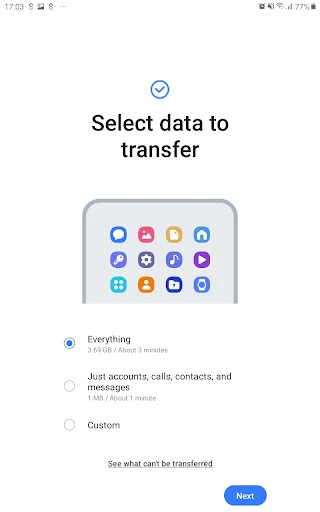
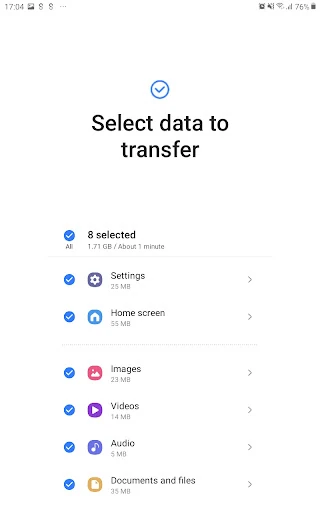
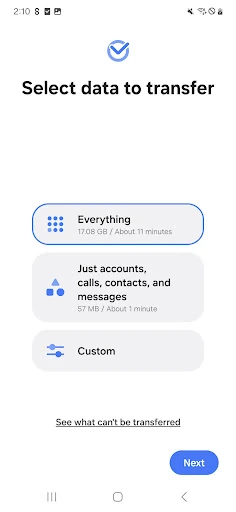
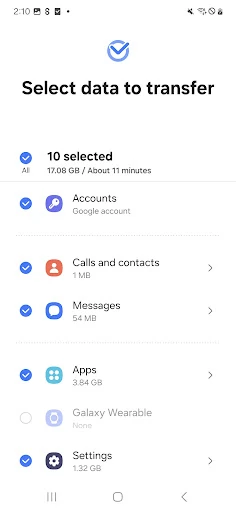
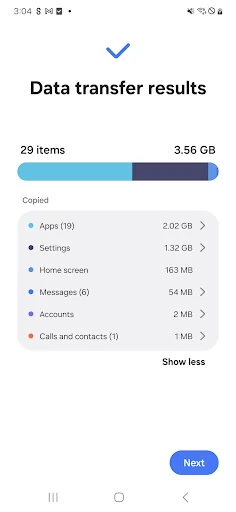
- Granular Data Selection: Allows users to pick and choose exactly what moves—including contacts, messages, photos, Wi-Fi settings, and even device-specific alarms—minimizing manual reconfiguration.
- Intelligent App Matching: Identifies installed apps on the old device and suggests identical or similar alternatives on the Google Play Store, significantly reducing the time spent rebuilding an app library.
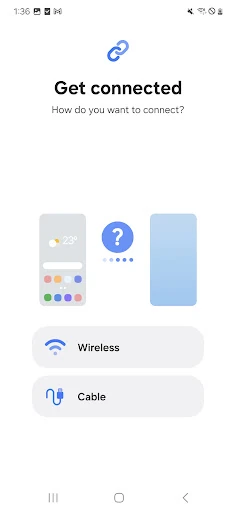
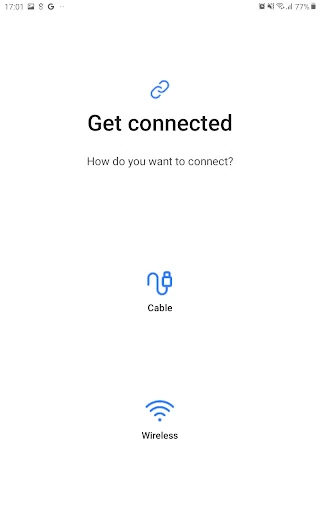
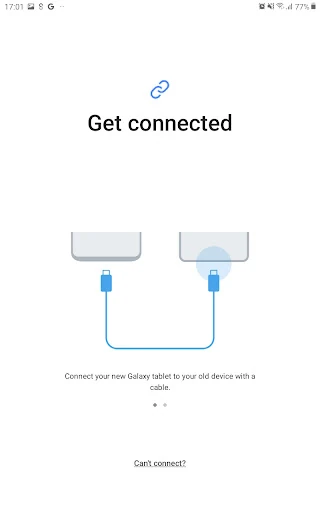
- Versatile Connectivity Options: Supports high-speed wireless transfers via Wi-Fi Direct, stable wired transfers via USB-C/OTG connectors, and cloud-based restoration from iCloud backups.
🎨 User Experience & Design
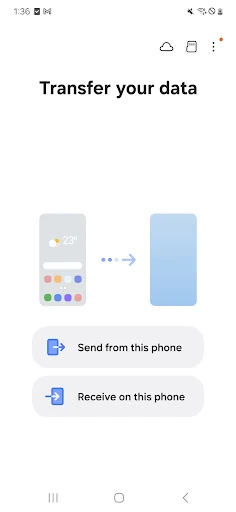
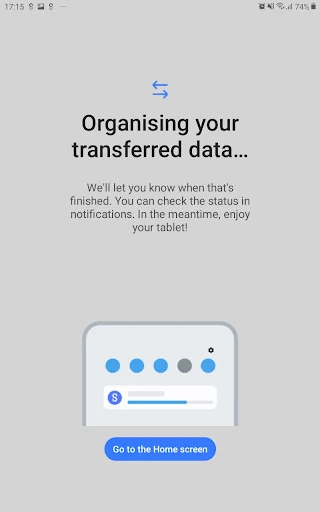
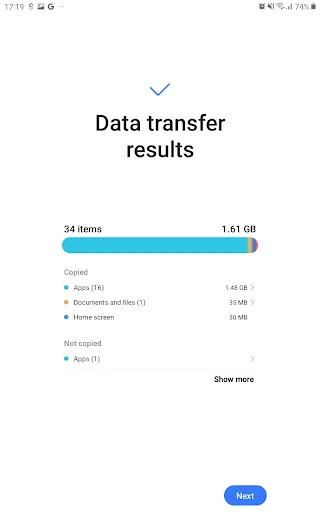
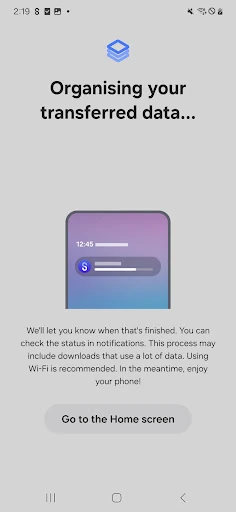
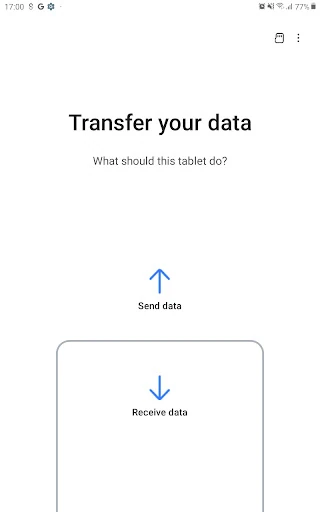
The UI of Samsung Smart Switch Mobile is a masterclass in utility-focused design. It utilizes a clean, wizard-based interface that guides the user through complex technical steps without overwhelming them with jargon. For the Tools category, where reliability is paramount, the app excels by providing clear progress indicators and visual feedback. The layout is optimized for high accessibility, ensuring that even non-technical users can navigate the migration process with confidence, though the experience is notably most fluid when moving between two Samsung-branded devices.
⚖️ Pros & Cons Analysis
- ✅ The Good: Exceptional depth of transfer, including system-level settings like Home screen layouts and Wi-Fi credentials for Galaxy-to-Galaxy moves.
- ✅ The Good: Robust support for older hardware, extending back to Android 5.0 and iOS 5.0, making it viable for users with legacy devices.
- ❌ The Bad: Unidirectional limitations; the app is strictly designed to move data to a Samsung device, offering no utility for those moving away from the brand.
- ❌ The Bad: High storage overhead requirements; both devices must have at least 500 MB of free internal memory, which can be a hurdle for users with nearly full old devices.
🛠️ Room for Improvement
While the app is highly functional, it could benefit from broader cloud integration beyond just iCloud, perhaps incorporating direct restores from Google Drive or third-party cloud services. Additionally, the troubleshooting documentation for wireless "handshake" failures on non-Samsung devices could be better integrated into the main UI rather than hidden in advanced Wi-Fi settings. Providing a more detailed "pre-flight" check that calculates exactly which files will fit within the target device's available storage would also prevent mid-transfer interruptions.
🏁 Final Conclusion & Recommendation
Samsung Smart Switch Mobile is a mandatory tool for any consumer purchasing a new Samsung Galaxy smartphone or tablet. It effectively eliminates the "new phone anxiety" associated with data loss. Whether you are coming from an iPhone or a competing Android brand, this app provides the most comprehensive transfer experience available on the market today. It is highly recommended for all skill levels, ensuring a "day one" experience that feels familiar and fully personalized.