
Advertisement
Click to download now, finish the installation quickly, and directly unlock the "all-round experience"
Advertisement
Screenshots
Click to download now, finish the installation quickly, and directly unlock the "all-round experience"
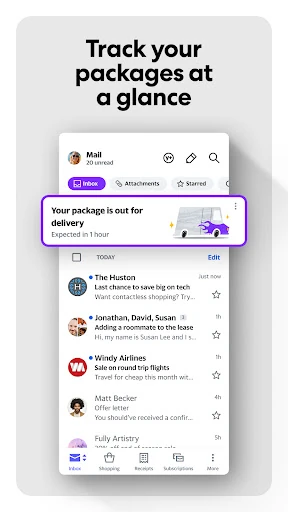
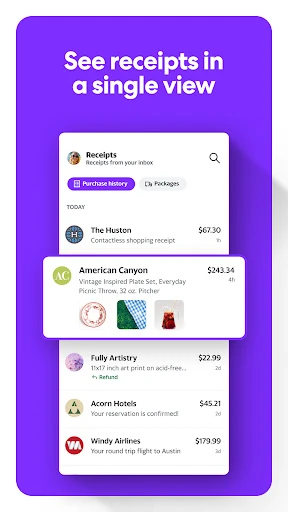
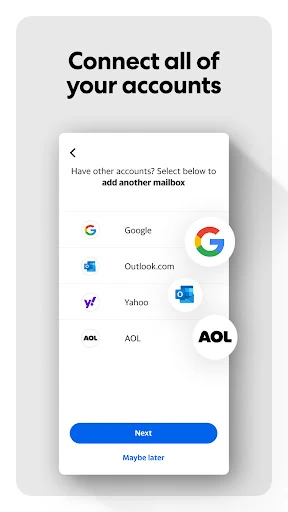
Yahoo Mail remains a titan in the Communication landscape, evolving from a legacy webmail service into a modern, feature-rich mobile hub. It prioritizes inbox efficiency and user convenience, successfully positioning itself as a central aggregator for multiple email services. By focusing on decluttering and commerce-specific organization, it addresses the modern problem of "inbox fatigue" with an authoritative suite of tools that make email management feel like less of a chore.
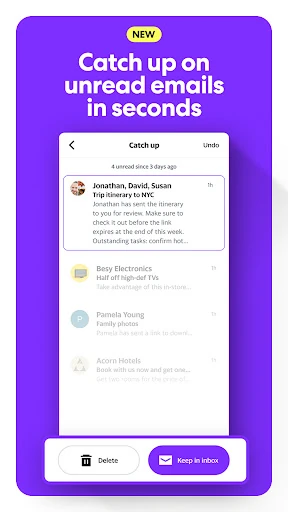
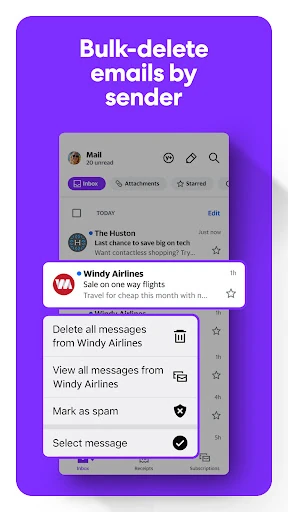
The UI design of Yahoo Mail is centered on speed and clarity. In the Communication category, where information density can be overwhelming, Yahoo utilizes a clean layout with intuitive gestures. The "gamified" view for cleanup is a standout UX choice, turning a mundane task into a satisfying interaction. The inclusion of dynamic text and high-contrast options shows a mature understanding of inclusive design, ensuring the app remains usable for a broad demographic without sacrificing its modern aesthetic.
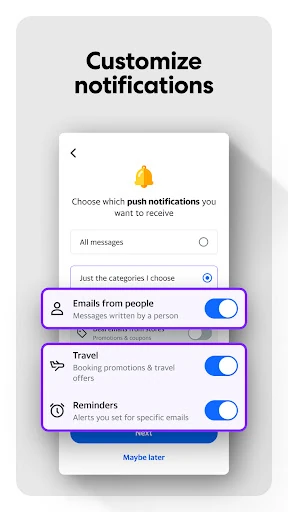
While the app is highly efficient, the next update could benefit from deeper AI integration to provide smarter "Priority" notifications that distinguish between human emails and automated notifications more accurately. Additionally, allowing for more granular customization of the swipe actions in the main inbox view would help power users tailor the experience to their specific workflow.
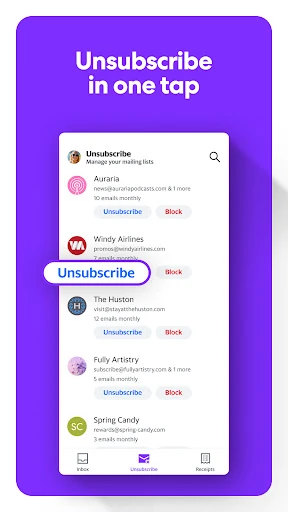
Yahoo Mail is primarily for users who find themselves overwhelmed by newsletters, marketing spam, and the fragmentation of holding multiple email accounts. It is a robust alternative for online shoppers and power users who value organization over simple message delivery. Our final verdict is that it remains one of the most efficient and user-friendly email clients on the Google Play Store, making it a top recommendation for anyone looking to simplify their digital communication.