Click to download now, finish the installation quickly, and directly unlock the "all-round experience"
About This App
π Expert Verdict & Overview
Camera One: Wear, Galaxy Watch carves out a distinct and highly practical niche in the Photography category, moving control and interaction beyond the smartphone screen. Far more than a simple remote shutter, this app transforms your Wear OS smartwatch into a sophisticated camera command center, empowering users to execute complex shoots, manage live audio, and monitor scenes remotely. For photographers seeking flexibility, creative control from a distance, or a solution for difficult-to-capture angles, it presents a powerful and unconventional tool, solidifying the smartwatch's role as a true creative companion device.
π Key Features Breakdown
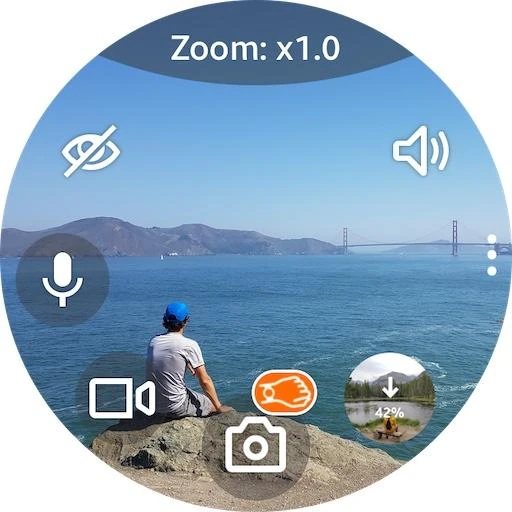
- Wrist Remote with Gestures: Solves the fundamental problem of physically interacting with the phone during critical moments by enabling photo/video capture with a simple, intuitive turn of the wrist, perfect for stability or group photos.
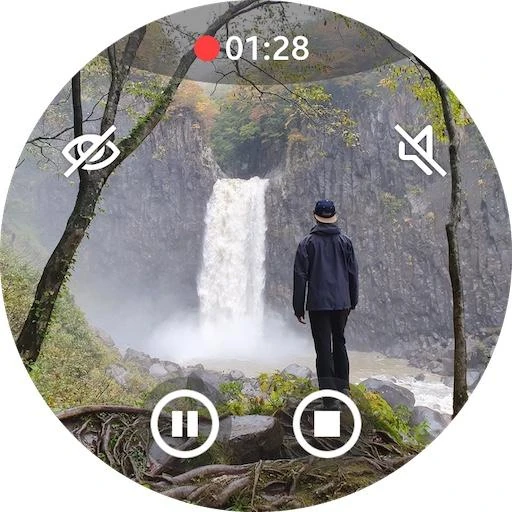
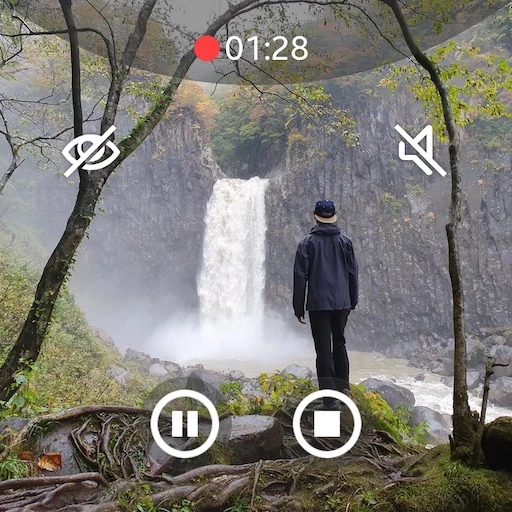
- Live Audio Monitoring & Recording: Addresses the need for on-set audio verification or discreet monitoring by allowing real-time sound listening and direct audio capture from the phone's microphone, turning the setup into a functional baby/security monitor.
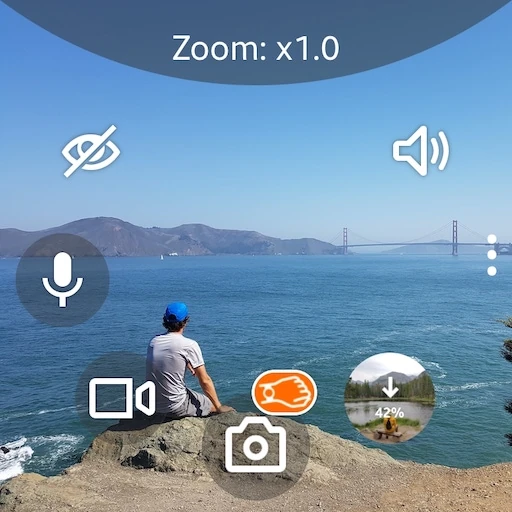
- Watch-Side Post-Processing & Layout Control: Tackles user frustration with limited smartwatch UIs by offering granular control over camera settings (Zoom, Exposure, WB, Filters, HDR) via physical bezels or swipes, alongside customizable button layouts for personal efficiency.
- Background Operation & Power Modes: Solves the critical issue of high battery drain on wearables with explicit instructions for proper app closure and offers a power-saving mode, balancing functionality with device longevity.
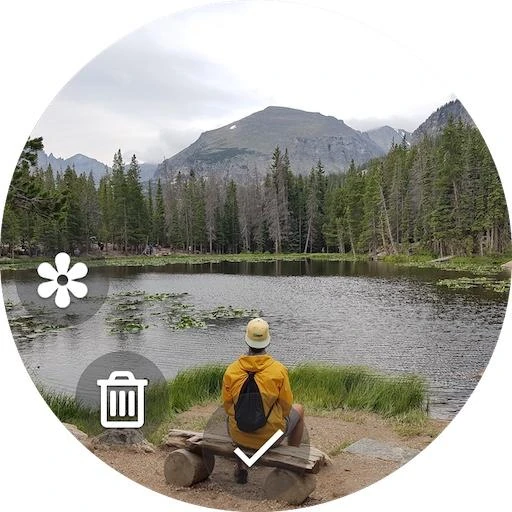
- Media Storage & Management: Eases workflow by allowing photos to be saved locally on the watch for quick view and enabling video/audio files to be directed to the phone's SD card, catering to users with storage constraints on their primary device.
π¨ User Experience & Design
The interface prioritizes function over form, presenting a dense array of controls logically arranged on the small screen. For the Photography category, where quick access and clear information are paramount, the UX employs a tactile-first approach: utilizing the watch bezel (or swipe gestures) for rapid setting adjustmentsβa smart use of the wearable's native interaction model. However, the need for detailed in-app instructions ("long tap," "swipe," use of back vs. home button) indicates a learning curve and a UI that may not be entirely self-explanatory. The ability to customize button layouts is a strong pro-user feature, allowing advanced users to tailor the experience to their workflow.
βοΈ Pros & Cons Analysis
- β The Good: Unparalleled depth of camera control directly from the wrist, surpassing most competitors with features like live audio monitoring, time-lapse controls, and manual settings.
- β The Good: Robust feature set including dual functionality as a security/monitoring tool, offering significant value beyond just photography.
- β The Bad: High complexity and a potentially steep learning curve for casual users, made worse by critical functionality (like proper exit) buried in FAQ notes.
- β The Bad: The design relies heavily on text instructions and menu navigation, which can feel clunky and overwhelming on the tiny watch display, detracting from a seamless experience.
- β The Bad: The trial-to-premium model explanation is bluntly commercial and troubleshooting guidance suggests potential stability/permission issues, which may frustrate users expecting plug-and-play simplicity.
π οΈ Room for Improvement
To elevate the experience, the next update should prioritize simplifying onboarding with an interactive tutorial directly on the watch, guiding users through core gestures and settings. Redesigning the primary control screen to be more visual with icons and less text-heavy would greatly improve scannability and accessibility. Additionally, automating the power-saving best practices or integrating a clearer "Stop Session" button within the app itself would prevent battery drain issues from user error. A smoother, more intuitive method for switching between the core modes (Camera, Audio Recorder, Monitor) is also needed.
π Final Conclusion & Recommendation
This app is unequivocally recommended for intermediate to advanced mobile photographers, content creators, and tech-savvy users who need remote camera control with granular settings for creative projects or practical surveillance. It is less suited for casual users seeking a simple point-and-shoot remote. The significant power and flexibility it offers come with the trade-off of complexity and a need for patience during setup. If your workflow demands control beyond a simple shutter button and you're willing to learn its intricacies, Camera One: Wear is the most capable tool of its kind available.