Canvas: Font lettering design

Canvas: Font lettering design

Fonts Logo Maker
Advertisement
4.7
Art & Design
5,000,000+ Downloads

Click to download now, finish the installation quickly, and directly unlock the "all-round experience"

Advertisement

Screenshots
Screenshot
Screenshot
Screenshot
Screenshot
Screenshot
Screenshot
Screenshot
Screenshot
Screenshot
Screenshot
Screenshot
Screenshot
Screenshot
Screenshot
Screenshot
Screenshot
Screenshot
Screenshot

About This App

🏆 Expert Verdict & Overview

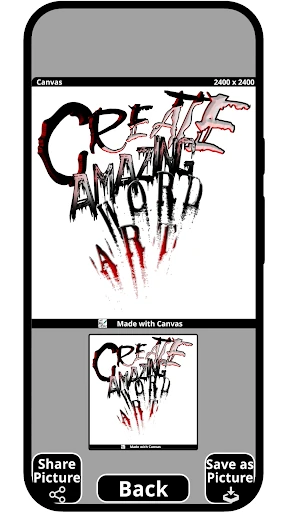
Canvas: Font lettering design carves out a distinct niche within the crowded Art & Design ecosystem by strategically merging specialized tools for typographic creation and visual artistry. It positions itself not just as a generic editor, but as a targeted solution for two historically analog domains: tattoo design and logo crafting. This focus allows it to serve a dedicated user base—from aspiring tattoo artists seeking digital stencils to entrepreneurs and content creators needing custom typography—with a unified, digital-first toolkit. Its concept is strong, aiming to be the definitive bridge between lettering artistry and practical digital application.

🔍 Key Features Breakdown

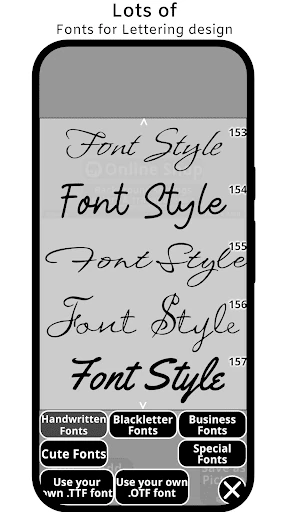
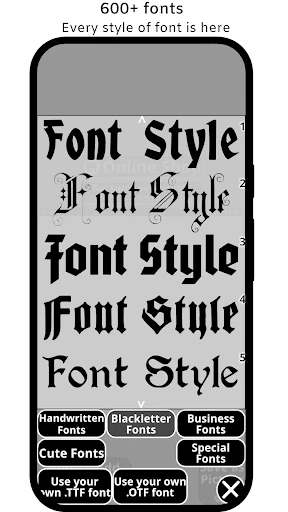
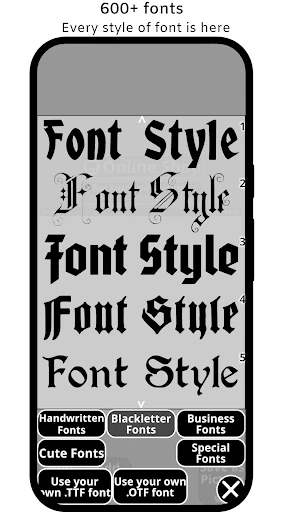
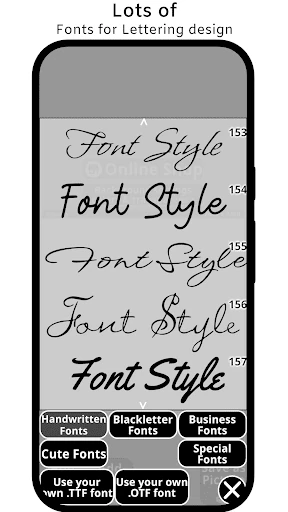
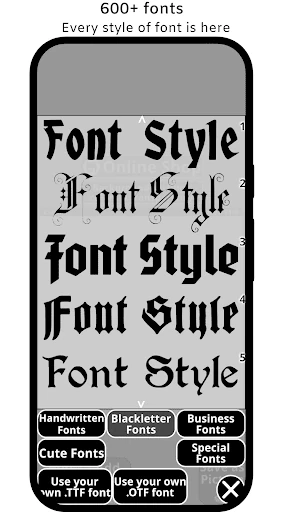
  • Specialized Font Libraries: Solves the problem of scattered asset hunting by providing curated collections of tattoo-specific styles (blackletter, gothic, script) and commercial fonts, directly within the design environment.
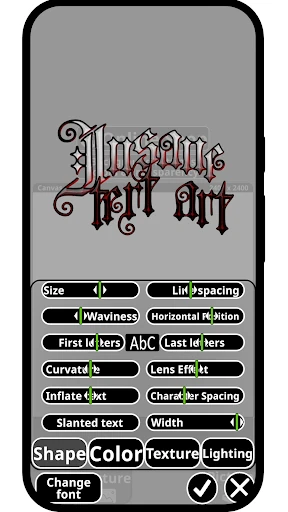
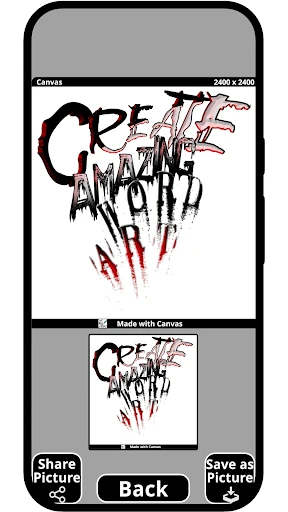
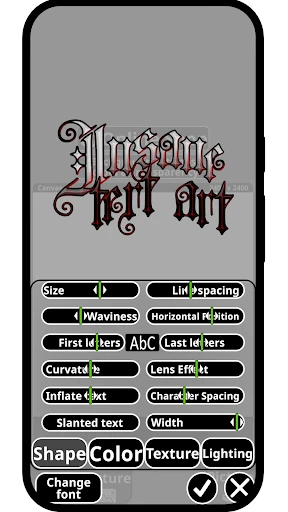
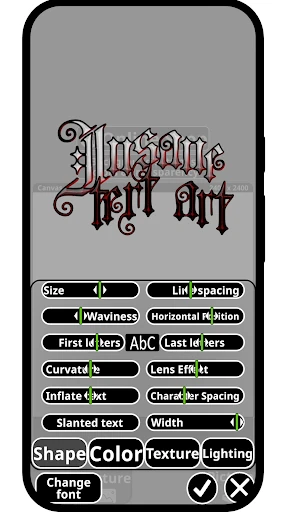
  • Advanced Text Manipulation Tools: Addresses the need for customization beyond simple typing with features for bending text, creating 3D effects, and layering, enabling unique, dimensional lettering essential for standout logos and art.
  • Integrated Tracer Light Box Functionality: Directly tackles a core workflow need for tattoo artists by offering a digital equivalent of a traditional light box, facilitating sketch tracing and design refinement within the app.
  • Calligraphy & Handwriting Tools: Provides the precision and organic feel required for authentic calligraphy, solving the problem of achieving natural, bespoke lettering in a digital space.
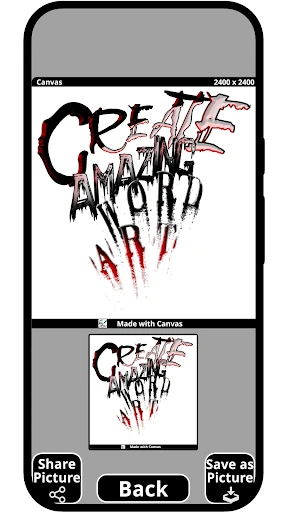
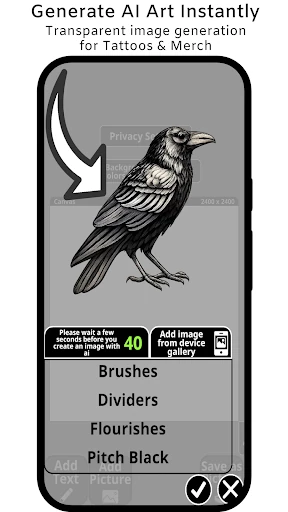
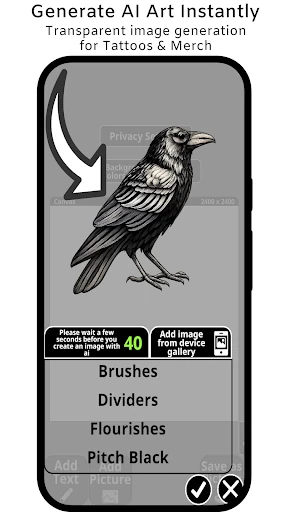
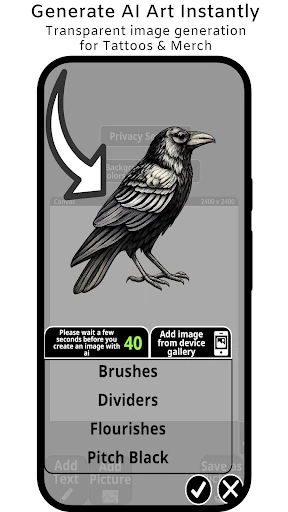
  • Export-Oriented Design: Acknowledges real-world use cases by supporting outputs for tattoos (stencils), logos (transparent backgrounds), and makers (Cricut compatibility), ensuring the designs are actionable.

🎨 User Experience & Design

For an Art & Design app, the user interface must prioritize inspiration, precision, and a frictionless creative flow. The description suggests a feature-rich environment, which inherently carries UX risks. A successful design would logically compartmentalize its three core identities—tattoo designer, logo maker, typography tool—to avoid overwhelming new users, perhaps through clear mode selection or context-sensitive toolbars. The expectation is an intuitive layout where powerful tools like the text bender or layer manager remain accessible without cluttering the primary canvas. Performance is also critical; for tracing and detailed vector work, lag or imprecise touch controls would significantly degrade the professional experience the app promises.

⚖️ Pros & Cons Analysis

  • ✅ The Good: Remarkably focused value proposition, consolidating several expensive or disparate tools (font manager, light box, vector editor) into a single, portable app.
  • ✅ The Good: Targets underserved professional niches (tattoo artists, small business owners) with specific, practical features they actively need.
  • ✅ The Good: Promotes versatility, allowing creative cross-pollination (e.g., a tattoo-style font used in a logo) which can spark unique design ideas.
  • ❌ The Bad: Risk of becoming a "jack of all trades, master of none" if the implementation of any core feature (vector editing, font rendering, tracing) is sub-par compared to dedicated apps.
  • ❌ The Bad: Potentially steep learning curve due to the density and professional nature of the toolset, which could alienate casual users just looking for simple font edits.

🛠️ Room for Improvement

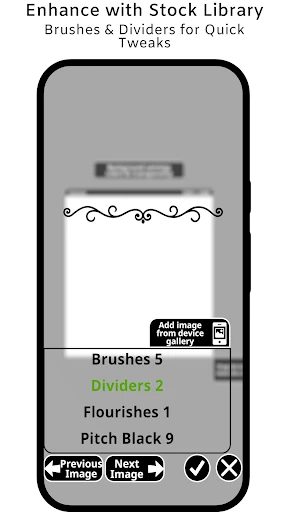
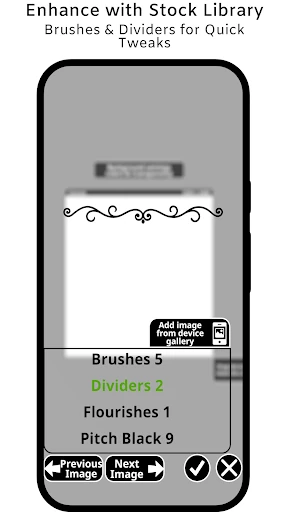
Future updates should focus on deepening the core experience rather than broadening the feature list. Key suggestions include: 1) Implementing a comprehensive, non-destructive layer system with blending modes, essential for complex logo and graphic design. 2) Introducing a community asset marketplace or more robust import options for users to add their own fonts and vector graphics. 3) Enhancing the tutorial system with interactive, project-based guides for different user journeys (e.g., "Design Your First Tattoo Sleeve," "Create a Brand Logo from Scratch"). 4) Adding a robust version history or undo/redo stack to support the iterative, experimental nature of the creative process.

🏁 Final Conclusion & Recommendation

This app is highly recommended for a specific audience: freelance graphic designers, tattoo artists and apprentices, Etsy shop owners, and social media content creators who require custom, high-quality typography and lettering effects on a regular basis. It is less suitable for users seeking simple meme generators or basic photo editing. Canvas: Font lettering design succeeds by understanding the specialized workflows of its target users and building a digital Swiss Army knife to address them. While its depth may intimidate beginners, for its intended market, it represents a powerful and portable studio that can significantly streamline the journey from concept to final design.