AR Drawing: Paint & Sketch
Hydra Global Ltd.
Downloads
1,000,000+
Version
Latest
Advertisement
Click to download now, finish the installation quickly, and directly unlock the "all-round experience"
Advertisement
Screenshots
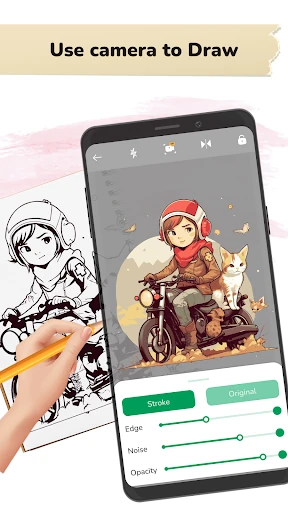
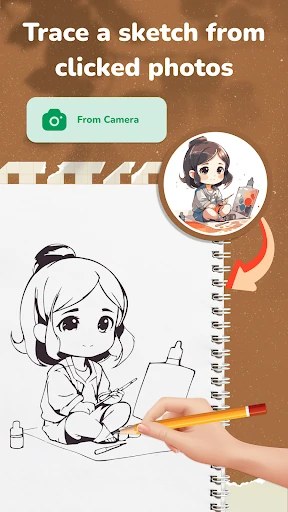
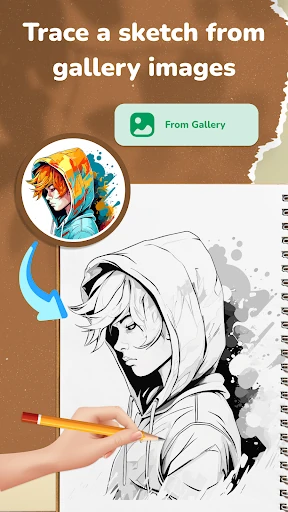
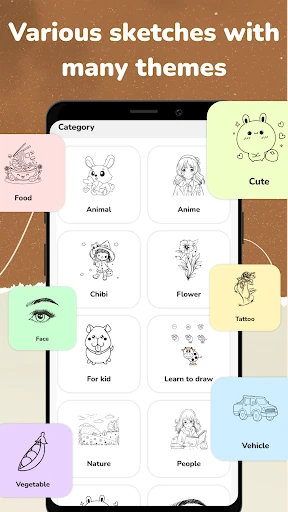
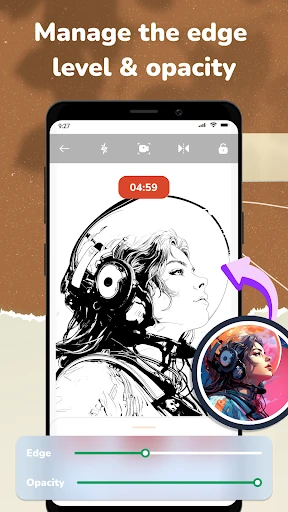
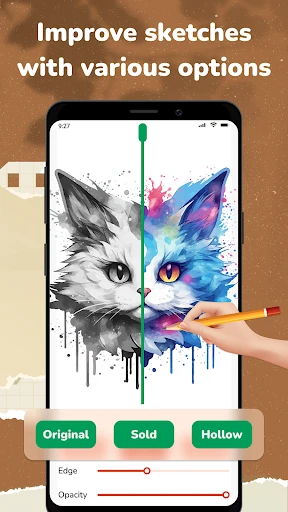
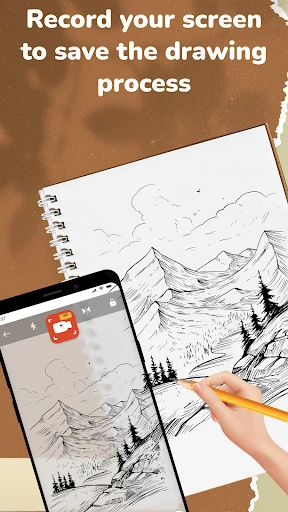
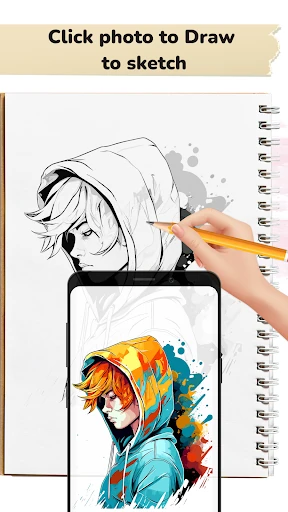
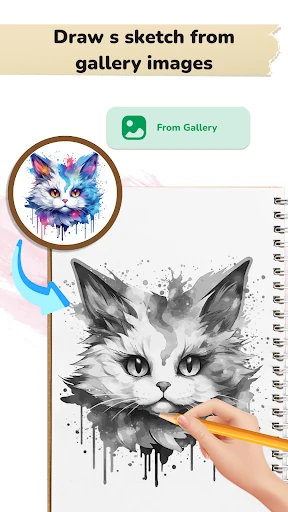
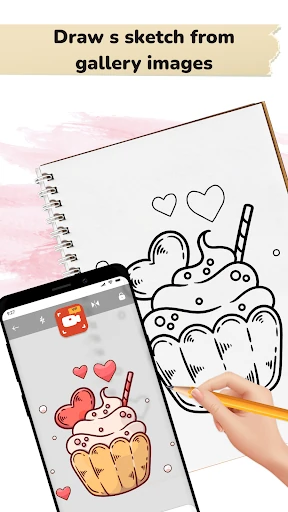
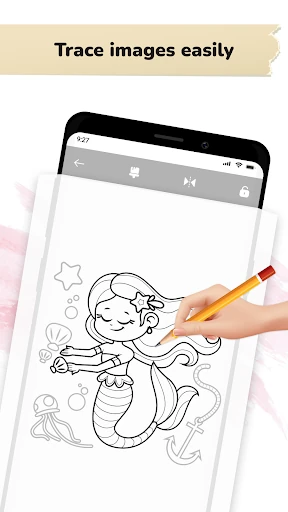
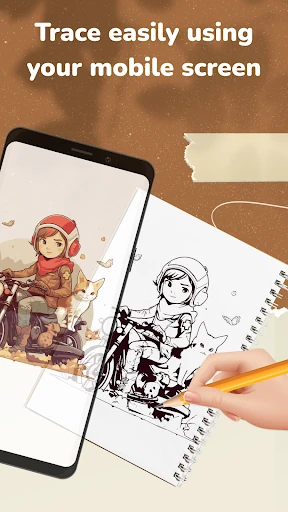
Click to download now, finish the installation quickly, and directly unlock the "all-round experience"
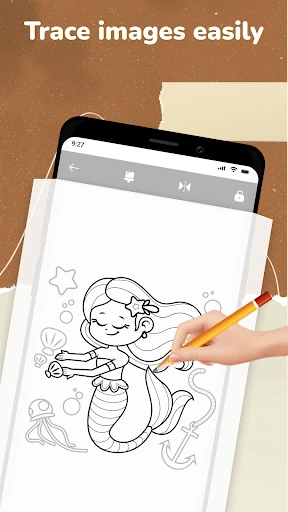
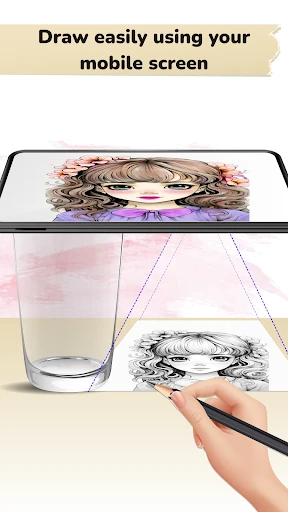
AR Drawing: Paint & Sketch is a sophisticated entry into the Art & Design category, leveraging Augmented Reality to demystify the complex process of hand-drawing. By projecting digital templates onto physical surfaces via the device's camera lens, it serves as a high-tech bridge for hobbyists and professionals alike. In an increasingly digital landscape, this app stands out by encouraging tangible, real-world artistic output while maintaining the accessibility and ease of a mobile interface. It is a powerful utility for those looking to transition from digital inspiration to physical execution.
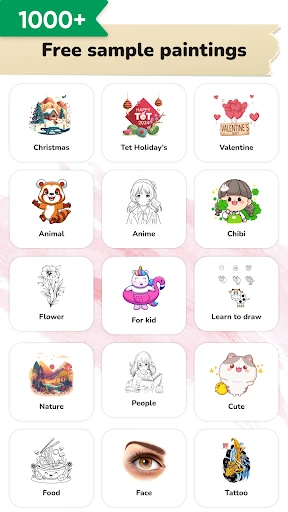
The interface of AR Drawing: Paint & Sketch is designed with a utility-first mindset, prioritizing a clean camera feed to minimize distractions during the drawing process. The navigation is intuitive, allowing for quick transitions between the gallery and the active workspace. From a UX perspective, the app succeeds by lowering the barrier to entry for beginners; however, users must account for physical stability, as the experience is most effective when the phone is mounted or held steady. The UI elements are appropriately scaled to remain accessible without obstructing the user's view of their physical canvas.
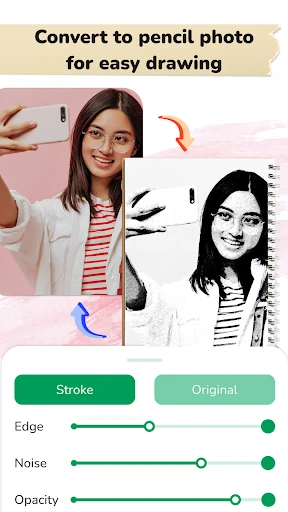
Future updates would benefit from an advanced AI-driven "edge detection" filter for gallery imports, which would help turn personal photos into cleaner, trace-ready outlines. Furthermore, adding a "Calibration Mode" to help users lock the image perspective more securely would reduce accidental shifts in the AR overlay if the phone is slightly moved during a session.
AR Drawing: Paint & Sketch is an excellent tool for aspiring artists, students, and creative hobbyists who feel intimidated by traditional freehand sketching. It effectively turns a smartphone into a professional-grade tracing light box, making it ideal for those looking to refine their skills or produce high-quality physical art quickly. We recommend this app to anyone looking for a practical, tech-driven approach to art education and creative expression.