Document Reader - PDF Editor
Simple Design Ltd.
Downloads
50,000,000+
Version
Latest
Advertisement
Click to download now, finish the installation quickly, and directly unlock the "all-round experience"
Advertisement
Screenshots
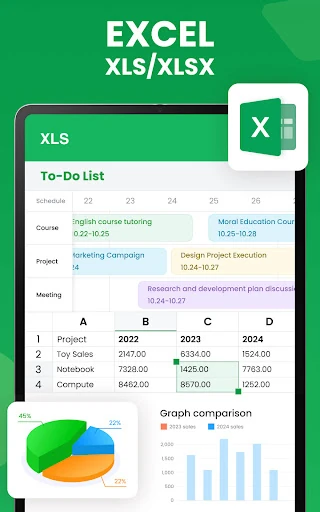
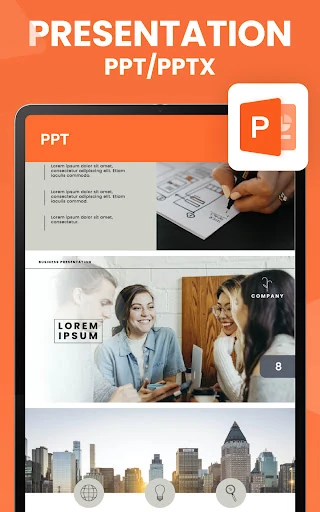
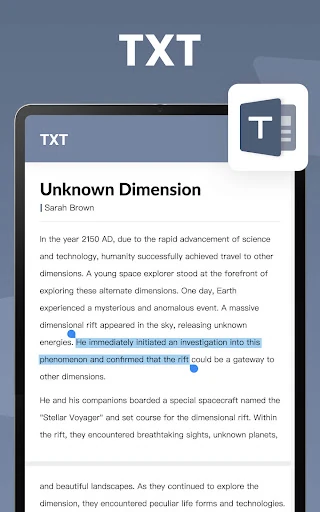
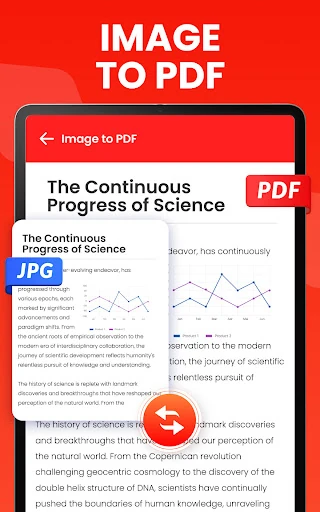
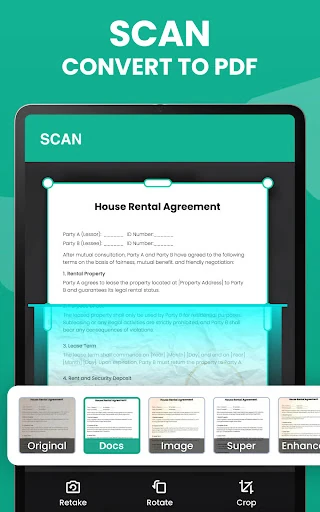
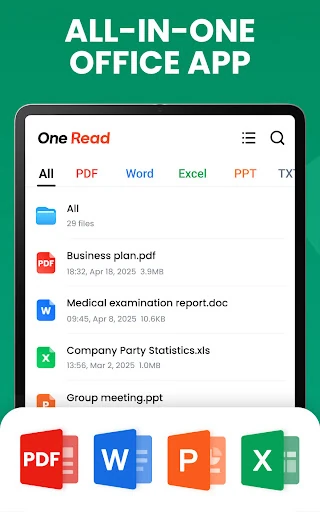
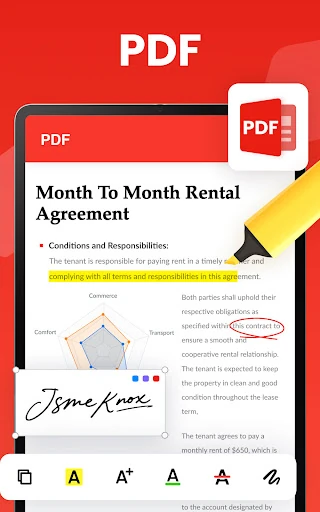
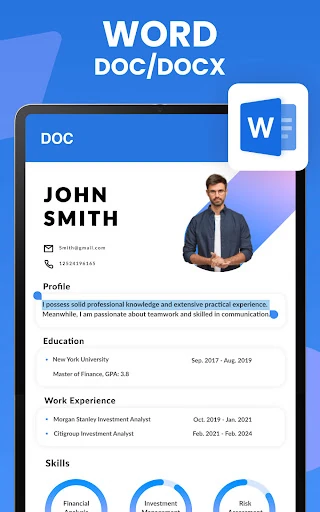
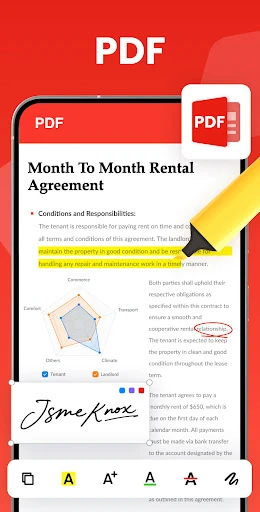
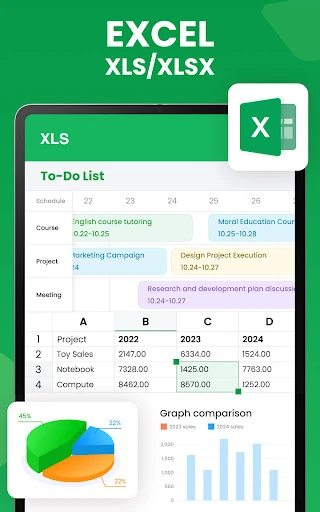
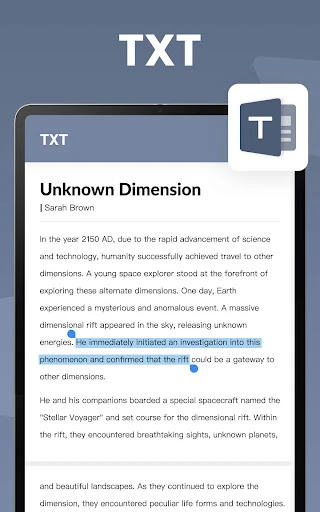
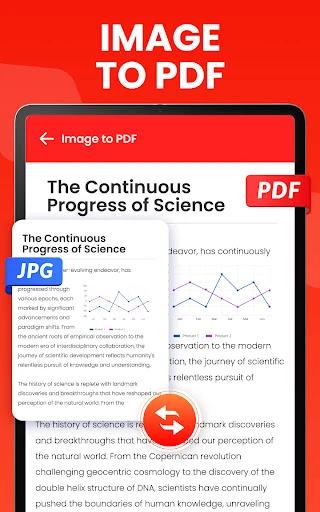
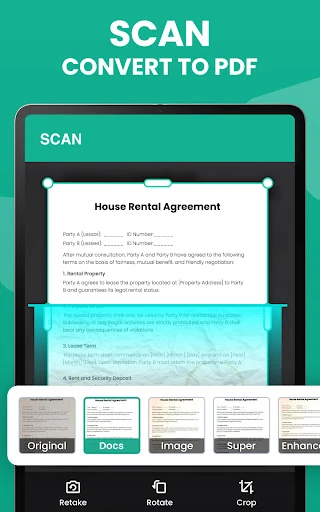
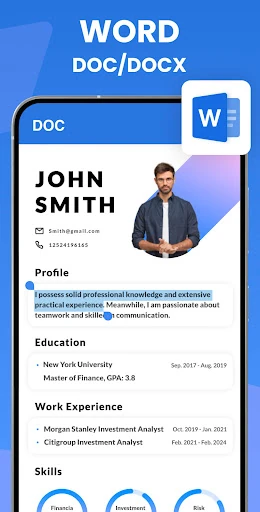
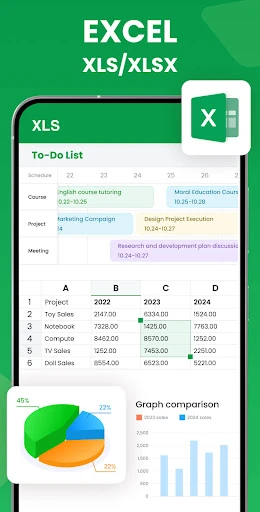
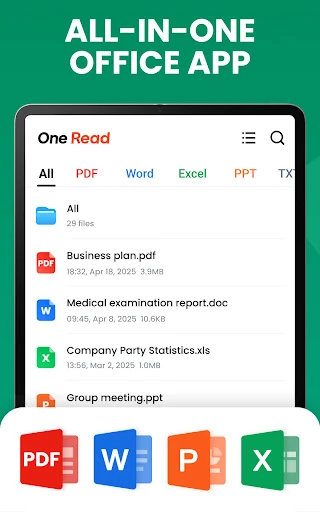
Click to download now, finish the installation quickly, and directly unlock the "all-round experience"
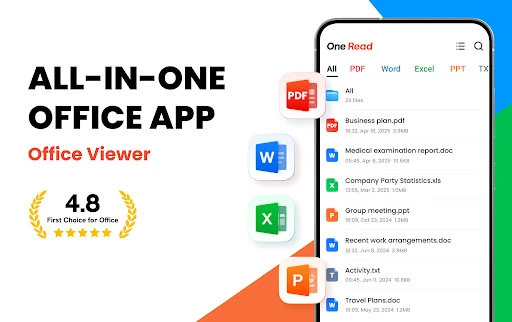
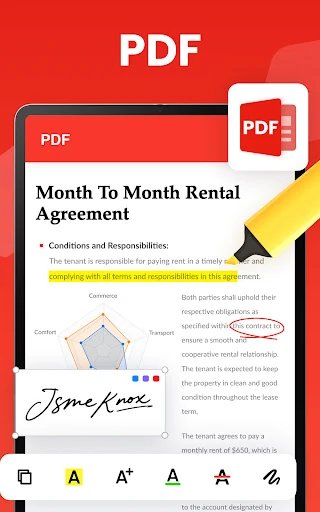
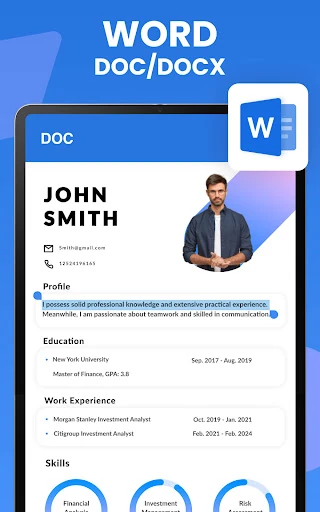
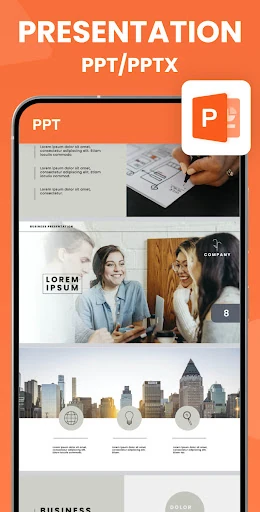
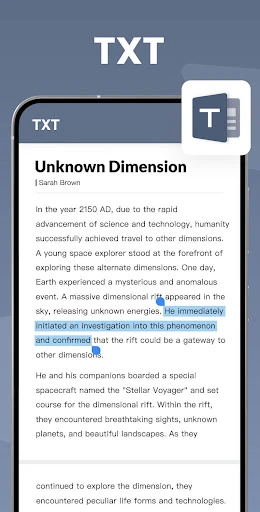
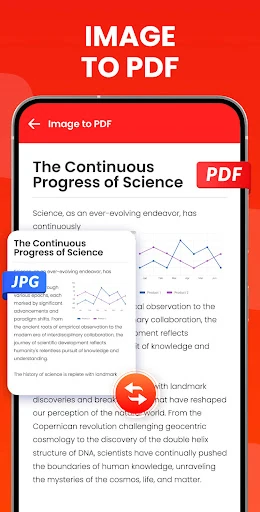
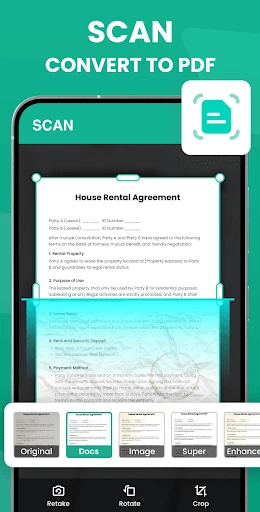
Document Reader - PDF Editor positions itself as a critical utility within the productivity landscape, designed to eliminate the friction of managing multiple file formats on mobile devices. Developed by the reputable Simple Design team, the app serves as a centralized hub for PDF, Word, Excel, and PowerPoint files. In an ecosystem often cluttered with bloated office suites, this app distinguishes itself through its lightweight architecture and high-velocity performance, making it an authoritative choice for users who require immediate document access without the overhead of complex editing software.
The UI follows a minimalist aesthetic that prioritizes content over chrome. By utilizing a "Simple and Elegant" reading interface, the app minimizes visual distractions, which is crucial for deep work in the productivity category. The UX is characterized by its shallow learning curve; the navigation relies on familiar Android design patterns, such as the list-view and "Favorite" toggles, ensuring that even non-technical users can locate and view critical documents instantly. The folder-based organization system mimics a desktop experience, providing a sense of familiarity and order within the mobile environment.
To further solidify its position, the next update should prioritize the implementation of "Dark Mode" to accommodate users working in low-light environments. Additionally, integrating "Search within document" functionality for all file types—not just PDF—would significantly enhance the utility for researchers and students. Finally, adding cloud integration for services like Google Drive or OneDrive would allow for a more seamless transition between mobile viewing and desktop workflows.
Document Reader - PDF Editor is a top-tier recommendation for students, remote workers, and administrative professionals who need a fast, reliable, and "no-nonsense" way to handle office documents. While it may not yet replace a full-featured office suite for content creation, its excellence in document organization and viewing makes it a mandatory utility for any productivity-focused Android device. It is the perfect fit for users who value speed and storage space over complex formatting tools.