FlipaClip: Create 2D Animation

FlipaClip: Create 2D Animation

Visual Blasters LLC
Advertisement
4.4
Art & Design
50,000,000+ Downloads

Click to download now, finish the installation quickly, and directly unlock the "all-round experience"

Advertisement

Screenshots
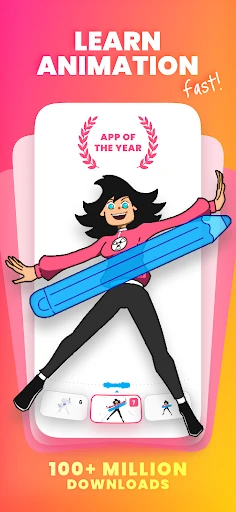
Screenshot
Screenshot
Screenshot
Screenshot
Screenshot
Screenshot
Screenshot
Screenshot
Screenshot
Screenshot
Screenshot
Screenshot
Screenshot
Screenshot
Screenshot
Screenshot
Screenshot
Screenshot
Screenshot
Screenshot
Screenshot
Screenshot
Screenshot
Screenshot
Screenshot
Screenshot
Screenshot
Screenshot
Screenshot
Screenshot
Screenshot

About This App

🏆 Expert Verdict & Overview

FlipaClip: Create 2D Animation cements itself as a dominant force in the Art & Design category by successfully democratizing professional 2D animation. It masterfully bridges the gap between the nostalgic simplicity of a paper flipbook and the sophisticated toolset demanded by today's digital creators, establishing itself as a foundational platform for both education and professional content creation.

🔍 Key Features Breakdown

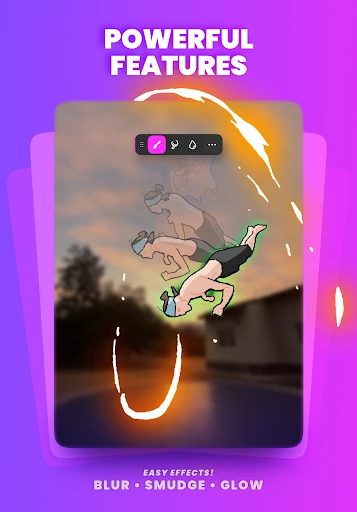
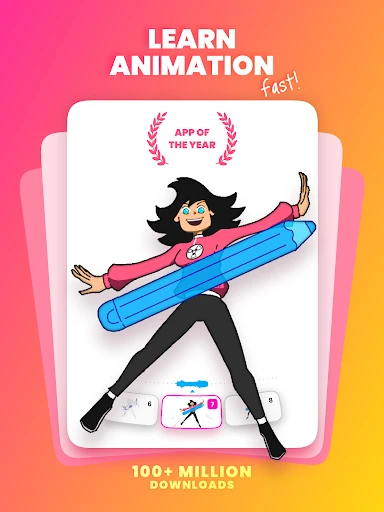
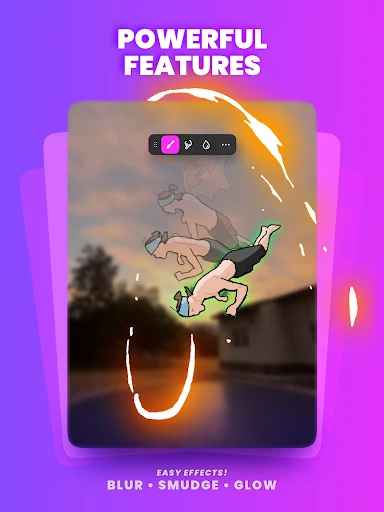
  • Frame-by-Frame Animation Timeline & Onion Skinning: Provides granular, frame-level control essential for traditional animation, while the onion skin tool visually solves the problem of creating fluid movement by overlaying previous and next frames.
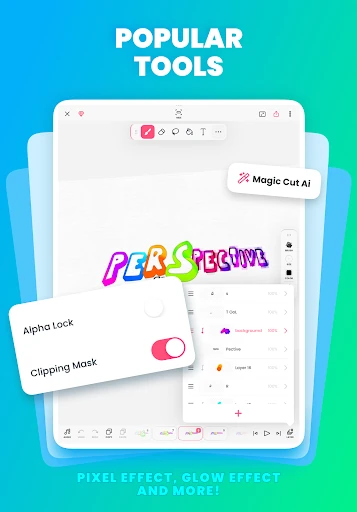
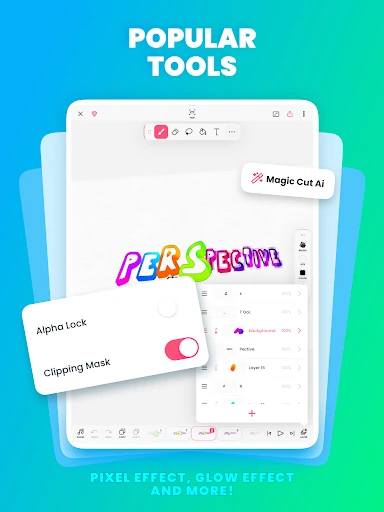
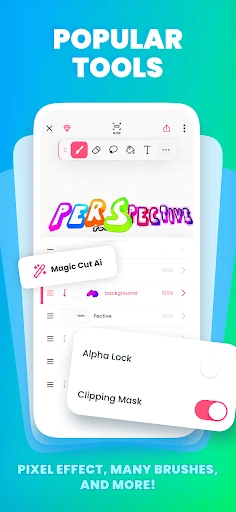
  • Multi-Layer Support (Up to 10 Layers): Solves the critical need for organizing complex scenes by allowing users to separate background, characters, and effects onto individual layers, mimicking professional animation studio workflows.
  • AI-Powered Tools (Magic Cut & Voice Maker): These tools directly tackle time-consuming tasks. Magic Cut automates the intricate process of isolating objects, while AI Voice Maker solves the challenge of creating accessible, high-quality narration without external software or recording equipment.
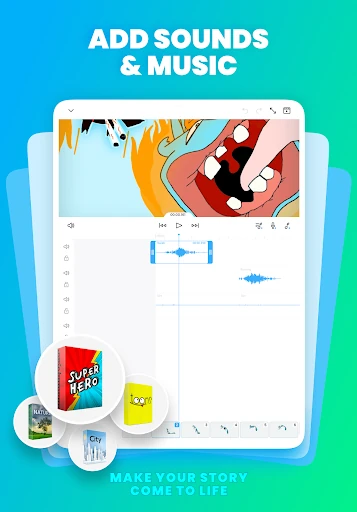
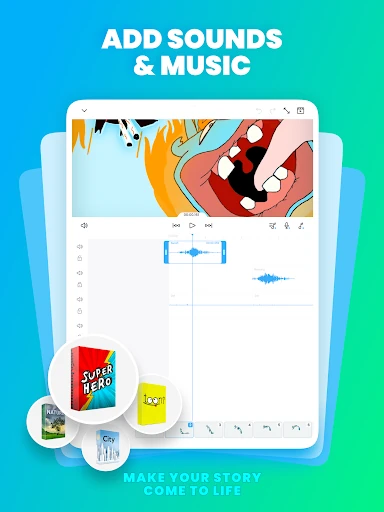
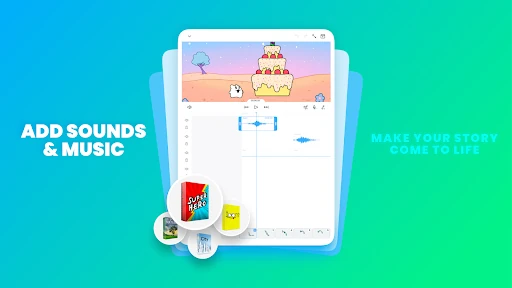
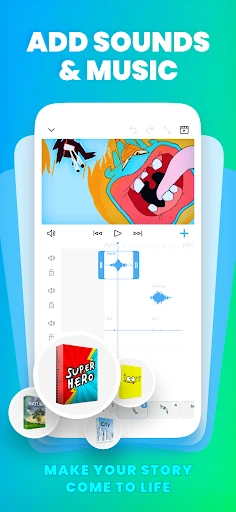
  • Integrated Audio Track System: Addresses the crucial but often overlooked syncing of sound to animation, enabling creators to score their cartoons and sync dialogue with lip movements directly within the app.
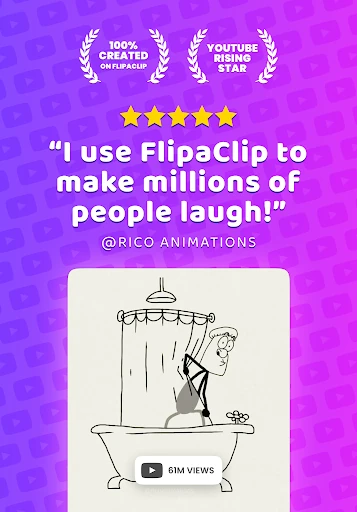
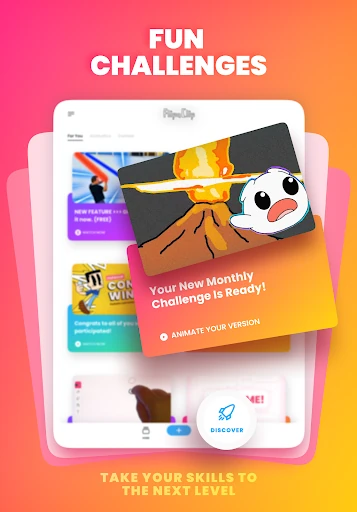
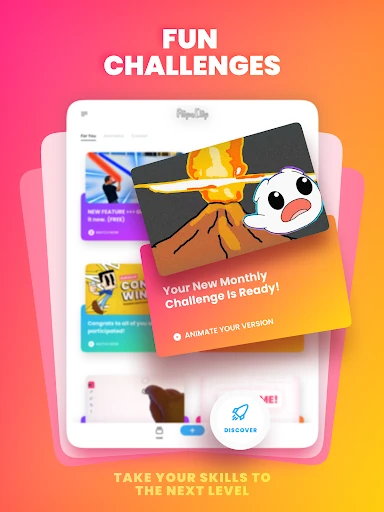
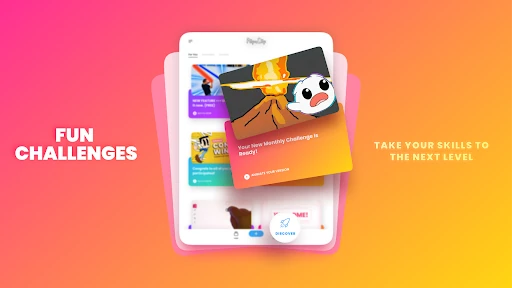
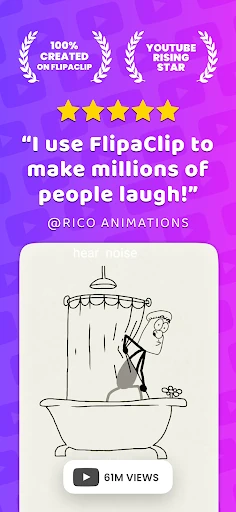
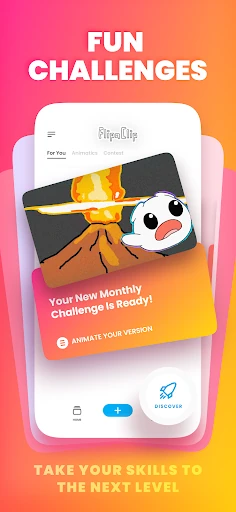
  • Community-Driven Challenges & Social Sharing: Solves the problem of creator isolation and lack of motivation by fostering a platform for feedback, inspiration, and visibility through in-app events and seamless export to major social networks.

🎨 User Experience & Design

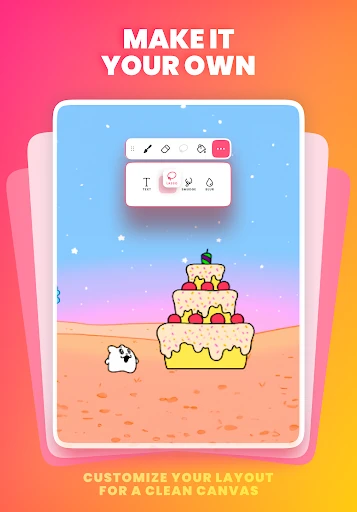
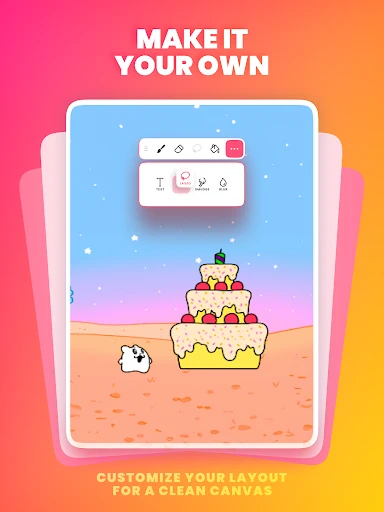
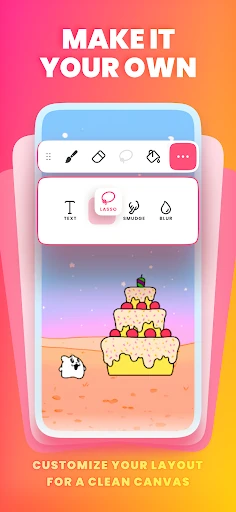
The interface demonstrates a commendable understanding of its Art & Design audience, prioritizing canvas real estate and tool accessibility. The dockable tool panels and customizable canvas sizes cater to professional needs for precision, while the core "flipbook" metaphor and progression from 3 free layers to paid tiers create a gentle, logical learning curve for beginners. The integration of pressure-sensitive stylus support is a non-negotiable for serious artists and is implemented effectively. However, the UX must balance a wealth of powerful features without overwhelming new users, a challenge the app manages by tiering advanced tools like extensive layers and high-resolution exports.

⚖️ Pros & Cons Analysis

  • ✅ The Good: Exceptional core animation toolset that is both powerful and intuitive, effectively teaching animation principles through practice.
  • ✅ The Good: Strong community integration and social features that motivate creation and provide a platform for recognition.
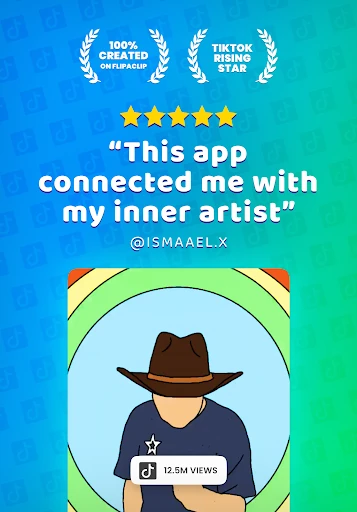
  • ✅ The Good: Cross-platform utility for creating content tailored for TikTok, YouTube, and other video-centric social media.
  • ❌ The Bad: The free version's limitation to 3 layers can be severely restrictive for even intermediate projects, pushing users toward subscriptions.
  • ❌ The Bad: The depth of features, while a strength, can present a steeper initial learning curve compared to more basic "doodle animation" apps.
  • ❌ The Bad: As a mobile-first tool, it inherently lacks the sheer processing power and extensive plugin ecosystems of desktop-grade animation software for high-end professional pipelines.

🛠️ Room for Improvement

Future updates could focus on enhancing collaboration features, such as basic project sharing for iterative feedback. Introducing more advanced vector-based drawing tools alongside the current raster system would cater to animators needing clean, scalable lines. Furthermore, expanding the AI toolset to include intelligent in-betweening assistance or style transfer could dramatically speed up production times for experienced users. Finally, providing more granular control over export settings, such as variable frame rates and custom codec options, would bolster its credibility in professional pre-production environments.

🏁 Final Conclusion & Recommendation

FlipaClip is unequivocally recommended for aspiring animators, social media content creators, educators, and hobbyists seeking a serious yet accessible entry point into 2D animation. It is the ideal tool for anyone whose goal is to learn animation fundamentals, produce engaging short-form content for platforms like TikTok and YouTube, or develop storyboards and animatics. While professional feature-film animators will still rely on desktop suites, FlipaClip stands as the premier mobile solution for bringing ideas to life, effectively blending education, community, and professional-grade creation in one package.