Advertisement
Click to download now, finish the installation quickly, and directly unlock the "all-round experience"
Advertisement
Screenshots

Click to download now, finish the installation quickly, and directly unlock the "all-round experience"
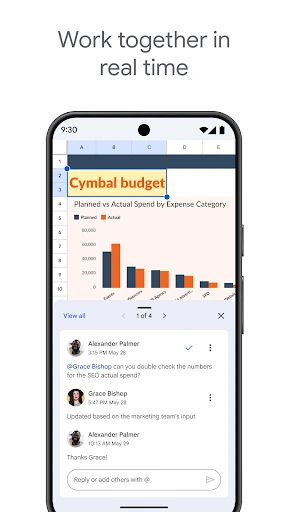
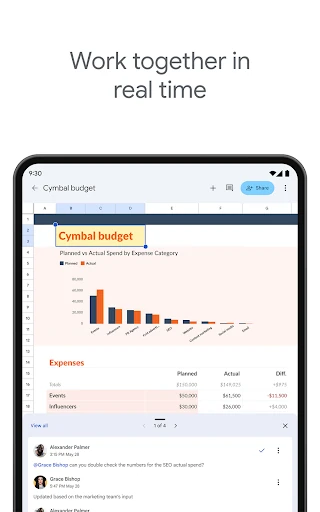
Google Sheets stands as a titan in the mobile productivity space, successfully translating the complex functionality of desktop spreadsheet software into a highly accessible mobile interface. As a core component of the Google Workspace ecosystem, it redefined the category by prioritizing cloud-native collaboration and cross-platform synergy. For professionals and casual users alike, it offers a seamless transition between devices, ensuring that data management is no longer tethered to a workstation. In the current landscape, it remains the primary benchmark for real-time collaborative editing and cloud synchronization.
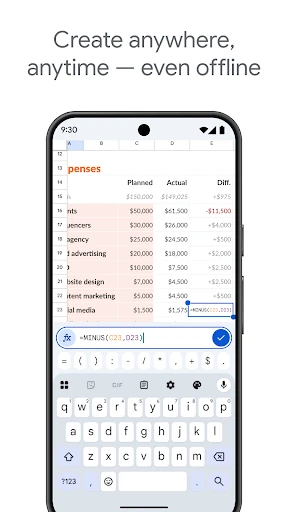
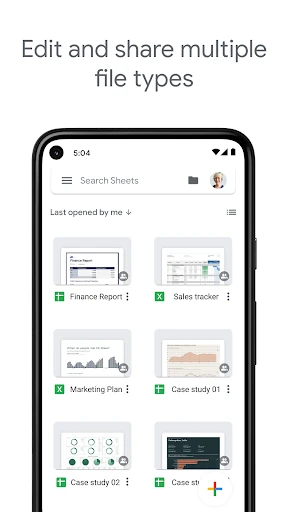
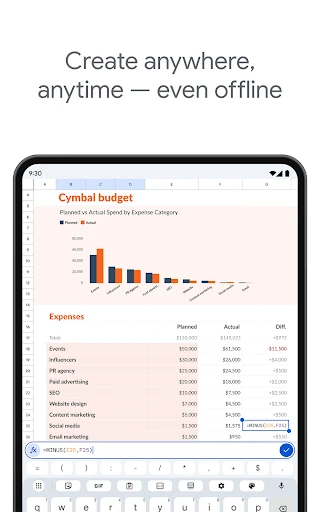
The mobile UI for Google Sheets is a masterclass in adapting a data-dense environment for small screens. Leveraging Material Design principles, the interface stays clean and uncluttered, utilizing bottom sheets and contextual menus to keep essential tools within reach without obscuring the grid. Navigation is intuitive, with smooth scrolling and responsive cell selection. While spreadsheet work is inherently challenging on mobile, the inclusion of "Explore" features and simplified formula entry bars significantly lowers the friction of mobile data entry and analysis.
While the app is highly polished, the mobile version could benefit from more robust pivot table creation tools directly within the app. Additionally, enhancing the touch-target precision for resizing columns and rows would improve the UX for users on smaller smartphone screens. Finally, integrating a more comprehensive library of mobile-optimized templates would help users jumpstart projects more efficiently while on the go.
Google Sheets is an essential tool for anyone from students managing personal budgets to enterprise teams coordinating global projects. It is the definitive choice for users who prioritize mobility, collaboration, and ease of use over the hyper-specialized financial modeling features found in some desktop legacy software. It remains a "must-have" app for any Android user focused on productivity.