
Advertisement
Click to download now, finish the installation quickly, and directly unlock the "all-round experience"
Advertisement
Screenshots
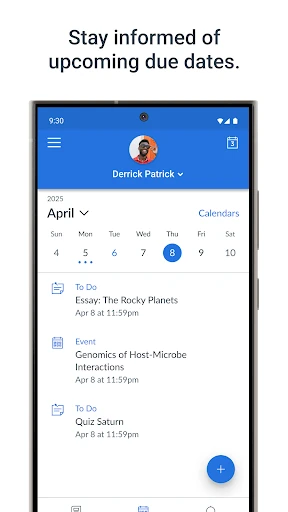
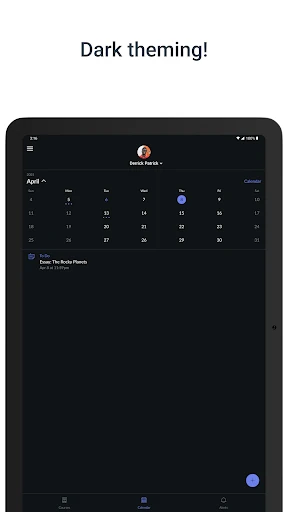
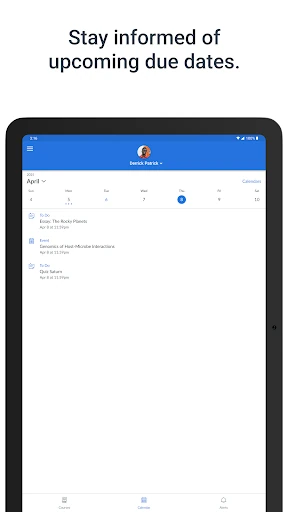
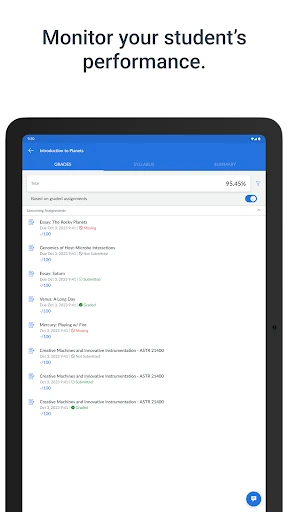
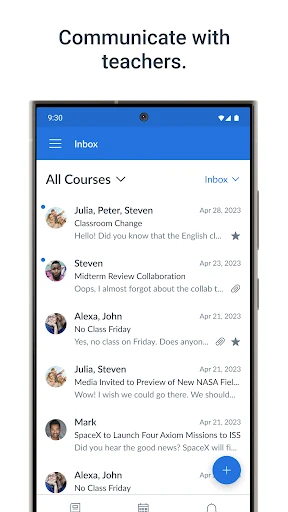
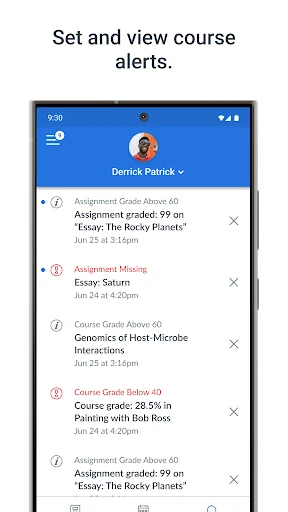
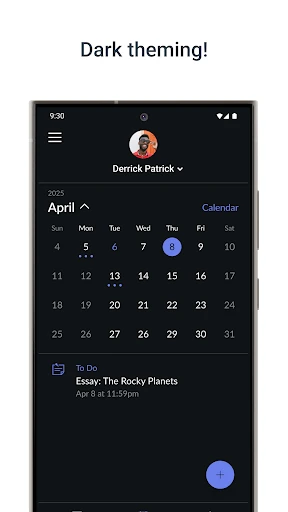
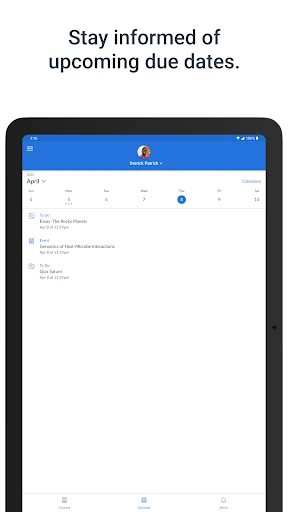
Click to download now, finish the installation quickly, and directly unlock the "all-round experience"
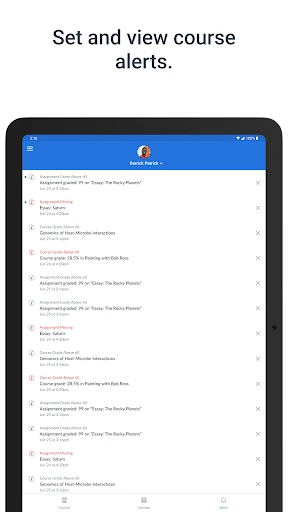
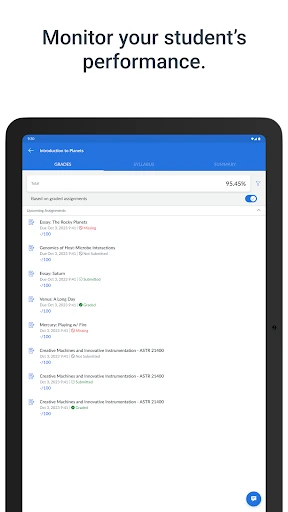
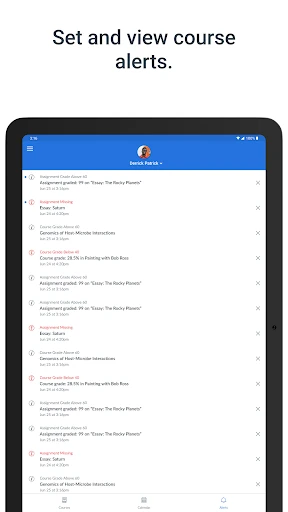
Canvas Parent serves as a critical bridge in the modern educational ecosystem, transforming the traditionally opaque student-teacher dynamic into a transparent, three-way partnership. By integrating directly with the Canvas Learning Management System (LMS), this app digitizes the oversight role of parents, moving beyond the era of physical planners and delayed report cards. Within the Education landscape, it positions itself as an essential utility for proactive academic monitoring, ensuring that guardians are never more than a tap away from their child's scholastic progress.
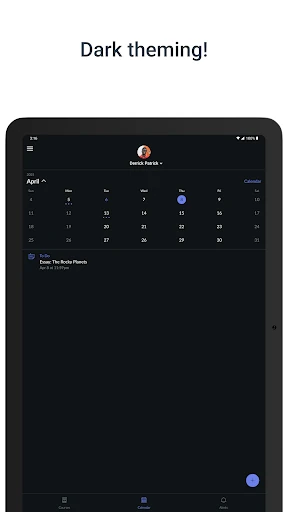
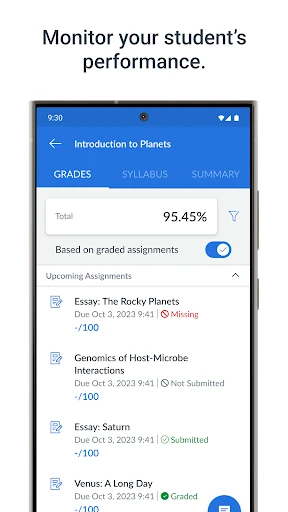
The interface of Canvas Parent is designed with a focus on data density and clarity, adhering to the functional standards expected of enterprise-level educational tools. The UX prioritizes a "glance-and-go" philosophy, where the most vital information—current averages and upcoming deadlines—is front-and-center. While the design is more utilitarian than aesthetic, the navigation is logical, allowing parents with multiple students to toggle between profiles with minimal friction. This streamlined approach reduces the cognitive load on busy parents who need quick answers rather than complex interactions.
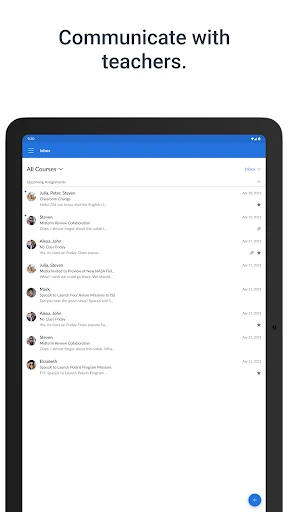
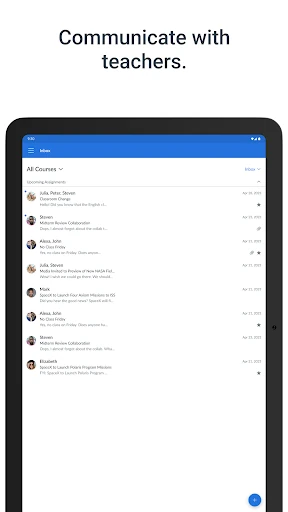
To further enhance the user experience, the next update should consider integrating a direct messaging portal for easier parent-teacher communication within the app. Additionally, implementing a "Projected Grade" calculator—allowing parents to see how upcoming assignments might impact the final grade—would add a layer of predictive analysis that many users find valuable. Improving the offline caching of data would also ensure parents can check schedules and requirements even in areas with poor connectivity.
Canvas Parent is an indispensable tool for parents and guardians of students enrolled in K-12 or higher education institutions that utilize the Canvas LMS. It is specifically designed for those who want to take an active, informed role in their child's academic journey. If your child’s school supports it, this app is a mandatory download to ensure no deadline is missed and every academic achievement is tracked in real-time.